

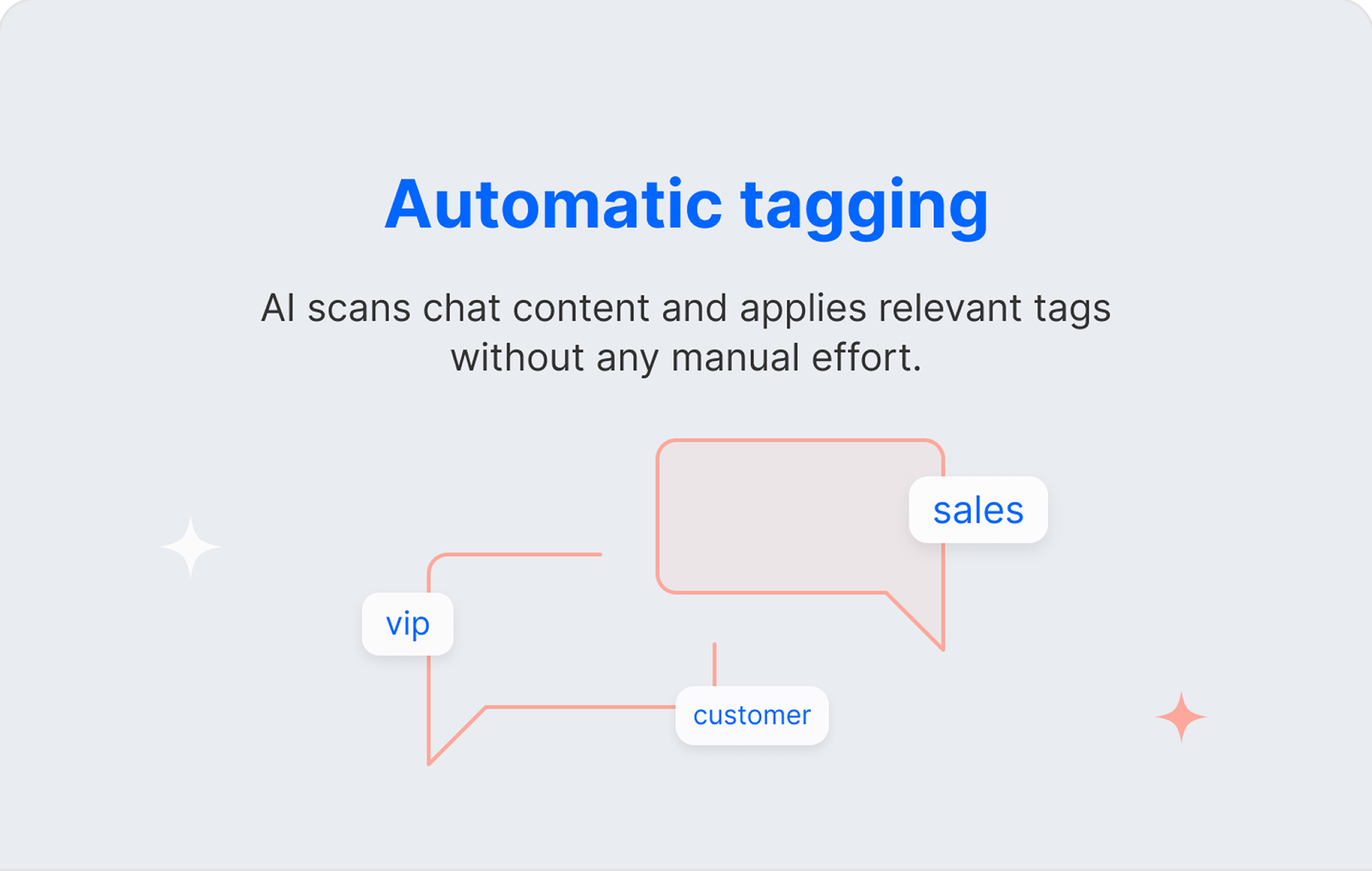

AI Tags
Stop wasting time on manual tagging. AI Tags automatically categorizes every chat after it ends, keeping your data organized, consistent, and ready for smarter team decision-making.

Unlock the full power of live chat integrations to automate ticket creation, sync customer data across tools, and set smart routing rules, so your team spends time helping customers, not chasing tabs.
Work smarter, not harder. Integrate LiveChat with tools that automate tasks, streamline processes, and boost your team's daily efficiency.
Stop wasting time on manual tagging. AI Tags automatically categorizes every chat after it ends, keeping your data organized, consistent, and ready for smarter team decision-making.
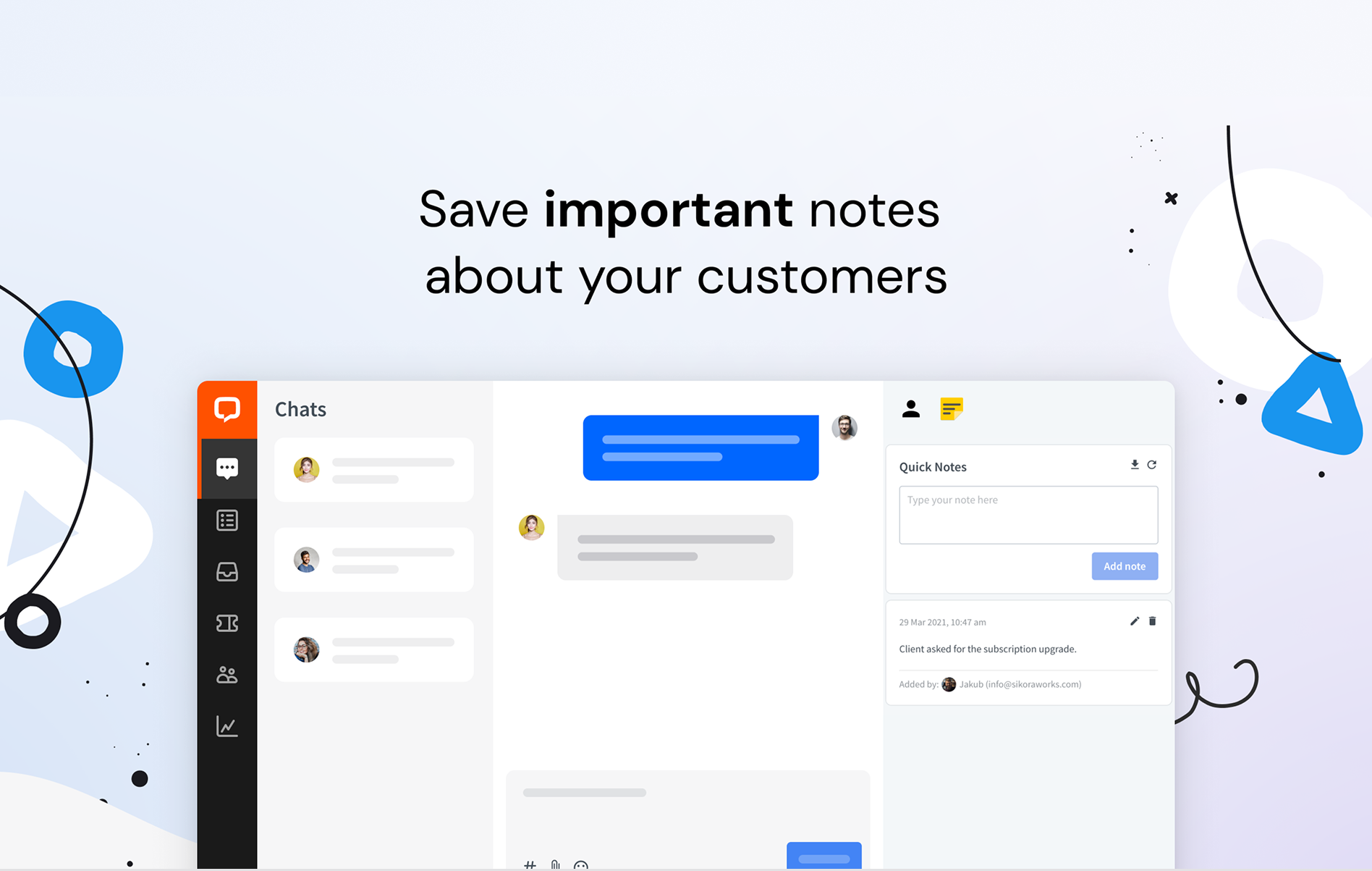

Save private notes directly inside LiveChat threads, visible to teammates in archives. Share context, flag key details, and build a shared knowledge base without switching tools.
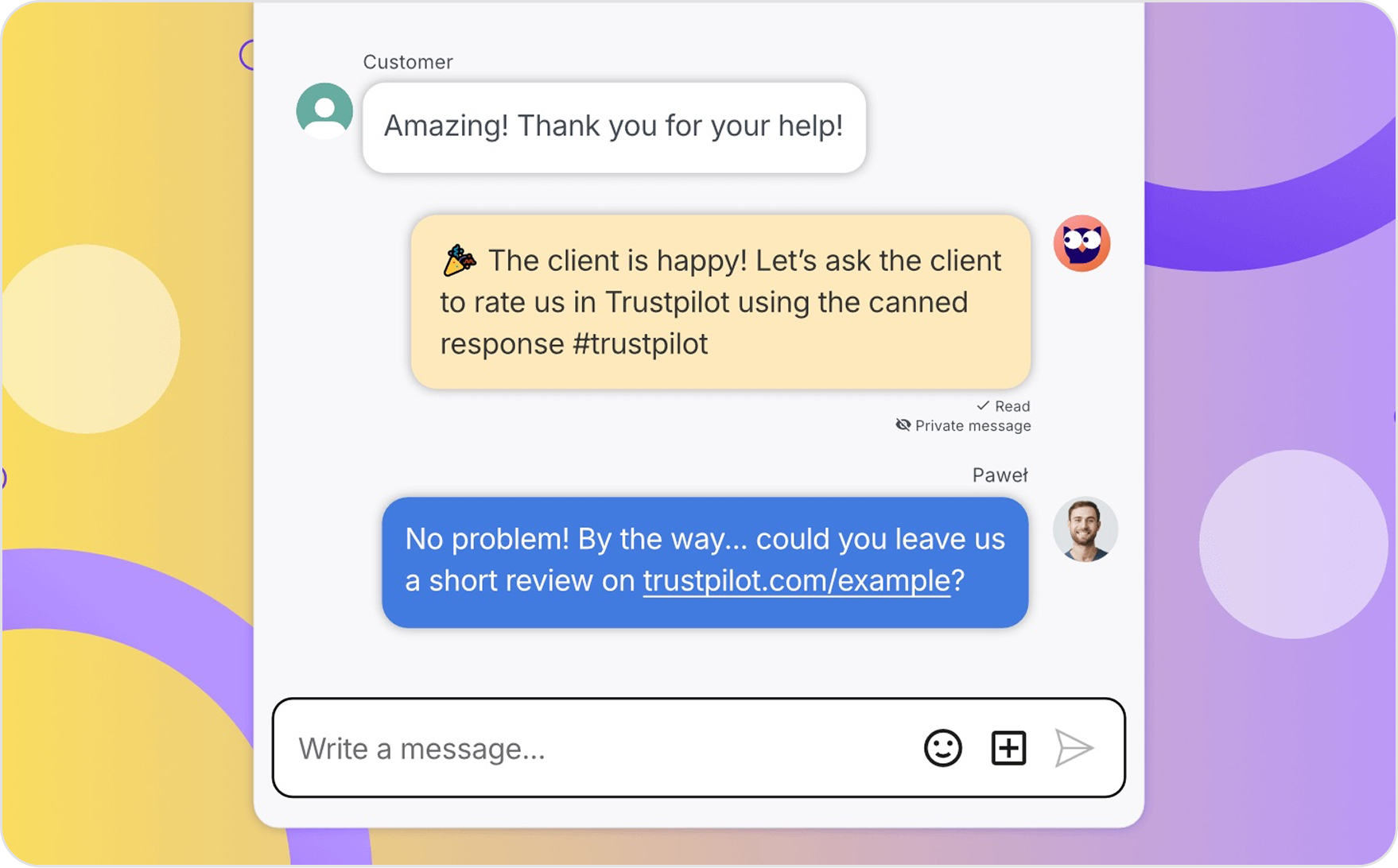

Coach your agents in real time without lifting a finger. Trigger automated reminders, checklists, and tags based on chat events to keep your team aligned and workflows airtight.
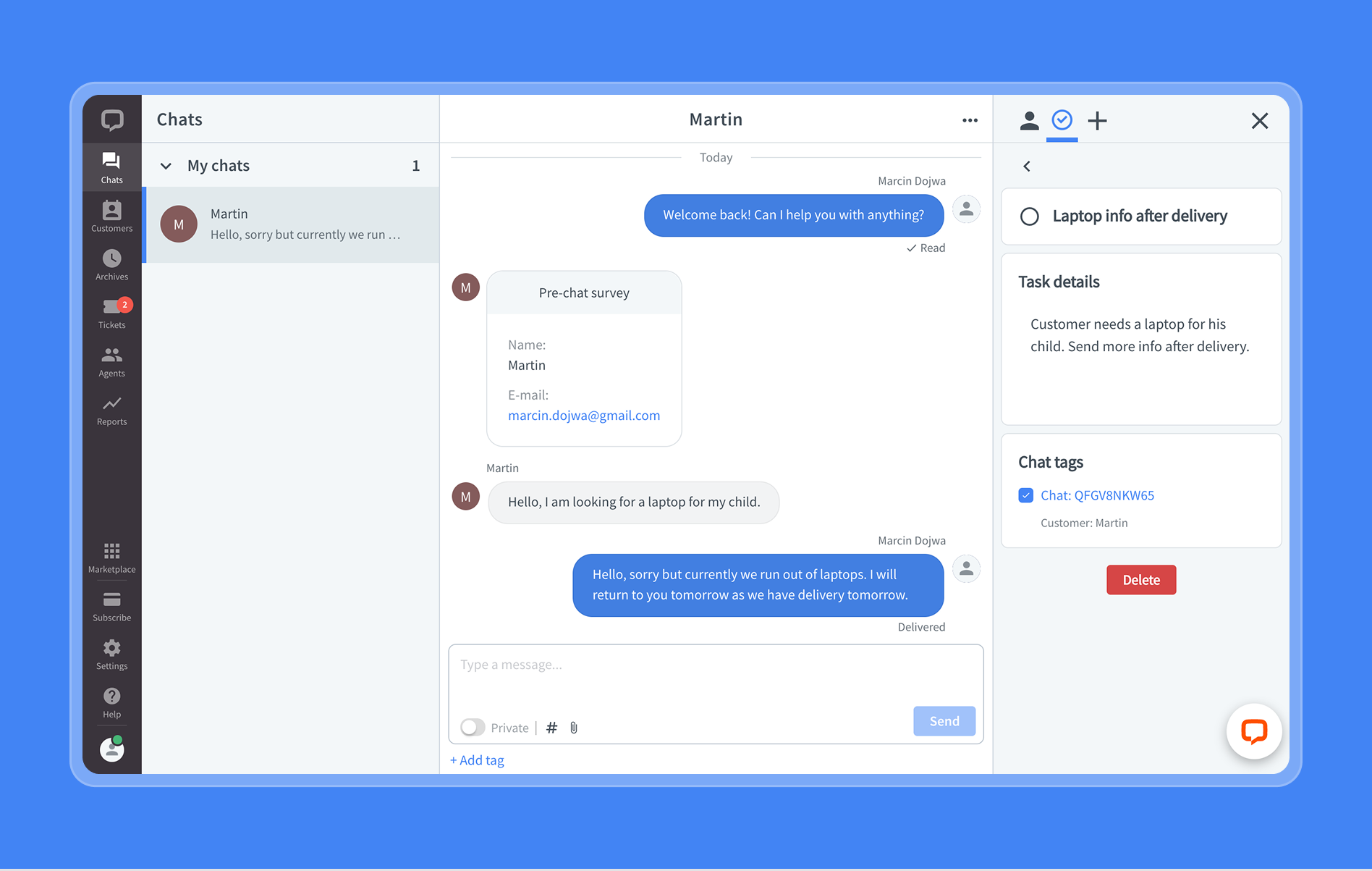

Create and manage personal tasks tied to specific chats and customers, synced with Microsoft To Do. Stay on top of follow-ups and action items without ever leaving LiveChat.

Bridge LiveChat and Microsoft Teams with automated notifications for new chats, agent activity, and performance events. Keep your whole team informed and collaboration flowing seamlessly.

Get instant email alerts when chat queues exceed set thresholds. Proactively reallocate agents before wait times spike and maintain service quality even during peak traffic.
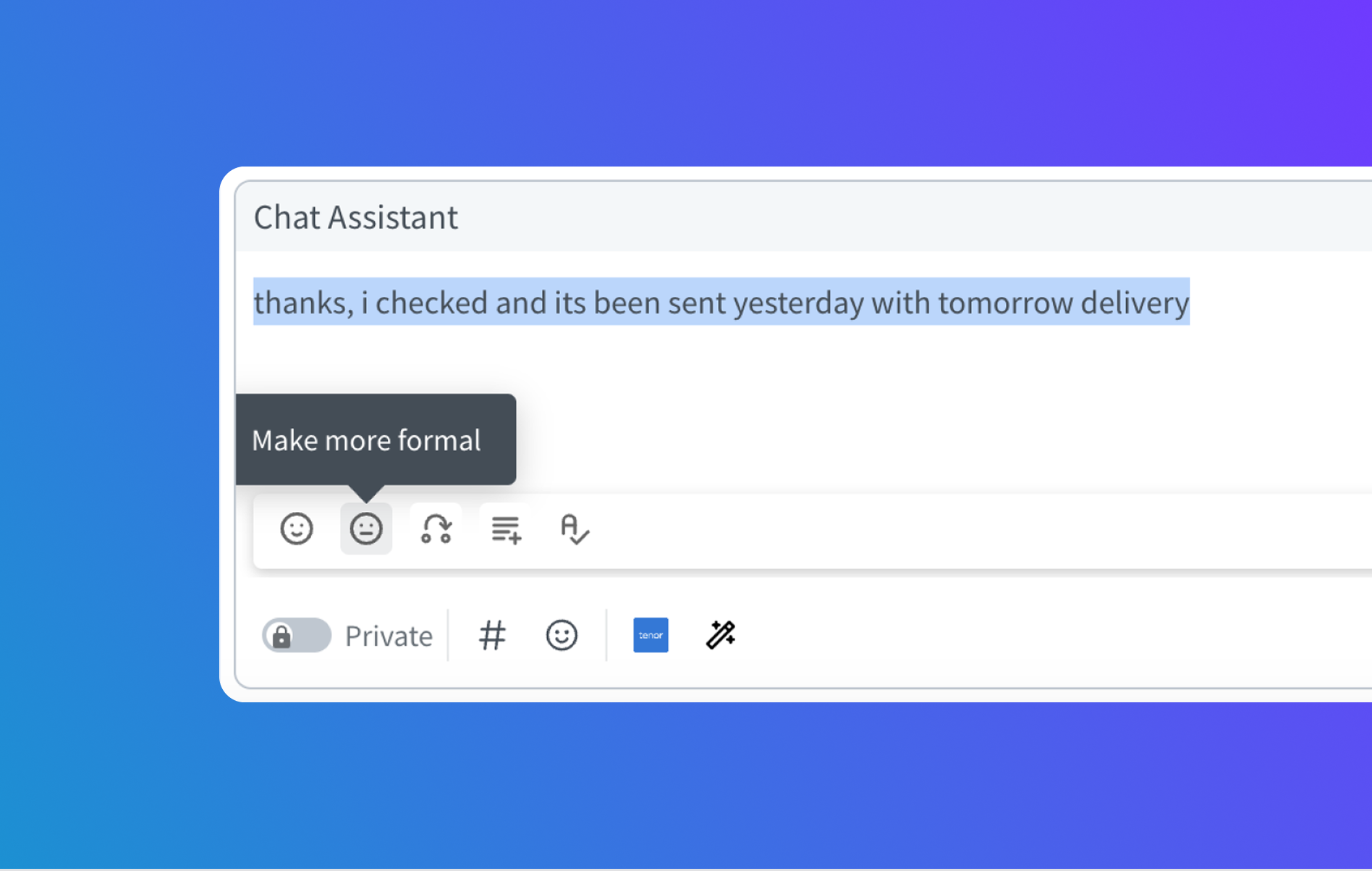

Let AI help agents craft faster, more polished responses. Expand messages, adjust tone, and fix grammar in real time — so every reply is professional and every workflow runs smoother.
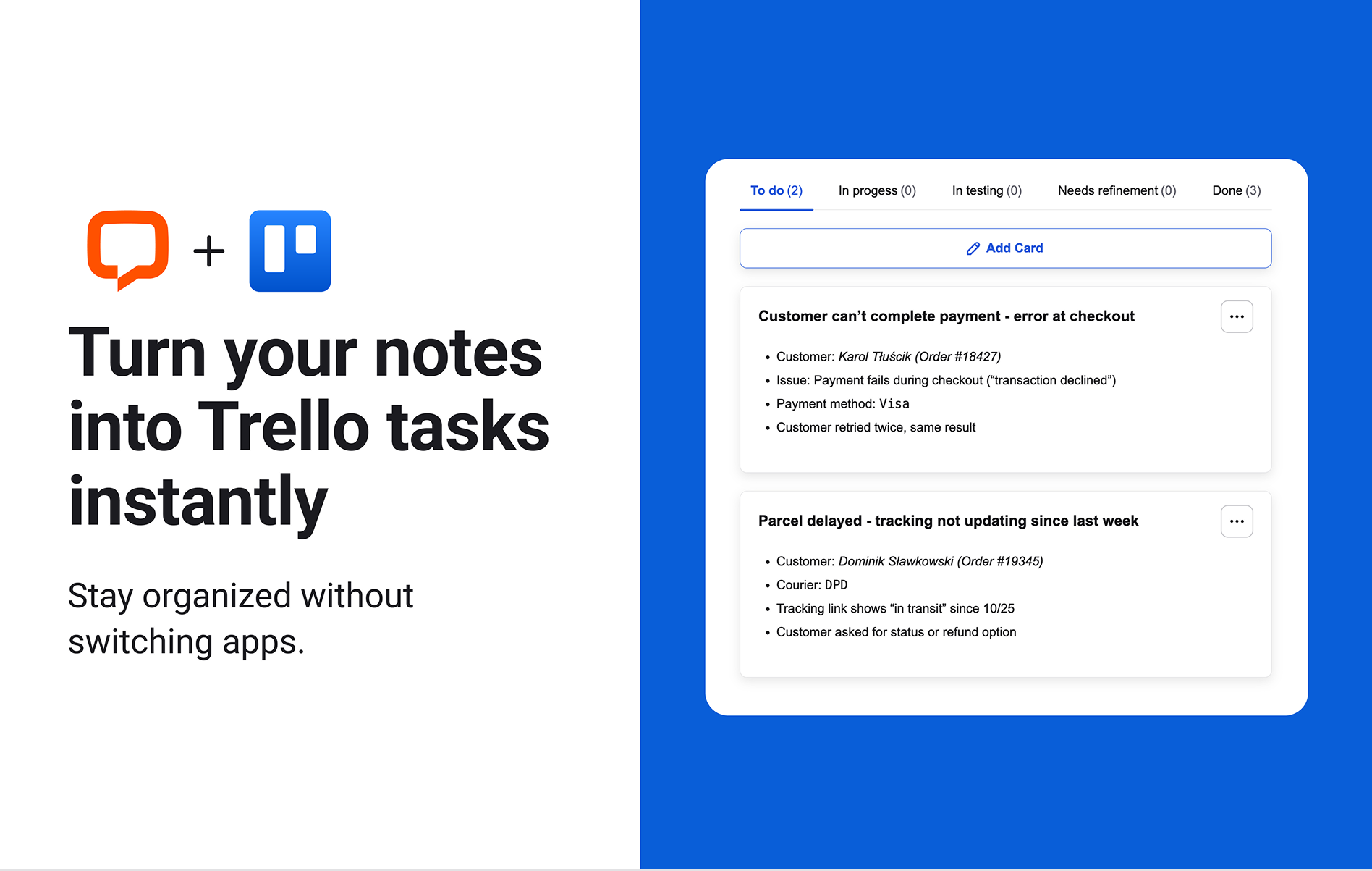

Turn LiveChat conversations into Trello cards with a single click. Assign tasks, capture follow-ups, and keep your support and project workflows perfectly in sync without switching tools.
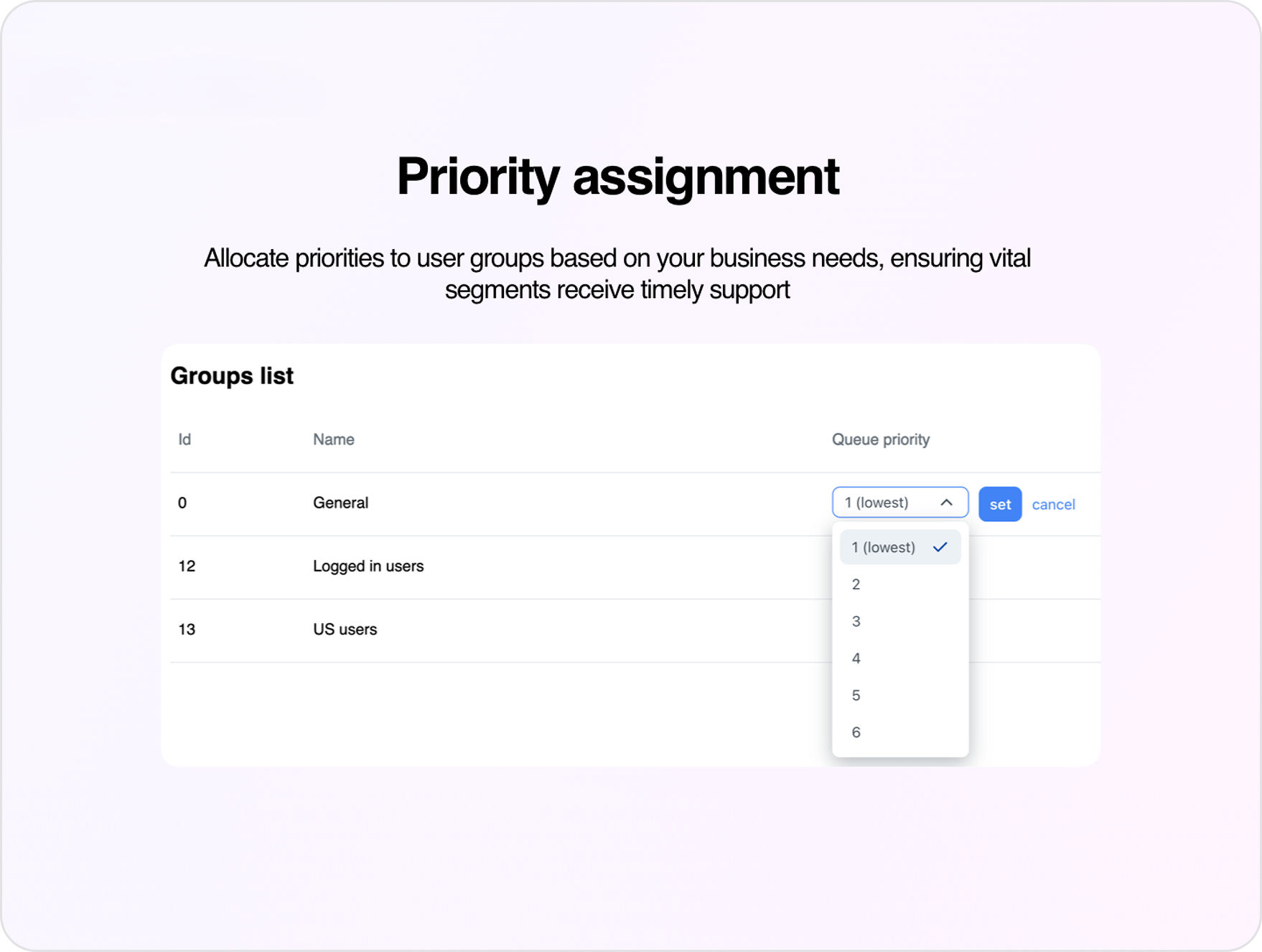

Assign queue priorities to different customer groups based on URL, domain, or country. Ensure high-value or urgent inquiries are routed and resolved first, every time.

5%+
conversion rate increase
90%
customer satisfaction
We’ve been able to connect with players at the right time, addressing their pain points as they arise. This has led to stronger relationships and an improved overall player experience.
Constantine Drentchev
SOFTSWISS
Read success story ›
Don't settle for 'close enough.' Take control of your LiveChat capabilities with custom development.
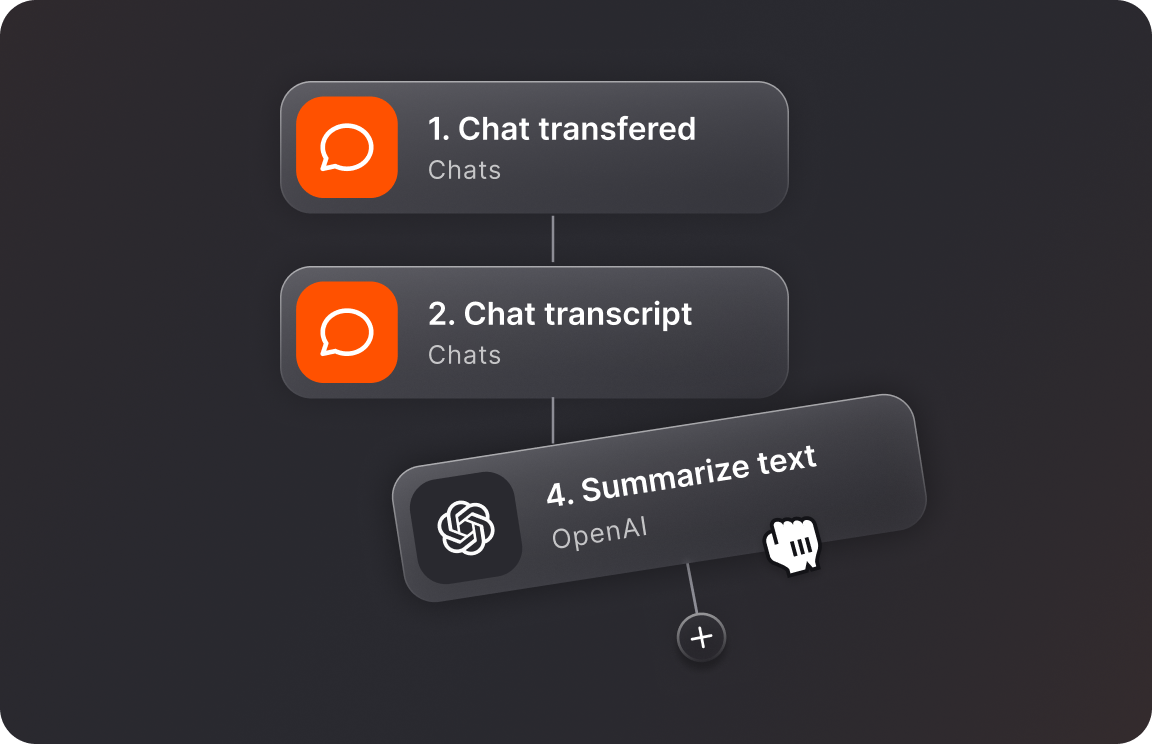
Connect all of your tools and fully automate manual, routine tasks.
Discover Workflows
Connect with skilled professionals and developers ready to fast-track your success.
Hire partner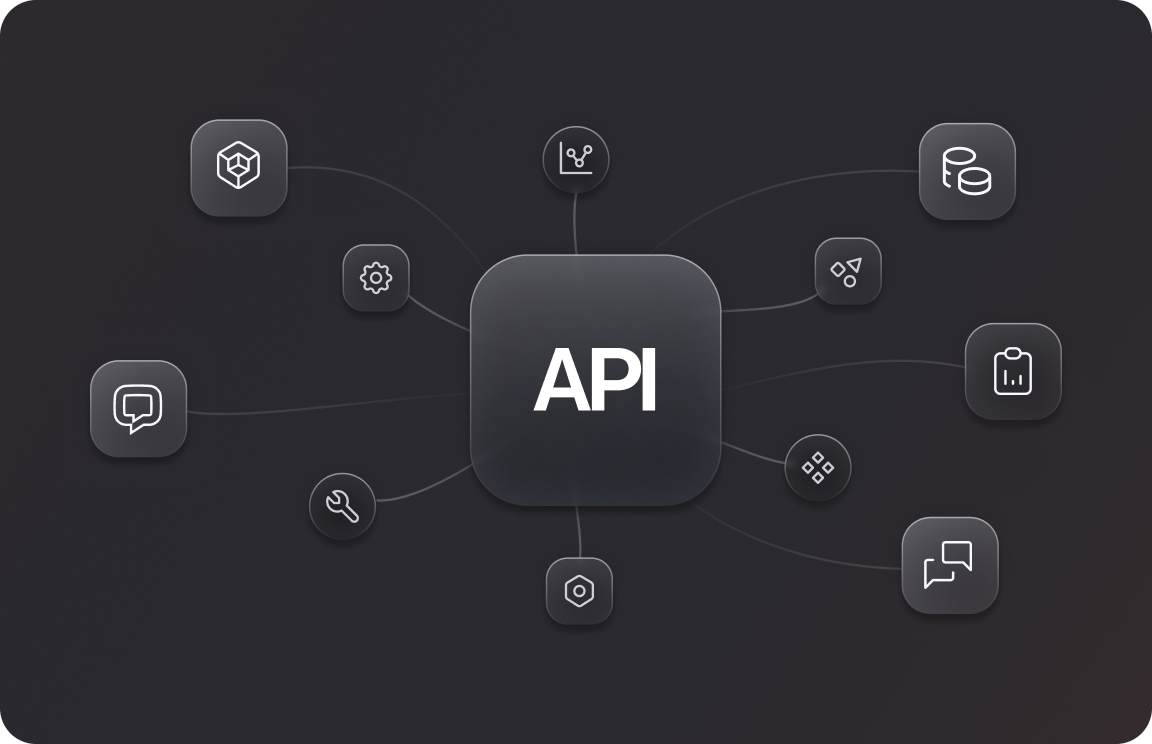
Find the best match for your business use case and connect with one of our partners.
Discover Text APIA customer support workflow defines how chats are received, tagged, routed, and resolved. LiveChat integrations automate each step, cutting manual tasks and keeping teams focused on customers.
Set queue priority rules by customer segment, trigger email alerts when thresholds are exceeded, and use staffing data to pre-allocate agents — keeping wait times low even during peak hours.
The Trello integration converts chats into cards in one click, while Private Todos syncs follow-up tasks with Microsoft To Do — keeping support and project workflows fully connected.
Tools like AI Tags, Super Trainer, and Chat Assistant handle tagging, agent coaching, and response drafting automatically, so your team spends less time on admin and more time resolving issues.
The Microsoft Teams integration sends automated notifications for new chats, agent activity, and performance events directly into Teams channels, keeping your whole team informed without switching tools.
Through the Text Partner Program, agencies can package LiveChat’s workflow automation tools — AI tagging, routing, and team integrations — into managed service offerings for their clients.
