
Shopify - Live Chat
Shopify live chat with an AI Agent that recommends products and lets shoppers add them to the cart without leaving the chat.
- Text
Text integration preview

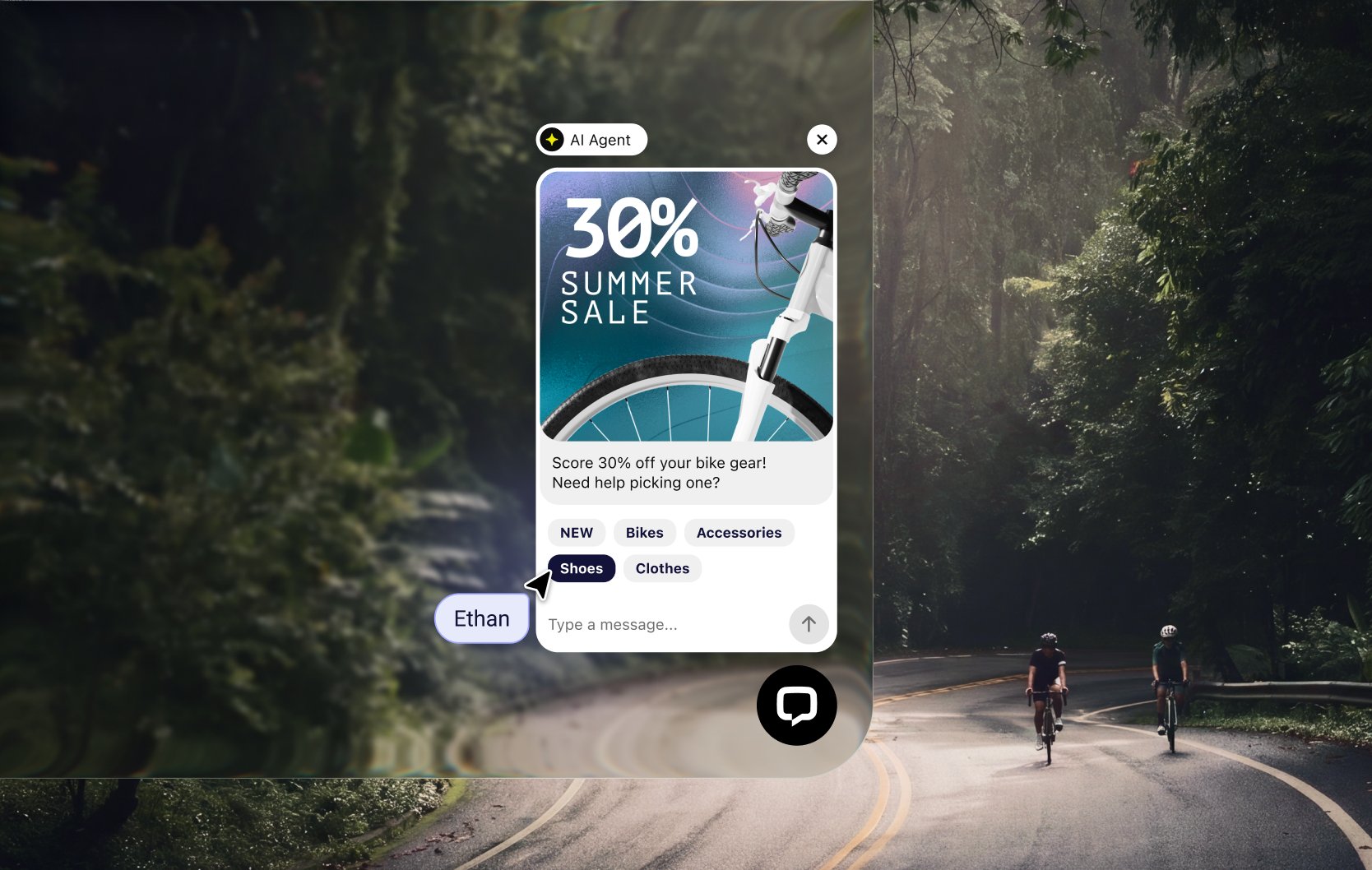
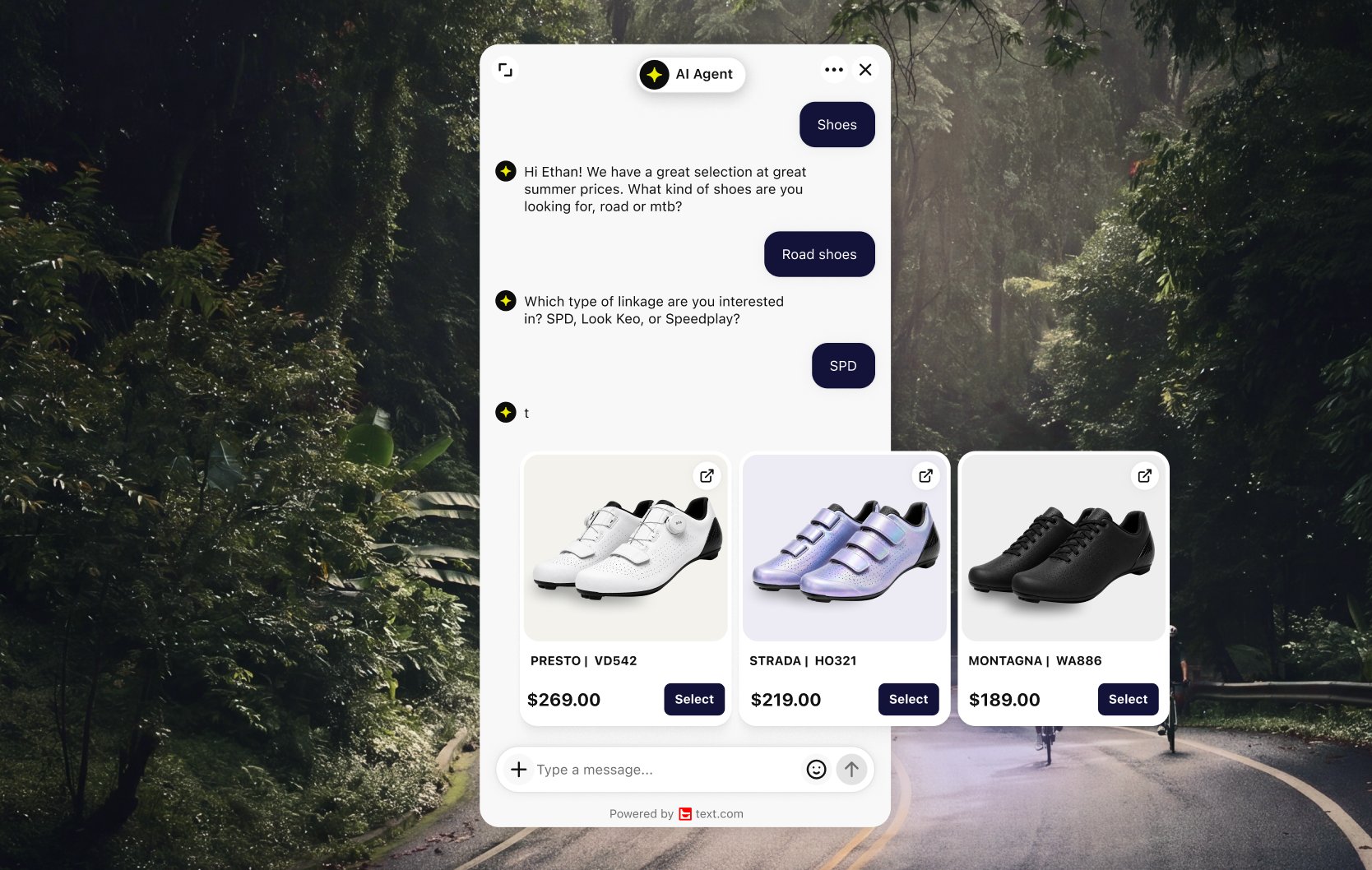
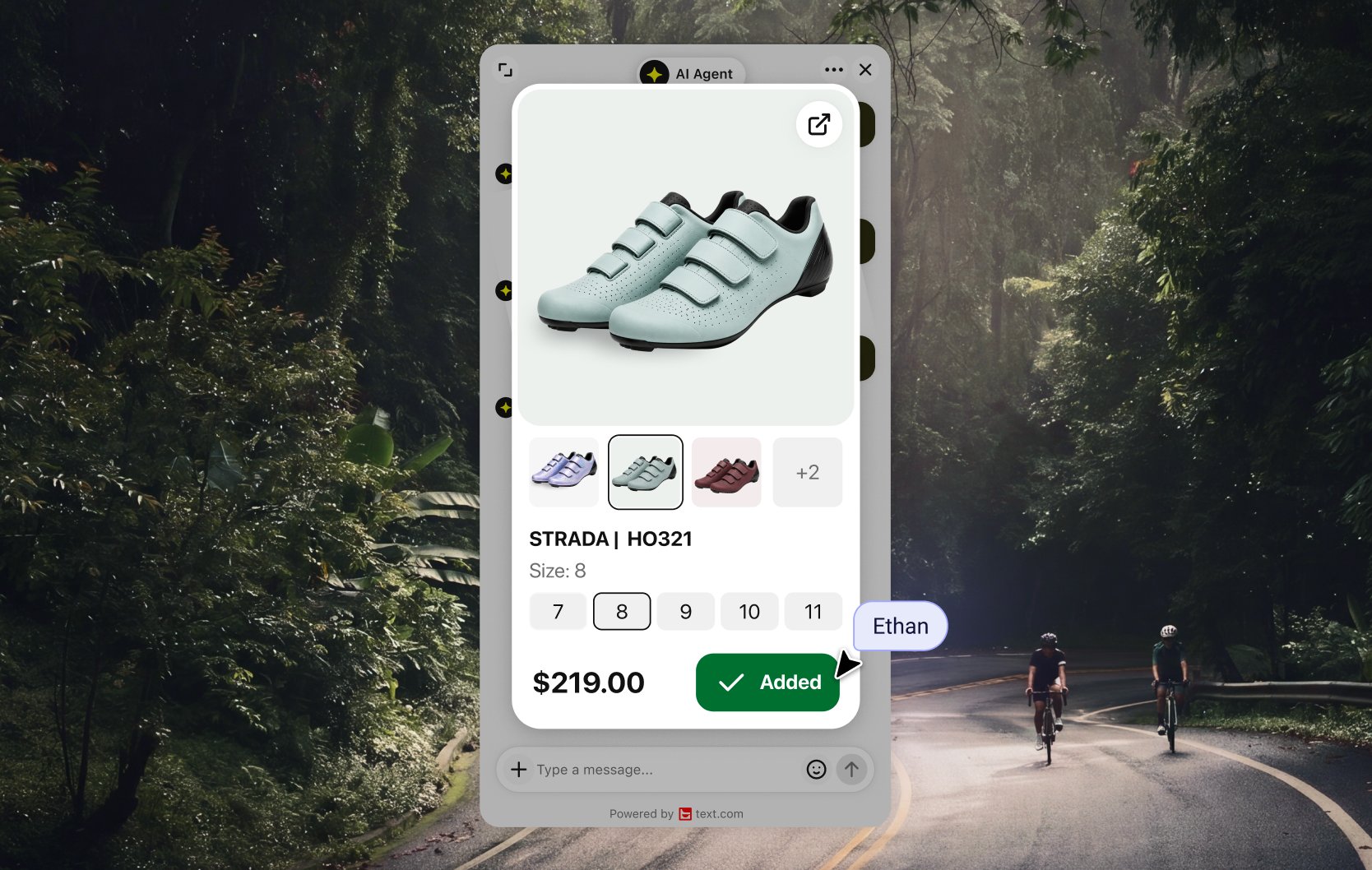
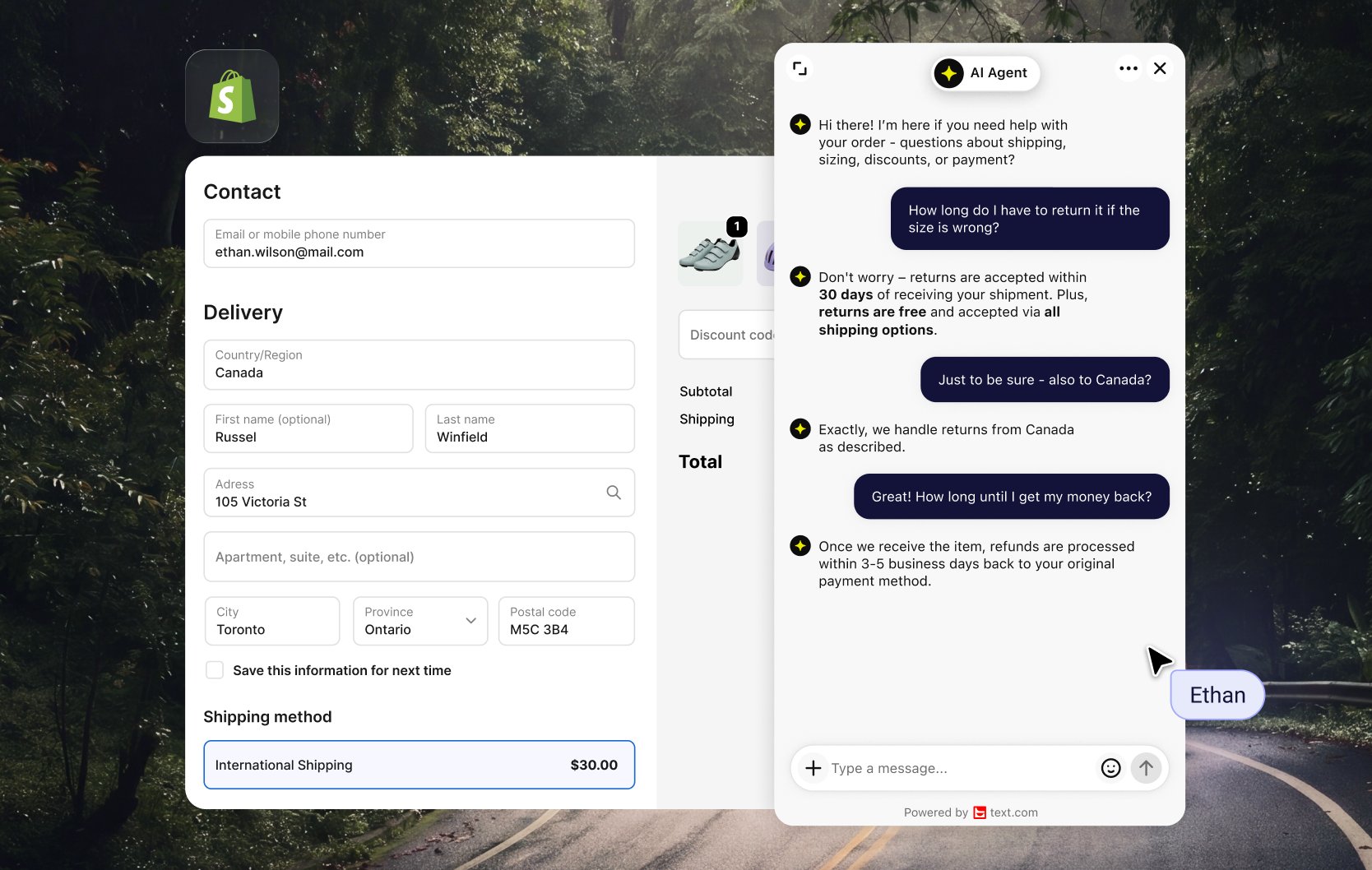
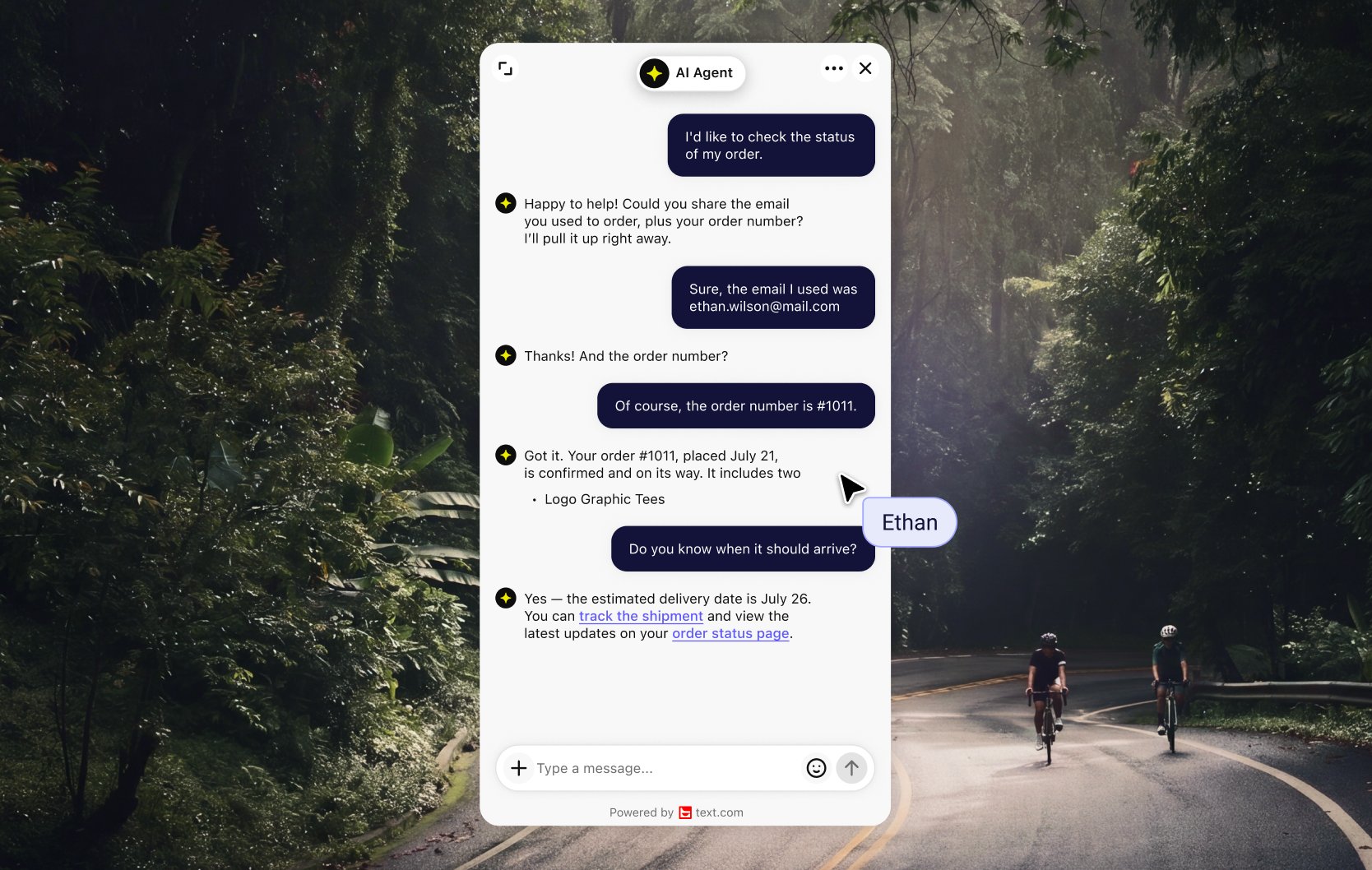
Shopify live chat with an AI Agent that sells
Text connects to your Shopify catalog, carts and orders. When a shopper asks for help, the AI Agent suggests products as cards with photos and prices. The shopper picks a size or color and adds the item to the cart right in the chat.
Turn product questions into orders
Shoppers leave when they can't find the product, can't choose, or can't get an answer. The AI Agent handles all three while the shopper is still on the page. Shopify customers using Text's AI Agent see a 266% lift in visit-to-order rate.
See which chats turned into sales
While you reply, you see the shopper's cart, its value and their previous orders next to the conversation. The Sold section and AI Agent sales reporting show which chats ended in an order, so you know what your conversations bring in.
Connect Shopify to Text
Install Text from the Shopify App Store and add live chat to your theme in the Theme Editor, with no code to write. The Thank you page widget works on every Shopify plan, and stores on Shopify Plus can also add chat to checkout. Read more about live chat for Shopify stores or compare Text plans.
Key features
Benefits
App terms
Legal Terms
By installing this app, you agree to the Marketplace Terms and App Privacy Policy.
Support
Set up Shopify - Live Chat
Follow the setup instructions to connect this app to Text.
Setup guide for TextNeed a hand?
Get help with this integration from Text.
Frequently asked questions
Can shoppers add products to their Shopify cart from the chat?
Yes. The AI Agent shows products from your live Shopify catalog as cards with photos and prices. Shoppers pick a variant, such as size or color, and add it to the cart in the chat.
Can I add live chat to the Shopify checkout page?
Yes, if your store is on Shopify Plus. The Thank you page widget works on every Shopify plan.
How do I add Text to my Shopify store?
Install Text from the Shopify App Store and add the widget through the Shopify Theme Editor. You don't write any code.
How do I know if the AI chatbot is making sales?
The Sold section lists AI Agent chats that ended in an order, and AI Agent sales reporting shows the orders your conversations brought in.
What does the “Verified” status mean?
In LiveChat, we always appreciate creative and problem-solving apps, so at our own sole discretion, from time to time, we may grant some applications the “Verified” status (represented by a badge or so-called badged applications). The “Verified” status confirms only that an application went through our usability review from the user's perspective. In any case, it is the Application Provider who has full responsibility for the application and its security level towards clients and any other third party.