

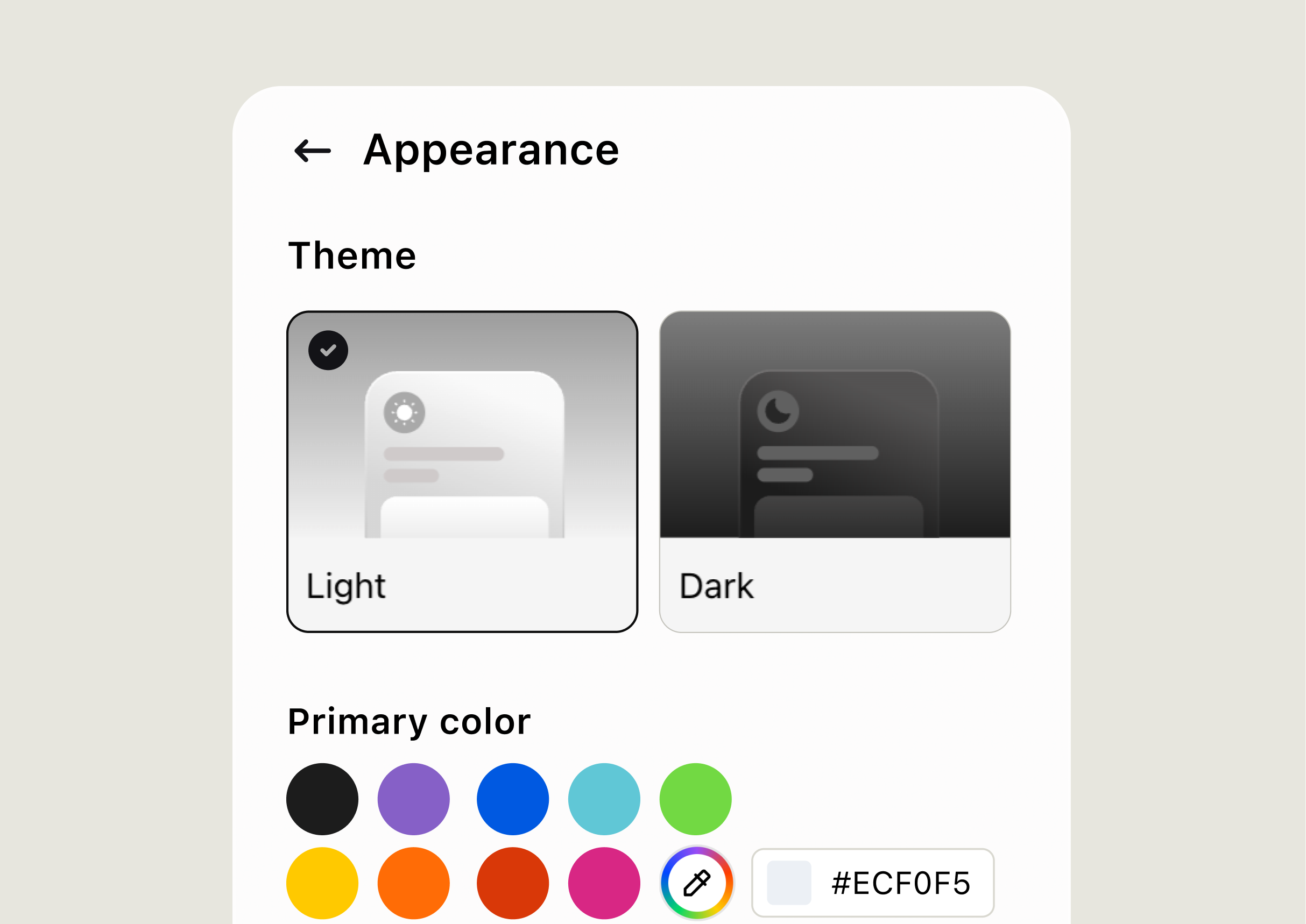
Match your brand
Choose the colors, position, and greeting that fit your website.
Explore live chat software features built to help support teams answer faster, automate routine work, and track what each conversation delivers.
No credit card neededAI automationRevenue reporting
Visitors start a website chat in the Chat Widget. Your team replies in the Agent App, with the conversation and customer context ready from the first message.
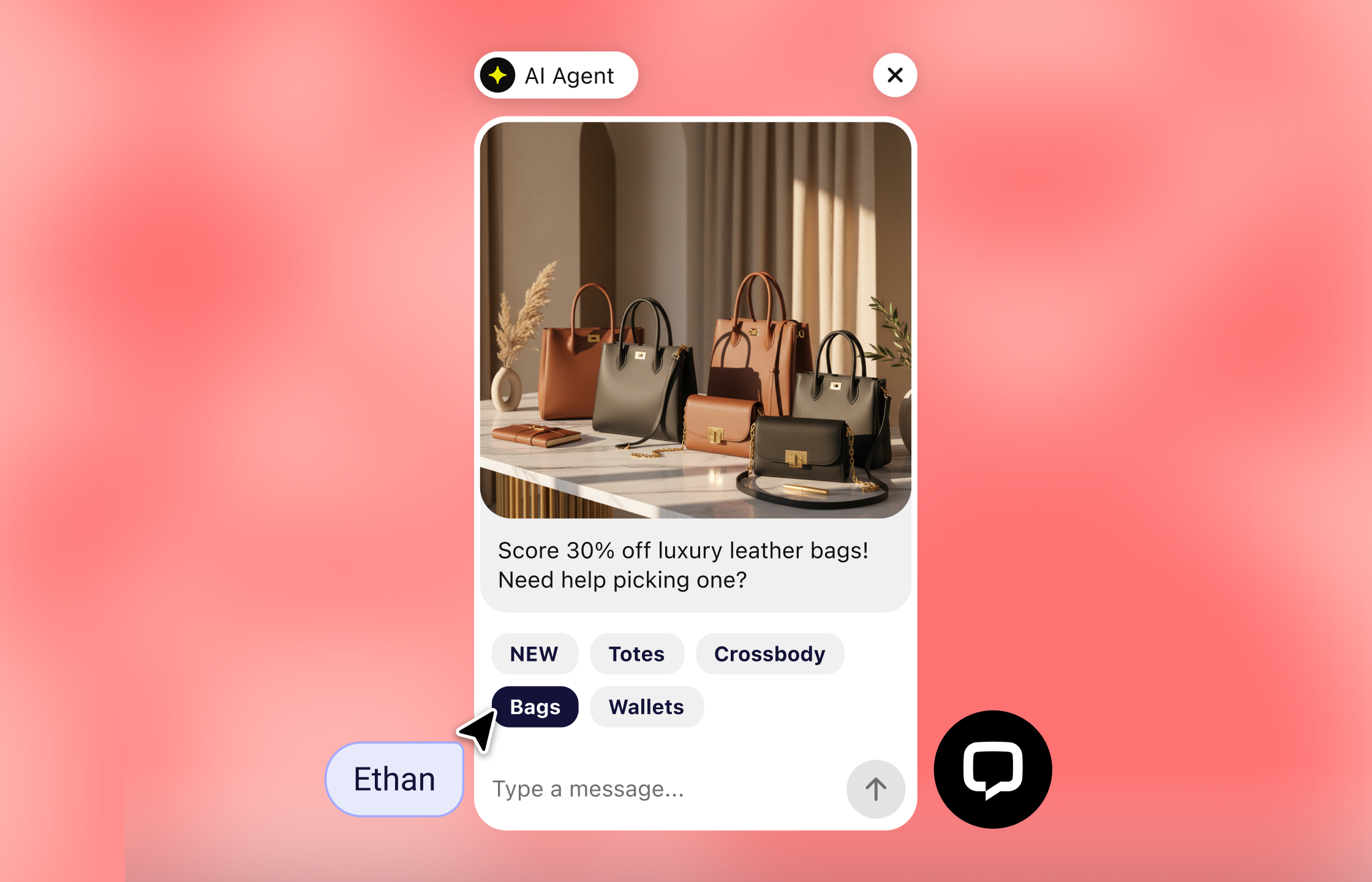
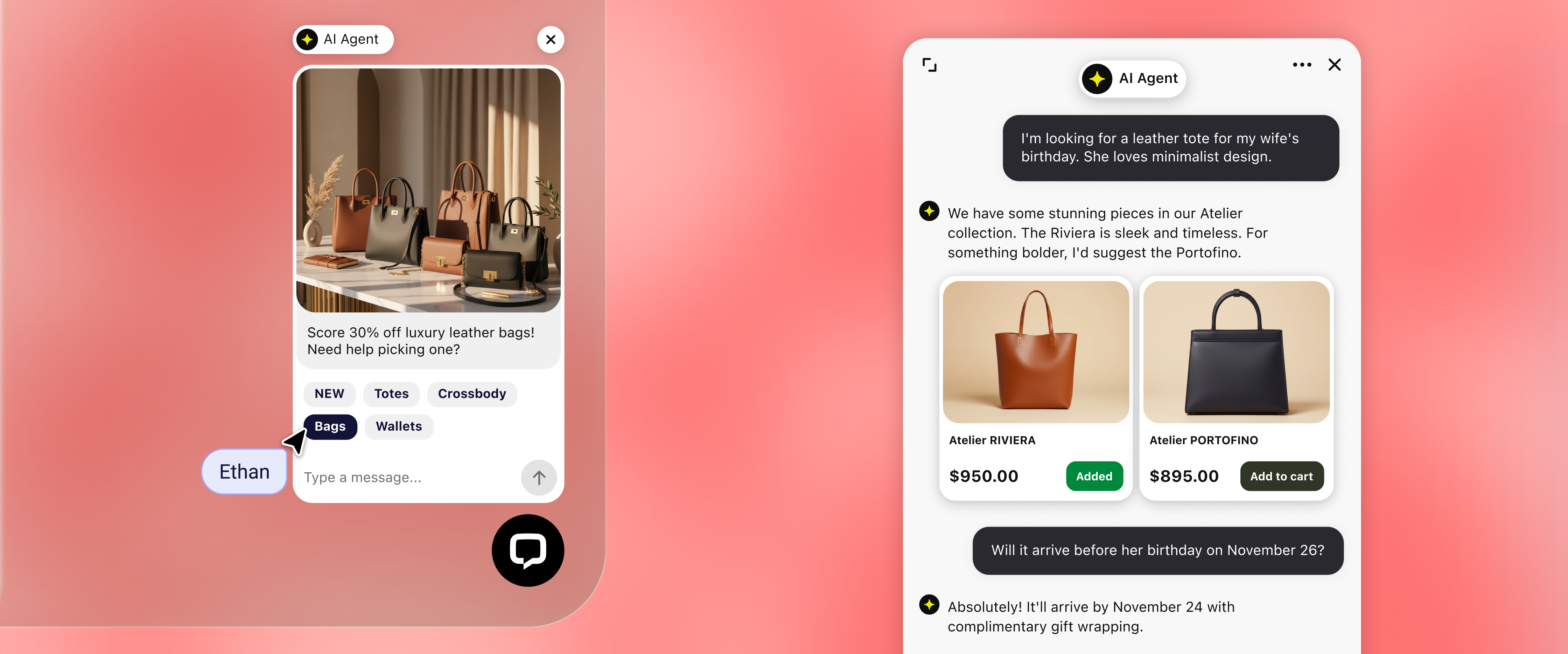
Change the Chat Widget's look, language, and availability. You can also collect contact details before a chat and route customer inquiries to the right team.
Choose the colors, position, and greeting that fit your website.
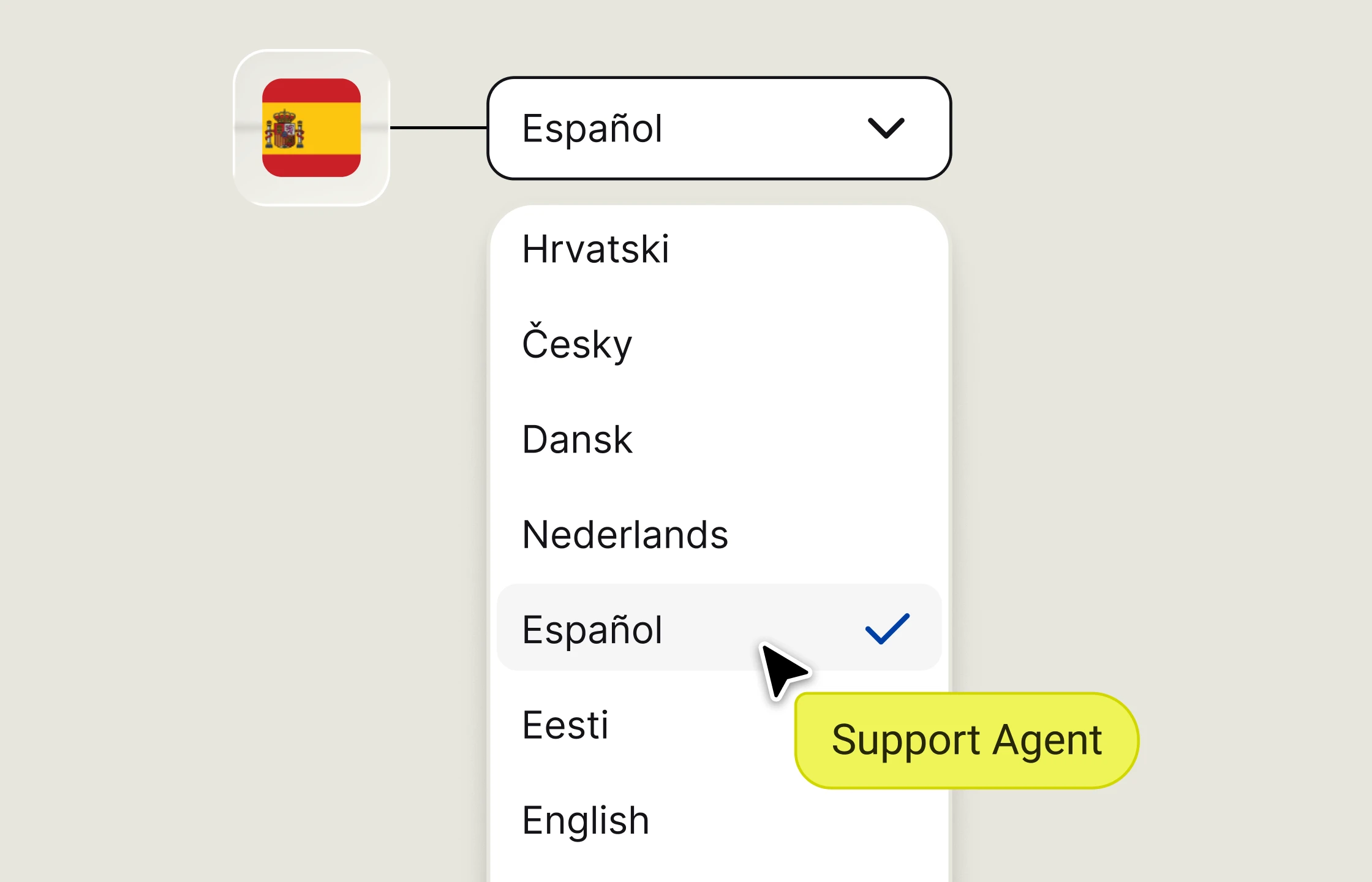
Pick a Chat Widget language and write the first automatic message.
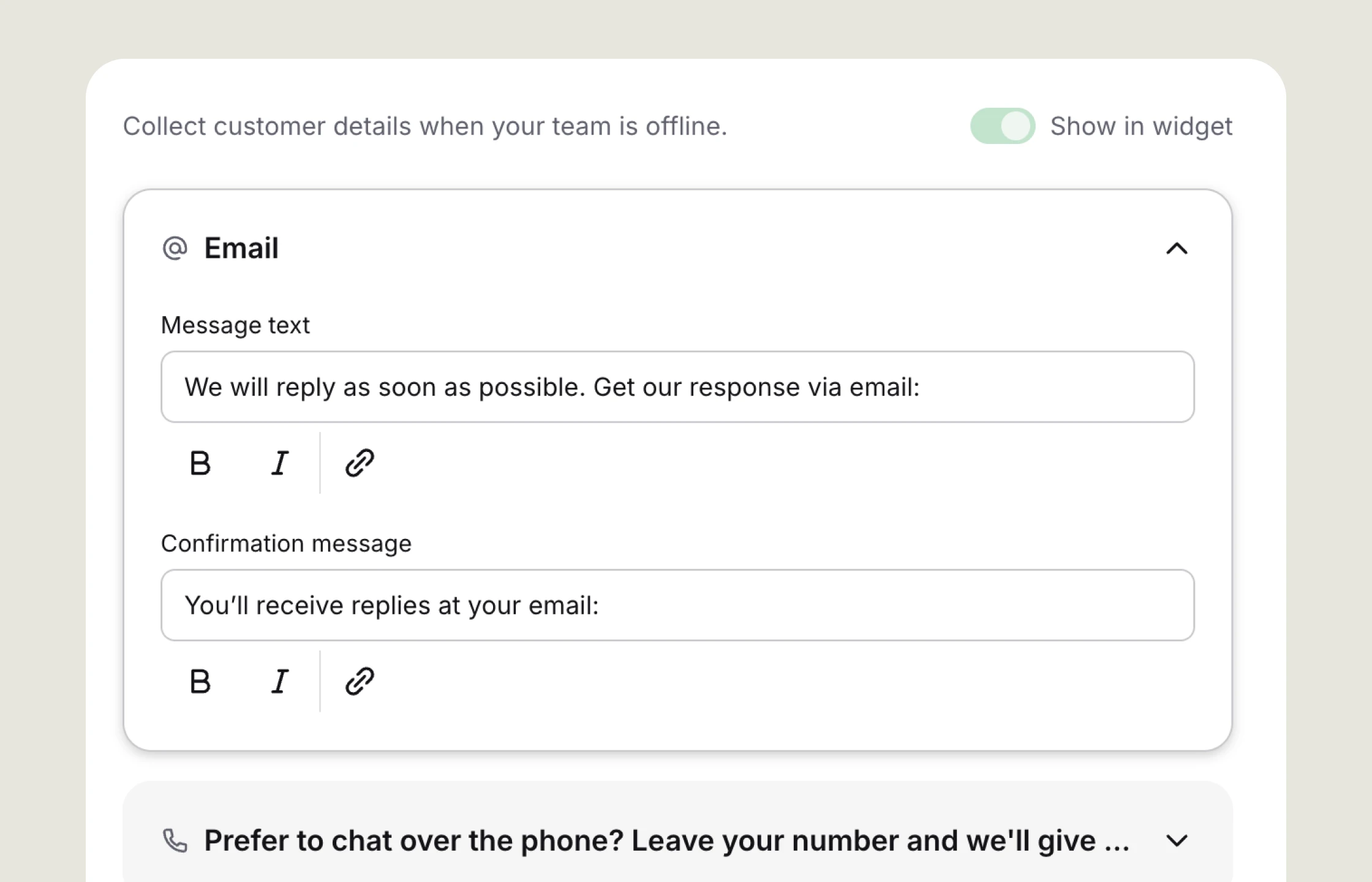
Let customers leave a message at any time or only while support agents are online.
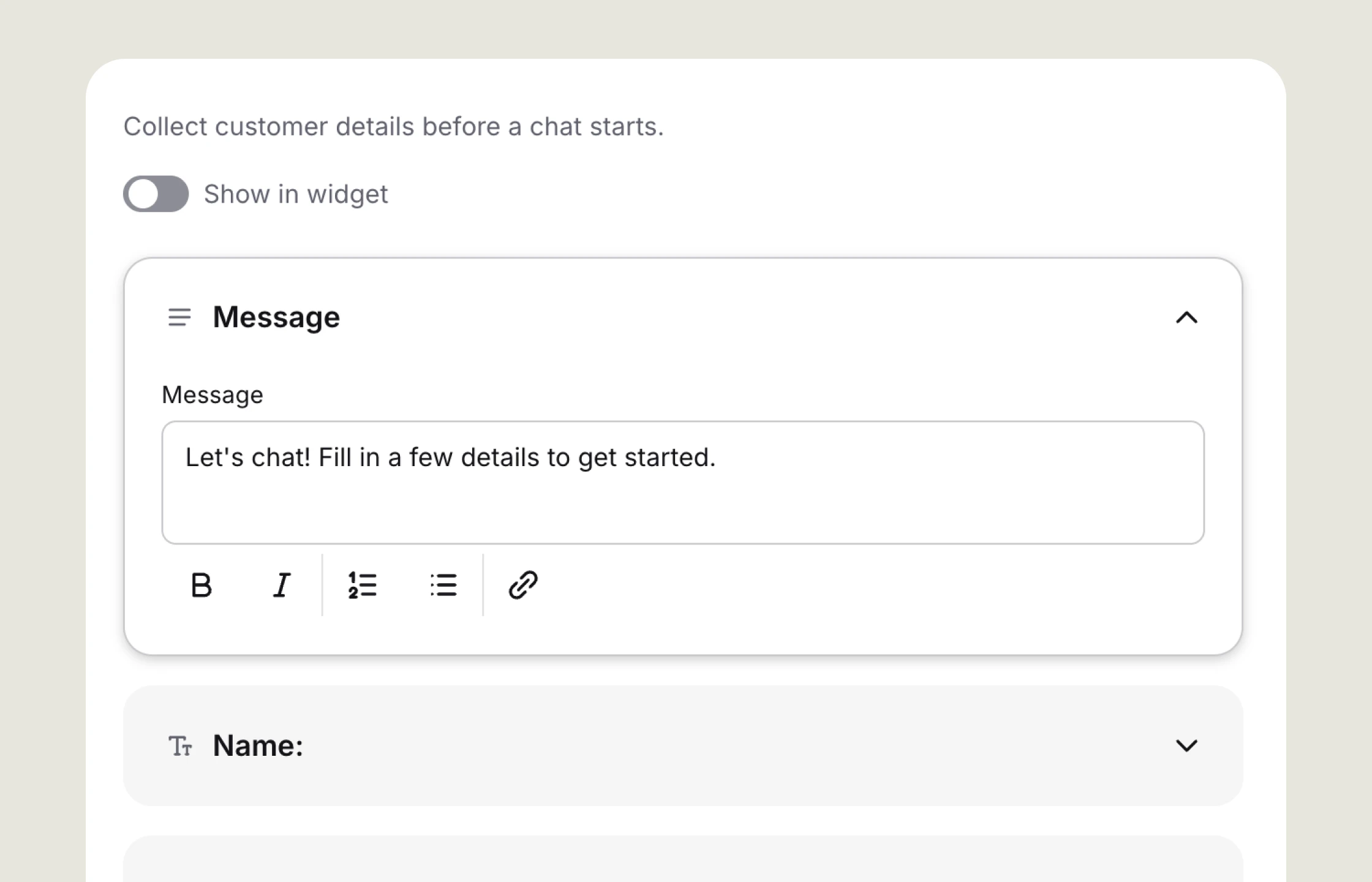
Collect details before a chat, then ask for feedback when it ends.
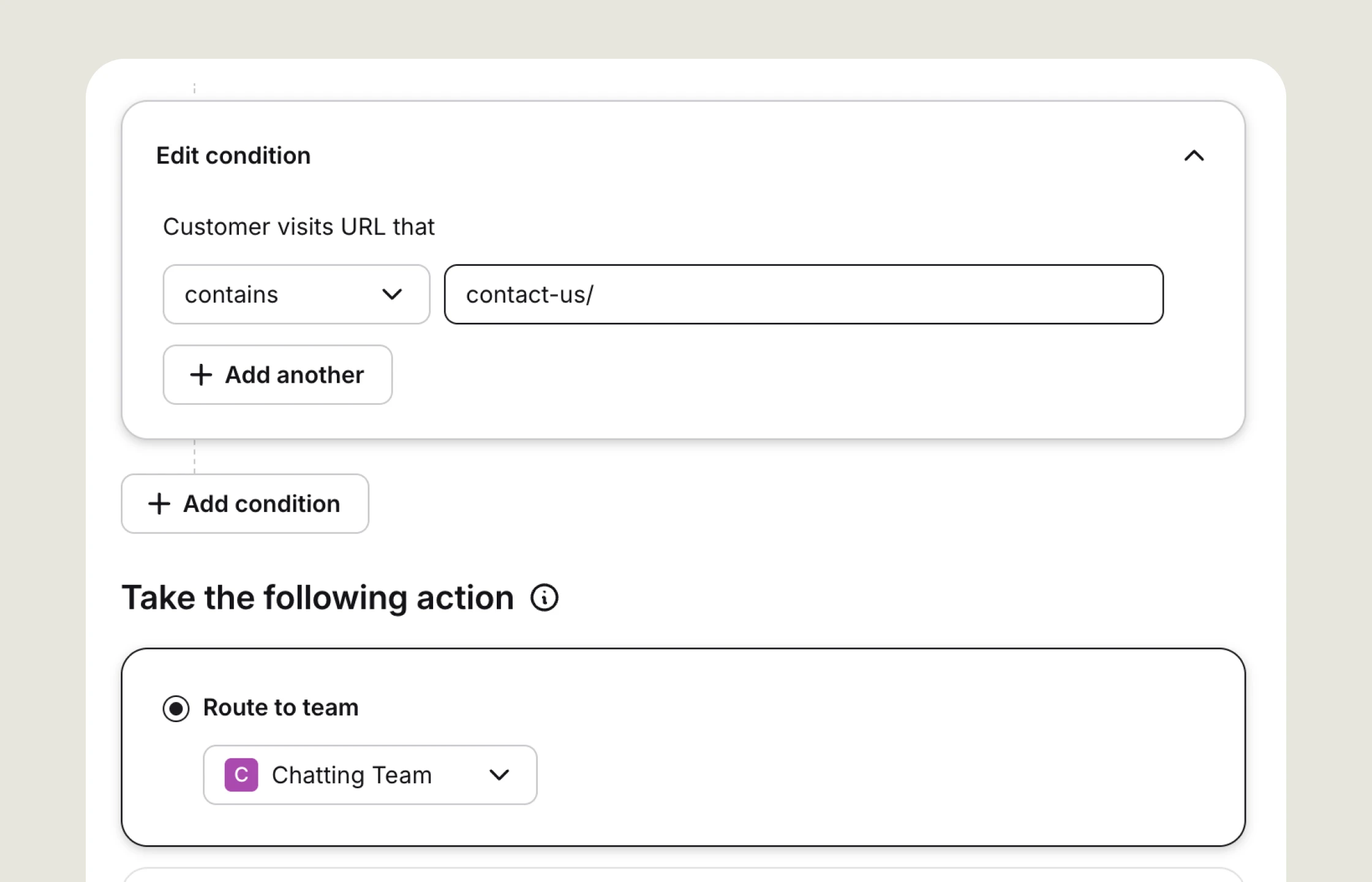
Send each chat to the right team based on its page, topic, or channel.
Preview live chat by Text
on your home page with one click
Support agents can draft replies, summarize conversations, and clean up their writing without switching tools. Text also surfaces recurring questions and suggests tags.
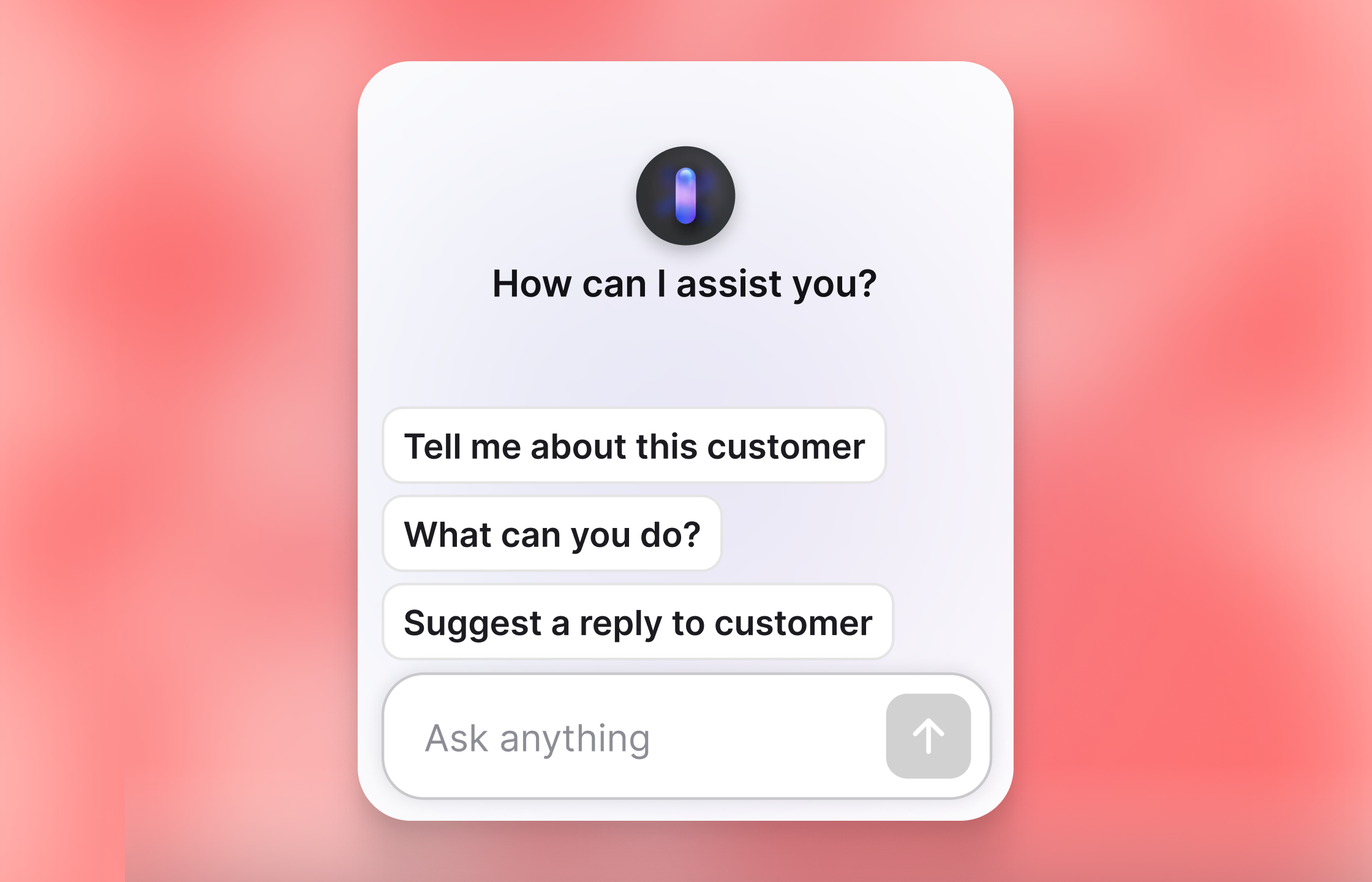
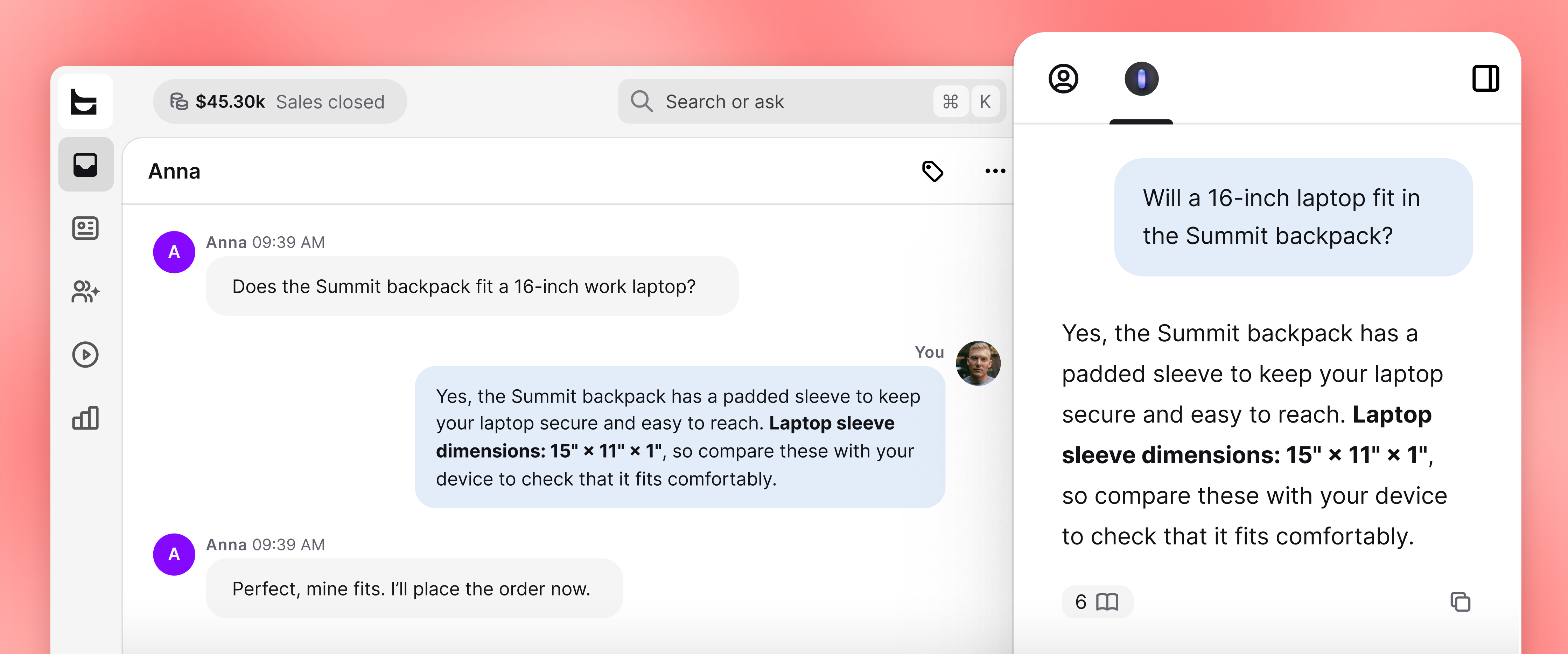
Connect a knowledge base to ground reply suggestions in your product information. The same AI tools can summarize customer interactions, refine wording, and organize conversations with tags.
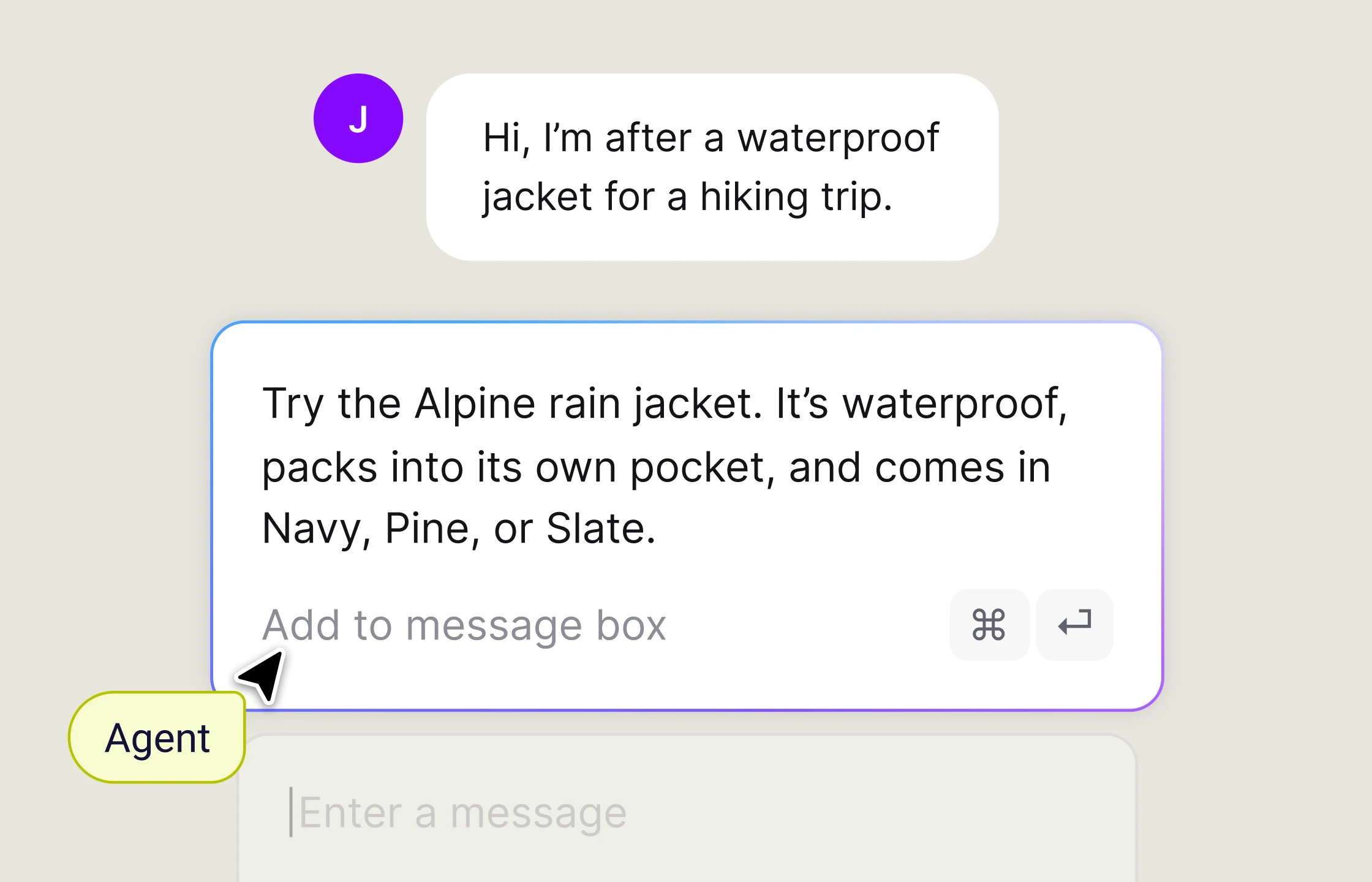
Generate a reply from your knowledge base, then review and send it.
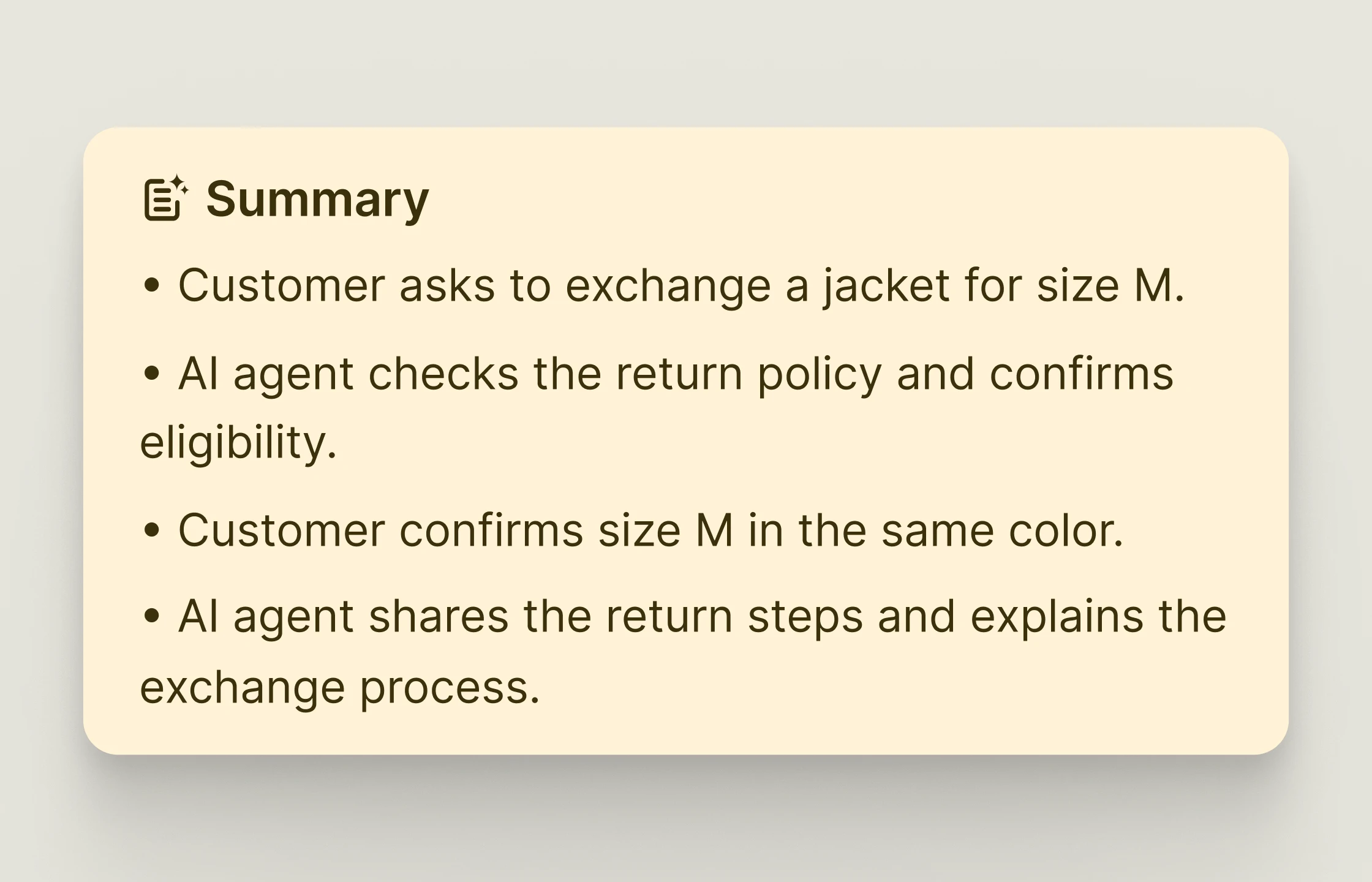
Catch up on a customer conversation without reading the full transcript.
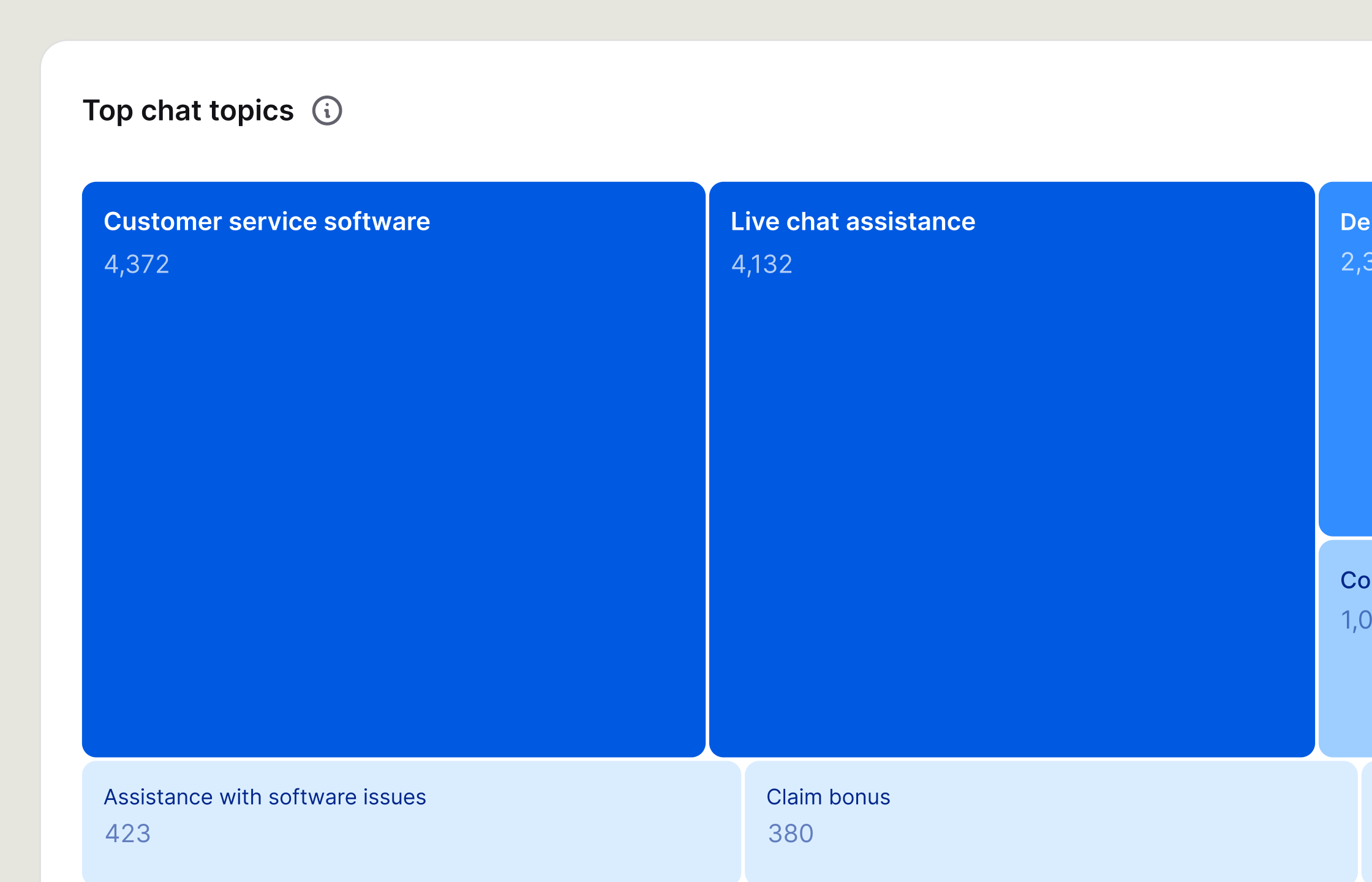
See which questions customers asked most during the week.
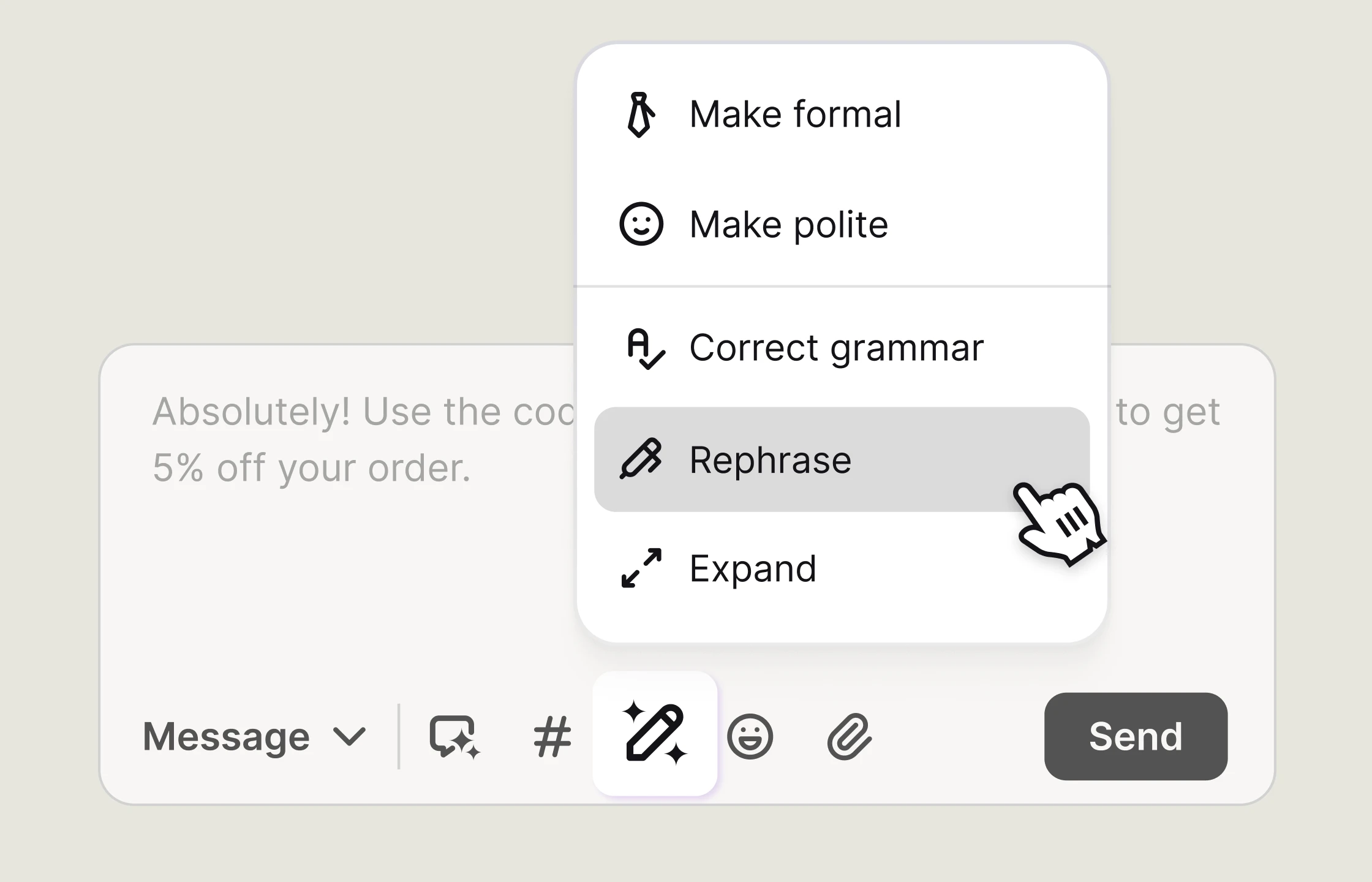
Change the length or tone of a reply and fix mistakes before sending.
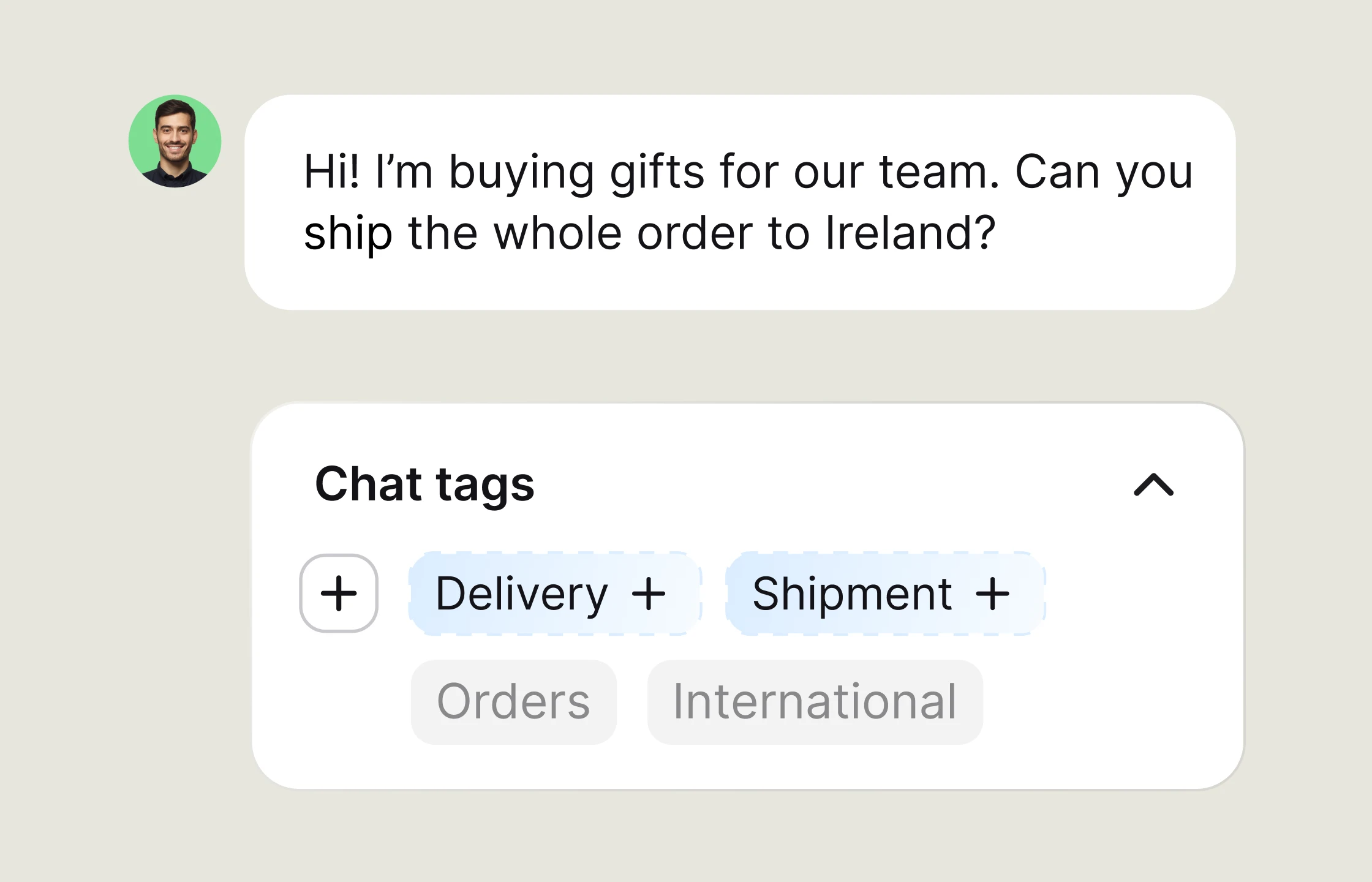
Let Text suggest tags as the conversation develops.
AI Agent uses your knowledge base and rules to answer common questions, then hands complex requests to your team with the context attached.
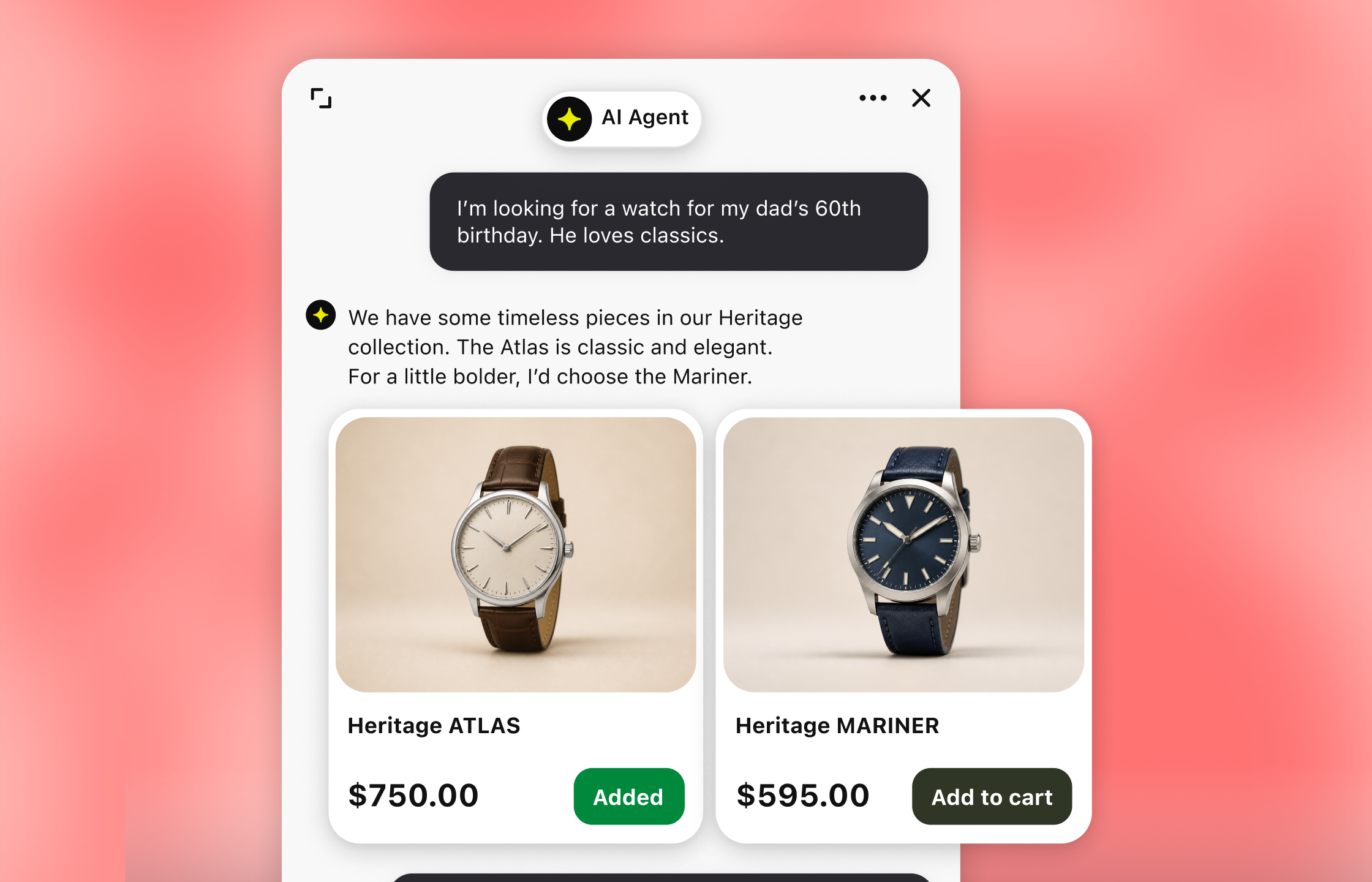
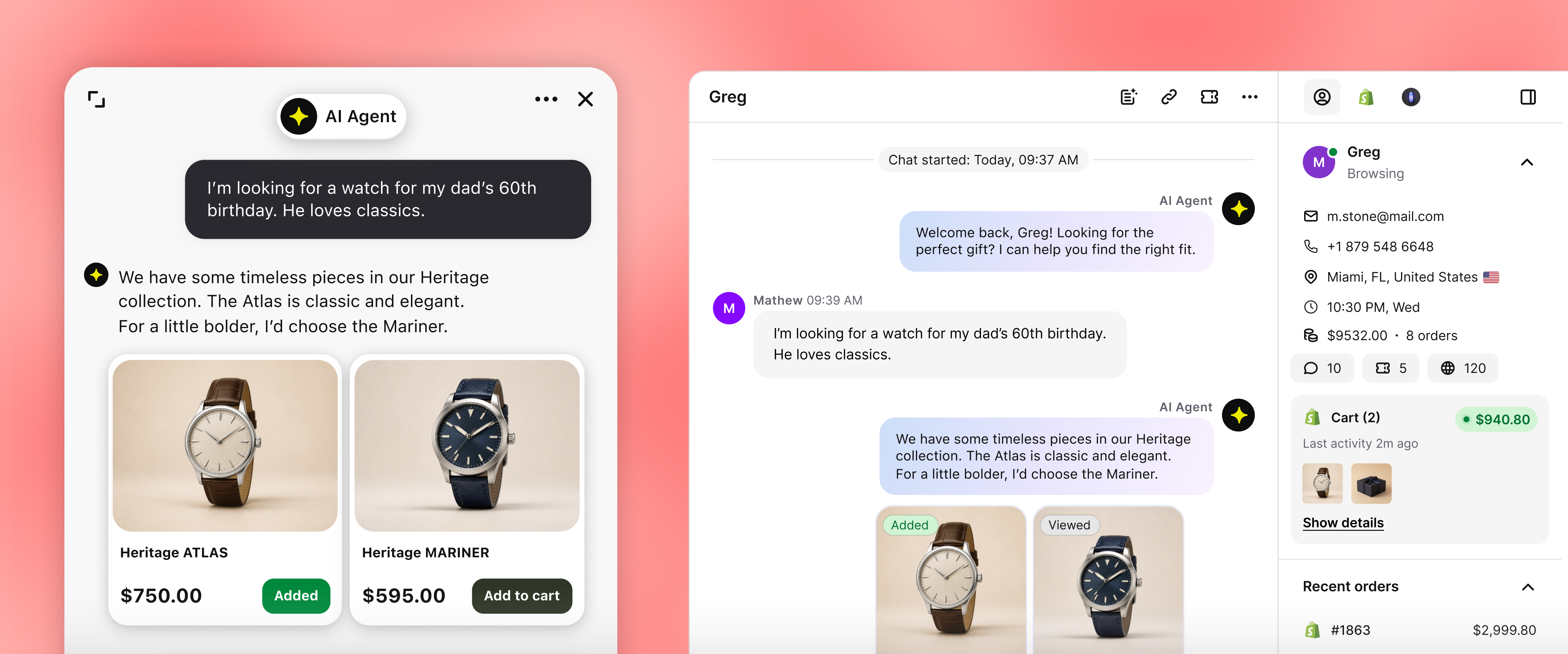
Choose how your AI customer service agent speaks, what it knows, and which tasks it can complete. Set handoff rules so customers reach a person when they need one.
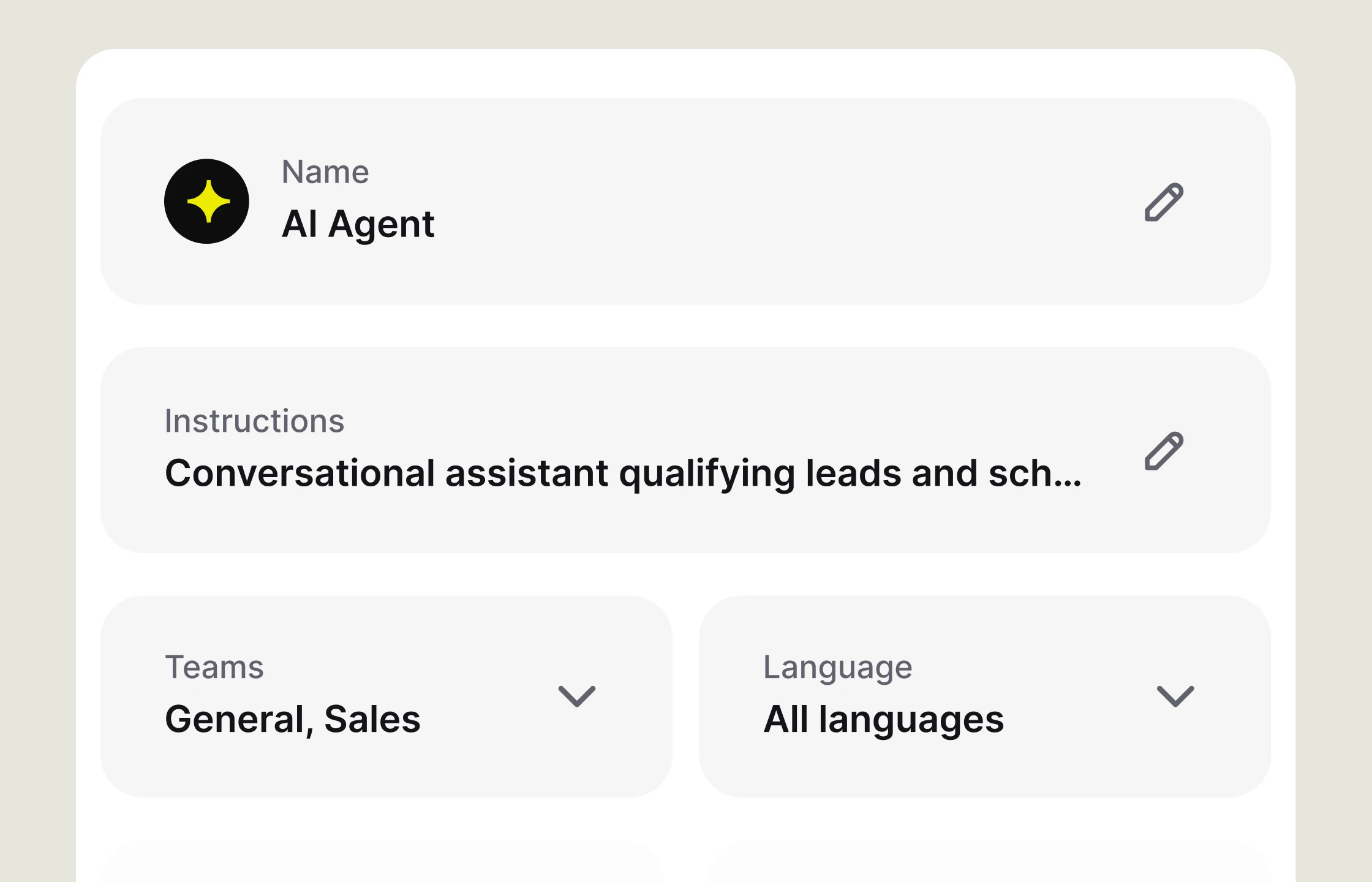
Set the agent's role, tone, and response length for consistent answers.
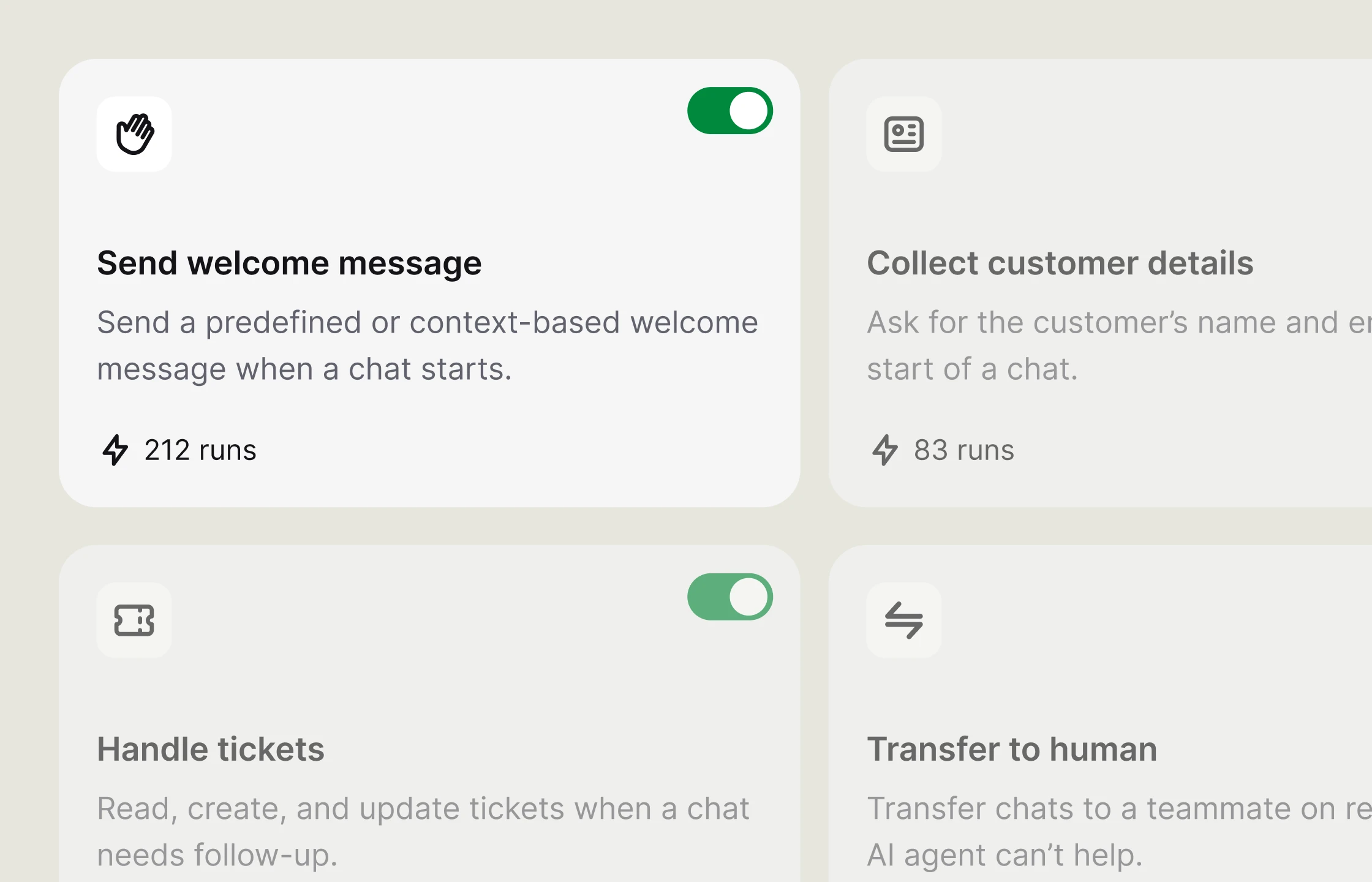
Describe the task and trigger in plain language. AI Agent runs it when a conversation matches.
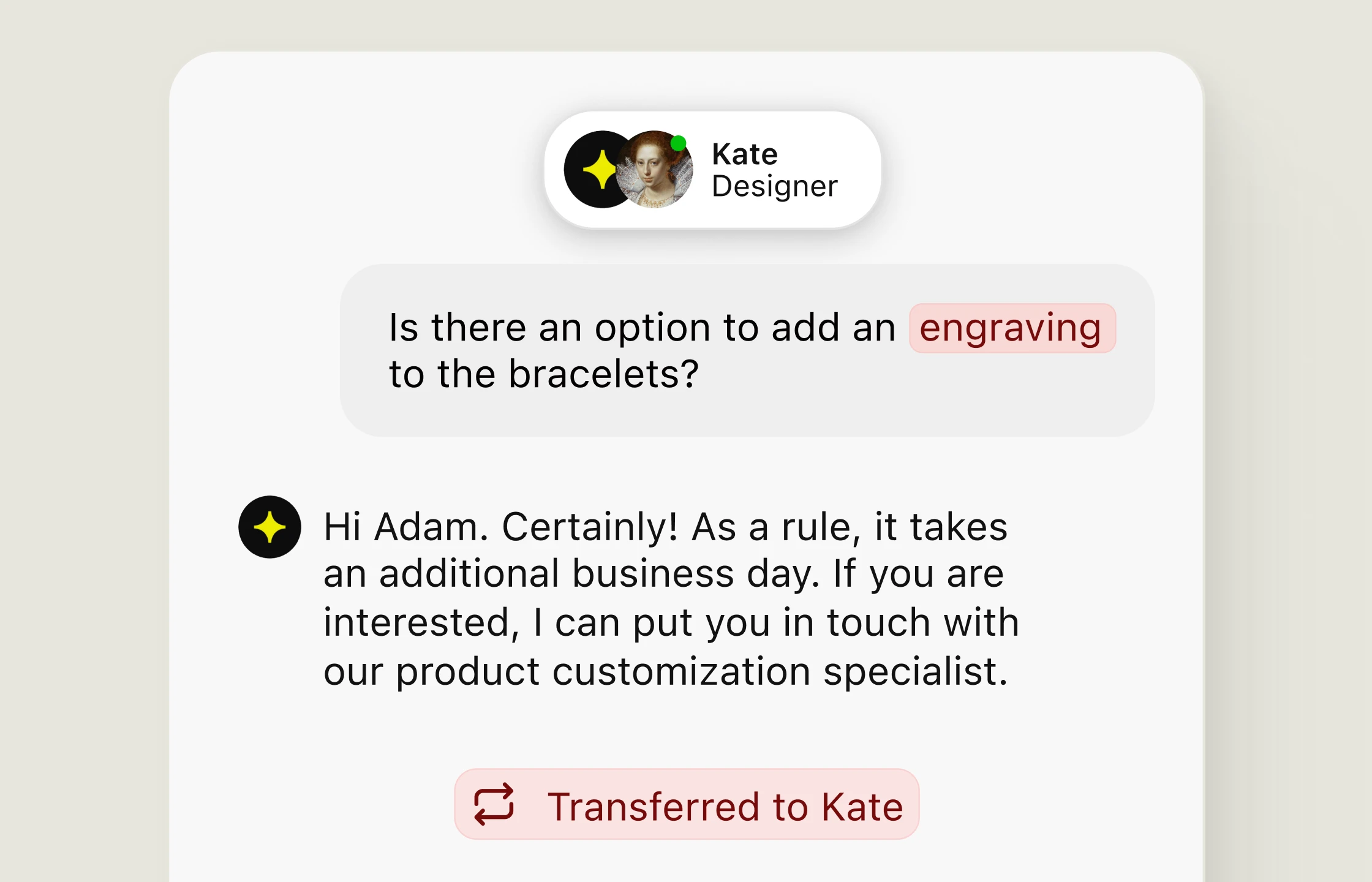
Send complex requests to a teammate with the chat context attached.
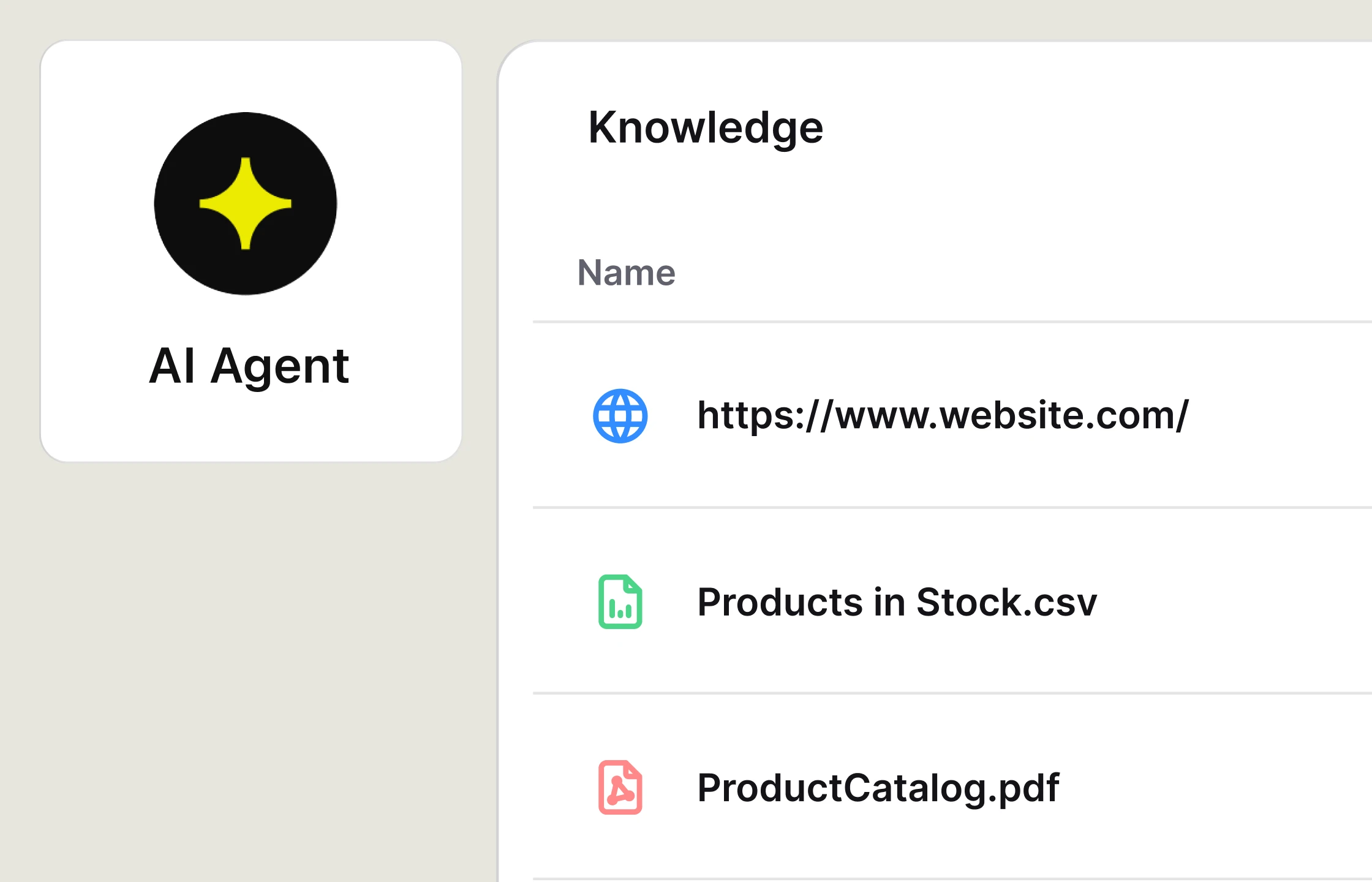
Add websites, files, or articles that AI Agent can use in its answers.
Inbox brings chats, tickets, and AI Agent handoffs together, so your team can move between queues and channels with the full context.
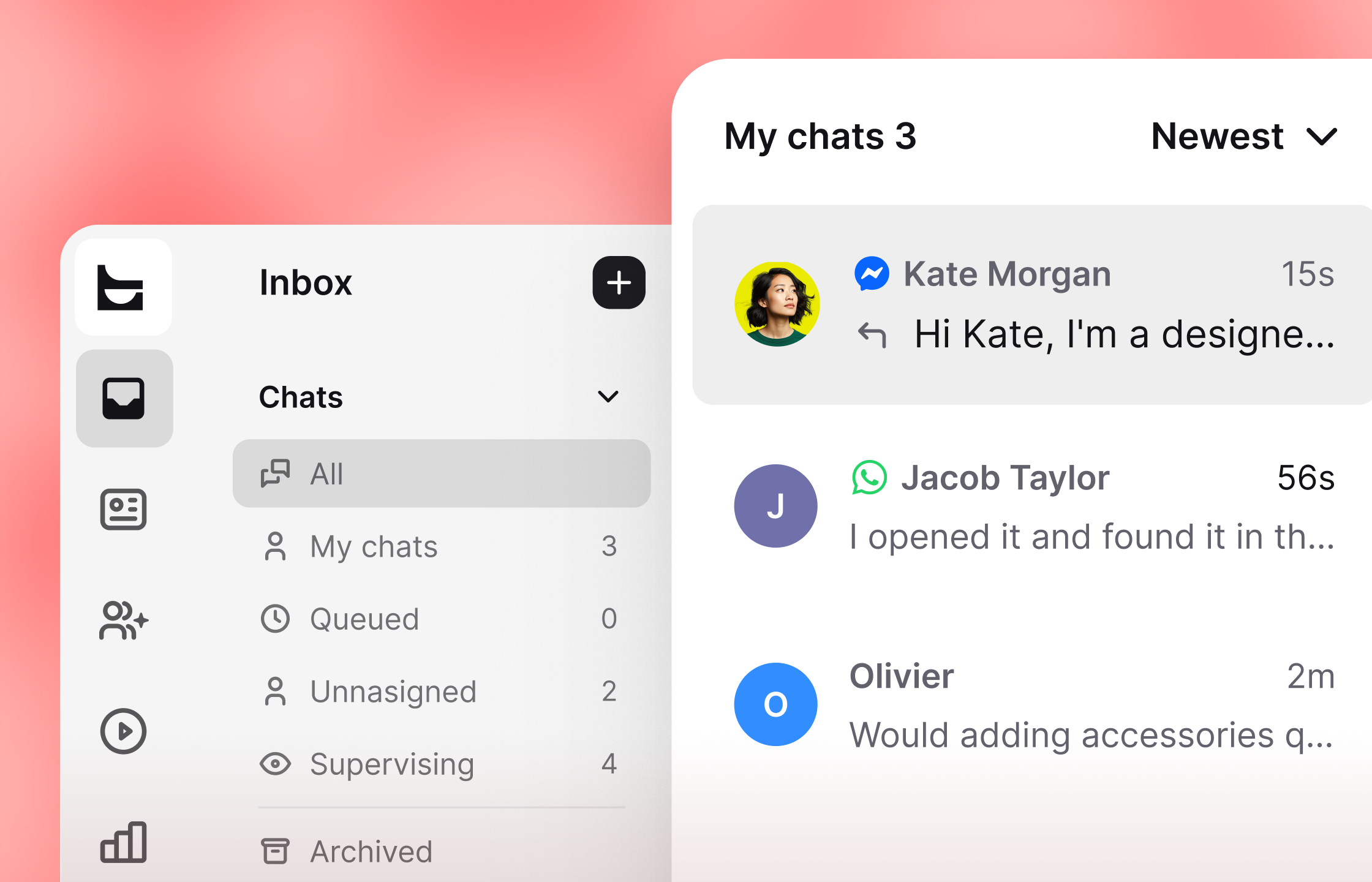
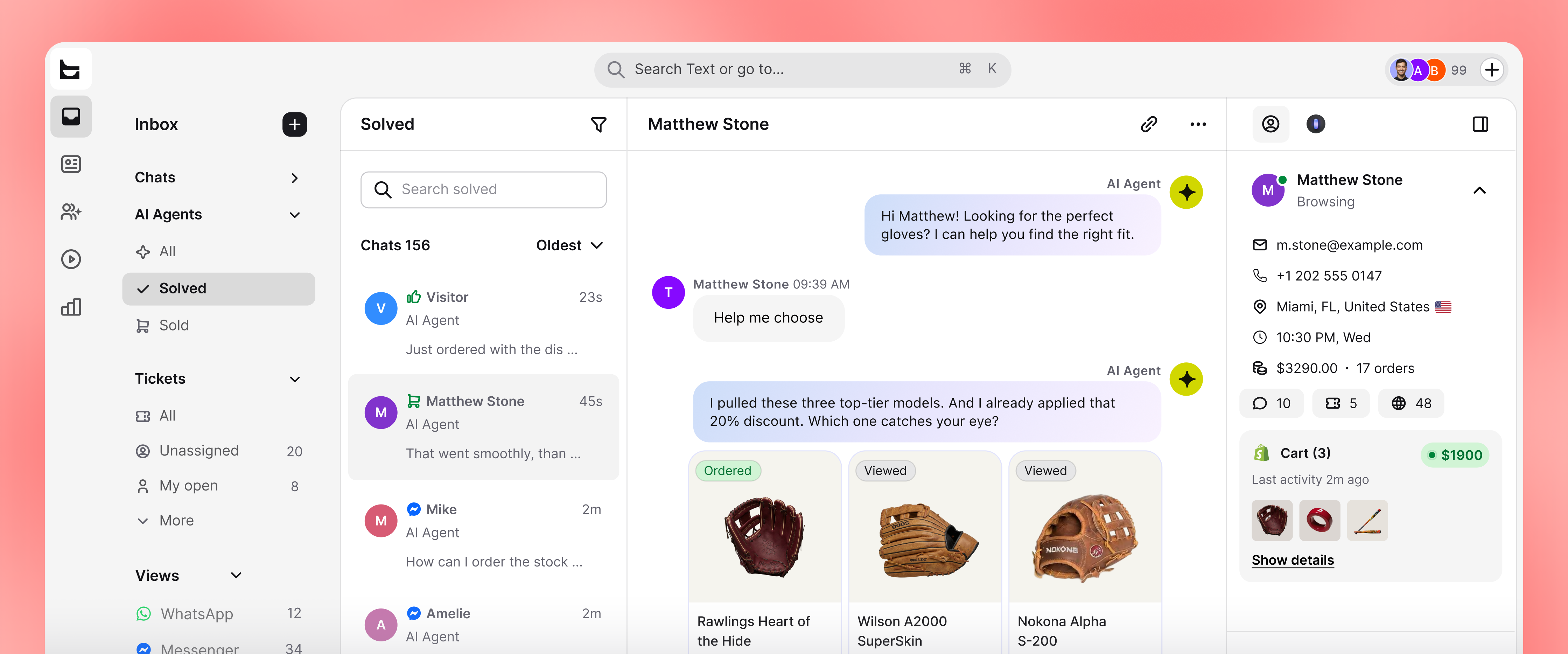
Switch between assigned, queued, unassigned, supervised, and archived conversations.
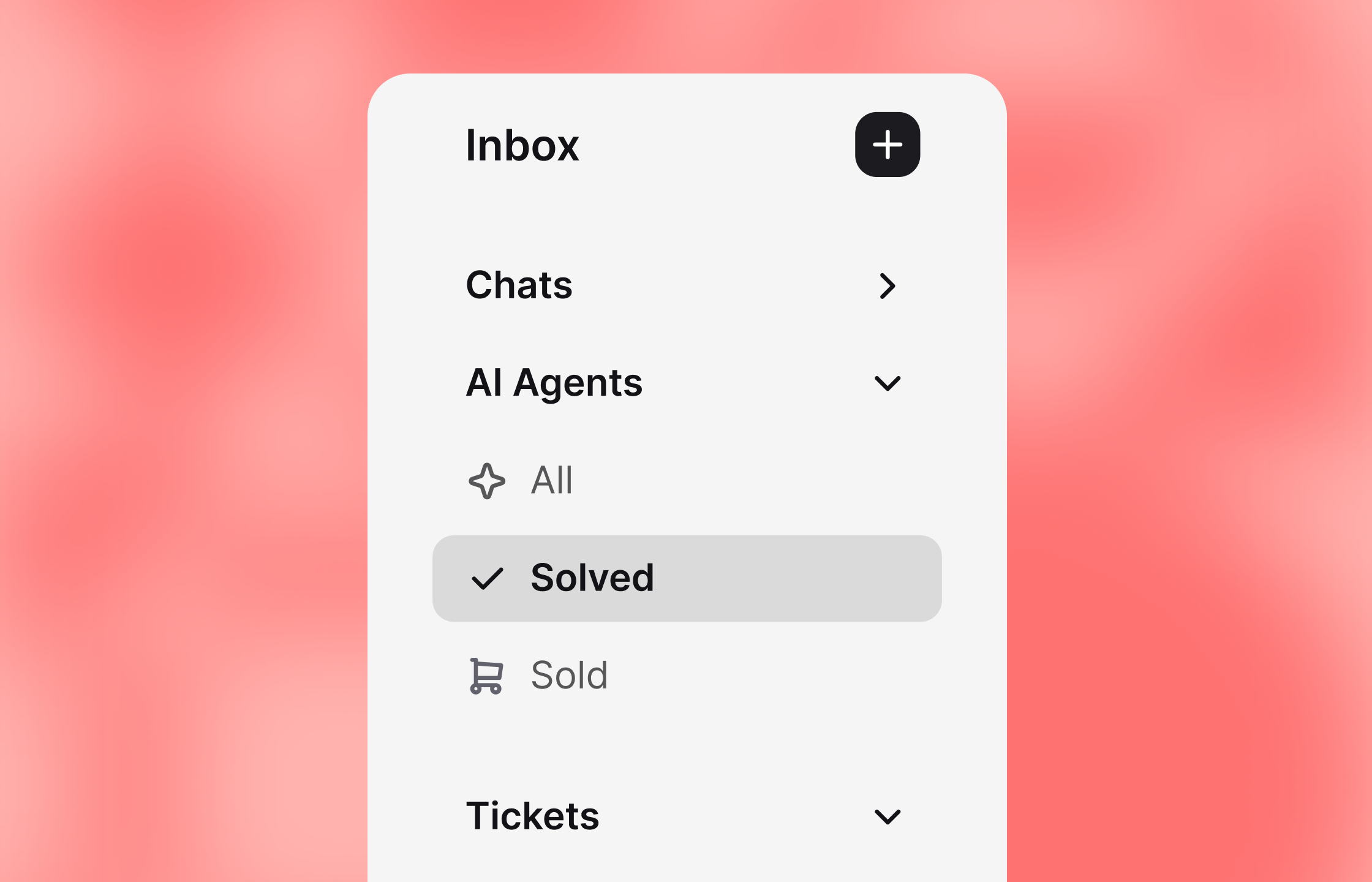
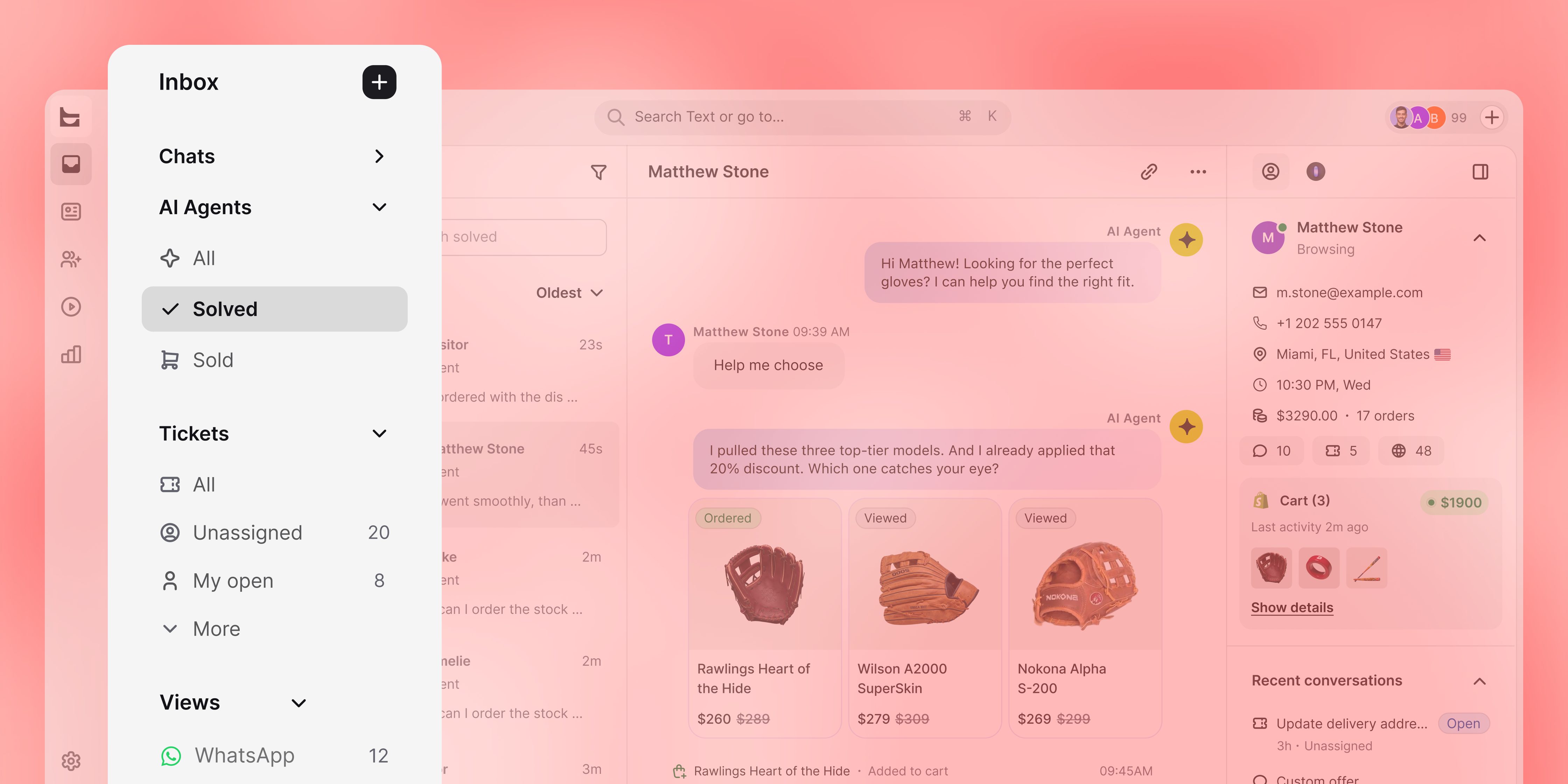
Reply to customers, work on tickets, and supervise AI agents from the same feed.
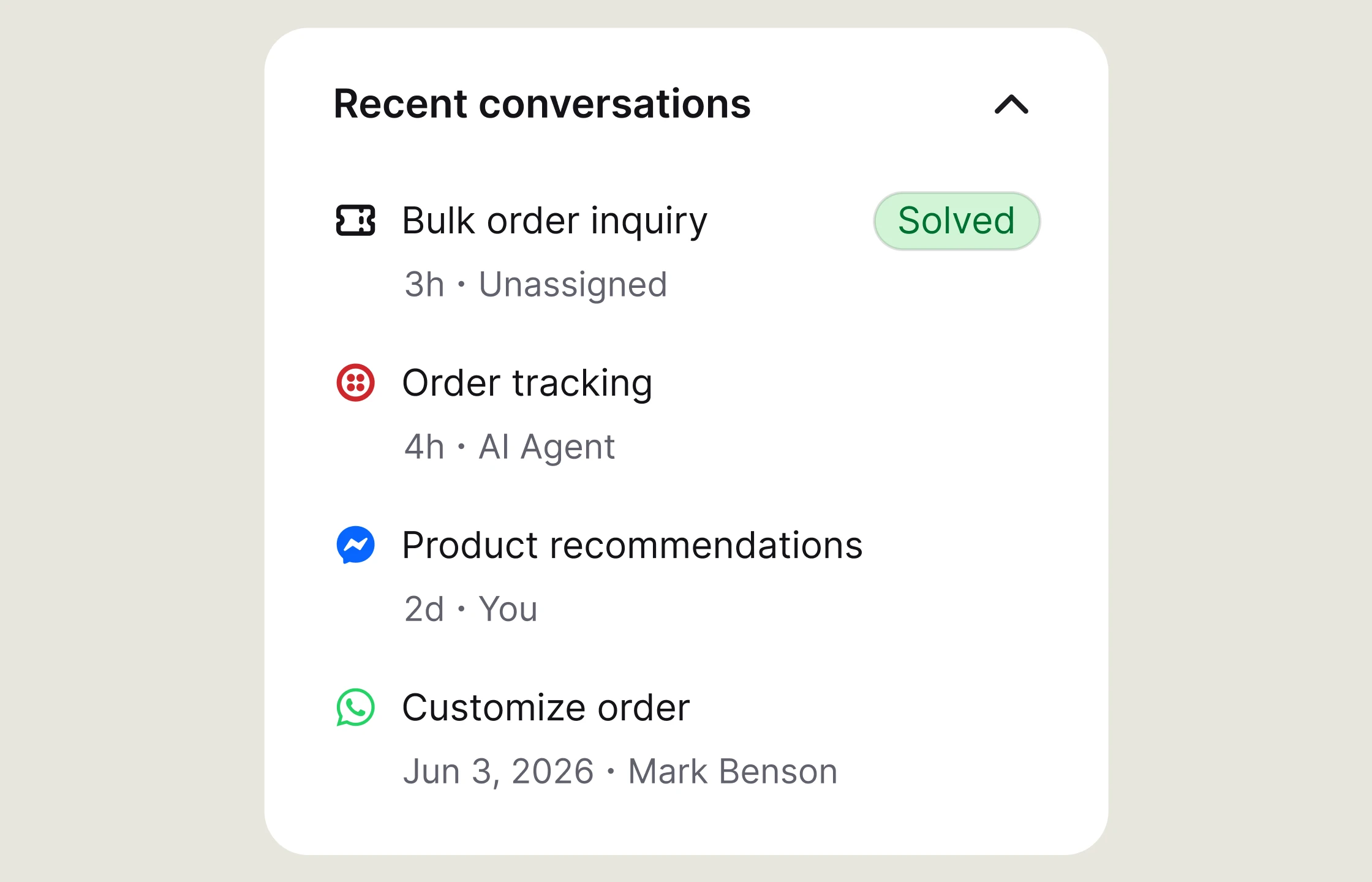
Read the current chat alongside earlier conversations with the same customer.
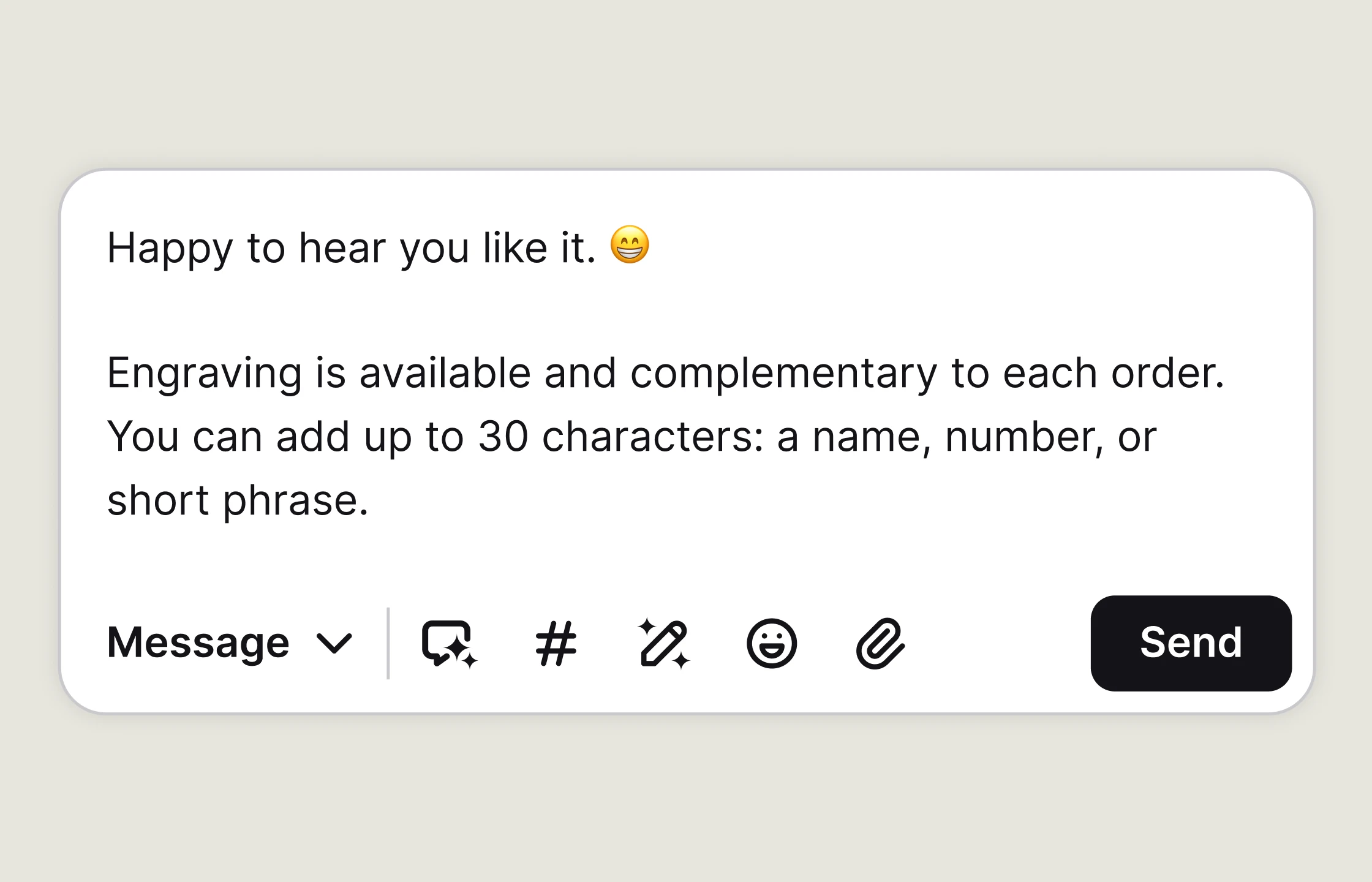
Write a reply, add an emoji, or share a file from the composer.
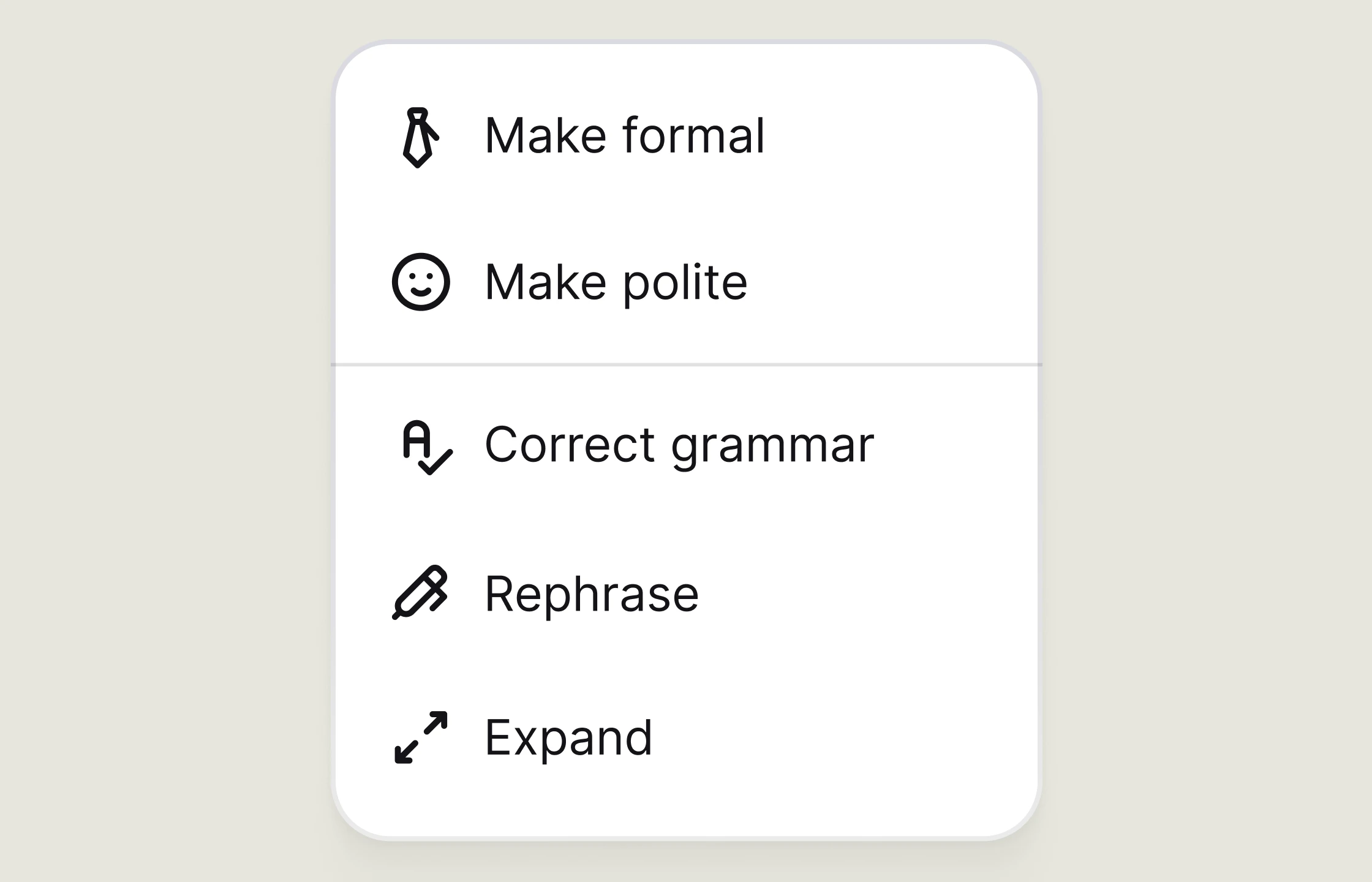
Change the length or tone of a message and fix mistakes before sending.
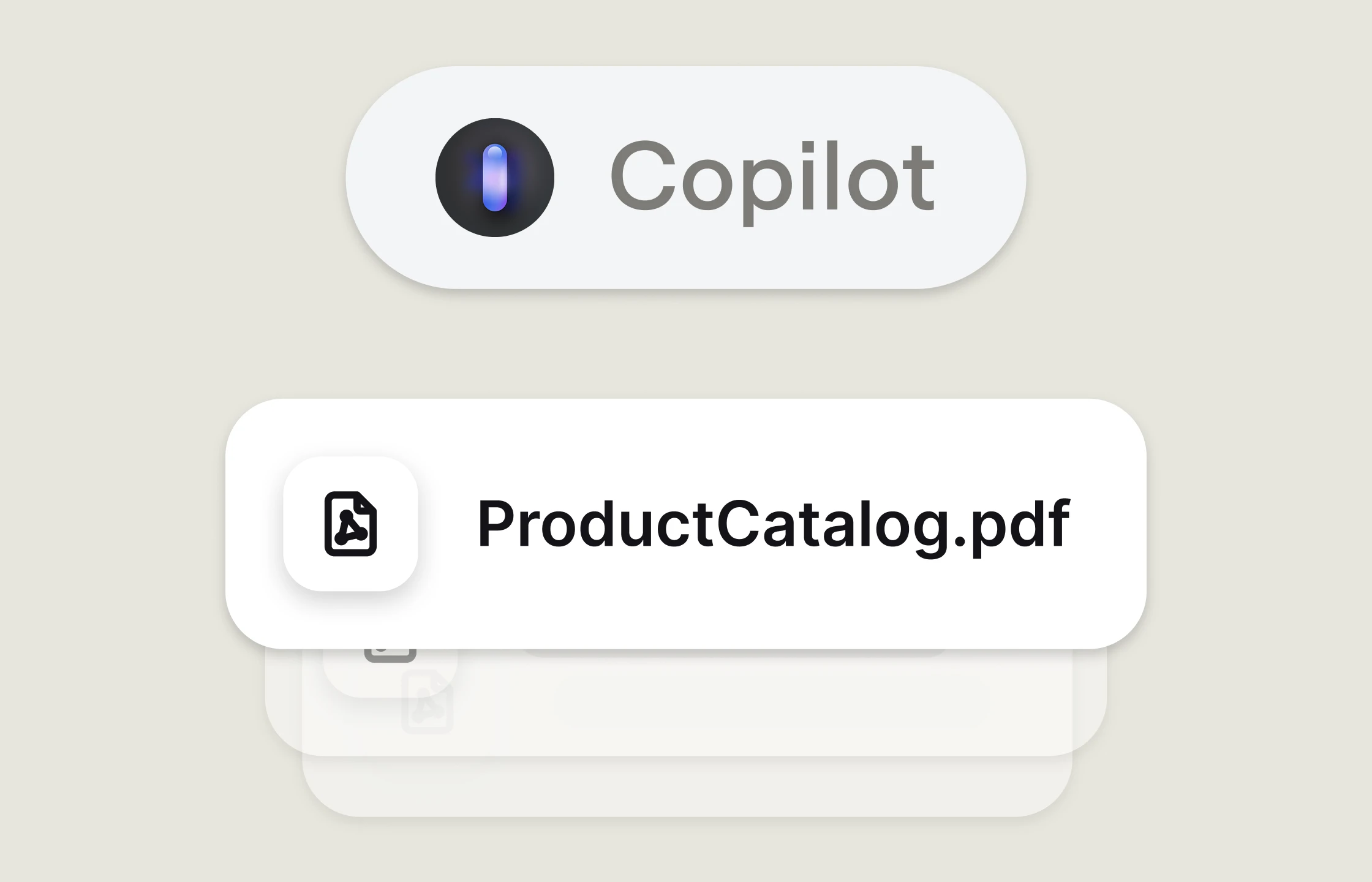
Get a suggested reply based on your knowledge base and the customer's question.
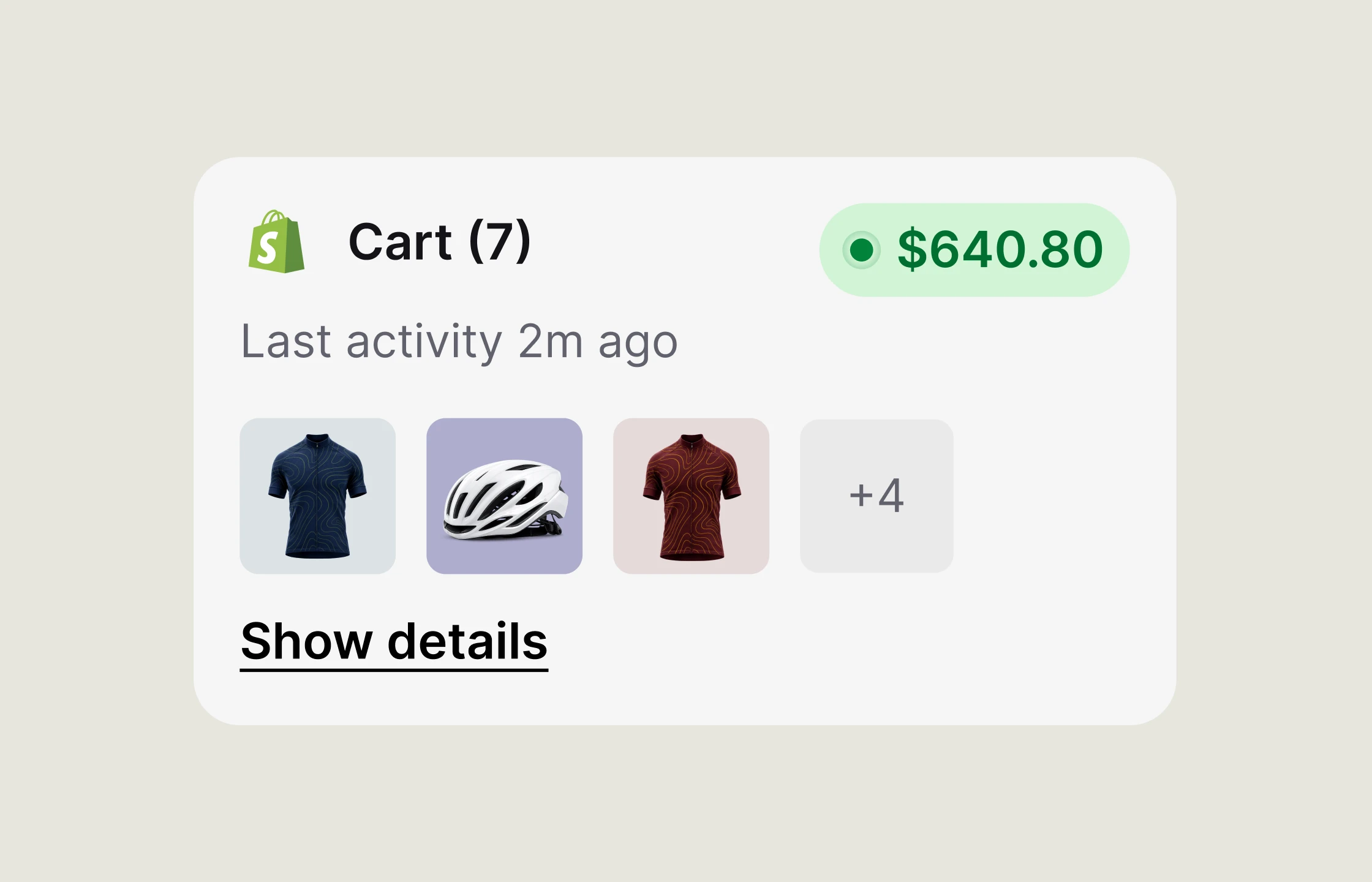
Check the current cart, order value, recent activity, and product details while you chat.
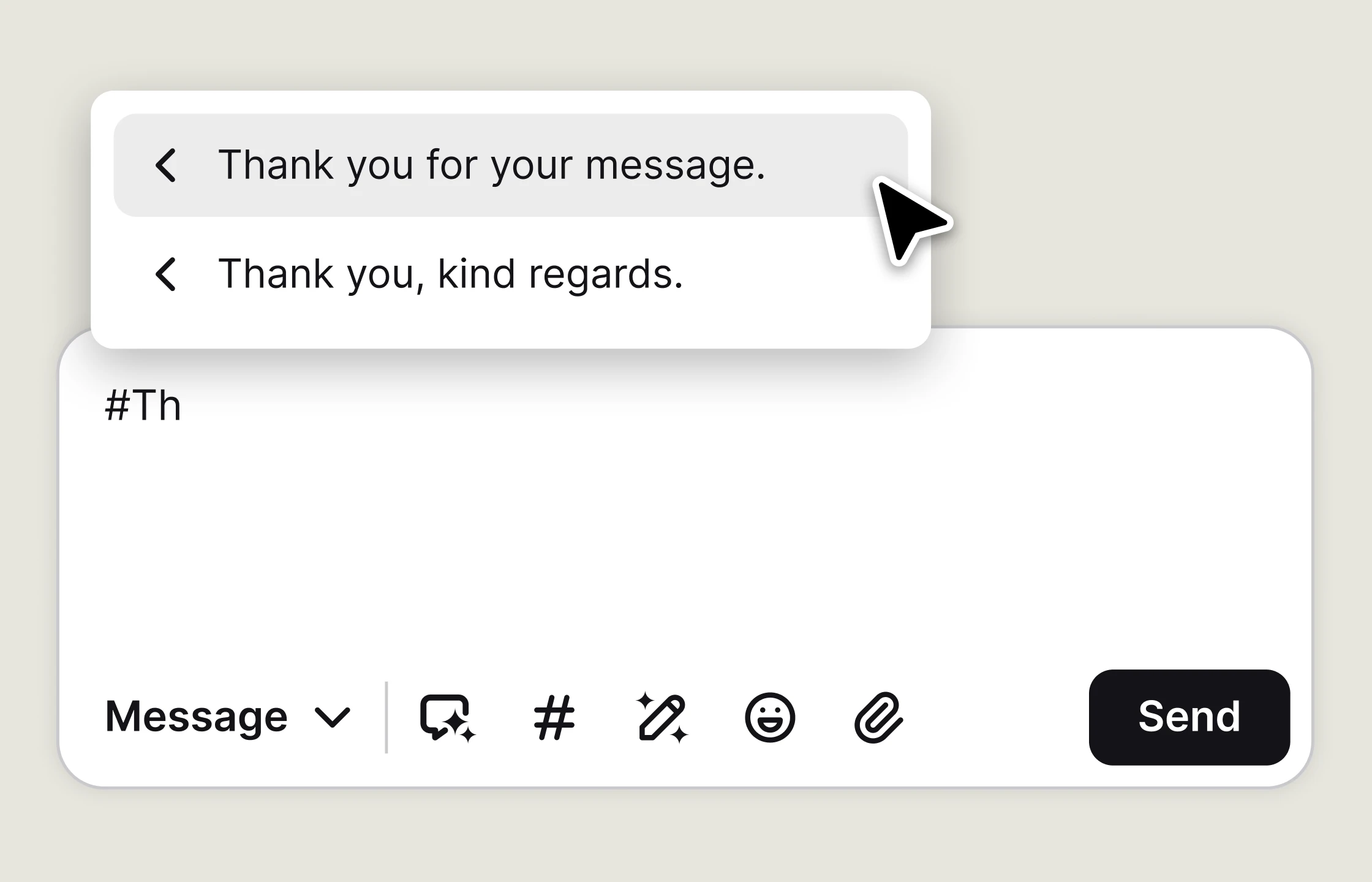
Insert canned responses with keyboard shortcuts when the same questions come up.
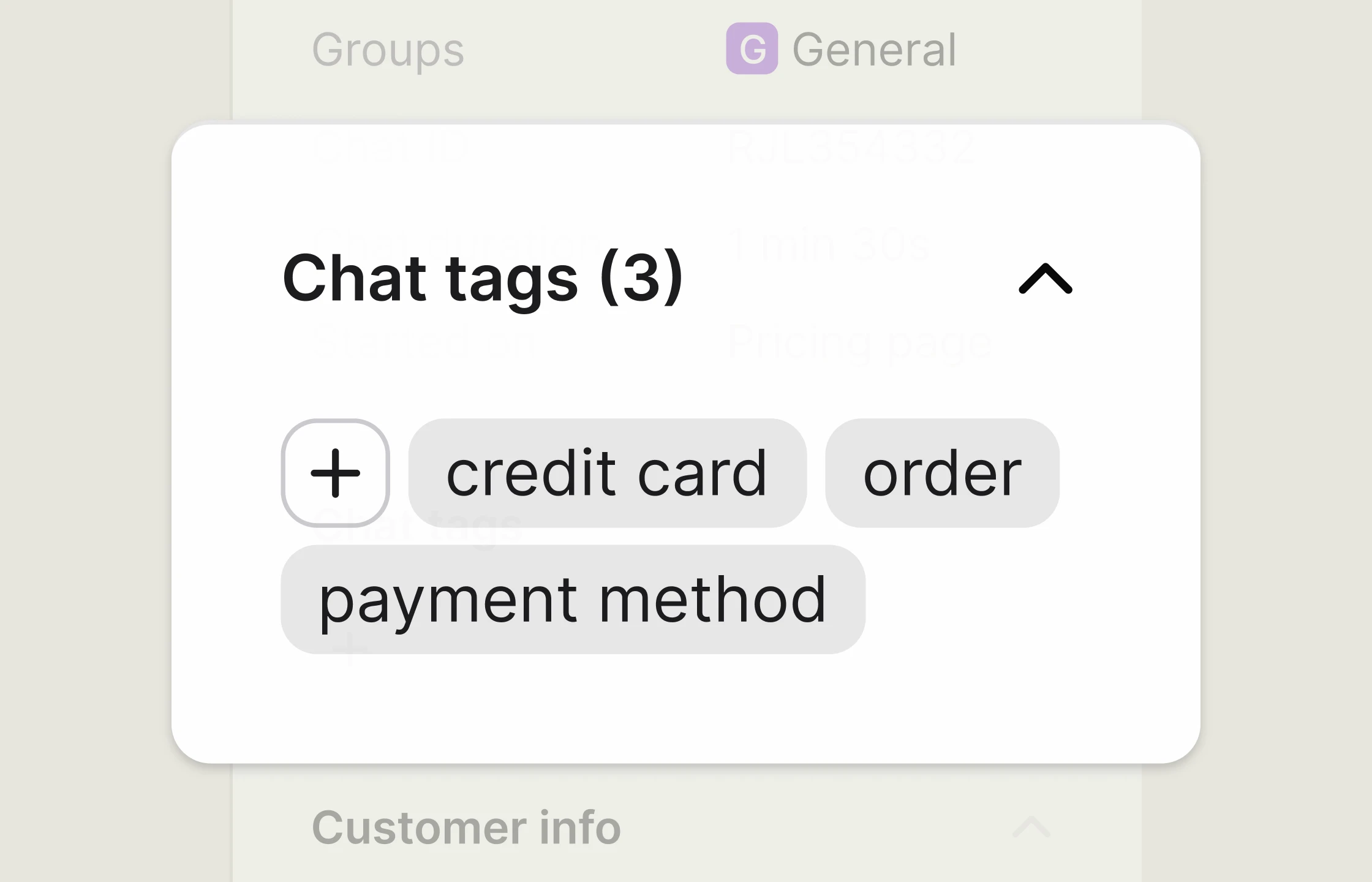
Tag a conversation so the team can find related cases later.
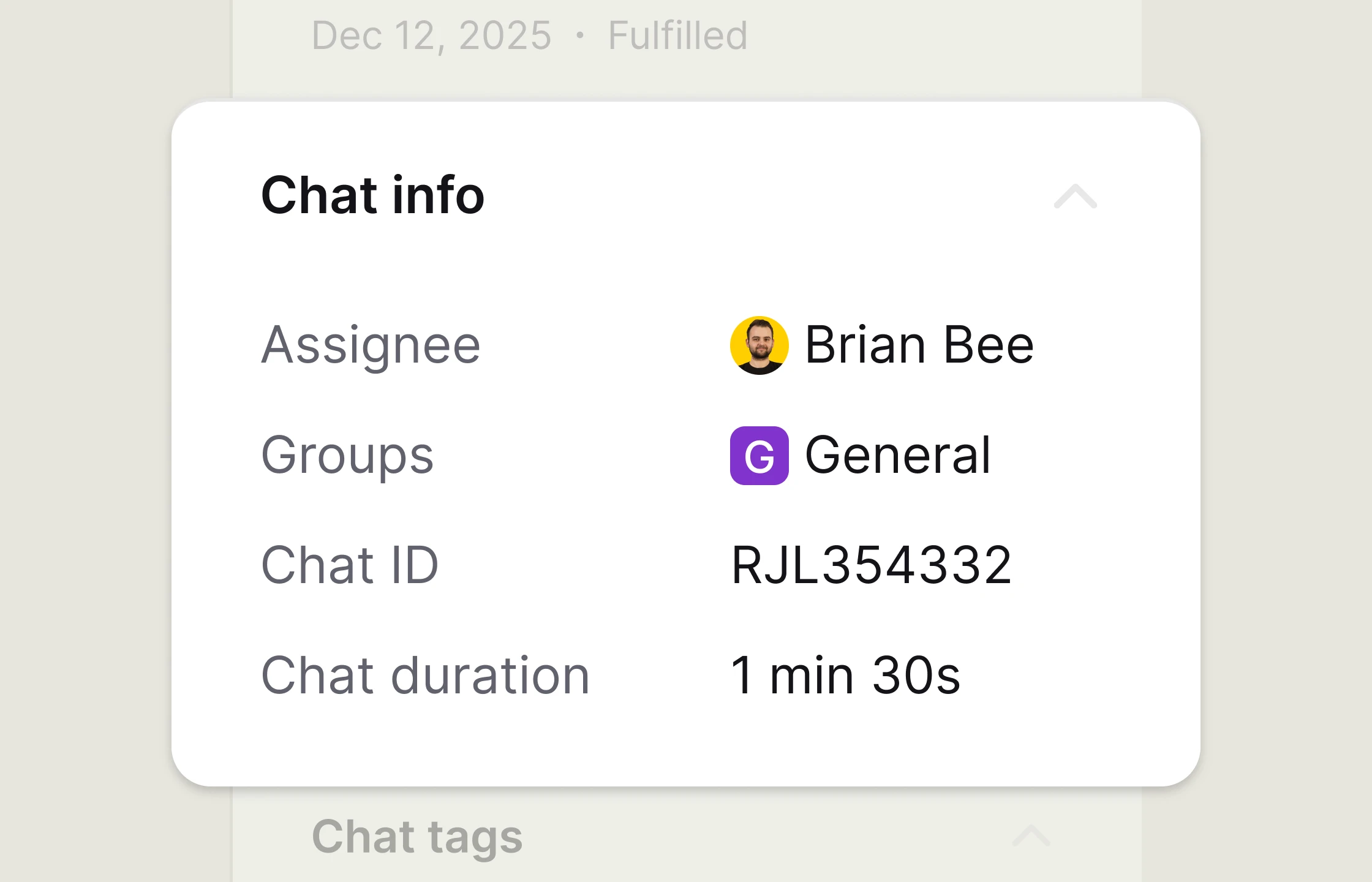
Send a live chat to the right agent or team without losing context.
Details keeps contact information, website activity, surveys, carts, and recent orders with each conversation.
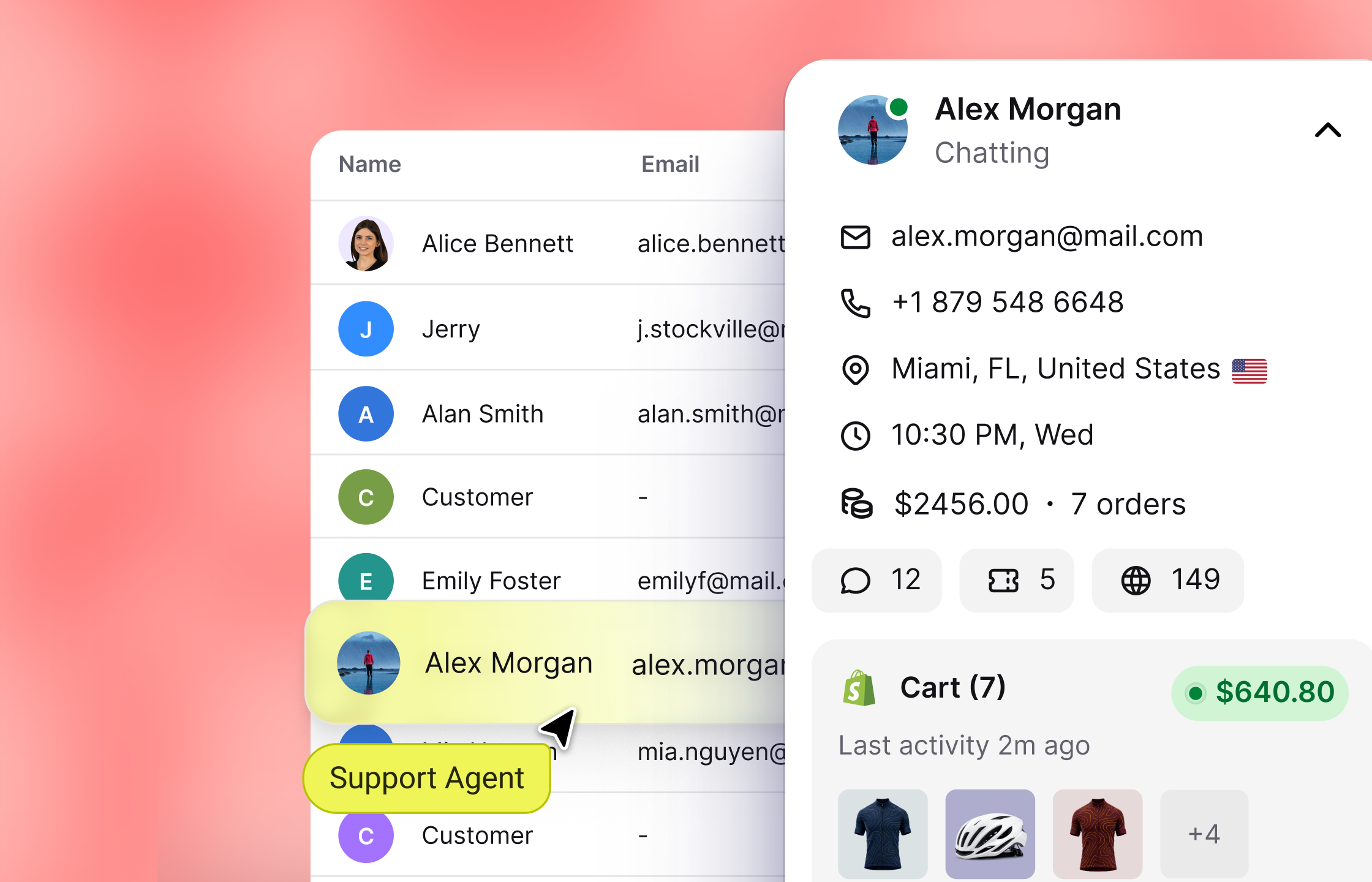
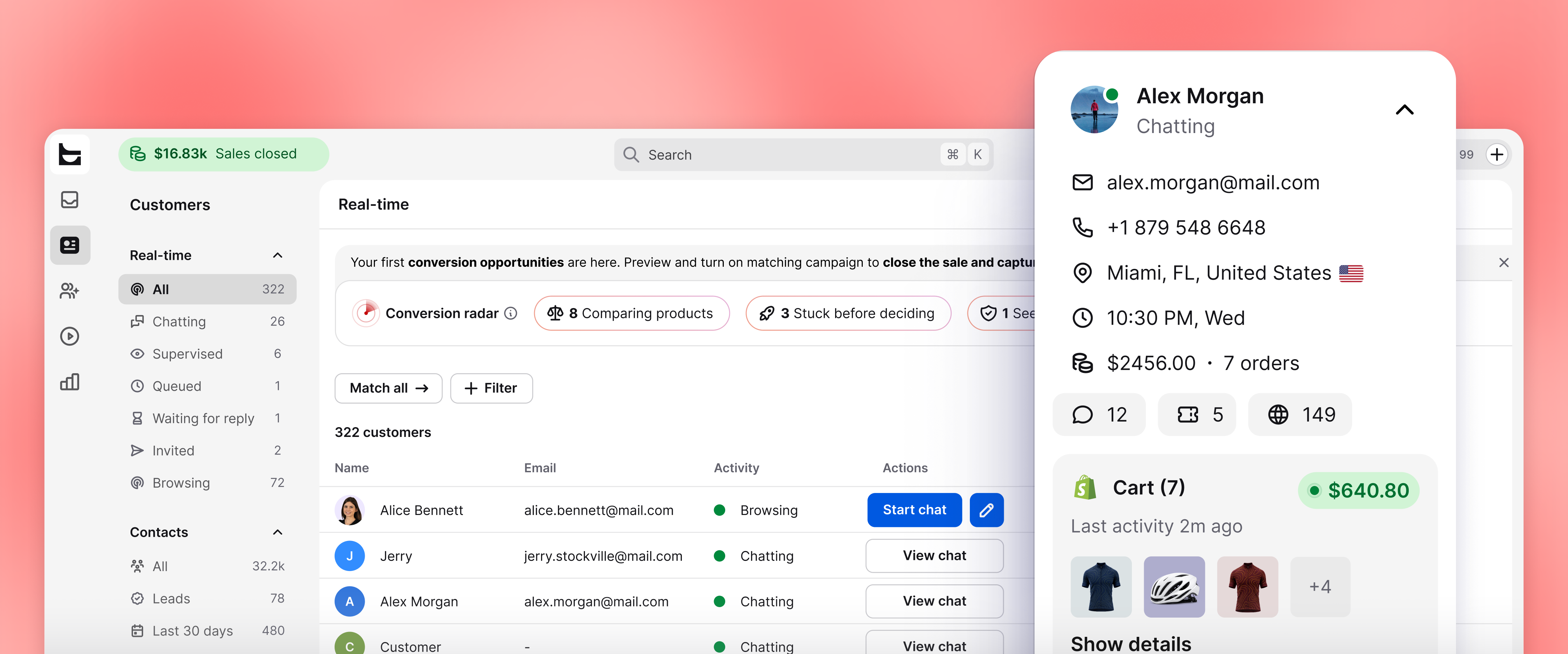
Check customer details and website activity without leaving the conversation.
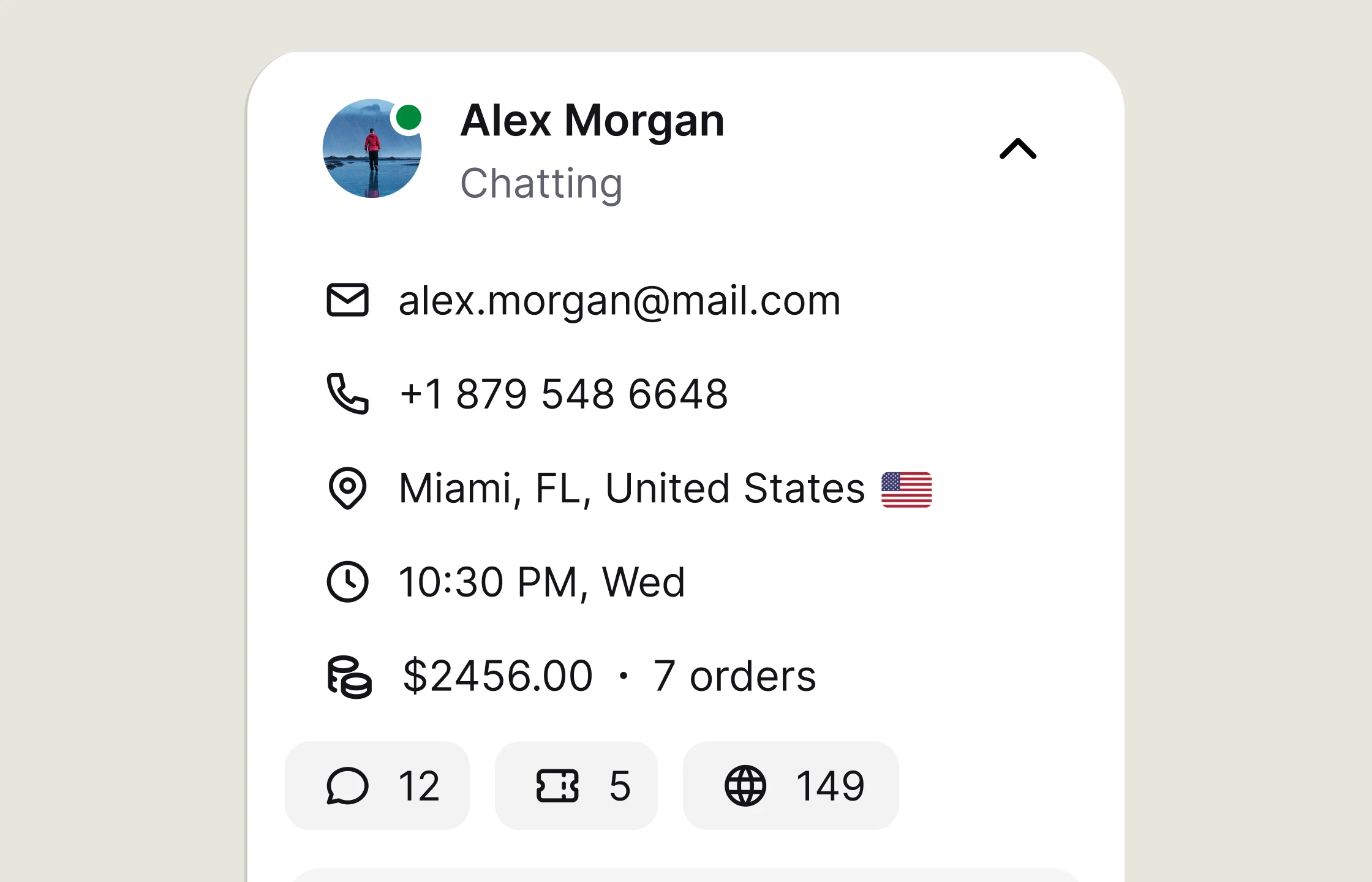
Check the customer's name, email address, time zone, and location.
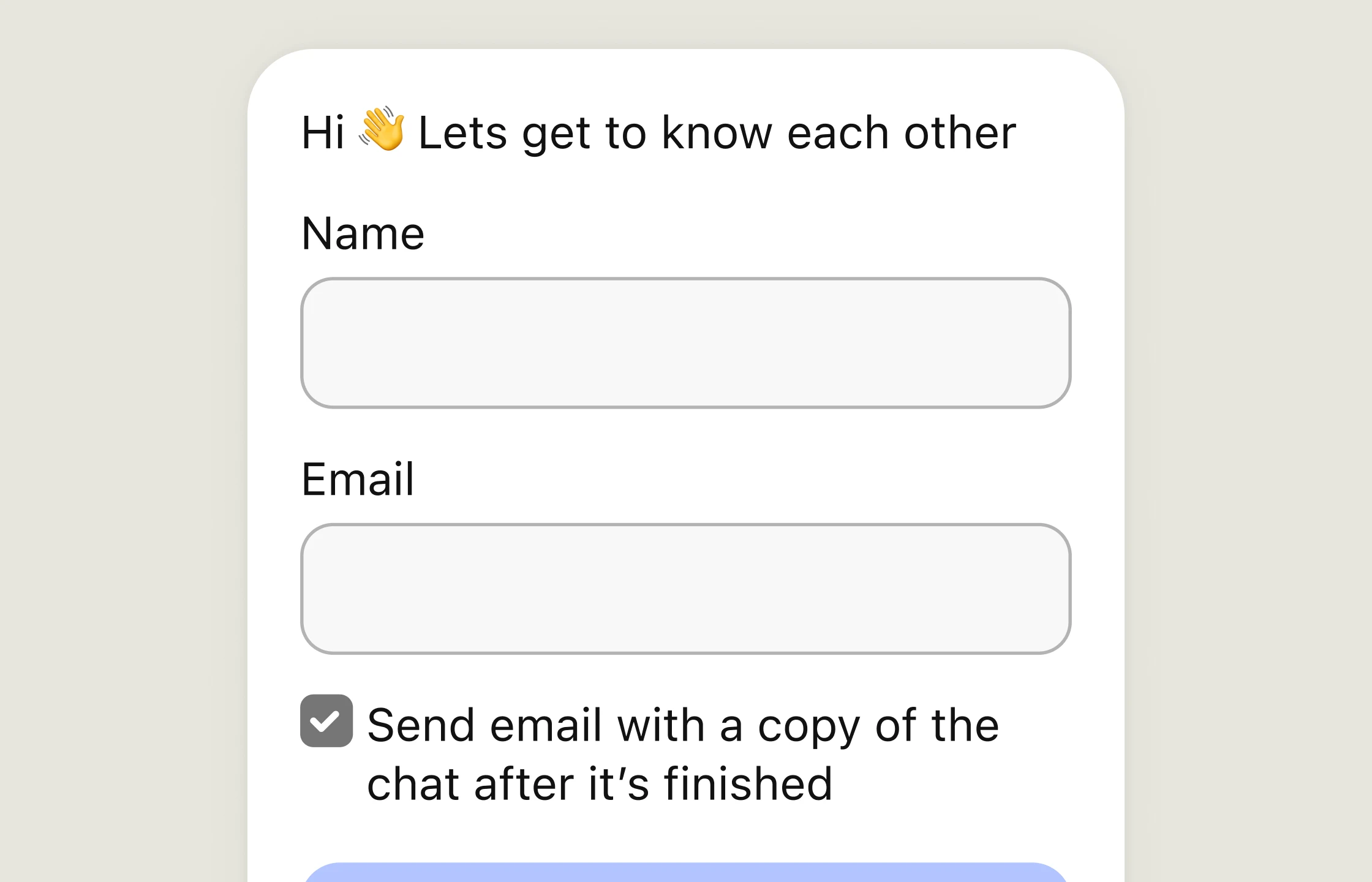
Read the answers collected before the chat started.
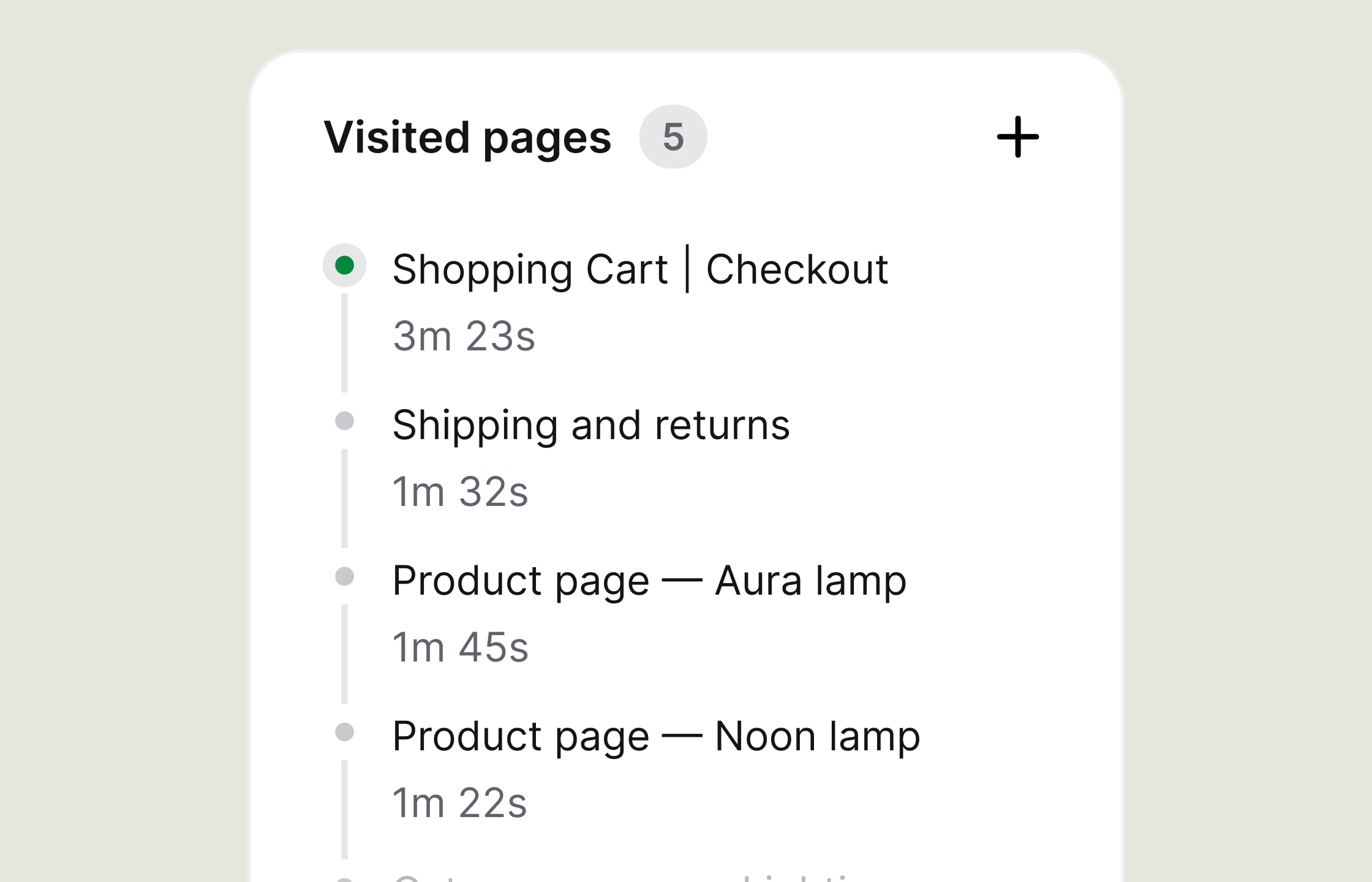
Check which pages the customer visited and how long they stayed.
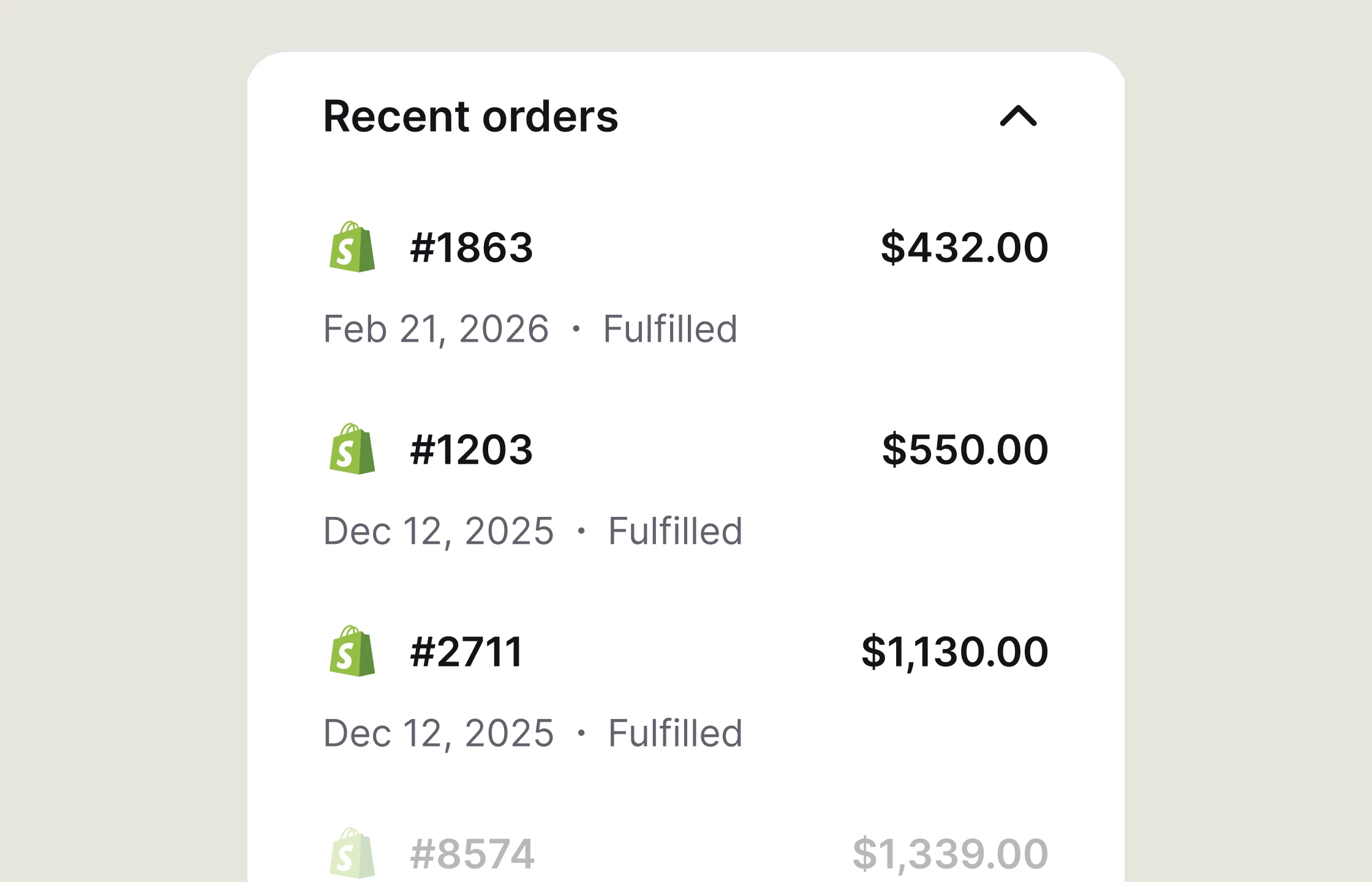
Check order value, purchase date, and fulfillment status during the chat.
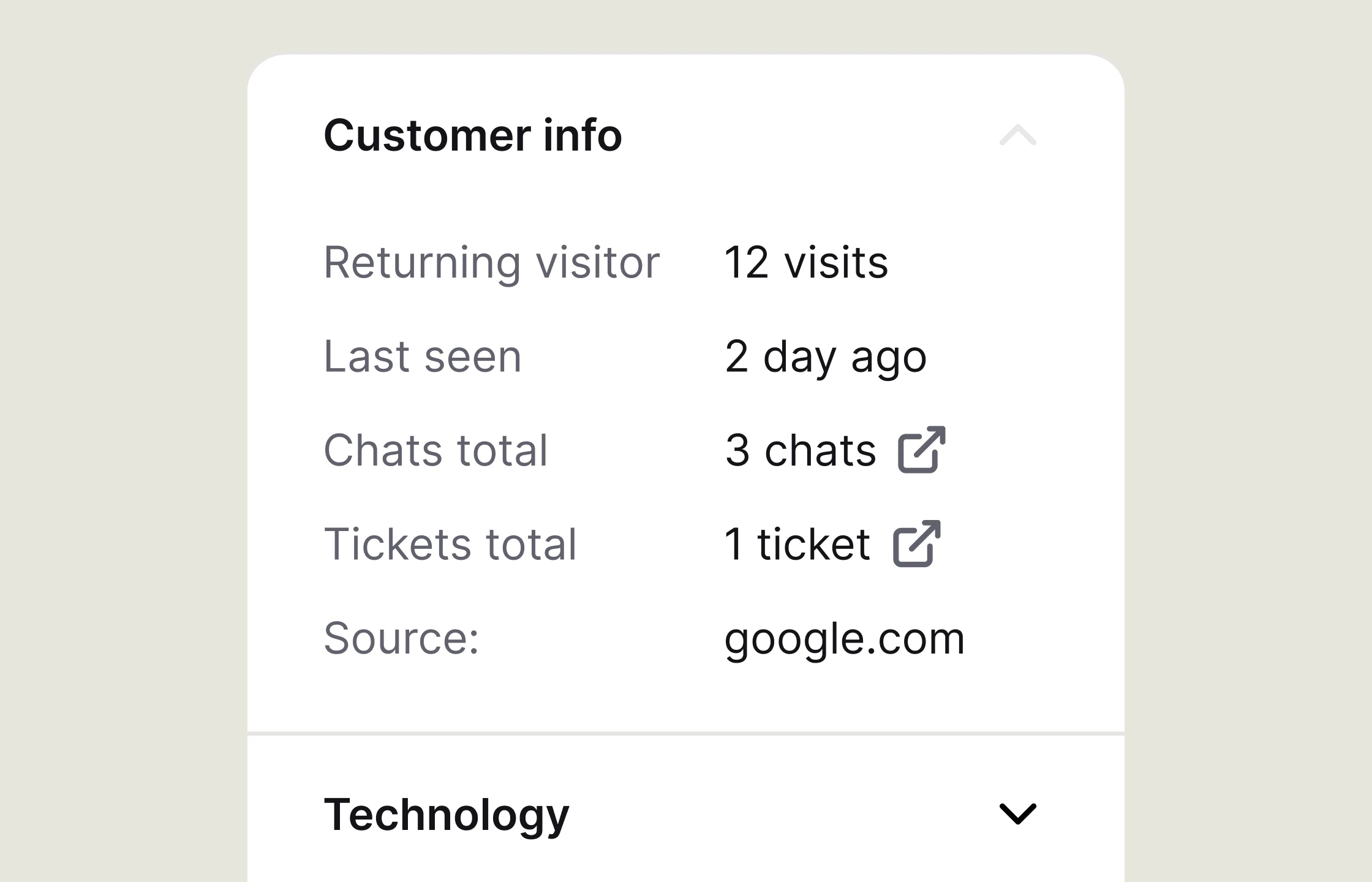
Find previous visits, chats, tickets, and the customer's referral source.
Text keeps chats, tickets, customer records, and automation in the same workspace. Your team can assign work and automate repetitive tasks without stitching together separate tools.
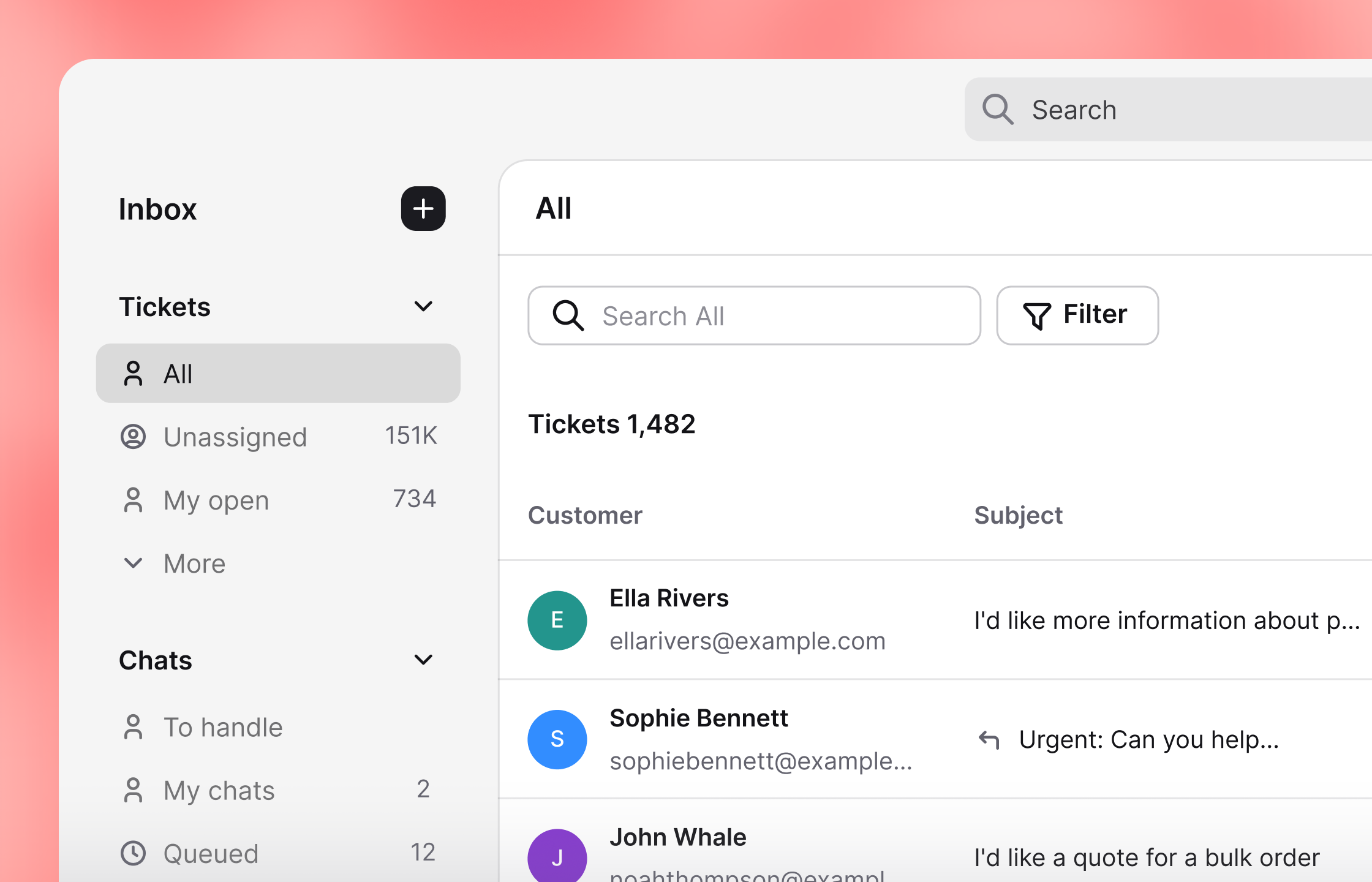
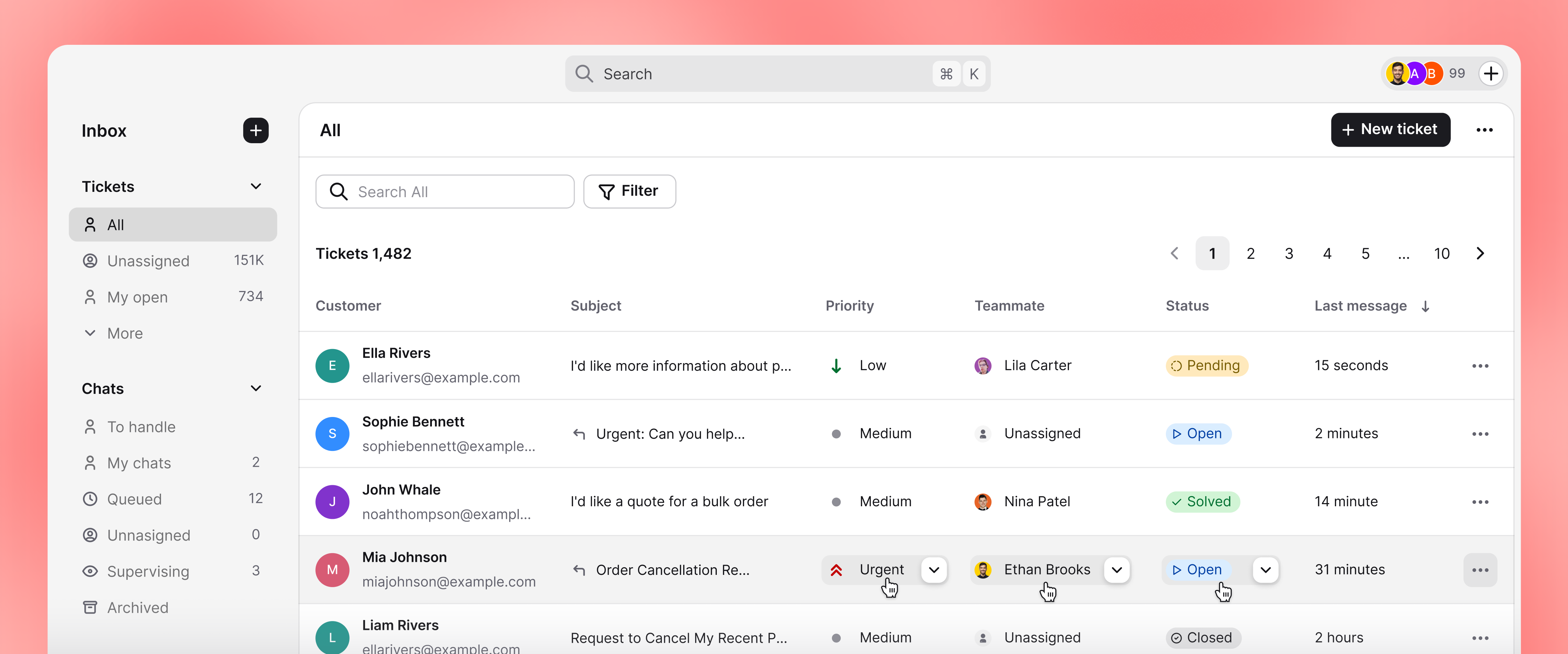
Use Playbook for repeatable work, route tickets automatically, and find the customer record behind each request.
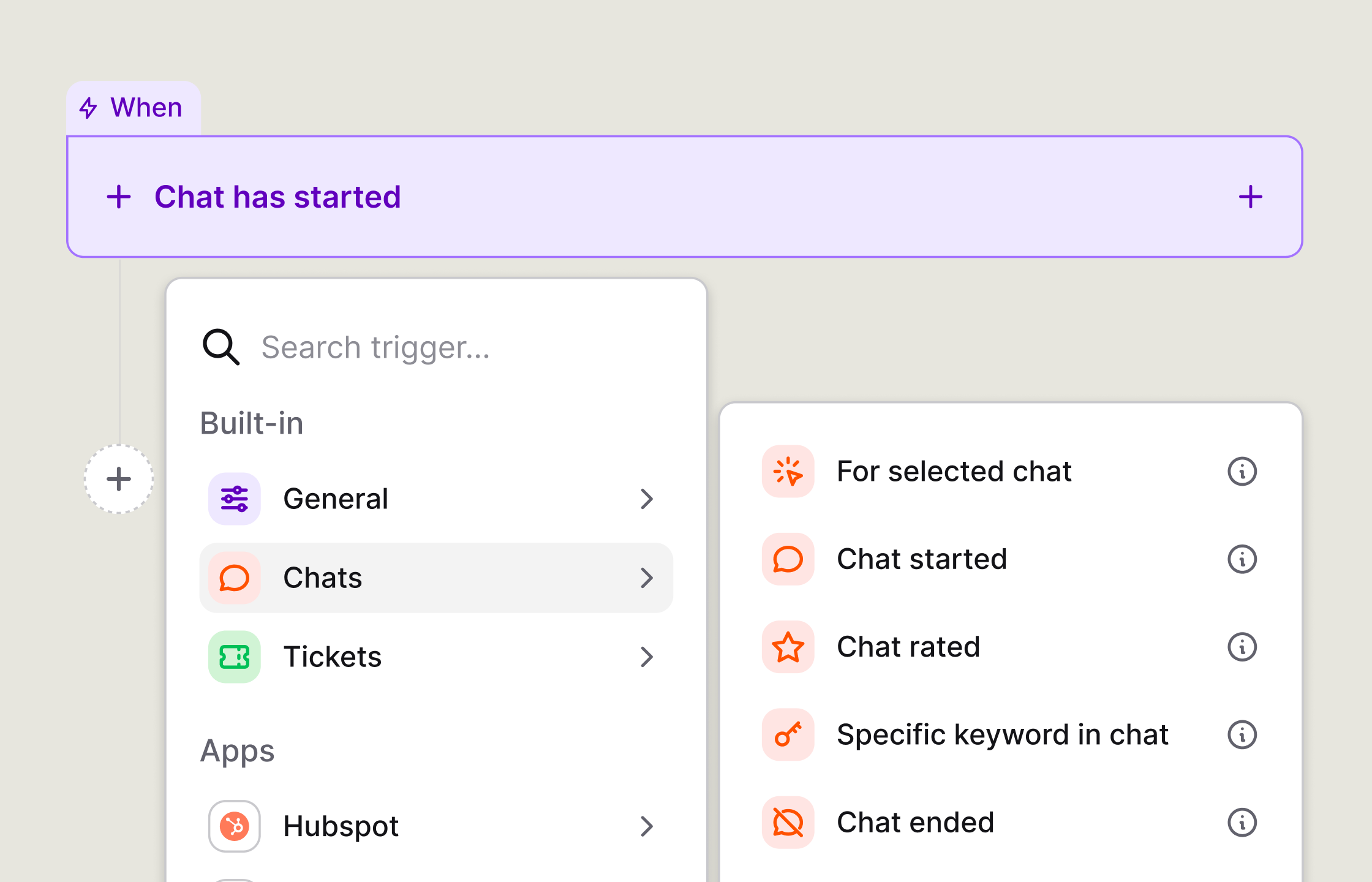
Start from an event, apply a condition or delay, then run the next action.
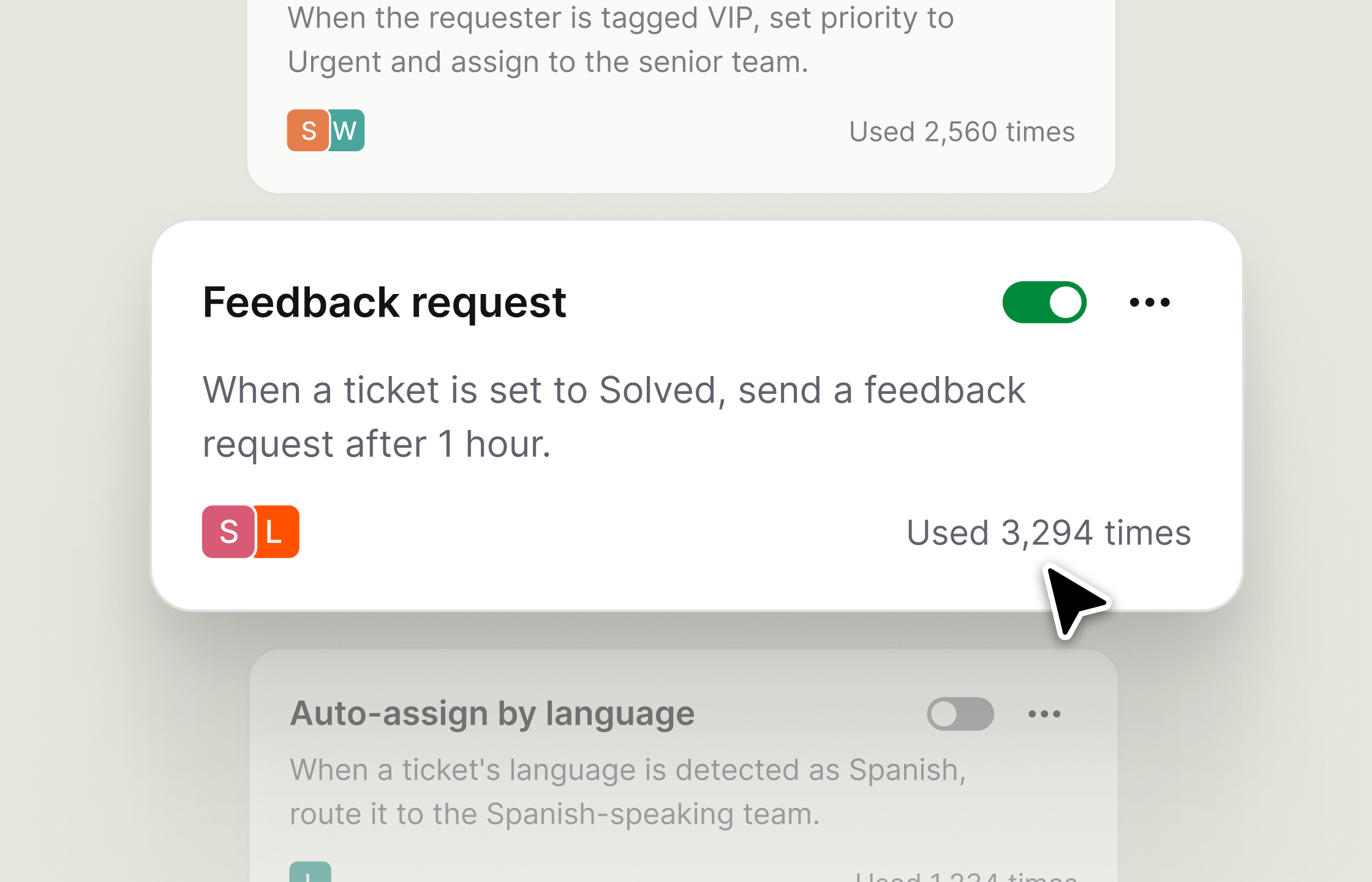
Assign, prioritize, or follow up on tickets when a rule matches.
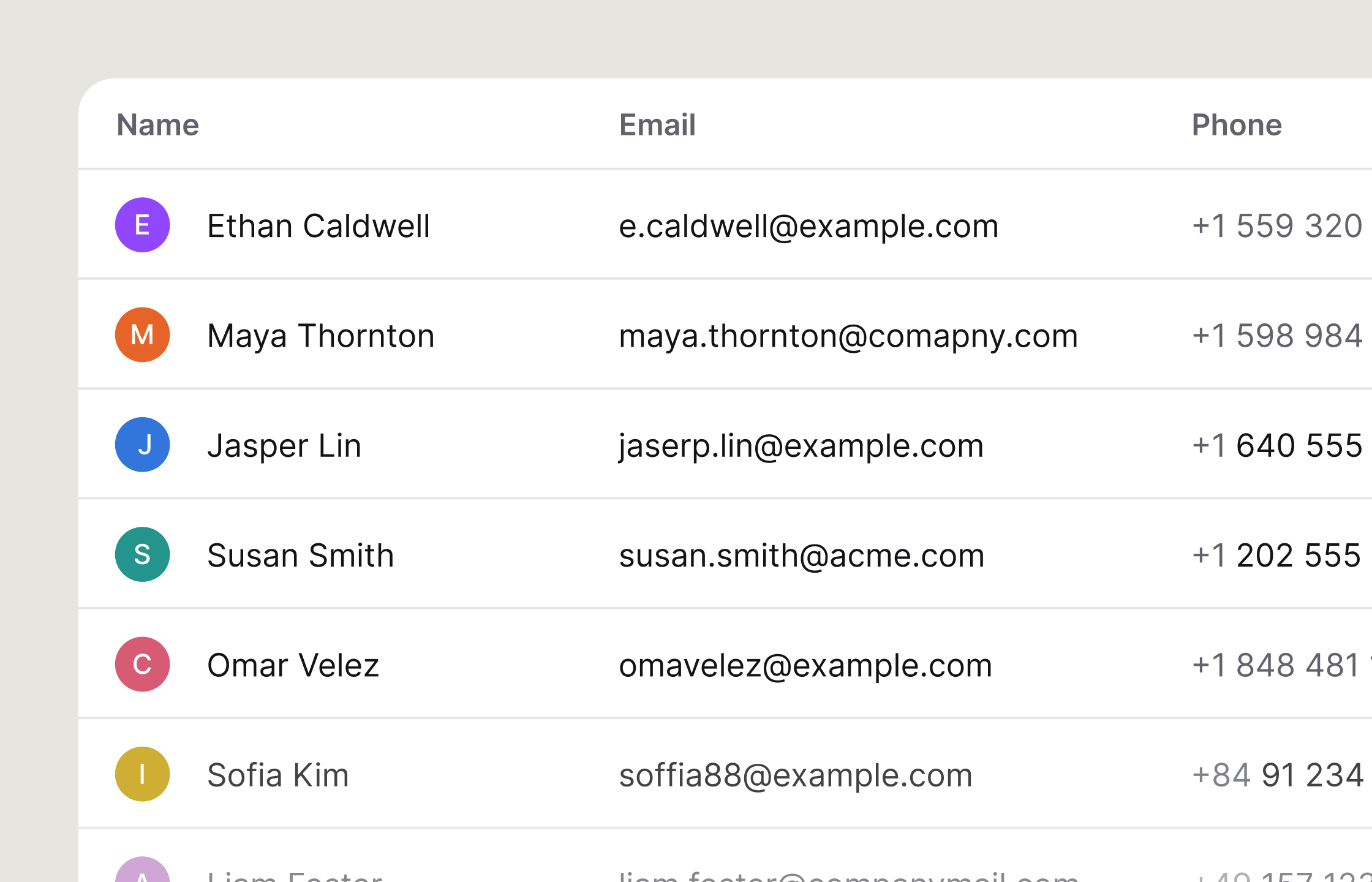
Search contacts and filter the list before opening a customer record.
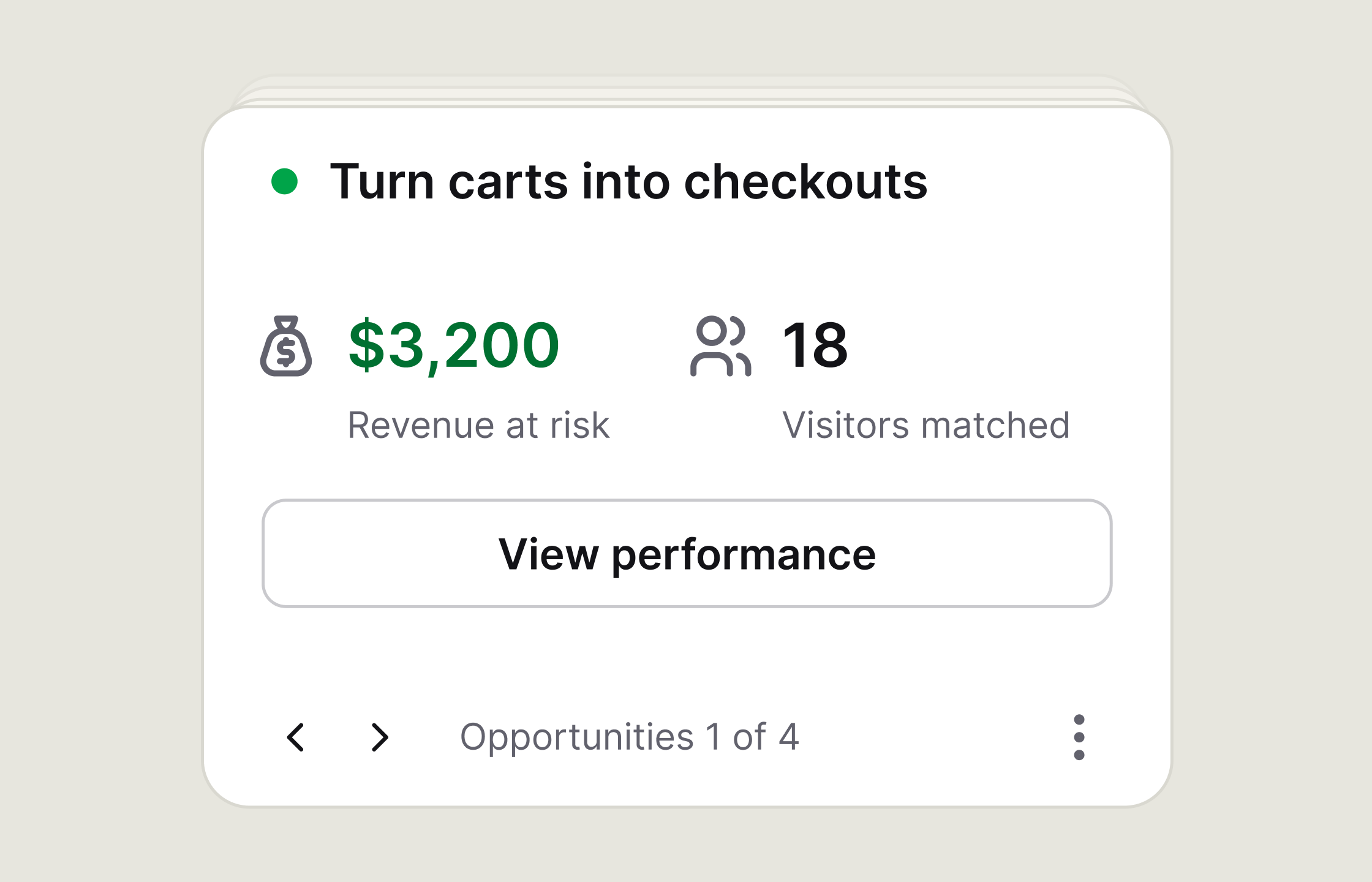
Group customers by behavior or buying intent, including shoppers with active carts.
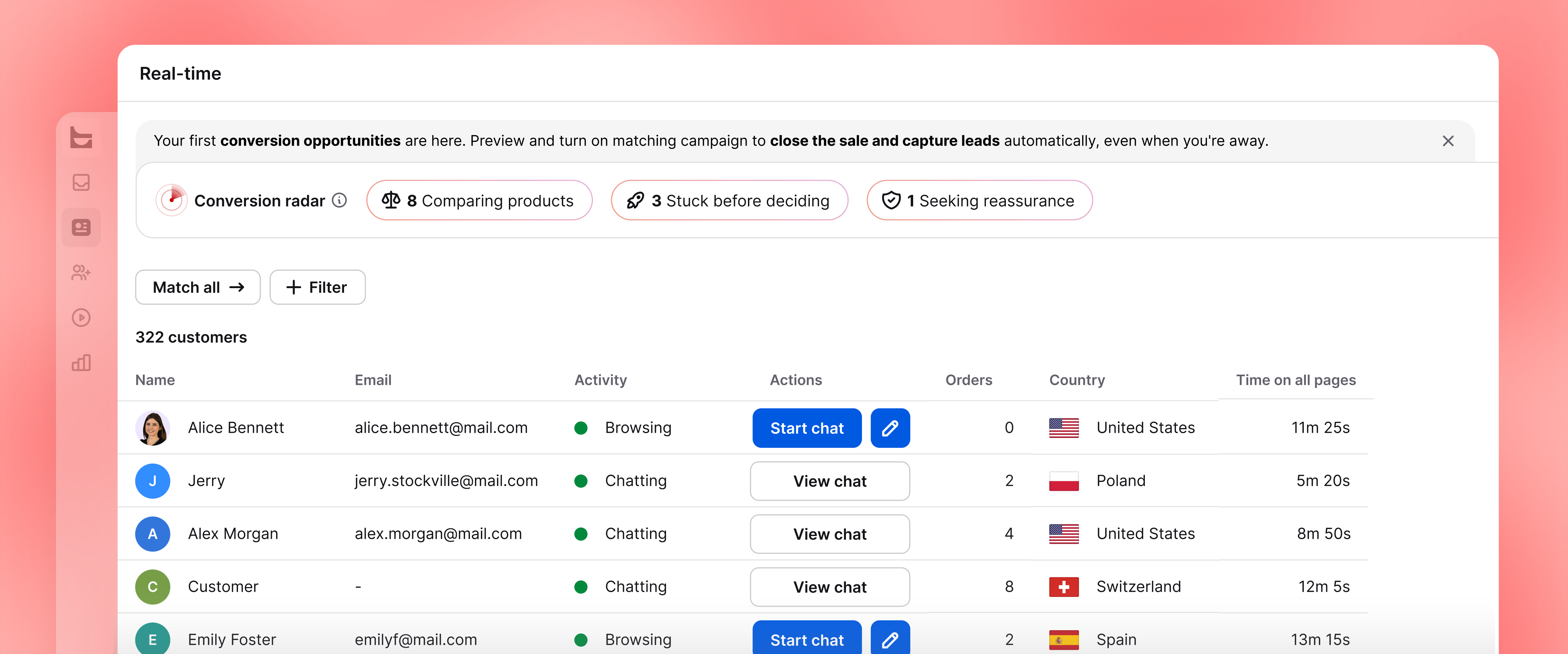
Engage shows who is browsing your website right now. Start a chat yourself or use Campaigns to reach website visitors when their behavior signals intent.
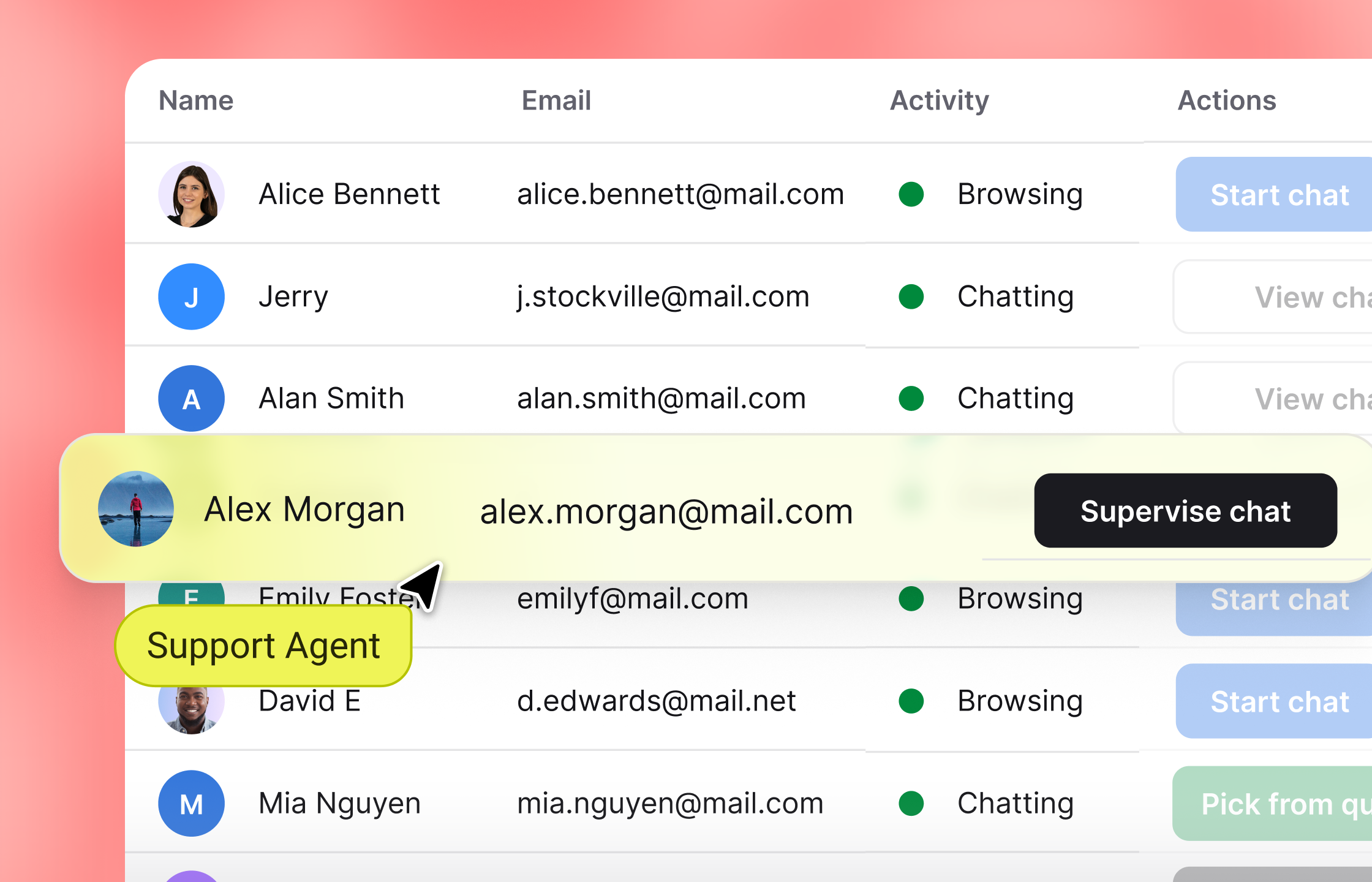
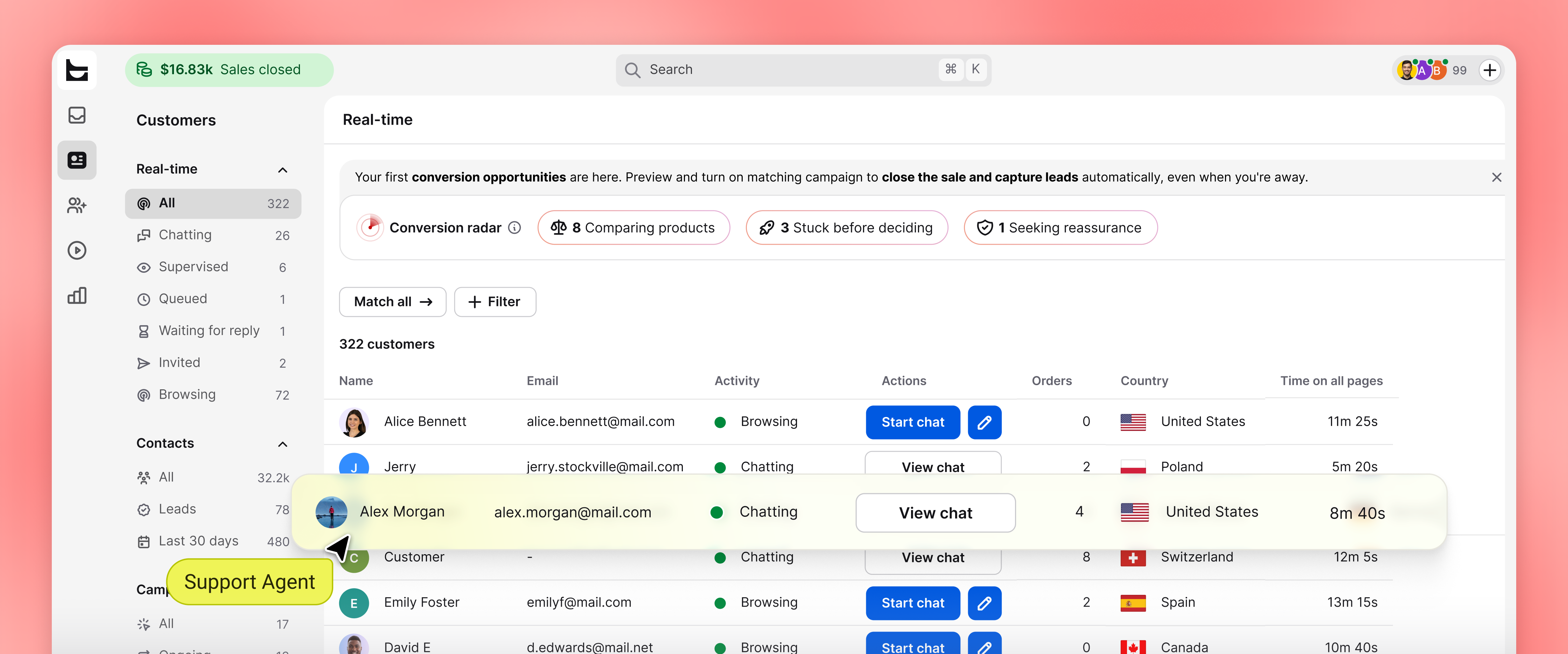
See where each visitor is, which pages they viewed, and how long they stayed. Use that context to start a relevant website chat.
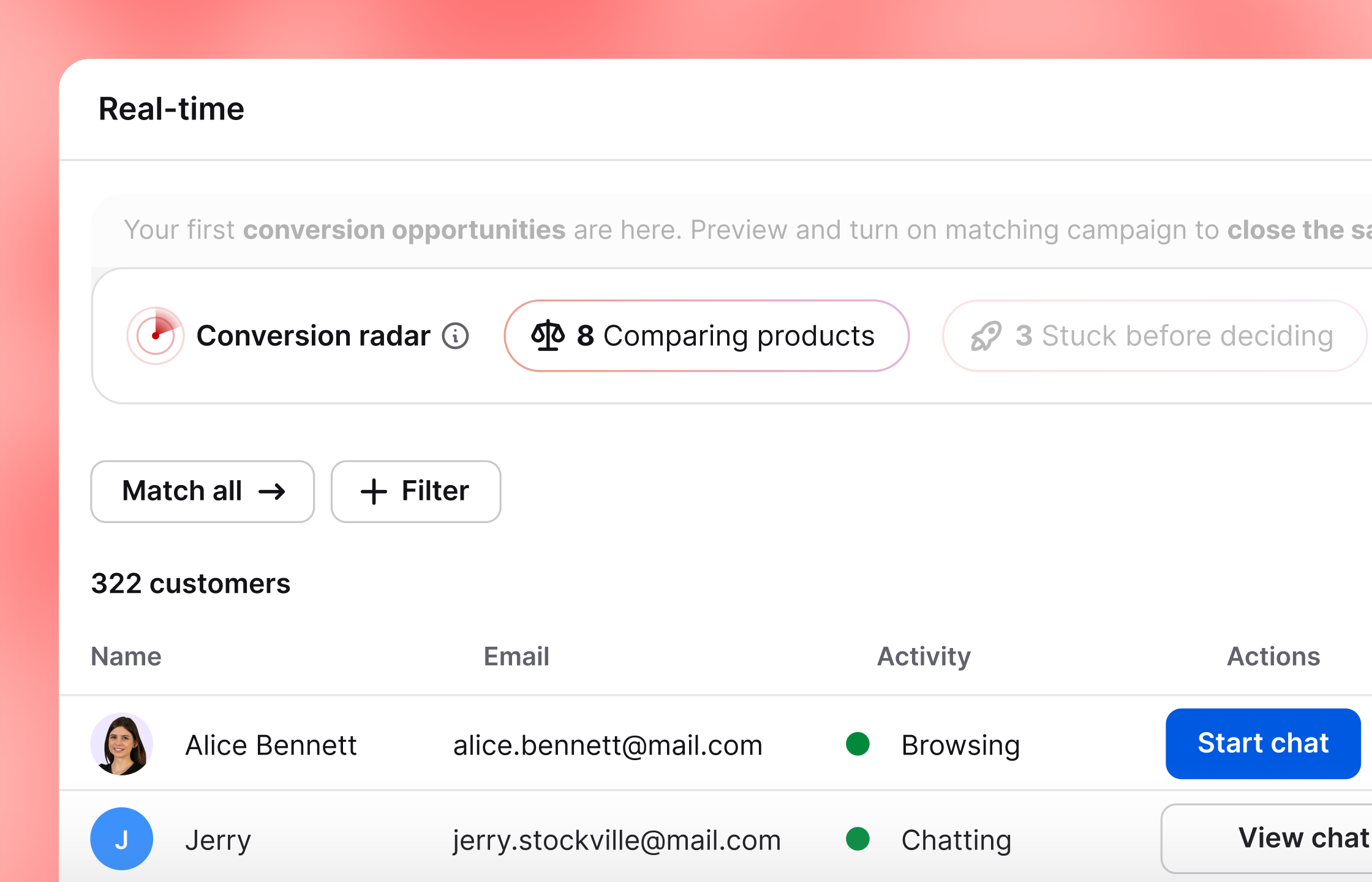
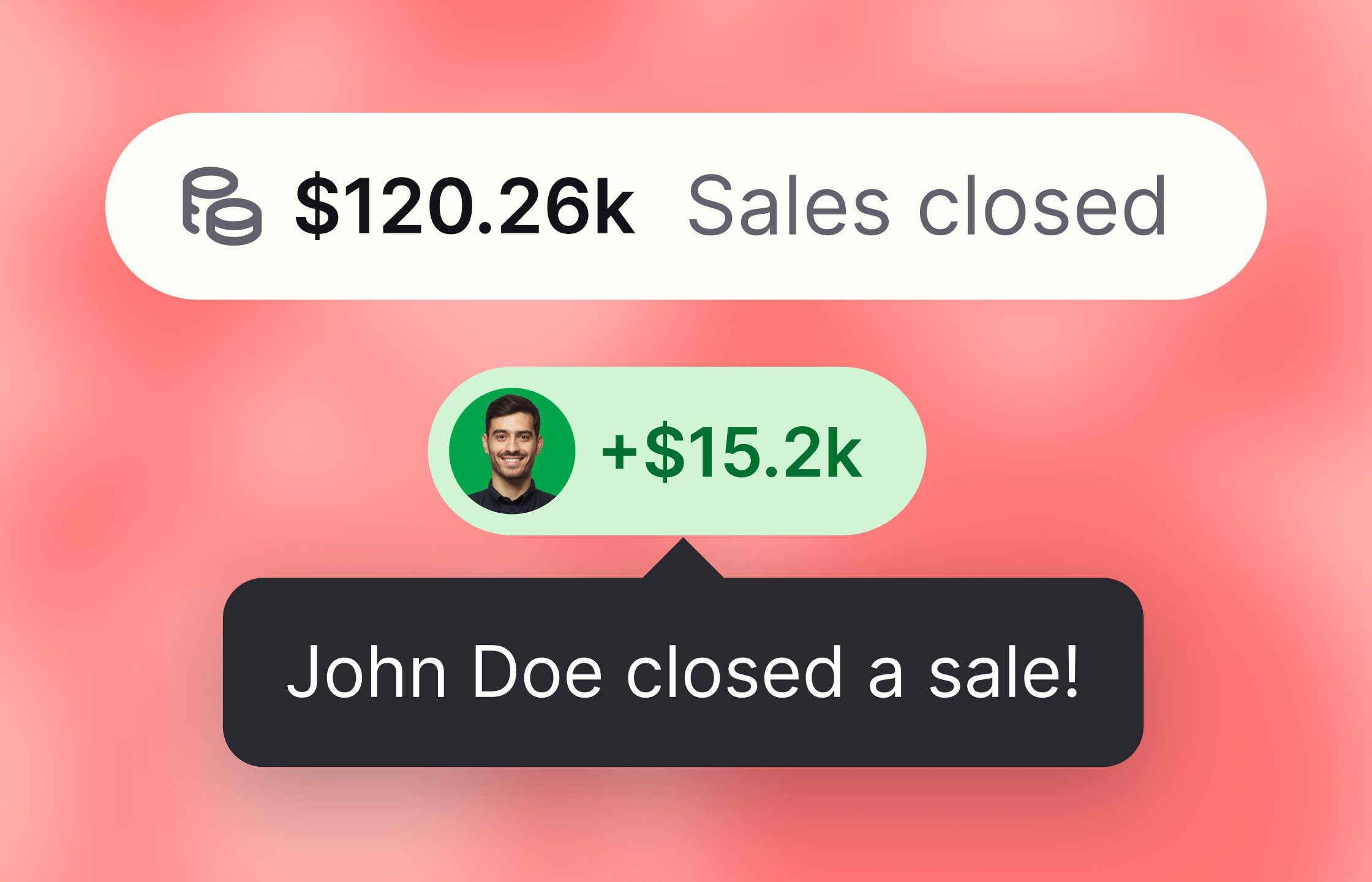
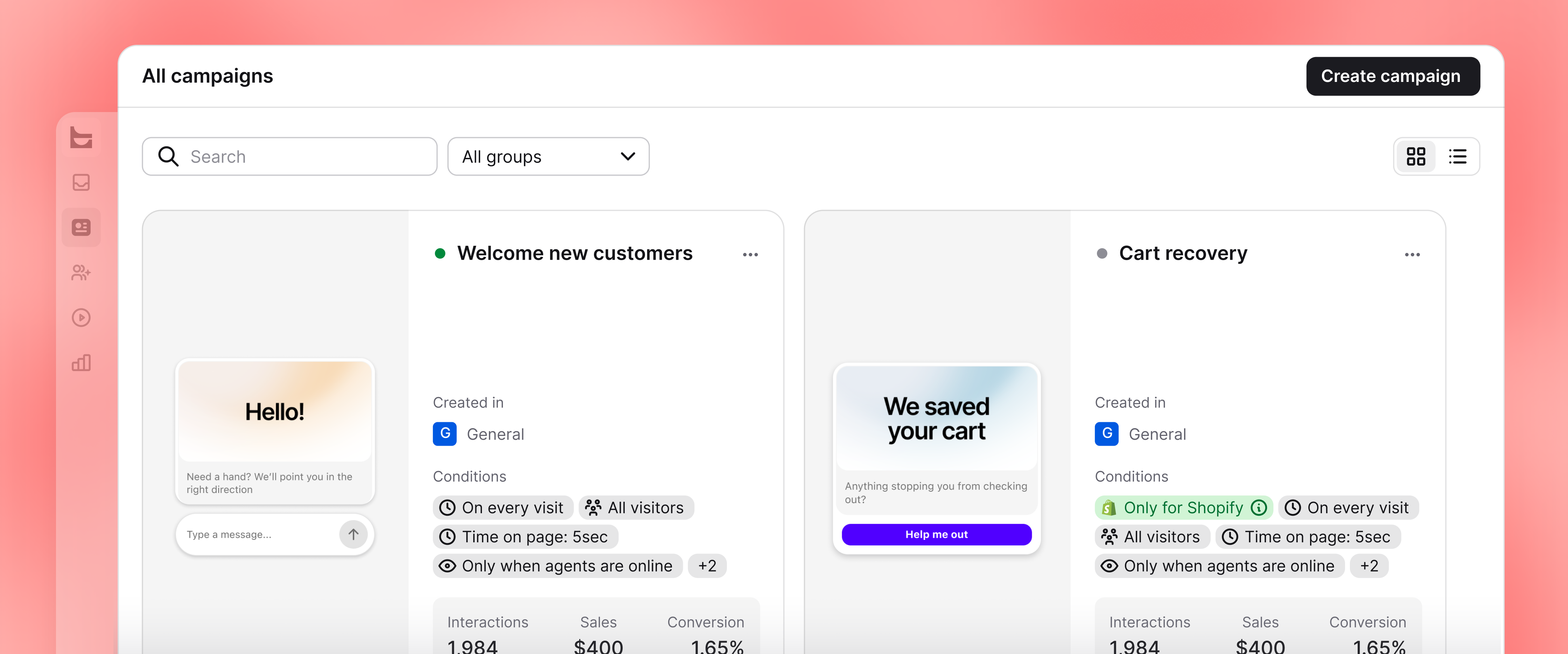
Create goals for events such as orders or page visits. Text links each result to the chat that influenced it and includes it in ecommerce reports.
Archives keeps past live chat conversations available after they end. Check what happened, find repeated issues, or give a new support agent an example from a real case.
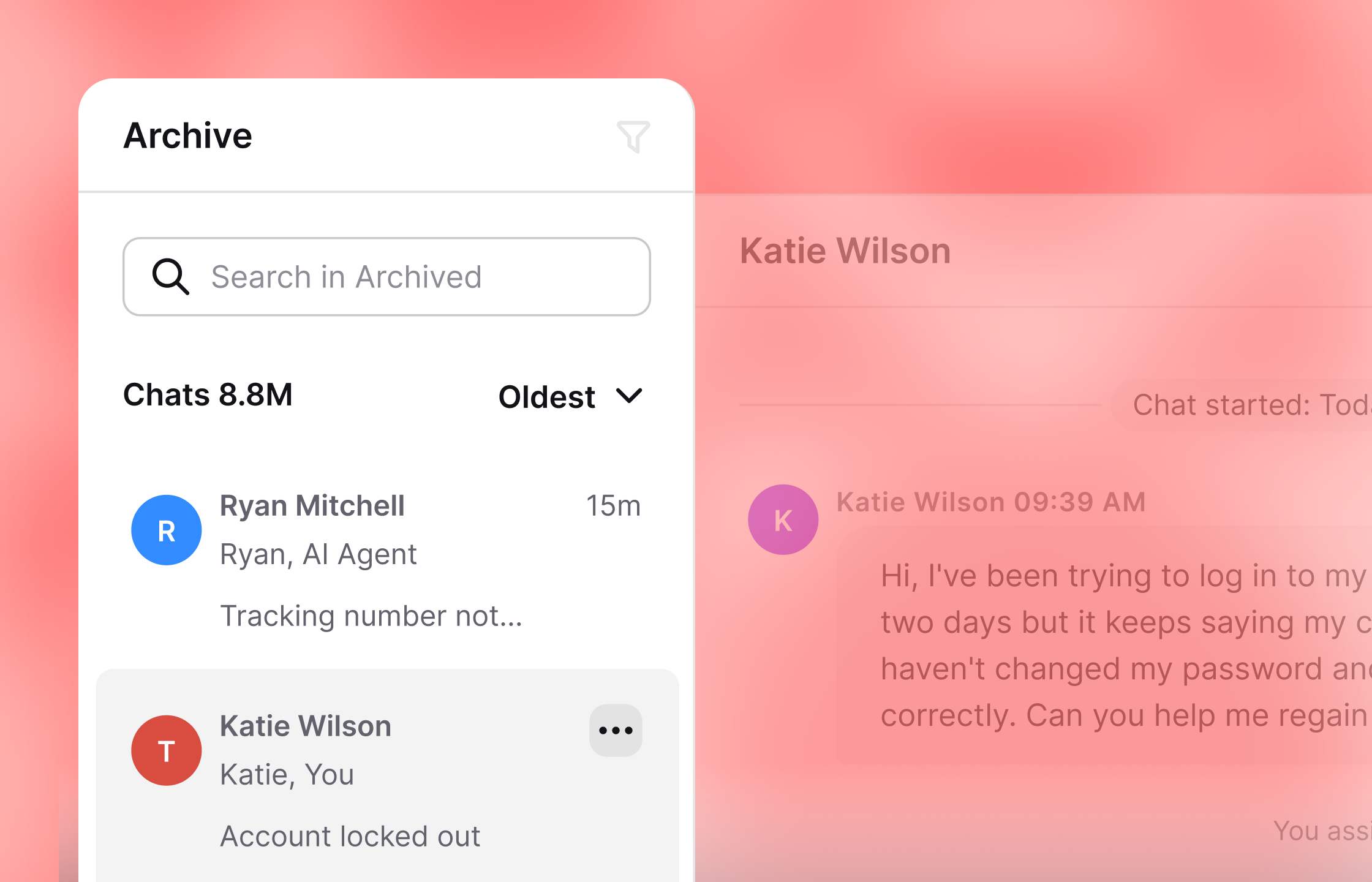
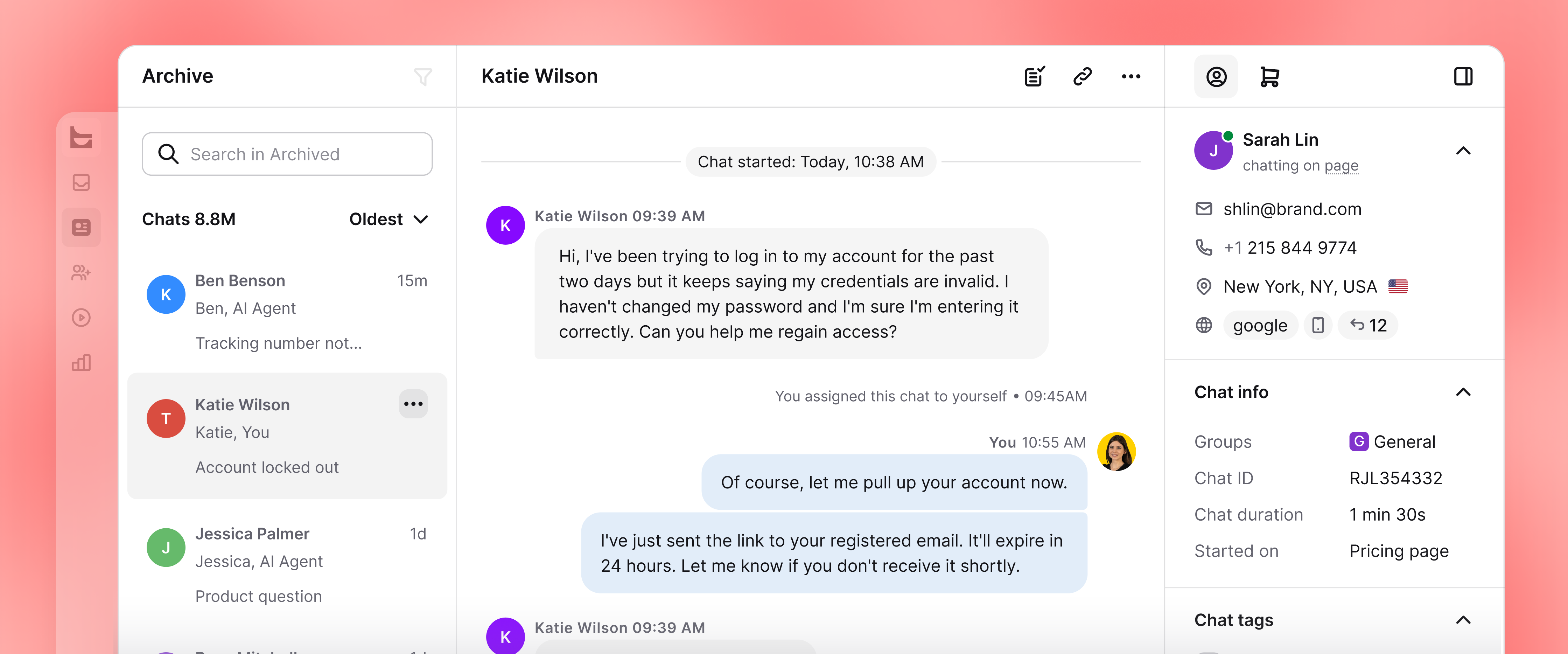
Use the same chat feed tools after a conversation has been archived.
Send the transcript by email or download a copy.
Block a visitor after the live chat has ended.
Invite agents by email or link, assign roles, and set availability or shifts. Text keeps customer support team schedules and permissions in the same app.
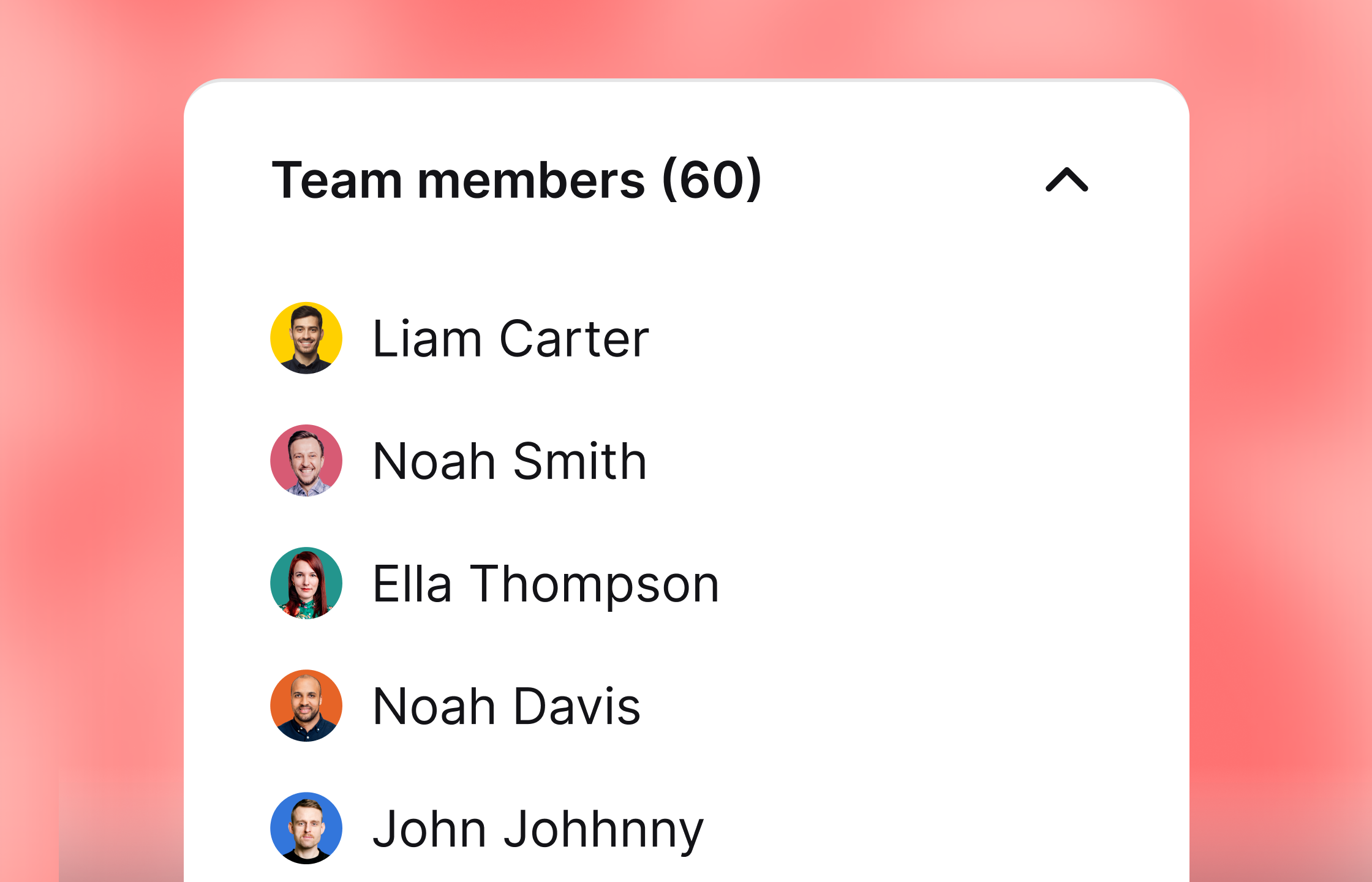
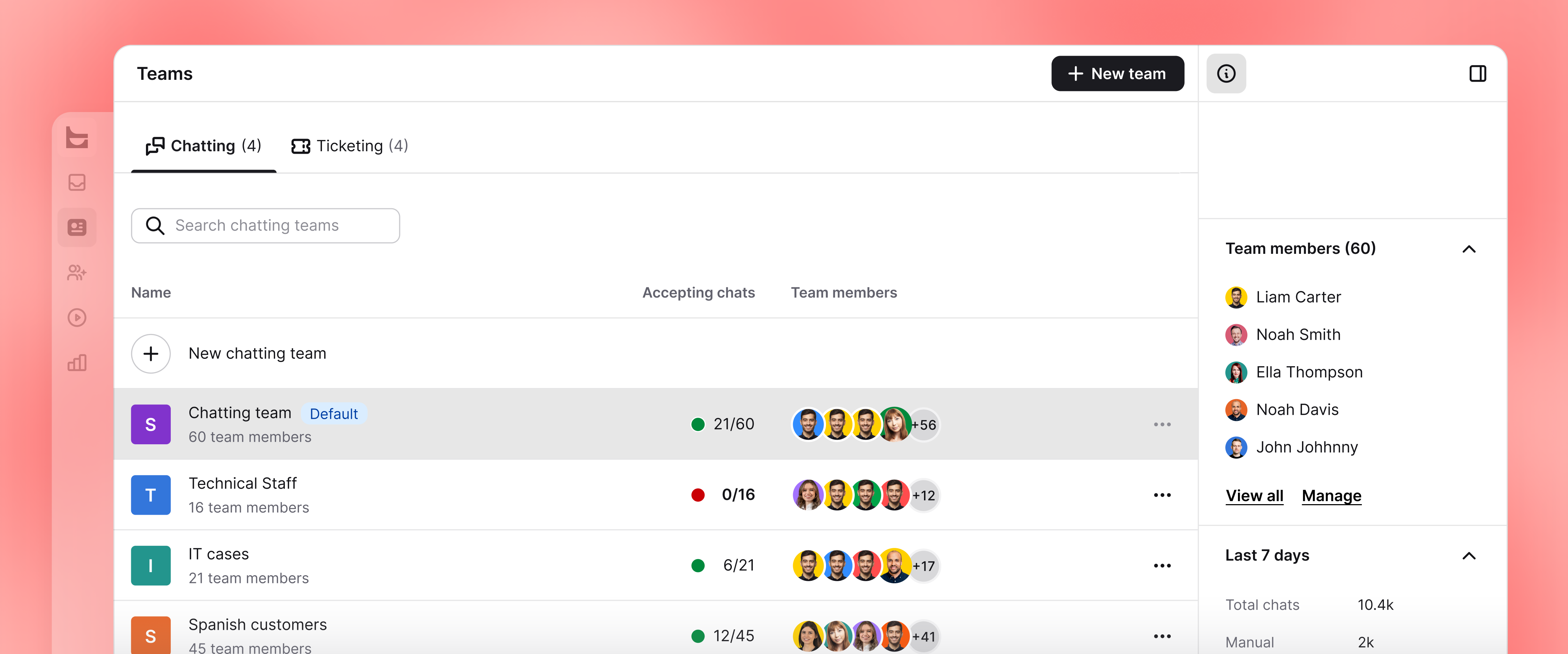
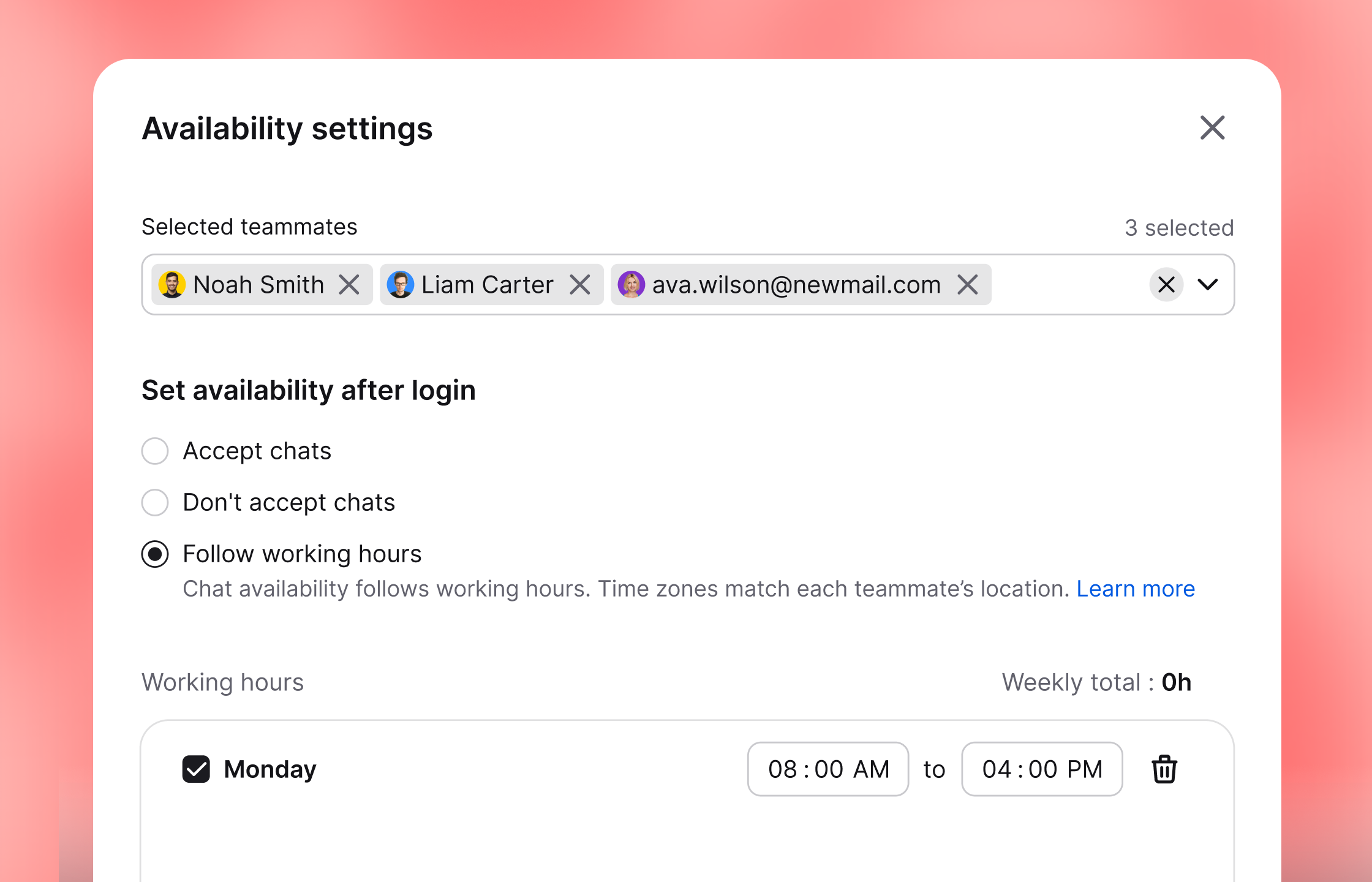
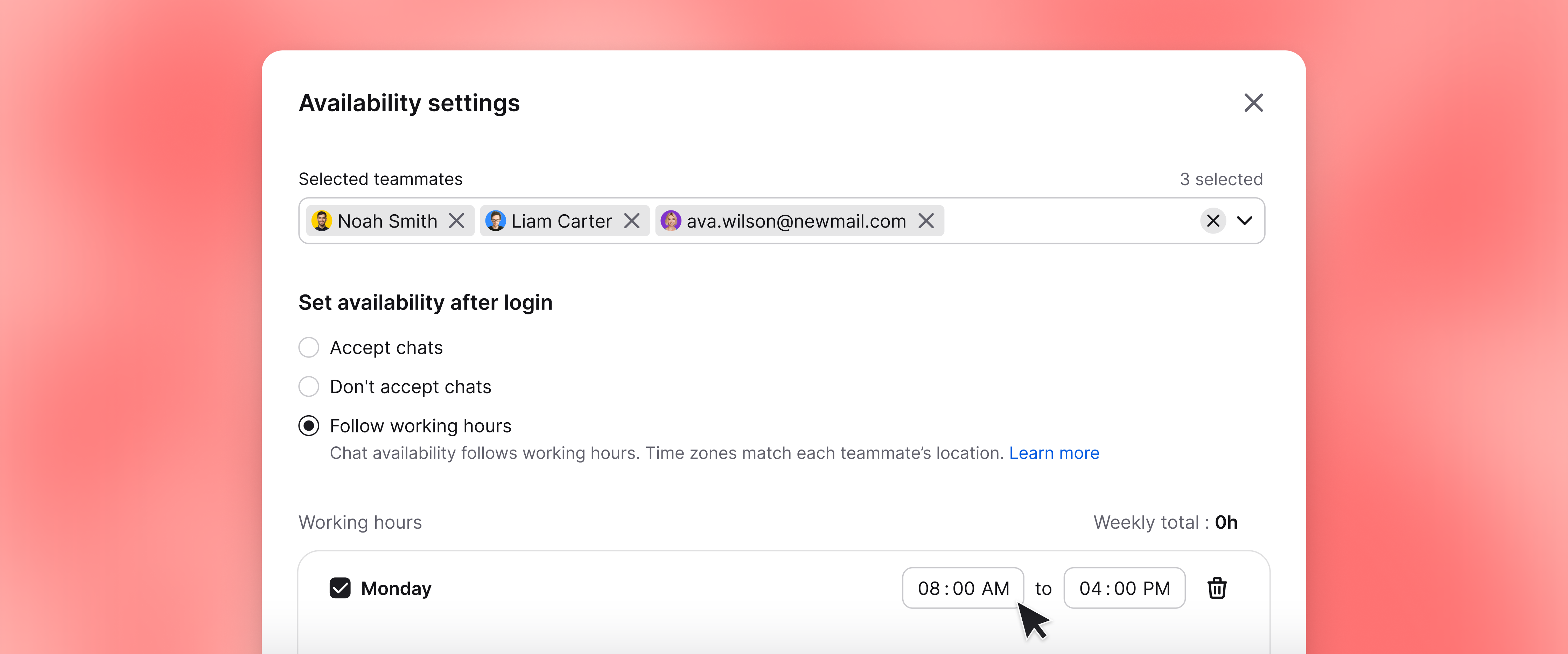
Update availability for several agents at once. Bring them online when they log in or let them control their own status.
Working hours can change an agent's availability when a scheduled shift begins.
Reports connect chat volume and response times with satisfaction, AI Agent outcomes, goals, and attributed sales.
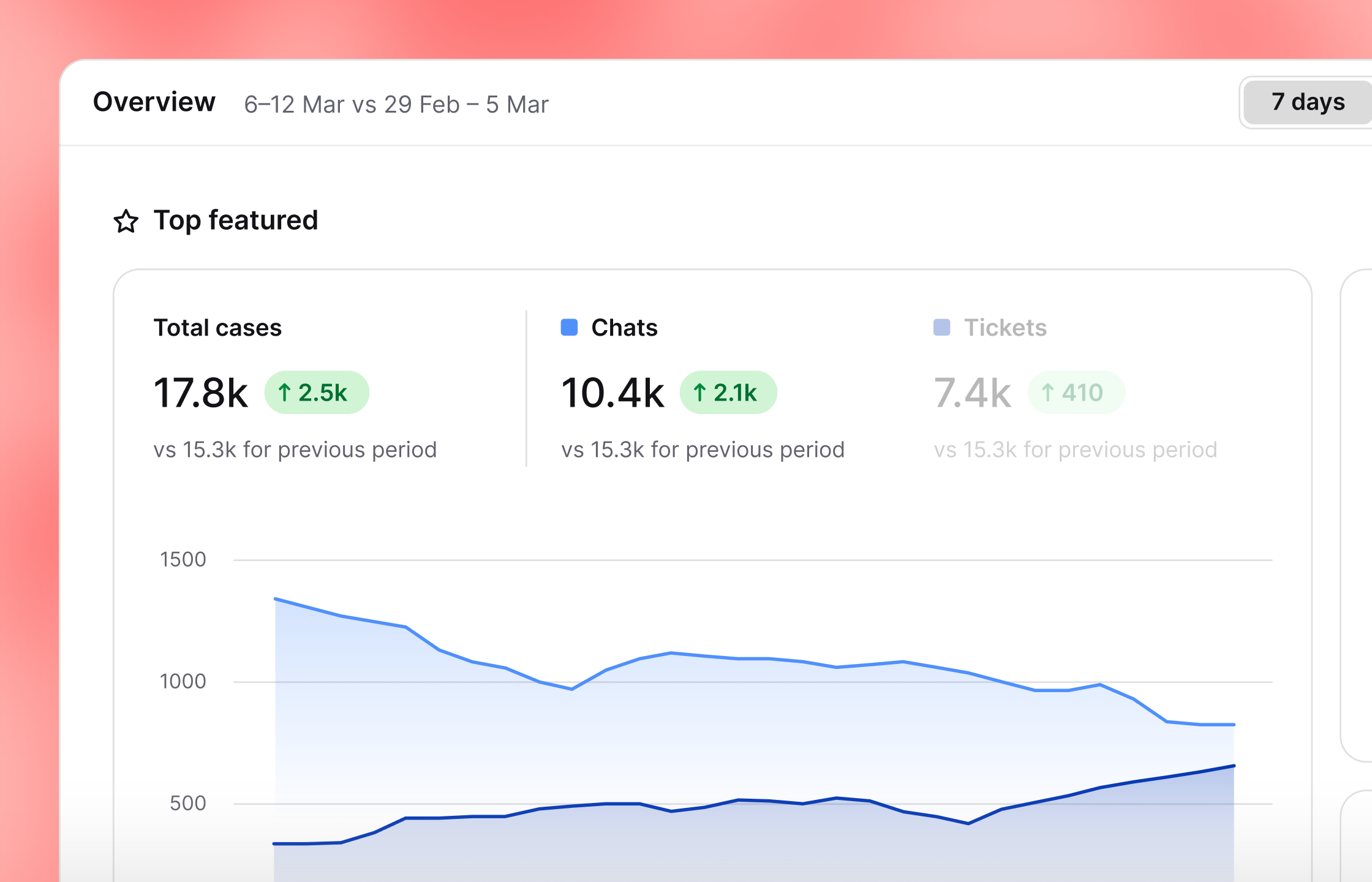
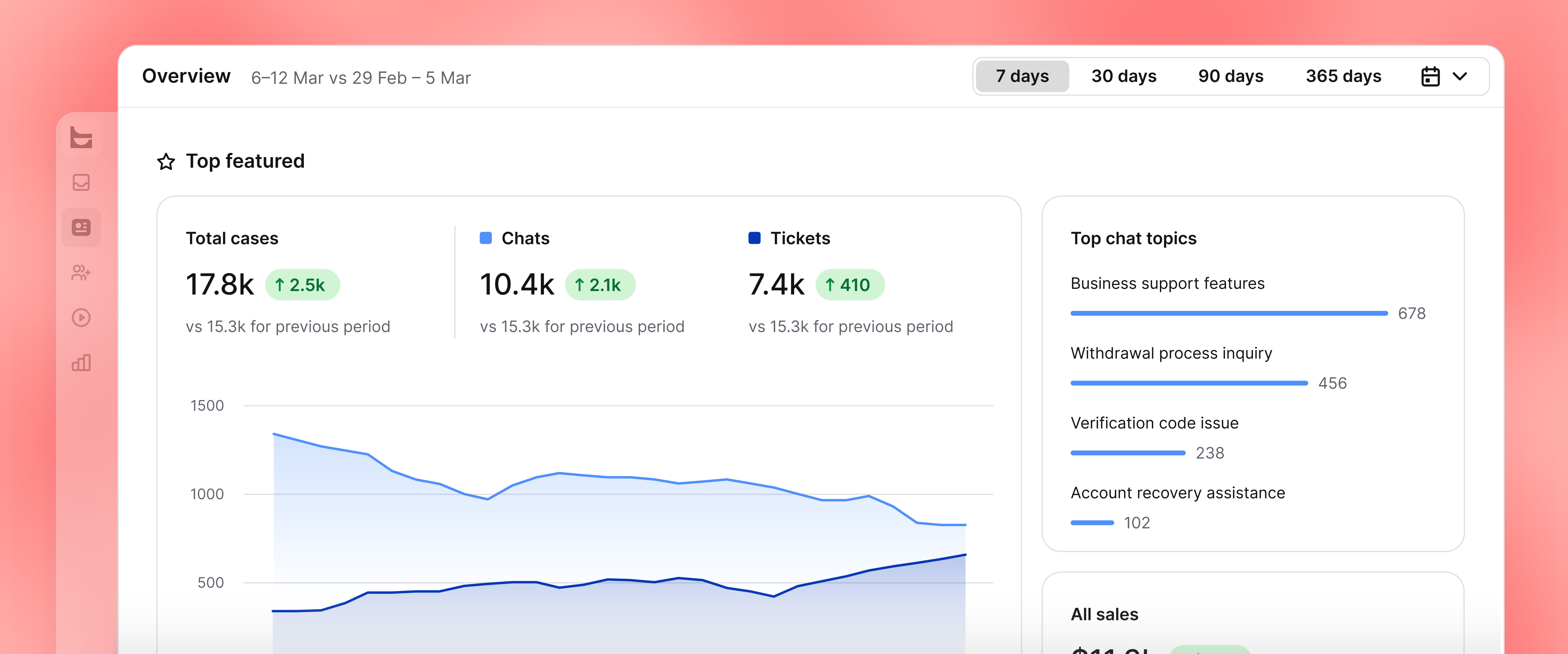
Start with these two views:
Check weekly chats, tickets, sales, and customer satisfaction in one summary.
Monitor live chat metrics together or put the dashboard on a team display.
Review daily workload, team performance, AI Agent results, or ecommerce outcomes.
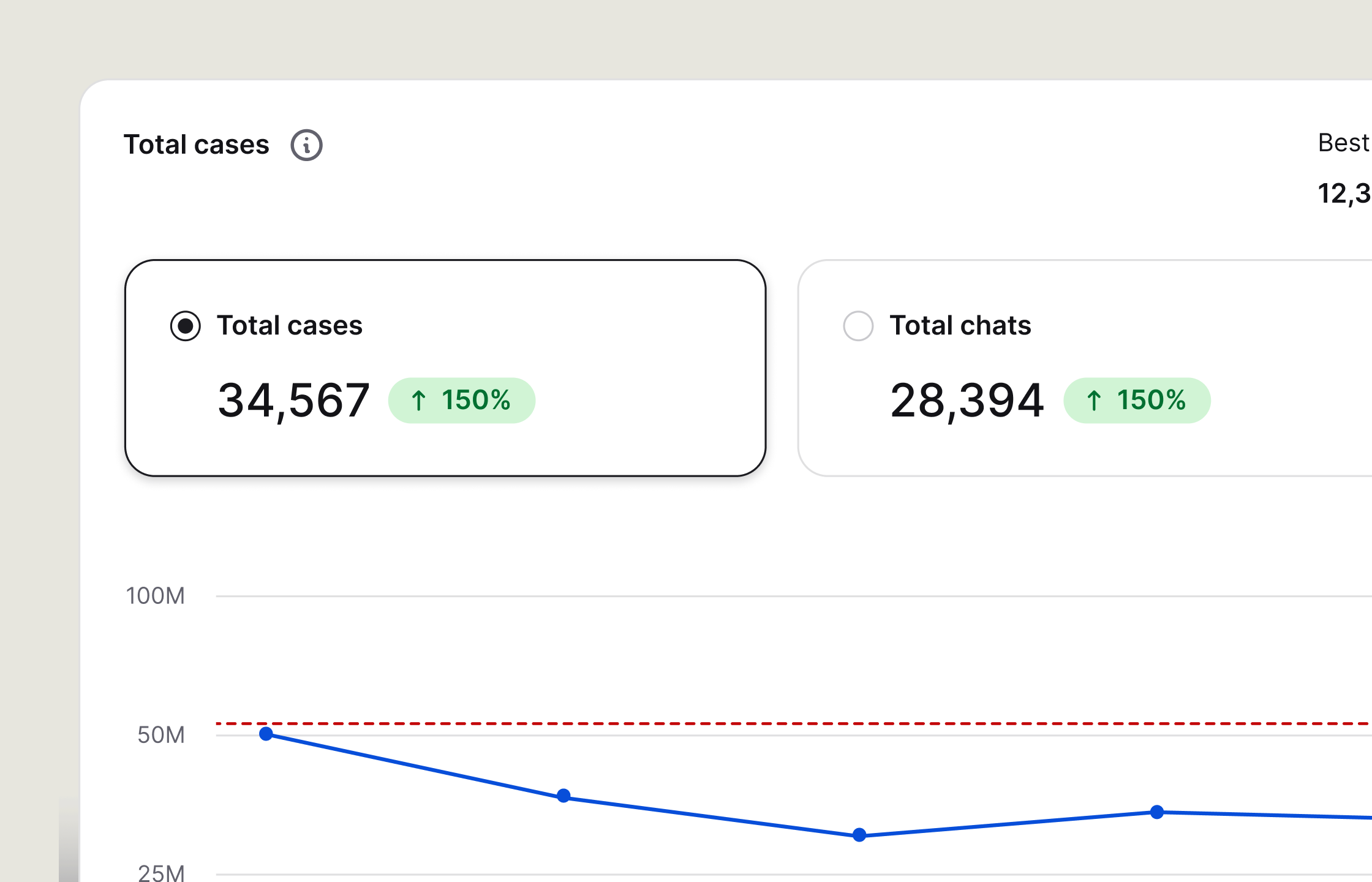
Check chat volume, active hours, missed chats, and customer satisfaction.
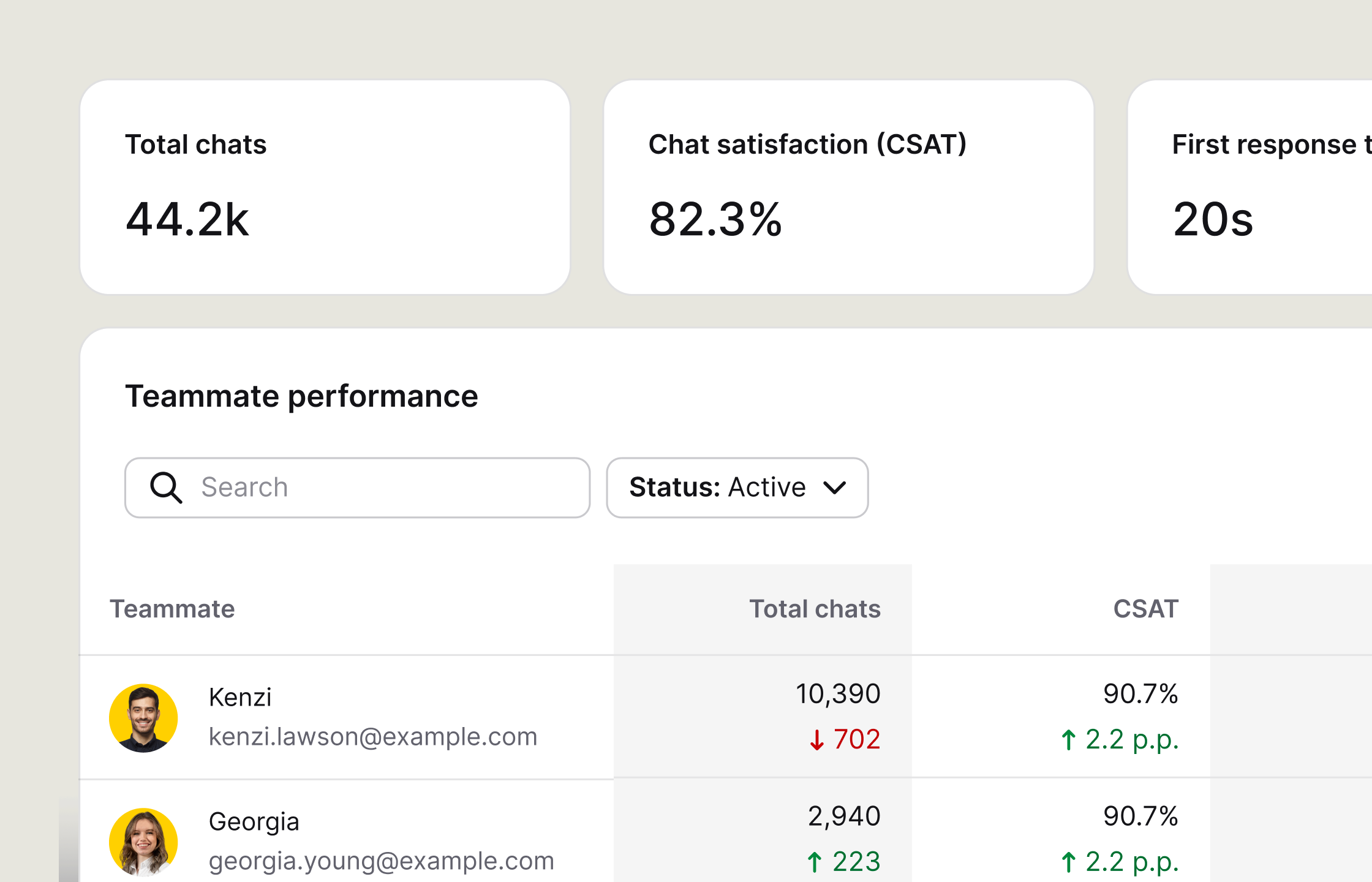
Compare response times, agent activity, team performance, and staffing needs.
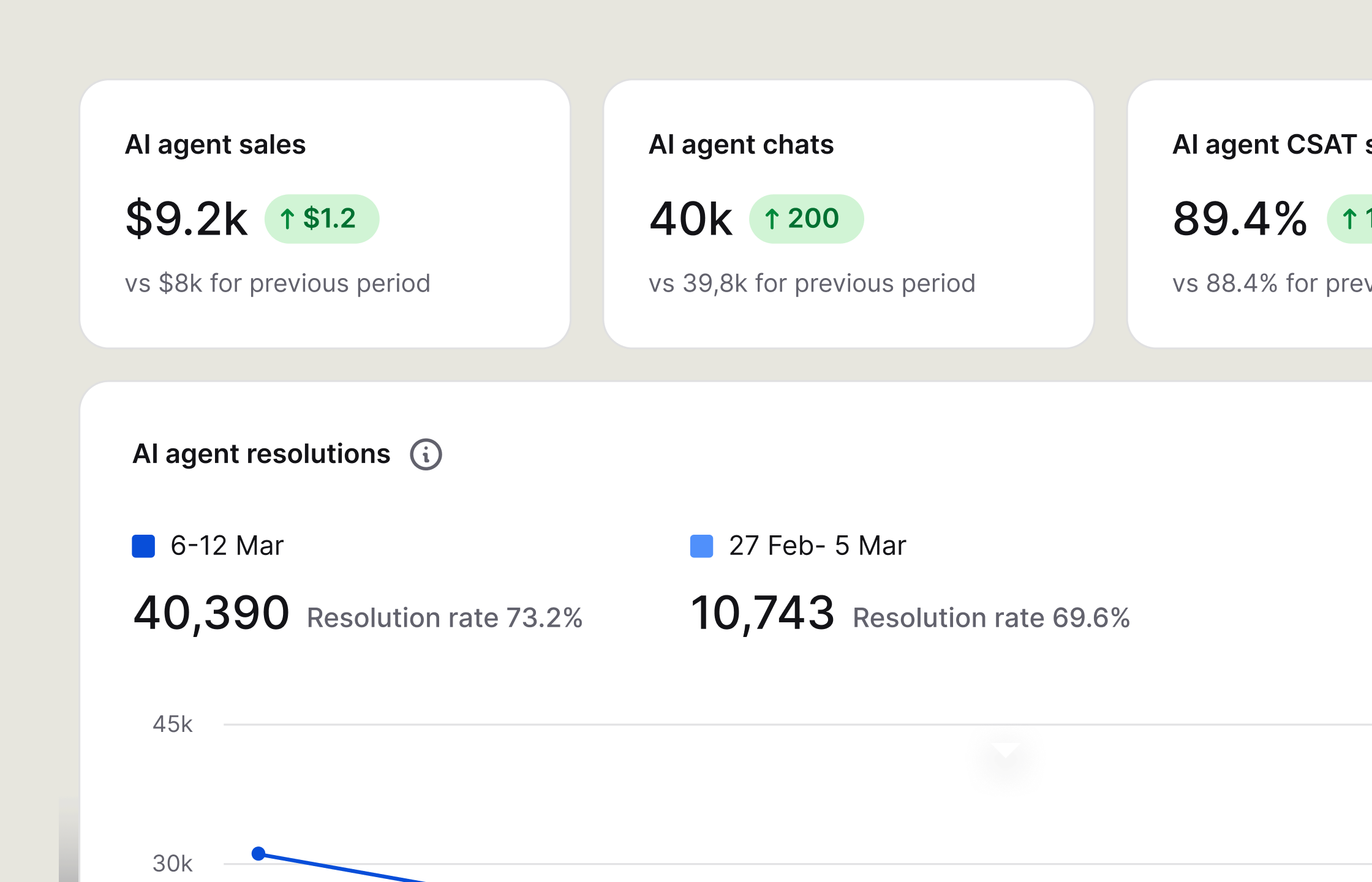
See what AI Agent resolves and when it transfers a conversation.
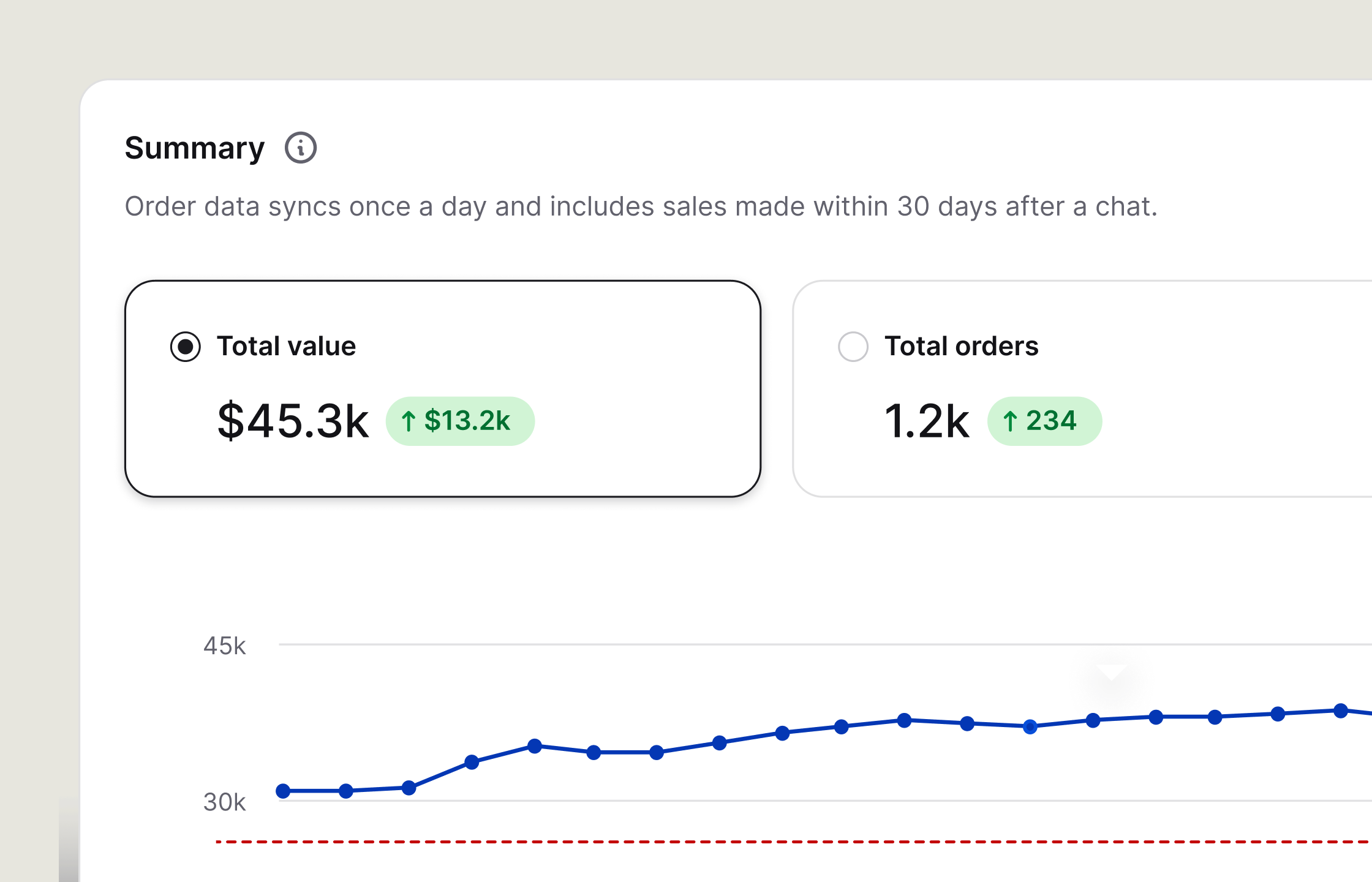
See which customer conversations are followed by a goal or sale.
Connect live chat to more than 200 tools for customer messages, CRM records, and store data, all within your team's workflow.
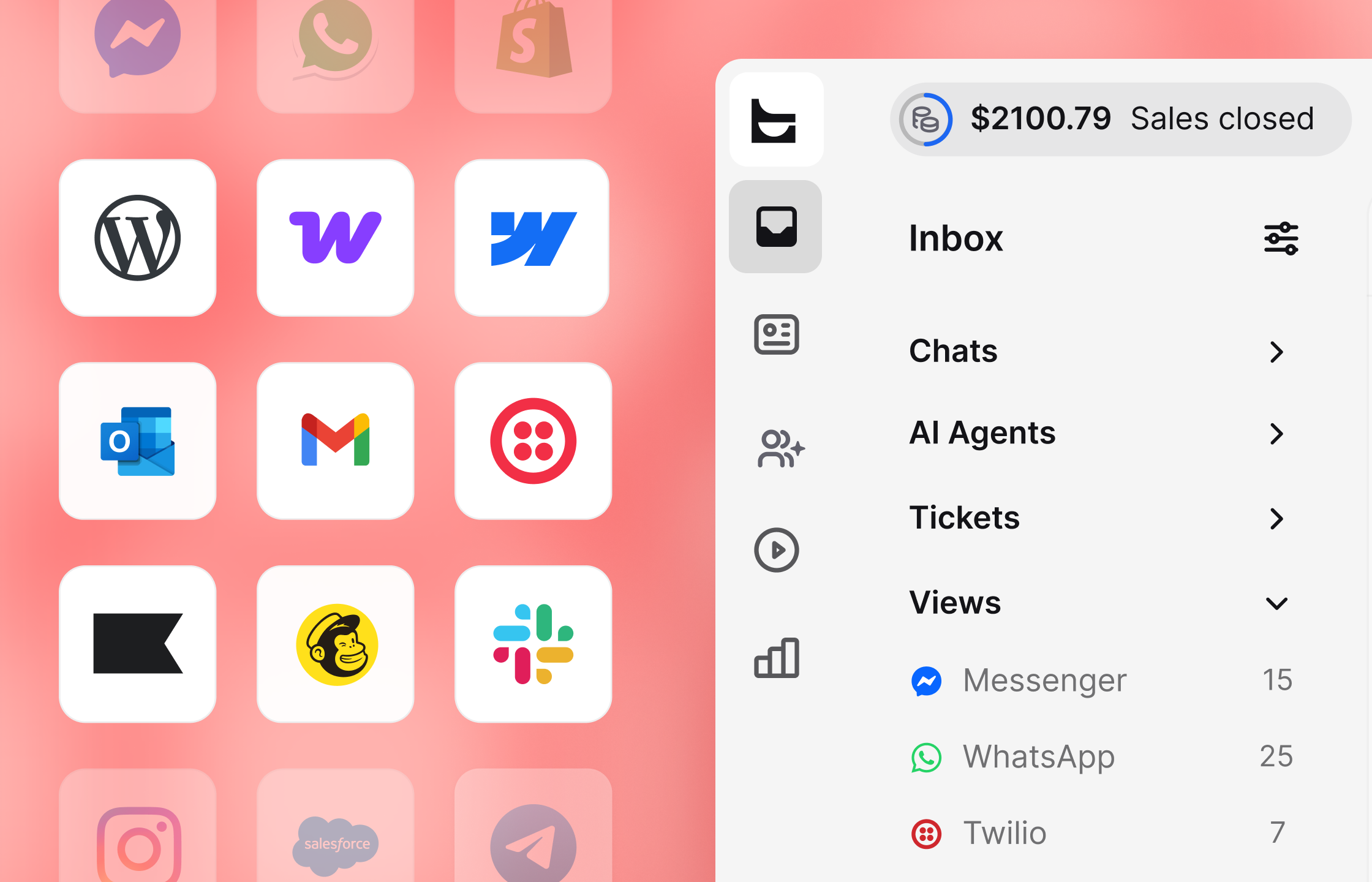
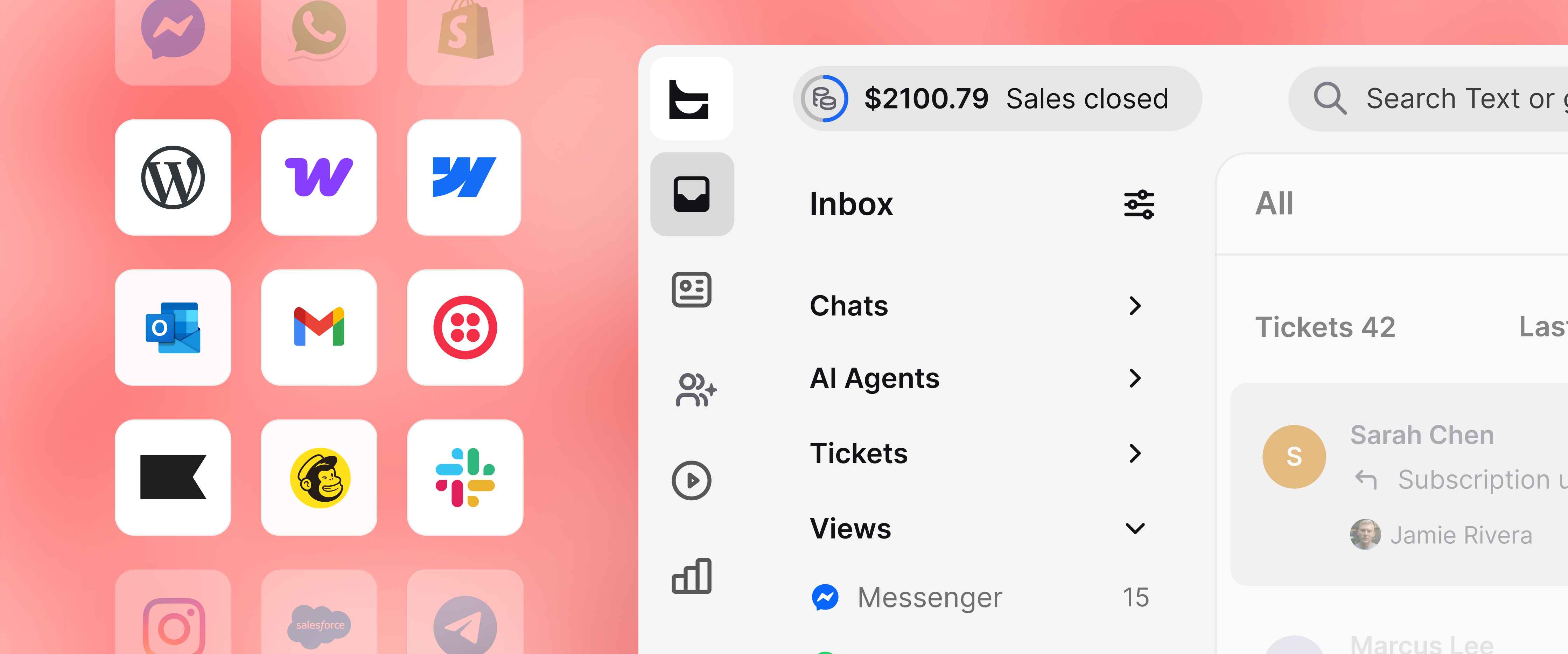
Start with communication, ecommerce, or CRM integrations from a catalog of more than 200 apps.
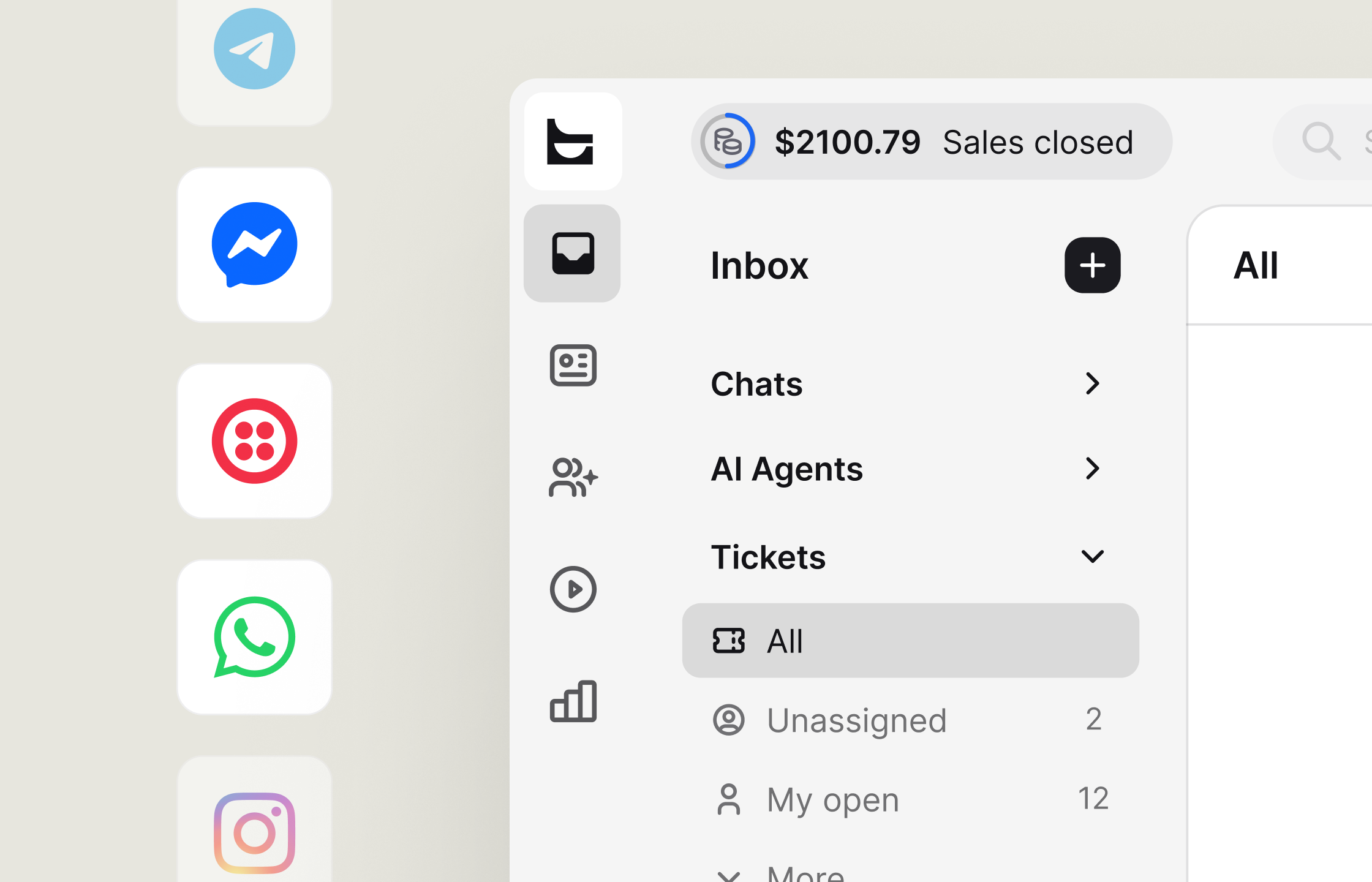
Bring messages from multiple channels into the same Inbox as your website chat.
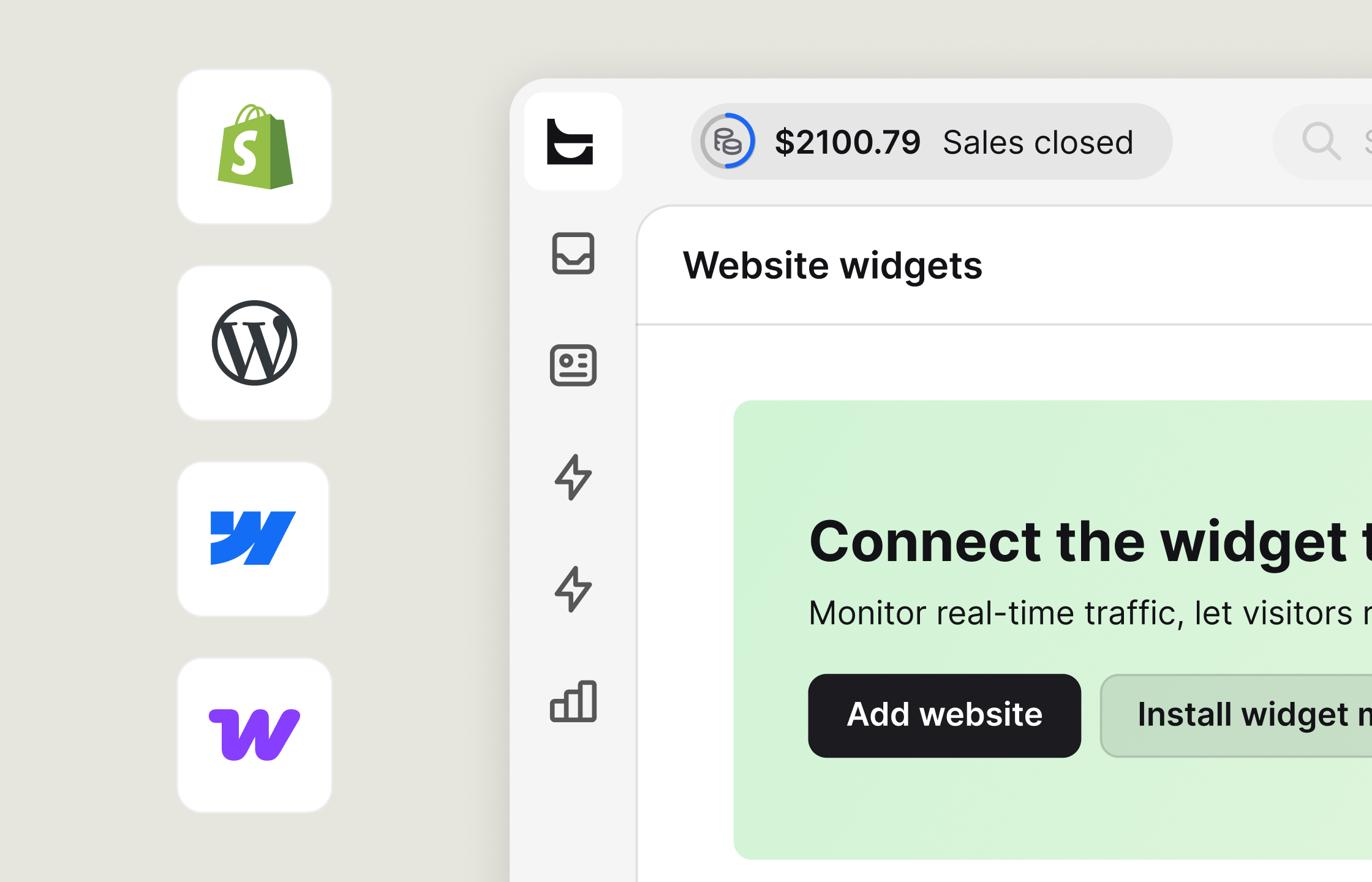
Check a customer's cart and order history, then suggest a product in the chat.
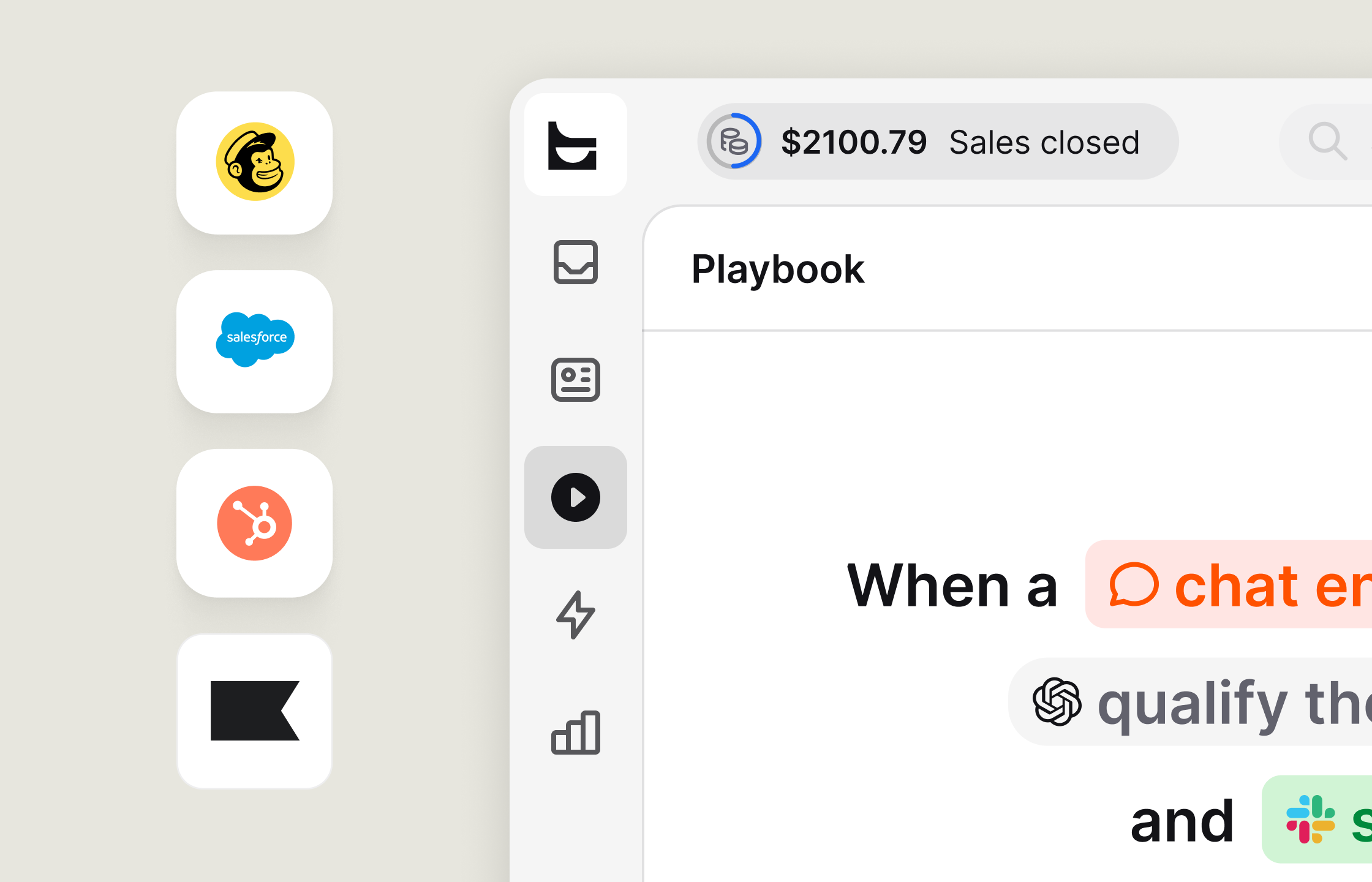
Create a lead from a chat and keep the CRM record available in the Agent App.
live chat by Text combines SOC 2 Type 2-audited security with GDPR and CCPA compliance. The chat widget meets WCAG 2.2 AA accessibility standards.
 CCPA
CCPA
 WCAG 2.2
 SOC 2
SOC 2
 GDPR
GDPR
 PCI DSS - SAQ A
 BBB Accredited Business
 Data Privacy Framework