
Klaviyo
Send customer profiles, cart events and email or SMS subscriptions from your live chats to Klaviyo automatically.
- Text
Text integration preview
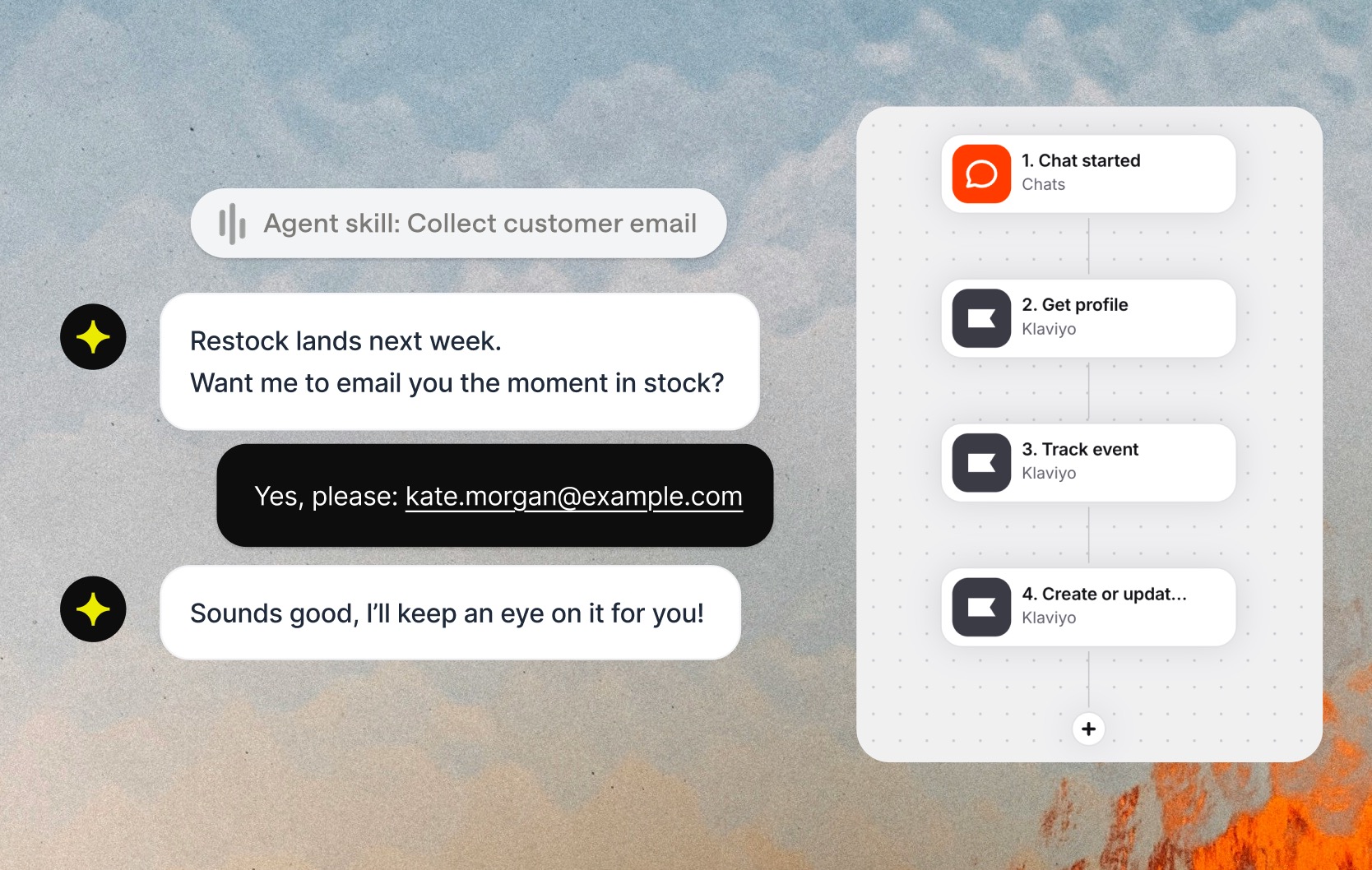
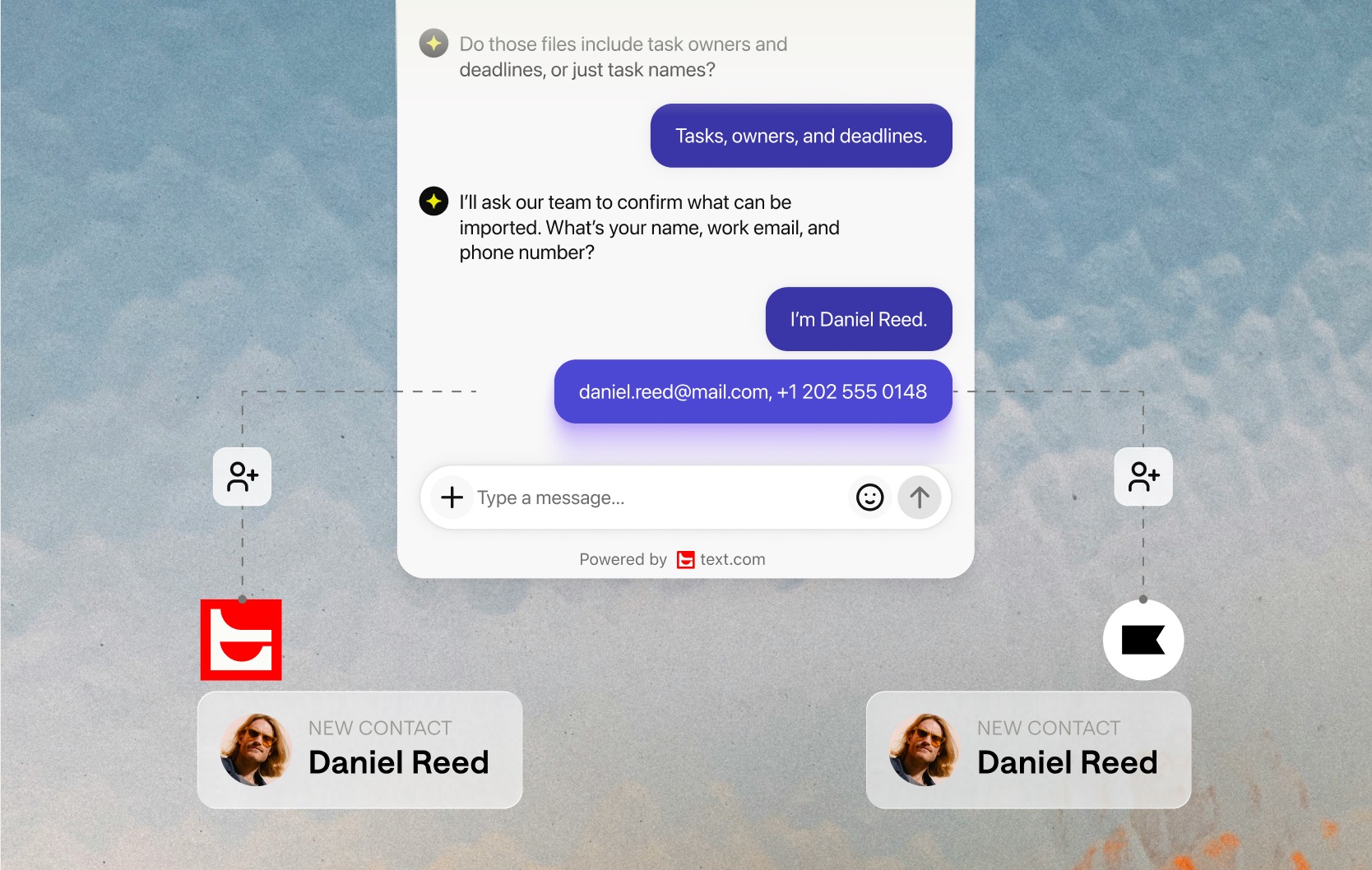
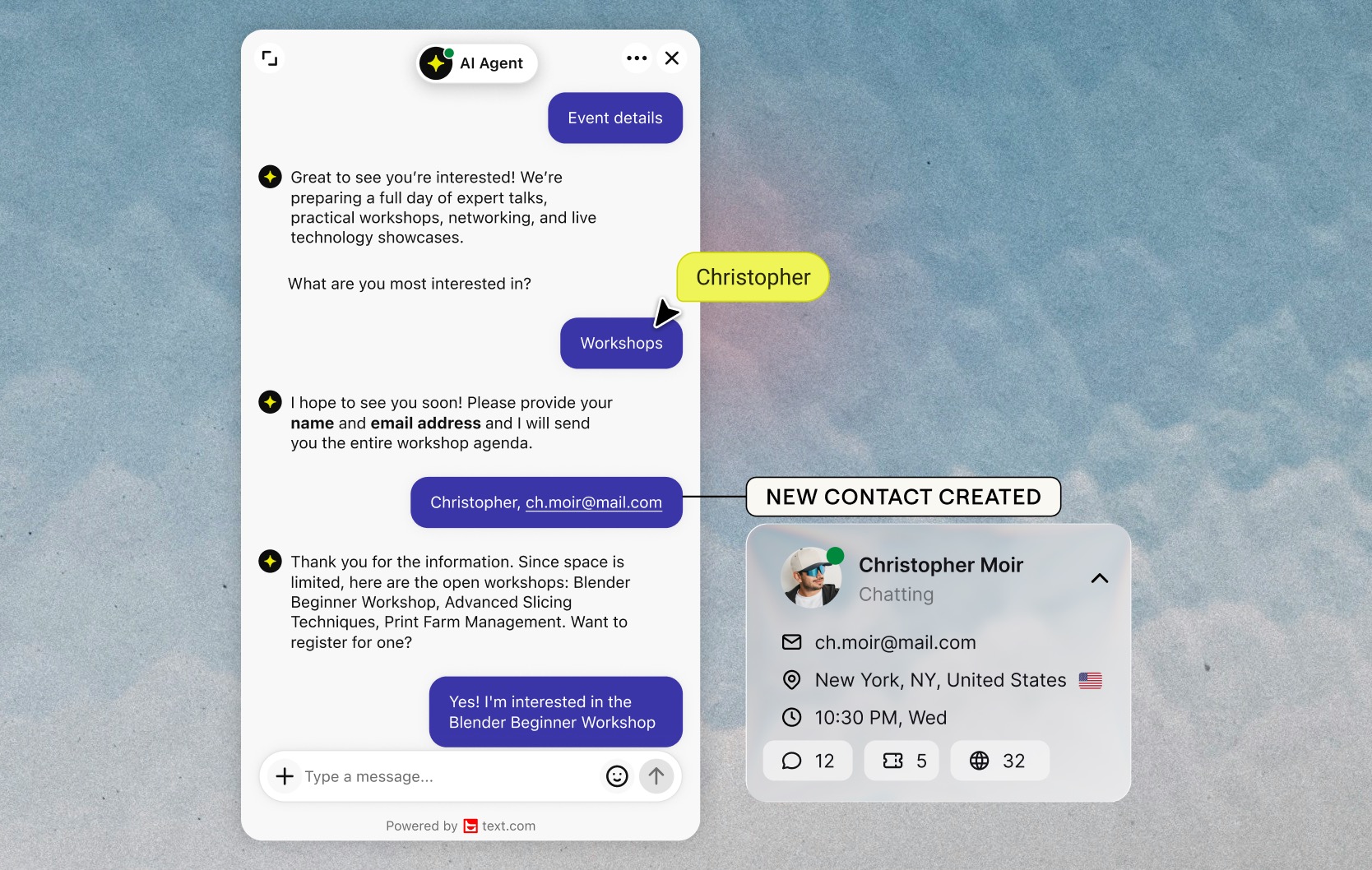
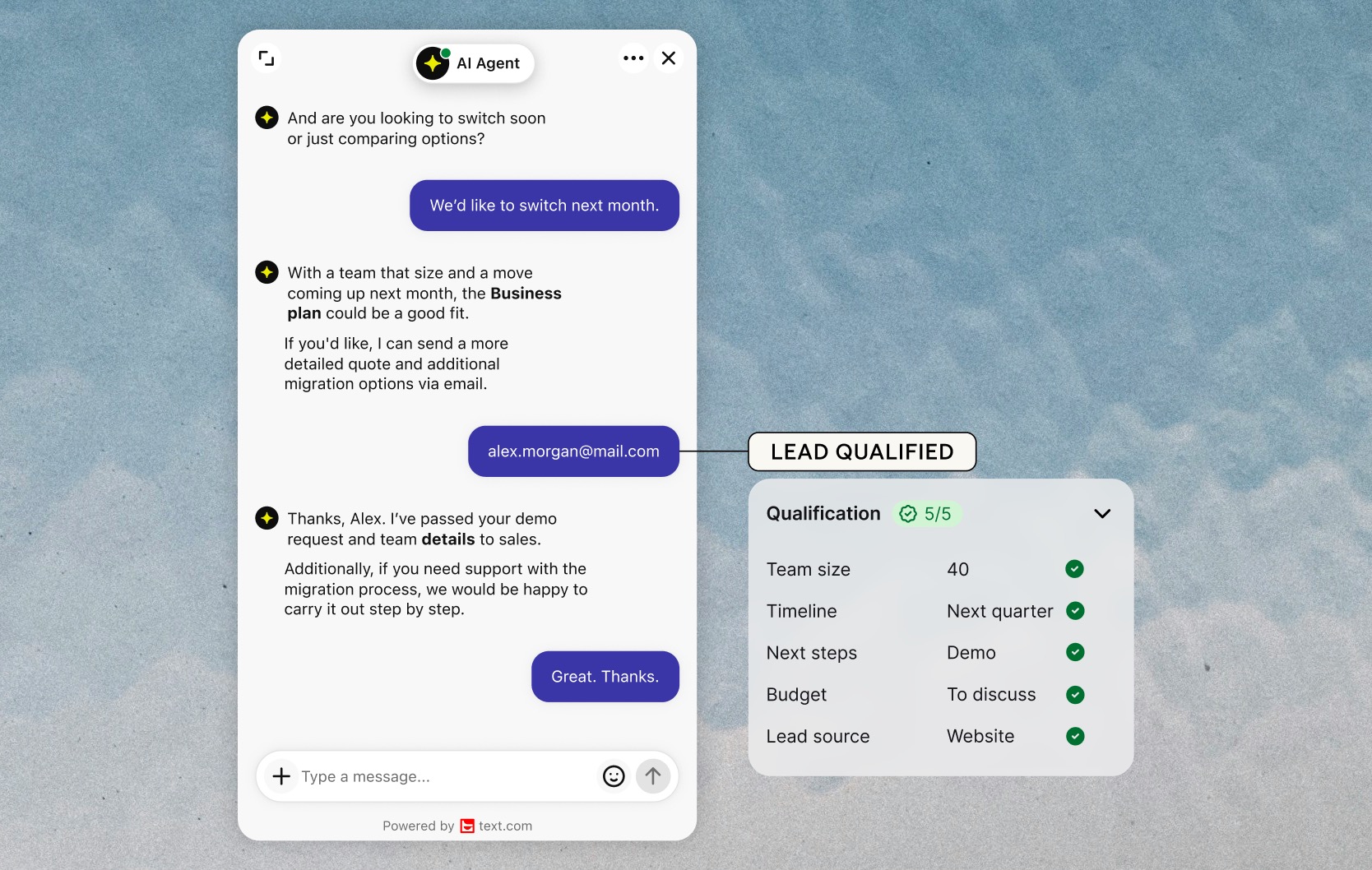
Klaviyo automation for your live chat customers
When a customer shares their email in live chat or a ticket, Text can create or update their Klaviyo profile and subscribe them to email or SMS marketing. Your Klaviyo flows start from real conversations, and nobody copies contact details from one tool to another.
Five Klaviyo skills in Playbook
Get a profile, create or update a profile, track an event, subscribe or unsubscribe. Combine them with other Playbook skills, such as Salesforce actions or a Slack notification, in the same flow.
Start the moment something changes
Triggers react to customer data, not only to messages: when a customer's email is identified, when customer or ticket custom fields change, or when a shopper views a product or adds one to their cart in chat.
Connect Klaviyo to Text
Connect your Klaviyo account as a credential in Playbook, then add a Klaviyo skill to a flow. Skills that sync a profile need the customer's email. To choose a plan, compare Text plans.
Key features
Benefits
App terms
Legal Terms
By installing this app, you agree to the Marketplace Terms, App Privacy Policy and App Terms and Conditions.
Support
Need a hand?
Get help with this integration from Text.
Frequently asked questions
Do I need a Klaviyo account to use the integration?
Yes. Connect an active Klaviyo account as a credential in Playbook before any Klaviyo skill can run.
Why does syncing a profile need a customer email?
Klaviyo identifies profiles by email address. If a conversation has no email yet, use the customer email set or identified trigger to run the sync once it's captured.
Can I combine Klaviyo with other skills?
Yes. Klaviyo skills work alongside other Playbook skills in the same flow, for example a Slack notification or Salesforce actions.
What does the “Verified” status mean?
In LiveChat, we always appreciate creative and problem-solving apps, so at our own sole discretion, from time to time, we may grant some applications the “Verified” status (represented by a badge or so-called badged applications). The “Verified” status confirms only that an application went through our usability review from the user's perspective. In any case, it is the Application Provider who has full responsibility for the application and its security level towards clients and any other third party.