

Help Scout is a popular choice for teams that want a straightforward shared inbox, knowledge base, live chat, and customer support tools without the complexity of a large enterprise help desk.
But it isn't the best fit for every team.
You may need stronger real-time chat, more channels, deeper automation, a tighter CRM connection, ecommerce workflows, or simply a pricing model that matches the way your support team operates.
We compared 11 Help Scout alternatives across pricing, AI, live chat, ticketing, automation, reporting, integrations, and scalability.
Our top pick is Text for teams that want live chat, help desk, ticketing, and AI in one platform. Other tools on this list are stronger for specific use cases, including Zendesk for complex enterprise service operations, Gorgias for Shopify stores, and HubSpot Service Hub for teams already using HubSpot CRM.
If live chat is the main reason you're looking beyond Help Scout, you can also see our detailed LiveChat vs. Help Scout comparison.
Best Help Scout alternatives at a glance
| Tool | Best for | Starting price* | Key advantage over Help Scout |
|---|---|---|---|
| Text | Live chat + AI customer service | $19/user/mo annually | Chat-first support with AI and help desk in one product |
| Zendesk | Enterprise service teams | Varies by package | Enterprise workflows, reporting, and channel depth |
| Freshdesk | Affordable help desk | $19/agent/mo annually | Low entry price and broad help desk functionality |
| Gorgias | Shopify and ecommerce | Usage-based | Deep ecommerce and order-management workflows |
| Fin | AI-first customer service | Seat + AI usage | Advanced autonomous customer agent |
| Front | Cross-team shared inbox | From ~$19/seat/mo | Strong internal collaboration |
| Hiver | Gmail-based support teams | Plan dependent | Support workflows inside Gmail |
| Zoho Desk | SMBs in the Zoho ecosystem | Free plan available | Affordable help desk and CRM ecosystem |
| HubSpot Service Hub | CRM-connected support | Free; paid from $7/seat/mo annually | Native HubSpot CRM context |
| Kayako | Multichannel support | Contact sales | Multichannel service workflows |
| Tidio | Small chat-first teams | Free; Starter $24.17/mo annually | Lightweight live chat and AI |
*Pricing changes frequently. Figures reflect public pricing available in August 2026 where verified.
Why look for an alternative to Help Scout?
Help Scout has changed significantly over the last two years.
The company experimented with contact-based pricing after moving away from its previous seat-based structure, and different Help Scout accounts may still be on different billing arrangements. If you're evaluating it today, check the pricing offered to your account rather than relying on older comparison articles.
Help Scout has also expanded the product itself. It now offers native live chat through Beacon, SMS through a Twilio integration, and native SLA policies on current Standard, Plus, and Pro plans.
That means some of the reasons teams used to switch from Help Scout no longer apply.
The more useful question in 2026 is what kind of support operation are you building?
Consider an alternative when you need:
- a chat-first rather than inbox-first workflow,
- more advanced enterprise routing and administration,
- ecommerce actions inside support conversations,
- closer integration between support and CRM,
- different AI economics,
- or collaboration across teams that goes beyond a conventional help desk.
For teams where immediate conversations are central to the customer experience, live chat software for customer support may be a better starting point than an inbox-first workflow.
How we compared Help Scout alternatives
We evaluated each product across seven areas:
- AI: autonomous resolution, agent assistance, and how AI usage is billed.
- Live chat and channels: email, chat, social, messaging, SMS, and voice.
- Ticketing and automation: routing, workflows, macros, and escalation.
- Reporting: operational metrics, custom reporting, and SLA reporting.
- Integrations: native integrations and ecosystem depth.
- Ease of use: onboarding and everyday agent experience.
- Total cost: seats, usage fees, AI charges, and important add-ons.
Prices should always be checked directly with the vendor before purchase.
1. Text: best overall Help Scout alternative for live chat and AI
Best for: Teams that want live chat, ticketing, help desk, and AI in the same customer service platform.
Text is a particularly strong Help Scout alternative when real-time customer conversations are central to your support or sales workflow.
The platform combines live chat, help desk functionality, ticketing, a knowledge base, and an AI Agent. Human agents and AI work in the same environment, so a conversation can be automated, handed off, and continued without moving the customer into a separate system.
Text pricing
Text Essential starts at $19 per user/month when billed annually or $25 monthly. Growth starts at $79 annually or $99 monthly. Enterprise pricing is custom.
Every plan includes AI Agent usage. Essential includes 10 AI resolutions per month and Growth includes 200. Additional capacity is sold in packs of 50 resolutions for $49.50.
A resolution is charged only when the AI Agent solves at least one customer question. A human handoff without an answer does not count, and multiple solved questions in the same conversation still count as one resolution.
Why choose Text over Help Scout?
The biggest difference is product orientation.
Help Scout remains a strong shared-inbox product that has expanded into chat and additional channels. Text comes from the opposite direction: real-time chat is at the center of the experience, with ticketing, AI, and asynchronous support built around it.
That makes Text particularly useful for teams where support conversations also influence conversion and revenue.
Text customers include businesses such as Wembley Stadium and Sephora. Text reports that Wembley generated more than $1.5 million in revenue from sales that began in chat, while Sephora saw a 25% increase in average order value after implementing a Text product.
If your team wants to understand the broader role of real-time conversations in support, see how LiveChat helps customer service teams manage and respond to customer questions.
Pros
- Native live chat and visitor context
- Help desk and ticketing in the same platform
- AI Agent included in every plan
- Clear published seat pricing
- Human handoff with conversation context
- Strong fit for support teams that also contribute to sales
Cons
- No native voice channel
- Advanced enterprise features such as SLAs require the Enterprise plan
- Heavy AI usage adds resolution-package costs
Text vs. Help Scout: Choose Text when live chat and real-time customer engagement matter more than a primarily shared-inbox experience.
2. Zendesk: best for enterprise customer service
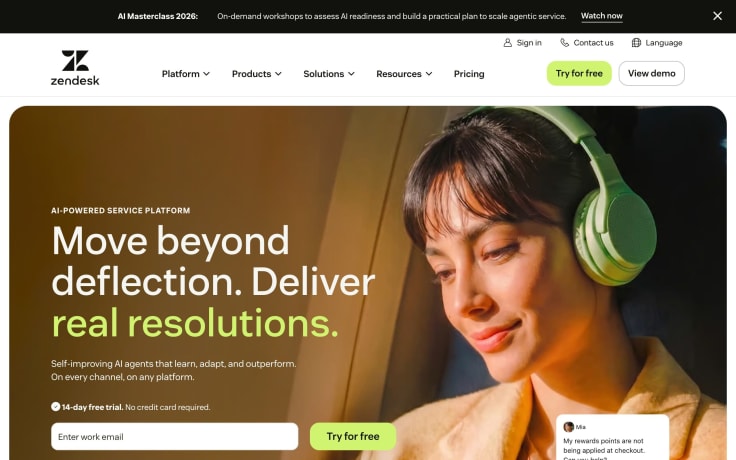
Best for: Large support organizations with complex routing, administration, reporting, and multiple service channels.
Zendesk is one of the most mature help desk platforms available. It supports large service teams, sophisticated workflows, advanced reporting, knowledge management, AI, and voice.
That breadth is also its main trade-off. Zendesk generally requires more configuration and administration than Help Scout.
Pros: Enterprise workflow depth, mature reporting, broad integration ecosystem, voice support, advanced administration.
Cons: More complex implementation and potentially higher total cost once AI and add-ons are included.
Zendesk vs. Help Scout: Choose Zendesk when operational depth and enterprise controls matter more than Help Scout's simpler agent experience.
If your team wants Zendesk's ticketing depth while keeping real-time chat separate, you can also connect LiveChat with help desk software instead of treating chat and ticketing as an either-or decision.
3. Freshdesk: best affordable traditional help desk
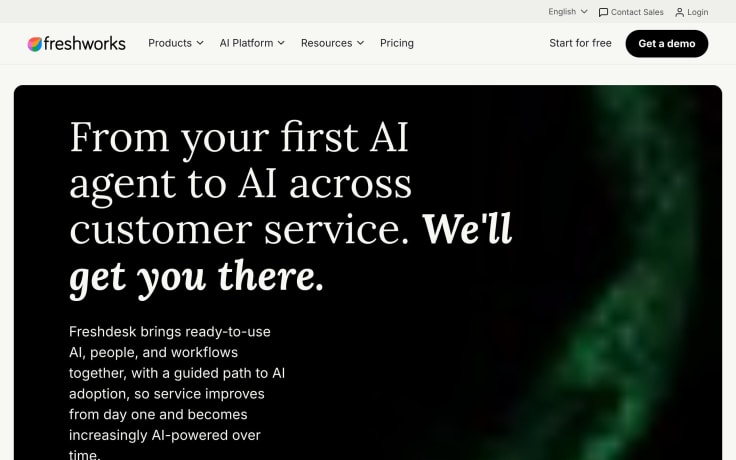
Best for: Teams that want a conventional ticketing system at a relatively low starting price.
Freshdesk Growth starts at $19 per agent/month billed annually, Pro at $55, and Enterprise at $89.
The core Freshdesk product focuses primarily on help desk and email workflows. Teams that need a broader omnichannel environment can use Freshdesk Omni, which starts at $29 per agent/month annually.
Freddy AI Agent is available with the first 500 sessions included for evaluation. Additional sessions currently cost $49 per 100 sessions. Freddy AI Copilot is available as a separate $29/agent/month add-on on qualifying plans.
Pros: Low entry price, mature ticketing, automation, knowledge base, optional omnichannel product.
Cons: Chat and messaging can push teams toward the more expensive Omni plans; AI and Copilot introduce additional usage costs.
Freshdesk vs. Help Scout: Freshdesk is a better fit when traditional ticketing depth and price are more important than Help Scout's streamlined shared-inbox experience.
4. Gorgias: best for Shopify and ecommerce
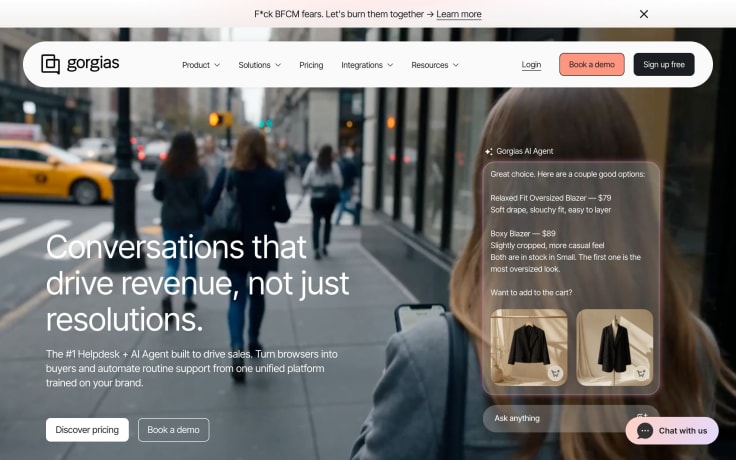
Best for: Ecommerce brands that want support agents to work with orders and customer data without leaving the support workspace.
Gorgias is designed specifically around ecommerce workflows. Its Shopify integration lets support teams view order context and perform common commerce actions directly from customer conversations.
That specialization is the reason to choose it — and the reason not to choose it if ecommerce isn't central to your business.
Pros: Deep Shopify workflows, ecommerce automation, order context, revenue-focused reporting.
Cons: Usage-based pricing can become expensive at high ticket volumes, and the product is much less compelling outside ecommerce.
Gorgias vs. Help Scout: Choose Gorgias when Shopify and ecommerce operations are a core part of support.
For businesses that want chat to play a larger role in ecommerce conversion, LiveChat also offers ecommerce-focused customer communication tools.
5. Fin: best for AI-first customer service
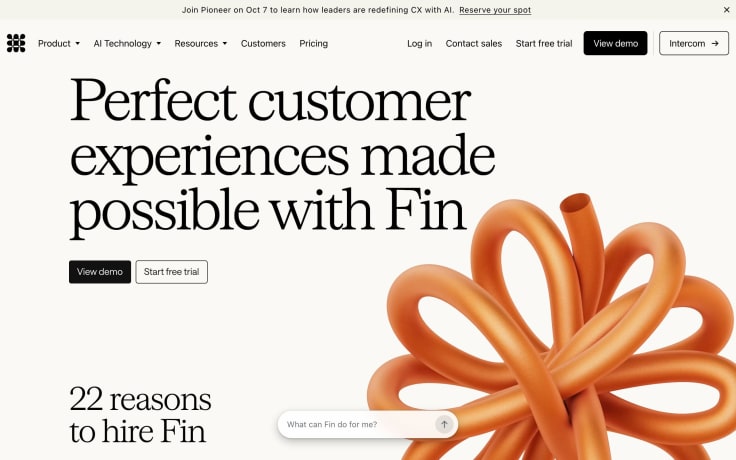
Best for: Teams that want to automate a large share of support with an autonomous customer agent.
The company formerly known as Intercom became Fin in May 2026. In June 2026, Salesforce signed a definitive agreement to acquire the company for approximately $3.6 billion, with the transaction expected to close in Salesforce's fiscal 2027.
Fin has made autonomous customer service the center of its product strategy, while the Intercom help desk remains part of the wider platform.
Fin is a strong candidate when AI automation is the primary buying criterion rather than an additional help desk feature.
Pros: Advanced AI agent, broad channel support, mature messaging history, sophisticated automation.
Cons: Seat, AI, and channel costs can make total pricing harder to model. The pending Salesforce acquisition may also affect packaging over time.
Fin vs. Help Scout: Fin offers substantially deeper AI automation, while Help Scout remains simpler for teams that mainly want a shared inbox and conventional customer support workflows.
6. Front: best for cross-team collaboration
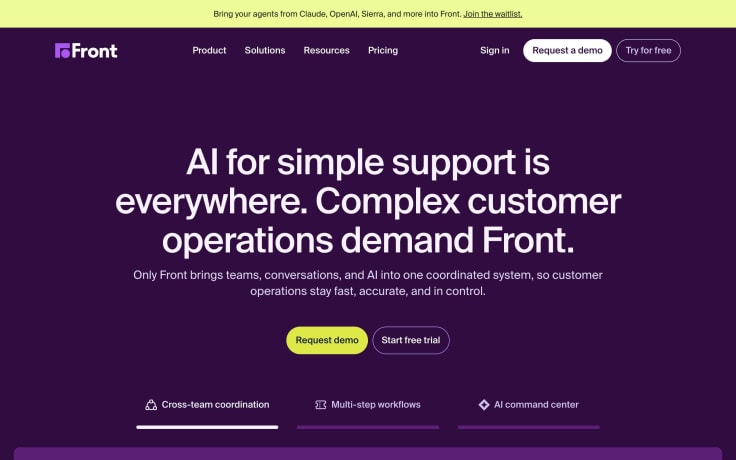
Best for: Teams where sales, operations, finance, or other departments collaborate on customer messages alongside support.
Front turns shared communication into a collaborative workspace with assignments, ownership, comments, and internal coordination.
It feels closer to a collaborative inbox than a traditional ticketing system.
Pros: Excellent internal collaboration, ownership controls, familiar email-style workflows.
Cons: Less help-desk-specific depth than tools such as Zendesk or Freshdesk.
Front vs. Help Scout: Front is stronger when multiple departments need to participate in the same customer conversations.
7. Hiver: best for Gmail-native teams
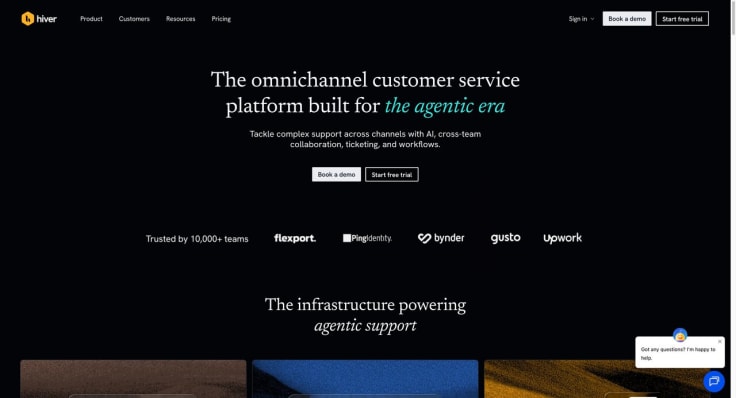
Best for: Google Workspace teams that want to manage customer support without introducing a separate help desk interface.
Hiver adds shared inboxes, assignments, automation, and service-management functionality directly to Gmail.
Its biggest advantage is adoption: agents can continue working in an interface they already know.
Pros: Gmail-native experience, quick onboarding, shared inbox workflows.
Cons: Best suited to organizations committed to Google Workspace and less attractive when broad omnichannel support is required.
Hiver vs. Help Scout: Pick Hiver when keeping agents inside Gmail is more important than moving them into a dedicated customer service application.
8. Zoho Desk: best value for Zoho users
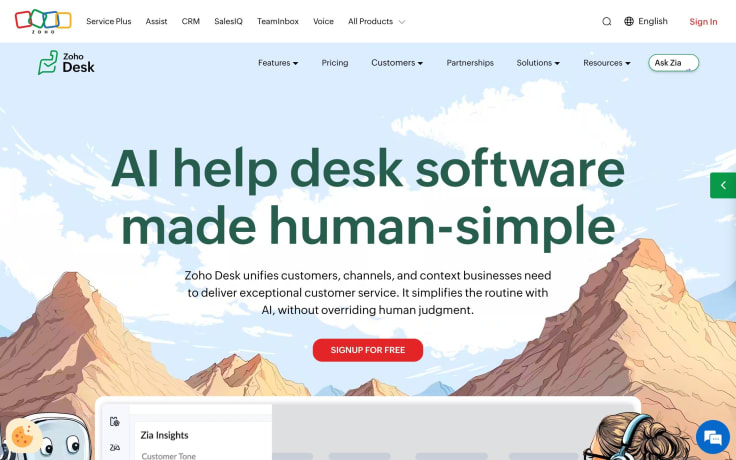
Best for: Cost-conscious SMBs, especially companies already using Zoho CRM or other Zoho products.
Zoho Desk combines ticketing, automation, knowledge management, and SLA tools at a relatively accessible price point.
It becomes particularly compelling when customer service is part of a wider Zoho deployment.
Pros: Affordable plans, native SLAs, extensive Zoho ecosystem.
Cons: The interface and configuration options can feel denser than Help Scout, and much of the ecosystem advantage disappears if you don't use other Zoho products.
Zoho Desk vs. Help Scout: Zoho Desk offers more configuration and ecosystem depth; Help Scout is usually easier for teams prioritizing simplicity.
9. HubSpot Service Hub: best for CRM-integrated customer service
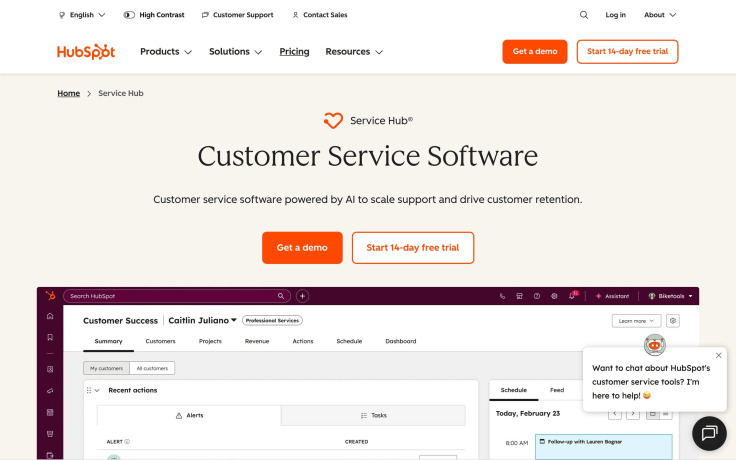
Best for: Companies already using HubSpot for marketing, sales, or CRM.
Service Hub keeps support tickets, customer history, sales activity, marketing context, and account data on the same CRM record.
Current public pricing includes a free tier, Starter from $7 per seat/month billed annually, Professional from $90 per seat/month annually, and Enterprise from $150.
Breeze Customer Agent is available on Professional and Enterprise and uses HubSpot Credits. HubSpot currently charges 50 credits per resolved Customer Agent conversation.
Pros: Excellent CRM context, strong connection between sales and support, broad HubSpot ecosystem.
Cons: Professional and Enterprise introduce significant seat and onboarding costs, while AI and other usage-based functions consume HubSpot Credits.
HubSpot vs. Help Scout: Service Hub makes most sense when support is one part of a wider HubSpot customer platform.
If CRM integration is one of your priorities, you can also explore LiveChat integrations for CRM, ecommerce, analytics, help desk, and productivity tools.
10. Kayako: best for teams evaluating multichannel service workflows
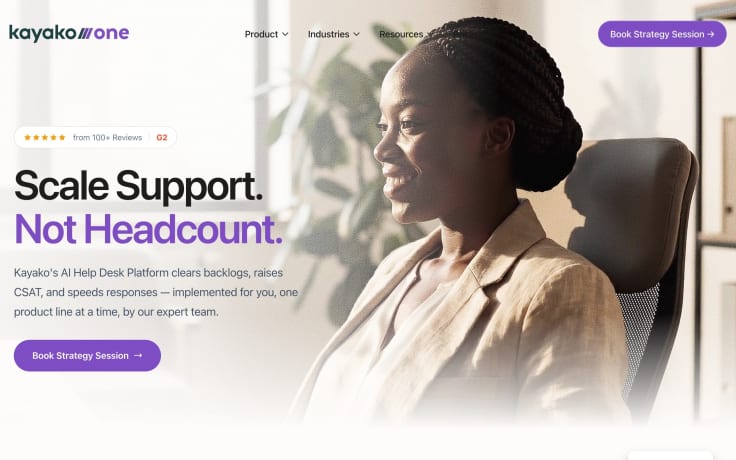
Best for: Teams looking for multichannel support with service-management functionality.
Kayako has historically focused on bringing customer conversations from multiple channels into one support environment.
Public pricing information is less transparent than for many alternatives on this list, so teams should request a current quote and confirm channel, SLA, automation, and integration requirements during evaluation.
Pros: Multichannel service focus.
Cons: Less transparent public pricing and a smaller ecosystem than the largest help desk vendors.
Kayako vs. Help Scout: Consider Kayako when its specific channel and workflow capabilities match your operation, but compare the current product and quote directly before committing.
11. Tidio: best for small chat-first teams
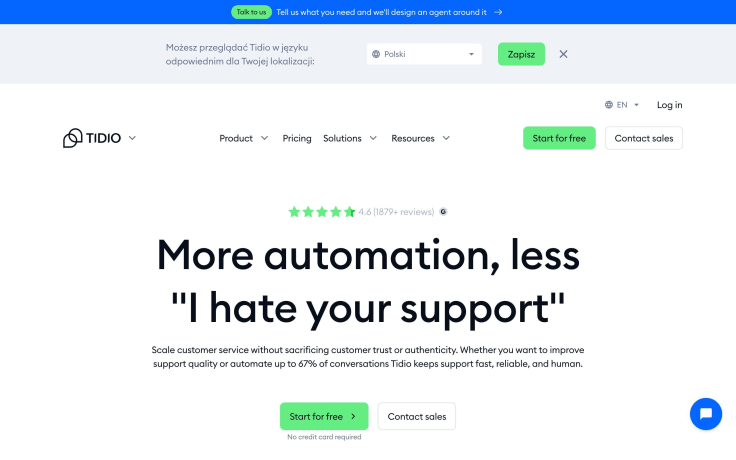
Best for: Small businesses that want live chat and AI without deploying an enterprise help desk.
Tidio's free plan supports up to 50 billable conversations. Starter costs $24.17/month annually for 100 billable conversations, while Growth starts at $49.17.
Lyro AI Agent can also be purchased separately, starting at $32.50/month for 50 AI conversations.
Pros: Easy setup, live-chat-first interface, free plan, accessible AI entry point.
Cons: Conversation limits matter as volume increases, and it has less service-management depth than larger help desks.
Tidio vs. Help Scout: Tidio is a strong option for very small teams that care more about chat and AI than sophisticated ticket operations.
Text vs. Help Scout
| Capability | Text | Help Scout |
|---|---|---|
| Live chat | Native, central to the product | Native through Beacon |
| Ticketing/help desk | Yes | Yes |
| AI customer agent | Included in every plan with resolution allowance | AI Answers billed per successful resolution |
| Knowledge base | Yes | Docs |
| SMS | Supported as part of Text's channel ecosystem | Twilio integration |
| Native SLA policies | Enterprise | Standard, Plus, and Pro on eligible current plans |
| Base pricing | Per user | Depends on current or legacy billing arrangement |
| Voice | No native voice | No full native voice contact-center product |
| Best fit | Chat-first support and sales | Lightweight shared-inbox support |
The choice is less about whether one product simply has more features.
Choose Text when live chat, real-time engagement, AI, and support-to-sales workflows matter most.
Choose Help Scout when you want a lightweight shared inbox with a straightforward agent experience and don't need the depth of a larger service platform.
If you want a dedicated side-by-side comparison focused specifically on real-time chat, see LiveChat vs. Help Scout.
How AI pricing differs across Help Scout alternatives
AI pricing is becoming one of the biggest differences between customer service platforms.
The main models are:
- Per resolution or outcome: you pay when AI successfully completes a customer interaction.
- Session based: you buy blocks of AI sessions, as with Freddy AI Agent.
- Included allowance plus refill: plans include an AI allowance, with additional capacity sold in fixed packages.
- Credit based: AI actions consume a broader pool of platform credits, as with HubSpot.
Don't compare only the headline price.
Estimate:
- your monthly support volume,
- the percentage of conversations AI can realistically handle,
- how the vendor defines a billable AI interaction,
- whether unsuccessful attempts count,
- and whether you can cap or pre-purchase usage.
That calculation usually tells you more about long-term cost than the starting subscription price.
It's also useful to separate autonomous AI from AI that helps human agents work faster. For example, LiveChat offers AI-powered reply suggestions that use selected knowledge sources to help agents draft faster and more consistent responses.
Omnichannel support: what actually matters?
"Omnichannel" can mean very different things depending on the platform.
For some vendors, it means email plus chat. For others, it includes messaging apps, social media, SMS, voice, and unified customer context.
Before choosing a Help Scout alternative, ask:
- Which channels are truly native?
- Which ones require integrations or separate products?
- Does the conversation history stay in one place?
- Can agents move between channels without losing context?
- Does reporting combine those channels?
- Are automation rules shared across them?
Teams don't necessarily need every possible channel. They need the channels their customers actually use, connected in a way agents can manage efficiently.
If that includes website conversations, social messaging, CRM, ecommerce, or help desk tools, the LiveChat Marketplace is a useful example of how a chat product can connect with the rest of a customer service stack.
How to choose the right Help Scout alternative
Start with the workflow you need rather than the feature list.
Choose Text if live chat, AI, ticketing, and customer engagement need to work together.
Choose Zendesk for complex enterprise service operations.
Choose Freshdesk for an affordable conventional help desk.
Choose Gorgias if Shopify and ecommerce workflows are central.
Choose Fin if autonomous AI is your primary priority.
Choose Front for collaborative customer communication across departments.
Choose Hiver if your team wants to stay inside Gmail.
Choose Zoho Desk if you're looking for value and already use Zoho.
Choose HubSpot Service Hub when support needs full HubSpot CRM context.
Choose Tidio for a lightweight chat-first setup.
If you already have a support platform and mainly want to improve real-time communication, replacing the entire stack may not be necessary. You can instead add LiveChat and connect it with existing customer service tools.
How to migrate from Help Scout
A Help Scout migration is easier when you treat it as a data and workflow project rather than just switching software.
- Inventory what you use. List inboxes, Docs articles, saved replies, tags, workflows, custom fields, channels, and integrations.
- Decide how much history matters. You may not need to import years of closed conversations.
- Export customer and conversation data.
- Map fields before importing. Match statuses, tags, contact properties, and custom fields.
- Rebuild routing and automation.
- Migrate or clean up your knowledge base.
- Test channels and reporting before cutover.
- Train agents using real conversations.
- Keep the old system available temporarily for reference.
Text provides migration support for teams moving their customer service operation to the platform.
Frequently asked questions
What is the best Help Scout alternative?
For teams that want live chat, ticketing, AI, and help desk functionality in one platform, Text is our top overall pick.
Zendesk is stronger for complex enterprise environments, Gorgias for Shopify, and HubSpot Service Hub for companies centered on HubSpot CRM.
Is there a free Help Scout alternative?
Yes. Zoho Desk and Tidio offer free plans, and several other products provide free trials or limited free editions.
Help Scout itself also has a free plan for up to five users and 100 contacts per month.
How much does Help Scout cost in 2026?
Help Scout has changed its billing model more than once, and legacy accounts may differ from newly offered plans.
Check the current Help Scout pricing page or the billing options shown during signup before making a cost comparison.
AI Answers is currently billed at $0.75 per successful AI resolution on paid plans after the applicable trial period.
Does Help Scout have SLA management?
Yes.
Eligible current Standard plans can create one basic SLA policy, Plus includes two policies with conditions, and Pro supports unlimited SLA policies with conditions. Help Scout also provides SLA reporting.
Does Help Scout support SMS?
Yes. Help Scout introduced two-way SMS through customer-connected Twilio numbers in August 2026.
Is Help Scout a CRM?
Not in the same sense as a full CRM platform such as HubSpot or Salesforce.
Help Scout stores customer profiles and conversation history, but teams that need a complete sales and marketing CRM alongside support may prefer HubSpot Service Hub or an integrated CRM and customer communication stack.
Which Help Scout alternative is best for Shopify?
Gorgias is the most ecommerce-specialized option on this list.
Text is worth considering when live chat, sales conversations, and broader customer engagement are equally important.
Which Help Scout alternative is best for live chat?
Text is our top choice for teams where live chat is a primary support or revenue channel.
Tidio is another good option for smaller teams.
If you're specifically evaluating chat rather than a full help desk replacement, see our Help Scout alternative comparison for LiveChat.
Can I use LiveChat with a separate help desk?
Yes.
A dedicated live chat product doesn't necessarily have to replace your ticketing system. You can integrate LiveChat with help desk tools and keep real-time conversations connected to the rest of your support workflow.
Final verdict
Help Scout is a capable product, and several criticisms that were valid a year ago no longer are. It now has native SLA policies, live chat, and SMS alongside its established shared inbox and knowledge base.
The best reason to switch in 2026 isn't that Help Scout is missing basic help desk functionality.
It's that another product may fit your operating model better.
For teams that want live chat, AI customer service, ticketing, and help desk workflows in one platform, Text is our top overall Help Scout alternative.
For more specialized requirements:
- Zendesk is better suited to complex enterprise service operations.
- Gorgias is the specialist ecommerce option.
- Fin is strongest for AI-first automation.
- HubSpot Service Hub makes sense for companies already centered on HubSpot CRM.
- Front is a strong collaboration-first alternative.
- Tidio suits small teams that primarily need chat.
And if you're not trying to replace the entire help desk but want to improve real-time customer communication, LiveChat can work alongside your existing service stack through its integration ecosystem.