
 Trusted by Shopify merchants with 4.8 rating
Trusted by Shopify merchants with 4.8 rating
Trusted by Shopify merchants with 4.8 rating

Engage visitors in real-time, resolve doubts before checkout, and create shopping experiences that keep customers coming back.
No credit card required 14-day free trial
Leading brands trust Text

Use real-time cart details to provide instant answers, discount codes, and personalized product recommendations that assist shoppers in completing their purchases.
Use real-time cart details to provide instant answers, discount codes, and personalized product recommendations that assist shoppers in completing their purchases.

Access Shopify data directly inside LiveChat, allowing your team to track orders, check statuses, and manage conversations all in one panel.
Access Shopify data directly inside LiveChat, allowing your team to track orders, check statuses, and manage conversations all in one panel.


Share tailored recommendations based on order history, customer insights, and browsing behavior — guiding shoppers to the right product or variant.
Share tailored recommendations based on order history, customer insights, and browsing behavior — guiding shoppers to the right product or variant.


Bring messages from your website, Messenger, Instagram, WhatsApp, and email into a single inbox so nothing slips.
Bring messages from your website, Messenger, Instagram, WhatsApp, and email into a single inbox so nothing slips.

Use real-time cart details to provide instant answers, discount codes, and personalized product recommendations that assist shoppers in completing their purchases.
Use real-time cart details to provide instant answers, discount codes, and personalized product recommendations that assist shoppers in completing their purchases.
Access Shopify data directly inside LiveChat, allowing your team to track orders, check statuses, and manage conversations all in one panel.
Access Shopify data directly inside LiveChat, allowing your team to track orders, check statuses, and manage conversations all in one panel.
Share tailored recommendations based on order history, customer insights, and browsing behavior — guiding shoppers to the right product or variant.
Share tailored recommendations based on order history, customer insights, and browsing behavior — guiding shoppers to the right product or variant.
Bring messages from your website, Messenger, Instagram, WhatsApp, and email into a single inbox so nothing slips.
Bring messages from your website, Messenger, Instagram, WhatsApp, and email into a single inbox so nothing slips.
Engagement
Engage shoppers while they browse with smart, automatic chat invites or jump in anytime with one click. Keep help one tap away by adding chat to checkout and thank-you pages for last-minute questions, order reassurance, and post-purchase support.
Get startedCart Preview
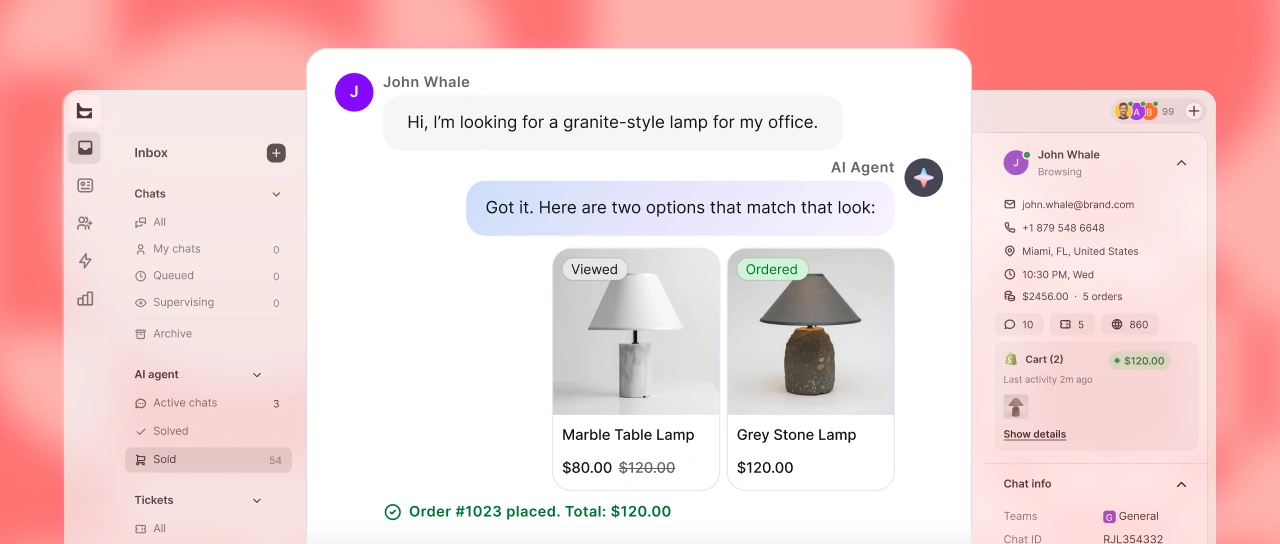
Access real-time views of customers' shopping carts to recommend additional items, increasing the value of your chats.
Get startedProduct Recommendation
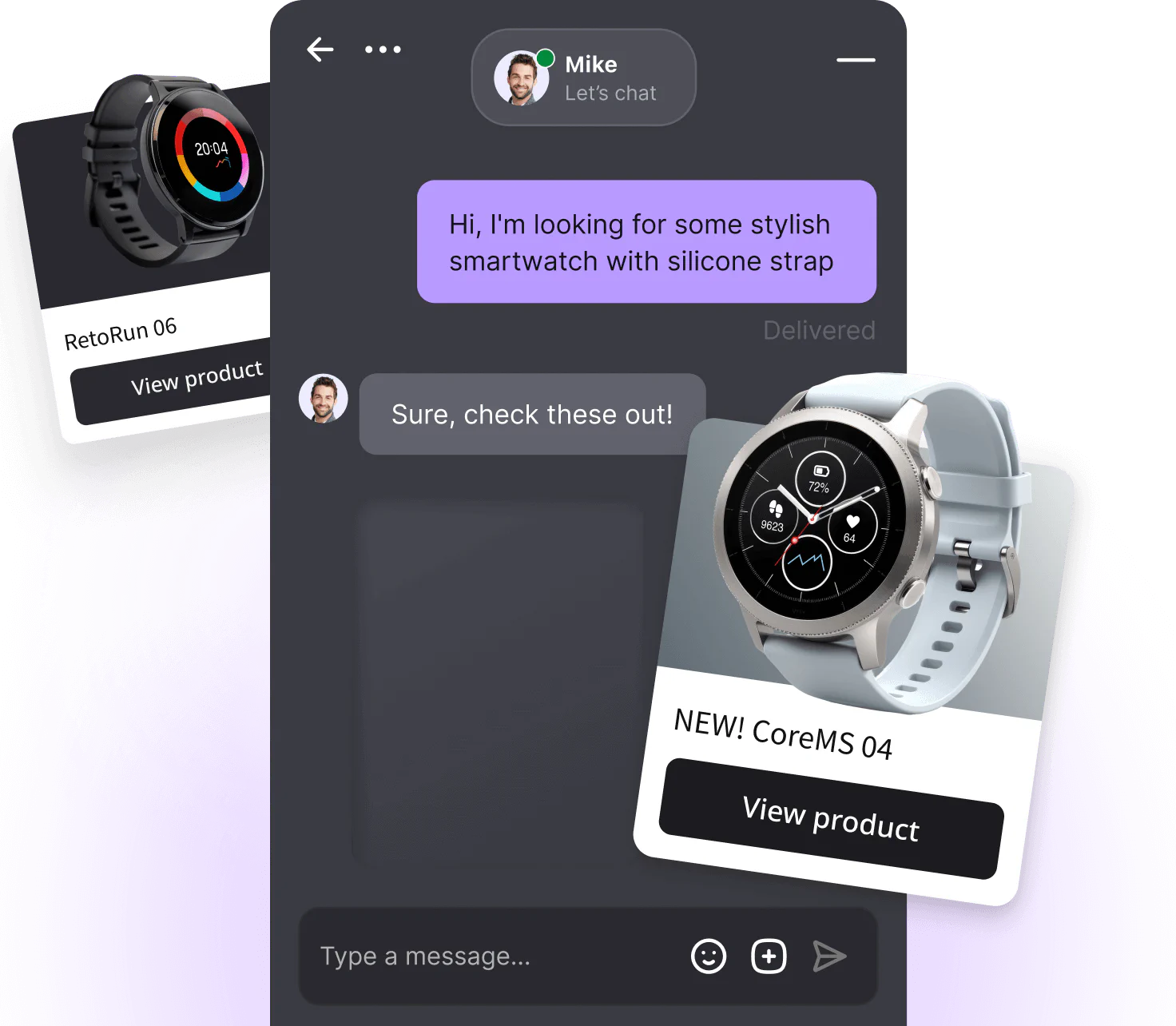
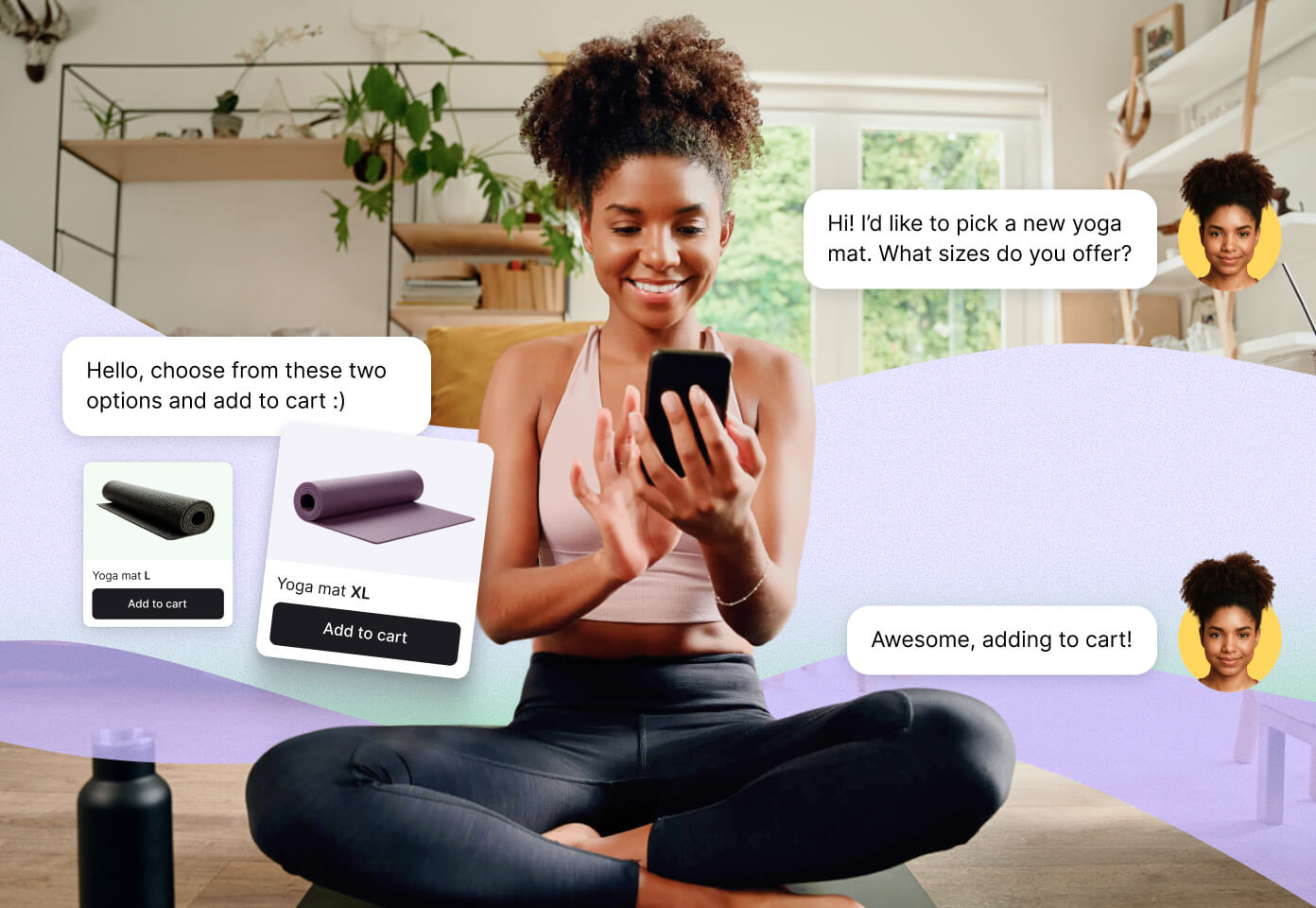
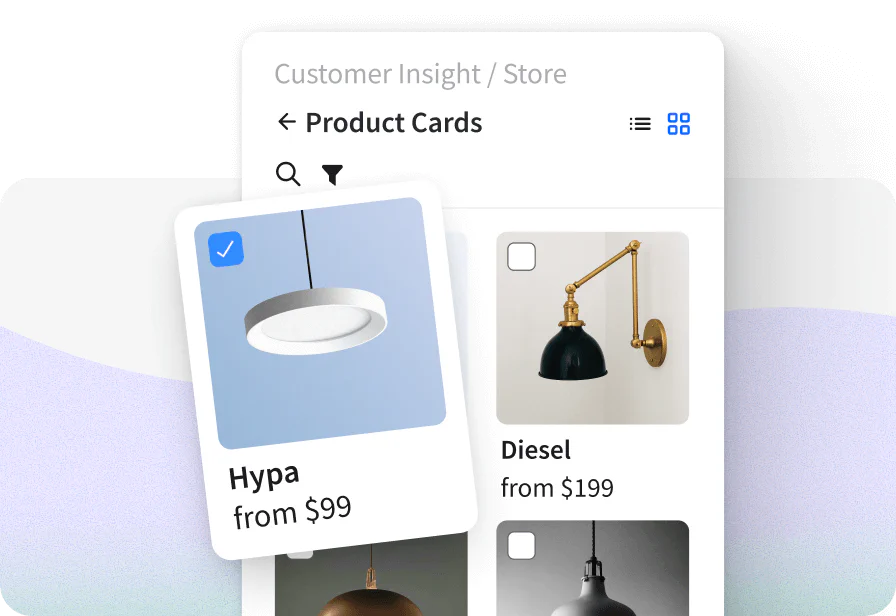
Share product suggestions, complete with images and easy-to-use buttons during chats, helping customers quickly add items to their shopping cart.
Get startedSupport
Quickly answer any questions using just the customer's order number. Assist with returns, provide shipping information, and ensure customers are satisfied with swift service.
Get startedOrders Preview
Review customers’ previous orders and notes to diagnose and resolve issues swiftly. Modify orders as needed and share tracking details instantly.
Get startedWatch a video to learn more about LiveChat

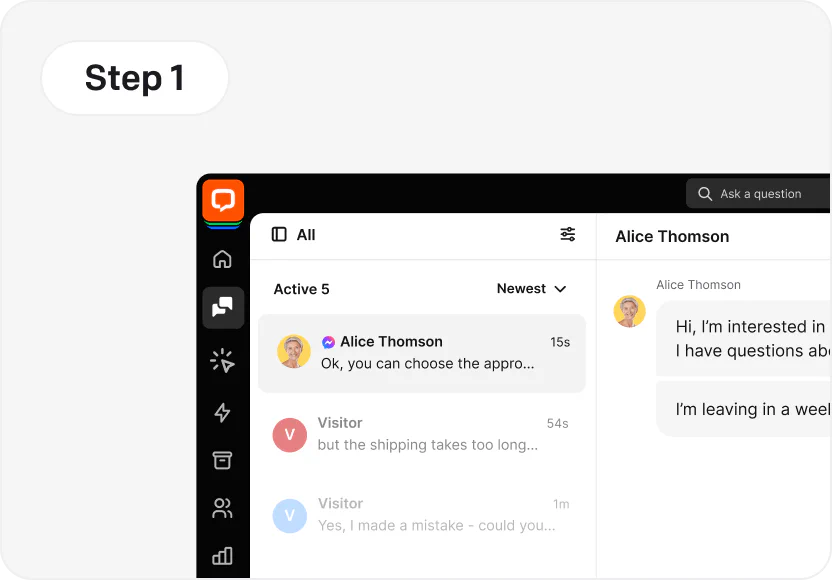
Set up your account at LiveChat using a 14-day free trial.
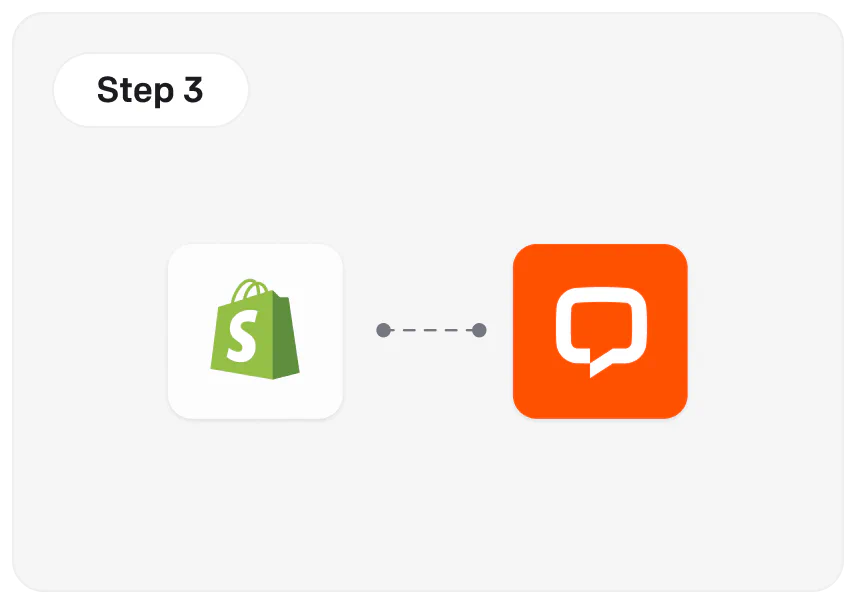
Connect LiveChat with your Shopify store.
Start chatting with your customers using your web browser, mobile, or desktop apps.
Customer data
Customer data
Thanks to Text products, Shopify merchants earn an average of $11,000 in extra revenue every month.

Marketplace stats
Marketplace stats
Trusted by Shopify merchants worldwide, with a 4.8/5 average rating for reliability, speed, and customer support.



4.8 Trusted by Shopify customers

4.6 Average rating on Capterra

4.5 Average rating on G2

Nov 17, 2025
Nov 17, 2025
“We have found this app to be pretty powerful, but there are add-ons that you may need which are additional monthly fees. The app is pretty intuitive.”
May 27, 2025
May 27, 2025
“LiveChat is a positive addition to our eCommerce store, helping with maximising sales and customer satisfaction. The support provided by LiveChat to backup their product has been exceptional.”
Oct 1, 2025
Oct 1, 2025
“Michael provided quick and informative responses to help us get LiveChat working well with our store in coordination with ChatBot.com.”
Jun 3, 2025
Jun 3, 2025
“Very good app, it is good and easy to use, the customer support is very professional and timely, i recommend it to everyone!”
Integrate LiveChat with Messenger, WhatsApp Business, and more to meet shoppers wherever they reach out. Manage all conversations inside LiveChat for Shopify, respond faster, and turn every message into an opportunity to support and sell.
Discover more apps

Integrating with Shopify is seamless and requires no coding skills. The fastest method is using our official plugin:
1. Go to the Shopify App Store and search for "LiveChat".
2. Click "Add app" and log in to your Shopify account.
3. Once installed, click "Connect" and sign in to your LiveChat account (or create a new one).
4. After these steps, the chat widget will automatically appear in your store.
This is exactly why we offer a fully functional 14-day free trial. It provides you with the time to test the integration in your live environment before committing to a payment. This ensures the tool meets your expectations before any costs are incurred.
Payments are collected automatically via the credit card attached to your account (we accept Visa, Mastercard, American Express, Discover) or via PayPal. You can choose a monthly billing cycle (pay as you go) or an annual billing cycle (prepaid for the year, which typically saves you around 15-20%).
Yes, Shopify offers live chat support for its customers. Access it by logging in to the Shopify account, visiting the Shopify Help Center, and clicking on the “Contact support” button. From there, you can select the topic of your question or issue. You'll be given the option to chat with a Shopify support representative in real time. Keep in mind that live chat availability may vary based on your location and the time of day.
There are many live chat apps available for Shopify, and the best one for you will depend on your specific needs and preferences. One of the most popular is LiveChat®. It integrates seamlessly with Shopify, making it easy to install and use. LiveChat® offers many features, including chatbots, customer tracking, and integrations with other tools like Facebook and Google Analytics. It provides detailed analytics and reports, which can help you track your performance and identify areas for improvement. You can use this data to optimize your sales and support processes and improve the overall customer experience.
Ultimately, the best live chat app for Shopify will depend on your budget, specific needs, and the level of customer support you want to offer. You may want to try a few different options to find the one that works best for your store.
To add live chat to your Shopify store, you can use one of the many live chat apps available in the Shopify App Store. Here are the general steps to set up live chat on your Shopify store:
1. Choose a live chat provider: Browse the Shopify App Store and choose a live chat app that meets your needs and budget. For instance, you can check out LiveChat®, one of the best live chat apps for Shopify.
2. Install the app: Click the \"Add app\" button on the app's page in the Shopify App Store to install the app to your Shopify store. Follow the prompts to complete the installation process.
3. Customize the chat widget: After installing the app, you can customize the chat widget's appearance, position, and settings to match your store's branding and preferences.
4. Test the live chat app: Finally, test live chat by starting a conversation with yourself or a friend to ensure it's working correctly.
Once you've set up live chat on your Shopify store, start using it to communicate with your customers in real time and provide better support.
Absolutely. Our team of Support Heroes is available for you 24/7/365. If you have any technical issues or configuration questions, you can contact us instantly via the chat on our website or inside the application. We are here to ensure your integration works perfectly.
Signing up for LiveChat starts a free 14-day trial period.
The best plan depends on your team size and data needs. Here is a quick guide:
There are many third-party live chat apps & integrations available in the Shopify App Store that you can use to add live chat to your store.
While some live chat apps may offer a free plan, most have a monthly subscription fee that varies depending on the features and level of support you need. Some apps also offer a free trial period, so you can try the app before committing to a subscription.
Adding a live chat to your store can help improve customer support and increase sales, so the investment in a live chat app can be worth it in the long run.
Adding live chat to your Shopify store can help you increase sales and gain happy customers in several ways:
1. Real-time customer support: Live chat lets you provide instant customer support, answer questions, and quickly resolve issues. This can lead to higher customer satisfaction and increased sales.
2. Personalized customer experience: Live chat lets you communicate with customers in a more personal and direct way, building relationships and increasing customer loyalty.
3. Increased conversions: Live chat can help you address any concerns or objections customers may have in real time, reducing cart abandonment and improving the overall shopping experience.
4. Competitive advantage: Offering live chat can help you stand out from your competitors and demonstrate commitment to providing excellent customer support.
5. Data collection and analysis: Many live chat apps offer data collection and analysis features that let you track customer behavior and identify areas for improvement, such as frequently asked questions or product issues.
Overall, adding a live chat to your Shopify store can help you provide better customer support, increase conversions, and build stronger relationships with your customers. Improving the shopping experience can increase customer loyalty and ultimately grow your business.
There are many reasons why you may not be getting any sales on Shopify:
1. Lack of traffic: If you're not getting any sales, it's possible that you're not getting enough visits to your store. Try promoting your store to increase your visibility on the Internet.
2. Poor website design: Poor user experience and interface can turn potential customers away. Make sure your store is visually appealing, easy to navigate, and has a clear value proposition.
3. Confusing product descriptions: Write product descriptions that are clear, concise, and highlight the benefits of your products. Confusing or poorly written descriptions can lead to lost sales.
4. Limited online payment options: You should offer a variety of payment options to make it easy for customers to purchase your products. If you offer only one payment option, you may be missing out on sales from customers who prefer a different method.
5. Inadequate customer support: If customers have questions or concerns and can't get answers, they may choose not to make a purchase. Make sure you have adequate customer support in place, such as live chat, email support, or an FAQ page.
6. Poor marketing strategy: If you're not reaching the right audience or using effective marketing tactics, you may not be attracting the right customers. Try refining your marketing strategy or seeking help from a marketing professional.
It's important to remember that building a successful Shopify store takes time and effort. Continuously evaluate and improve your store to increase your chances of making sales.
Start using LiveChat and Shopify integration
No credit card required 14-day free trial