

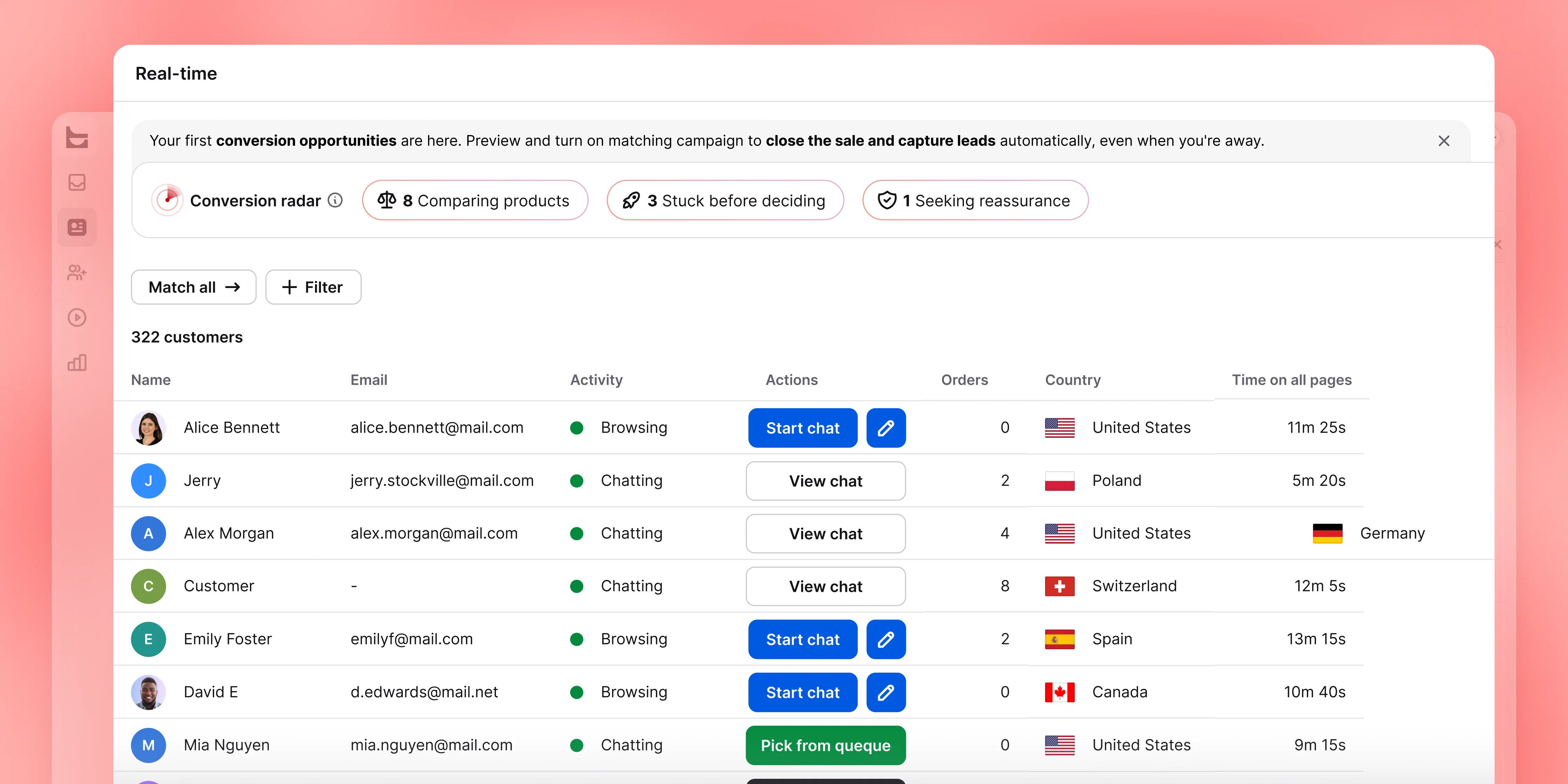
Meet visitors in the moment
Offer a conversation on practice-area, attorney-profile, pricing, and contact pages before a potential client leaves to compare another firm.
LiveChat® for legal services
Engage potential clients while they are still on your website. LiveChat helps your intake team collect preliminary details, qualify inquiries, and move each conversation toward the right next step.
Free 14-day trial No credit card required

More than 35,000 companies rely on LiveChat to manage website conversations and create new opportunities.
Some visitors are ready to contact a firm but not ready to call. Others need one practical question answered before they move forward. LiveChat gives them a low-friction way to reach your intake team while their interest is still high.
Offer a conversation on practice-area, attorney-profile, pricing, and contact pages before a potential client leaves to compare another firm.
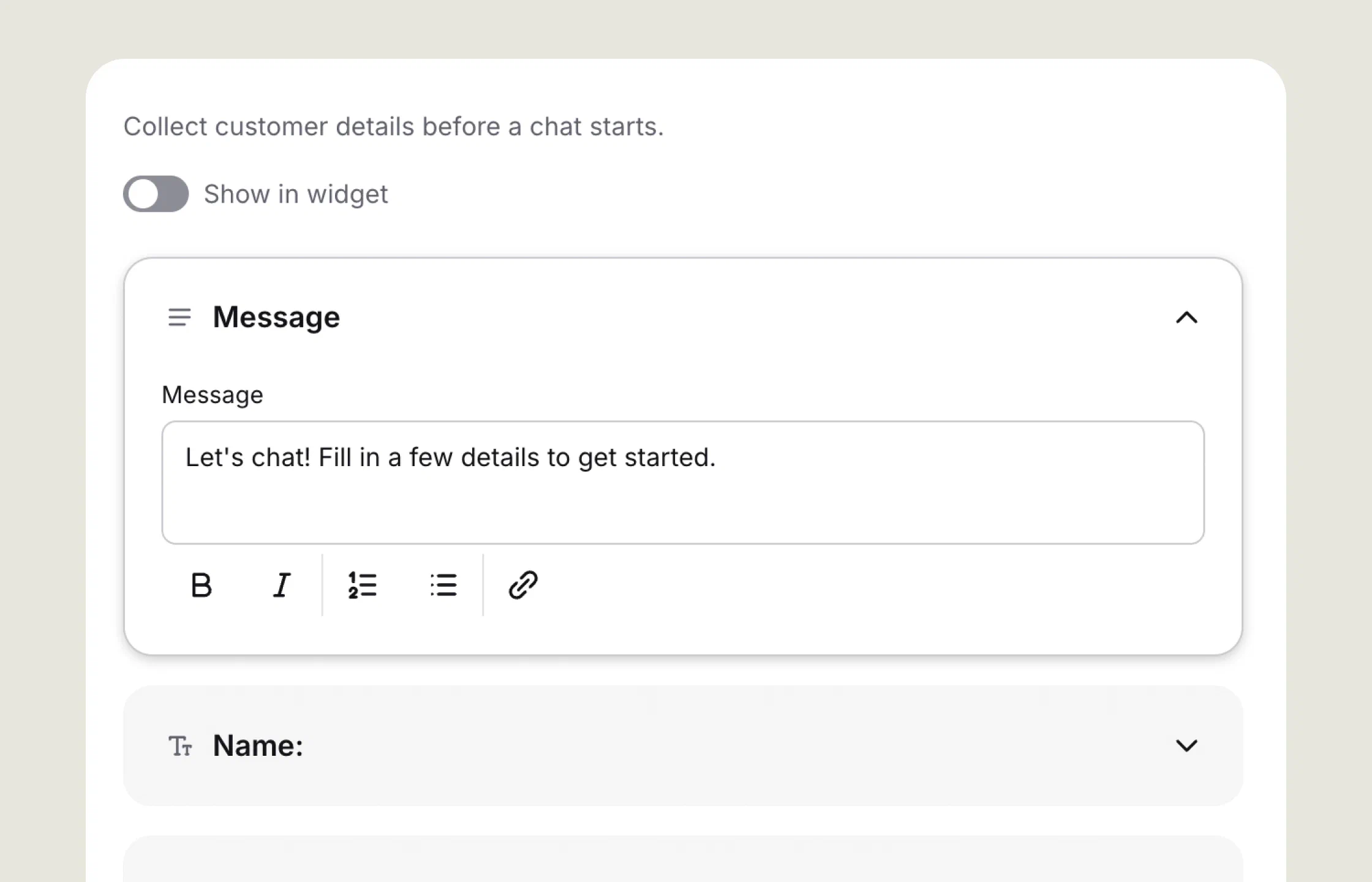
Answer approved process questions, collect the minimum preliminary details, and show whether the next action is a call, consultation, message, or follow-up.
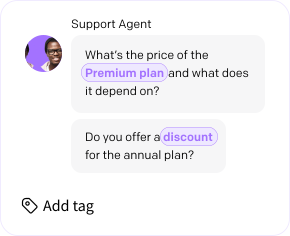
Keep the conversation history, tags, and summaries together so staff can pick up a qualified inquiry without asking the visitor to start over.
Add LiveChat to your firm’s website and give potential clients a clear way to reach the right team while their interest is high.
See how LiveChat supports the path from a first website question to an accountable intake handoff, while keeping chat focused on intake rather than legal advice or case management.

Invite potential clients to start a conversation from practice-area, attorney-profile, pricing, or contact pages. Targeted greetings help your intake team respond while the visitor is still considering the firm.
Use pre-chat and offline forms to ask for contact information, broad matter type, jurisdiction, urgency, and preferred follow-up method. Keep sensitive case details out of the first interaction.

Define intake questions for fit, location, and service availability. Saved replies can explain the firm's process, but substantive legal questions should move to an authorized attorney after the appropriate checks.
Create groups for different practices, offices, or intake teams. Automatic routing, tags, and chat transfers help the right staff member continue the conversation without making the visitor start again.
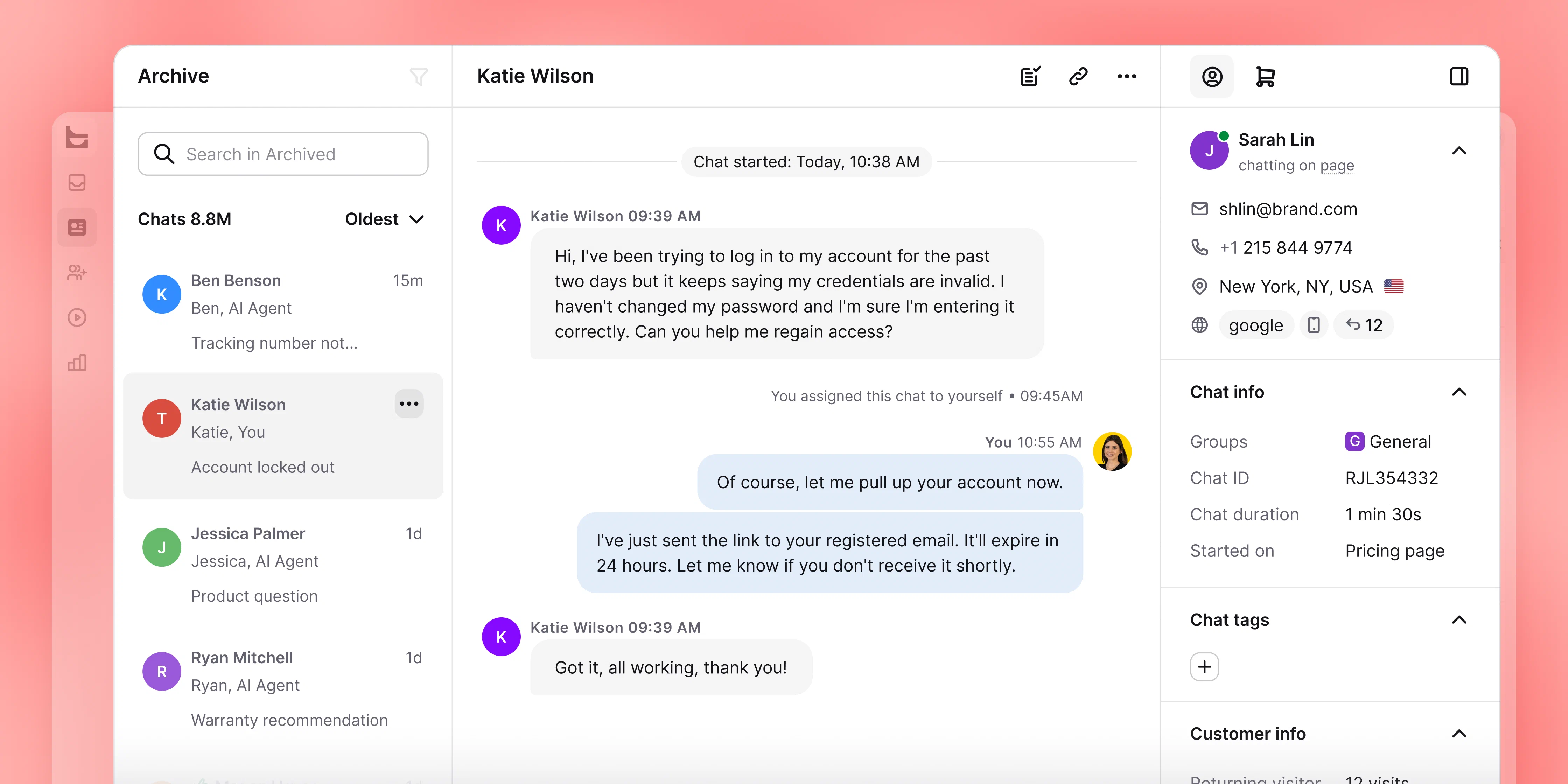
Keep the chat entry point available after business hours while clearly identifying automation and offline messaging. Tell visitors when a person will respond and what to do if their situation is urgent.
Let visitors leave a message when nobody is online and continue asynchronously. Transcripts and summaries give intake staff the context they need before the next call or message.

Track qualified inquiries, response time, consultations scheduled, after-hours follow-up, and outcomes by page or practice area. Use the results to improve staffing, prompts, and routing.
Add a clear preliminary-intake notice, limit what the chat collects, control who can access conversations, and define retention and escalation rules with your legal and security teams.
Bring Chat Widget, Chats, Archives, and Reports together so your team can capture, route, and follow up on new inquiries with less friction.
Give intake staff practical tools for handling new inquiries consistently. LiveChat helps your team respond faster, preserve context, and use automation without presenting it as a lawyer.
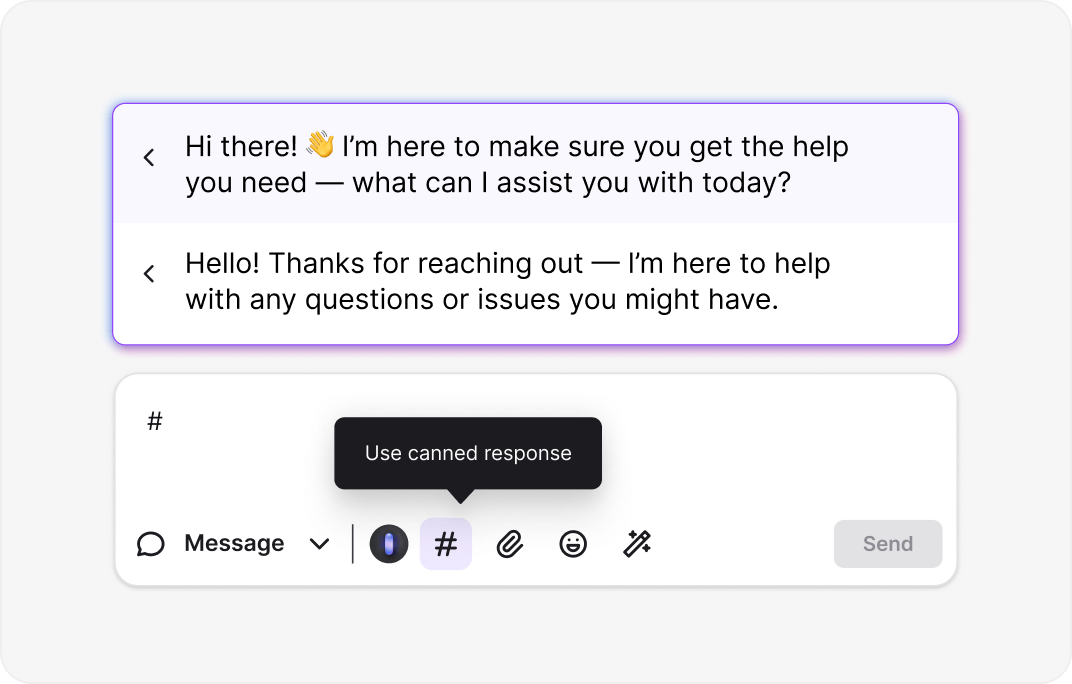
Save approved replies for operational questions about office hours, consultation steps, locations, or documents. Intake staff can answer quickly without turning a template into legal advice.
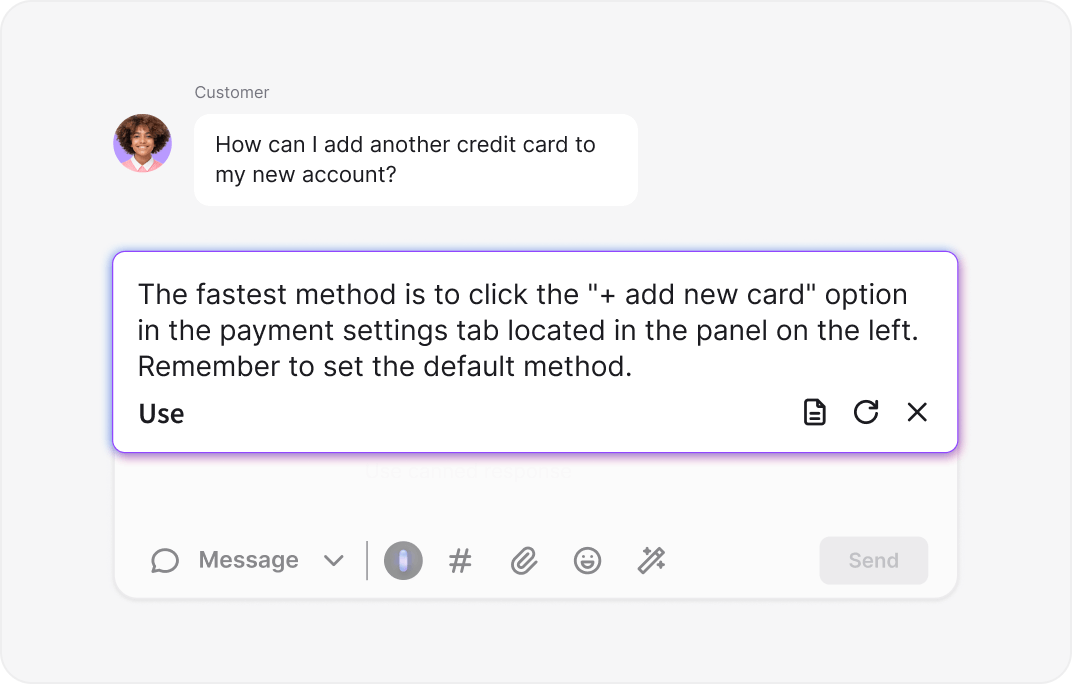
Use AI-assisted reply suggestions to help your team communicate clearly and consistently. Staff remain in control and can review every message before sending it.
Let automation gather contact details, broad matter type, jurisdiction, and preferred follow-up method. Tell visitors when a human will respond instead of implying that an attorney is available around the clock.
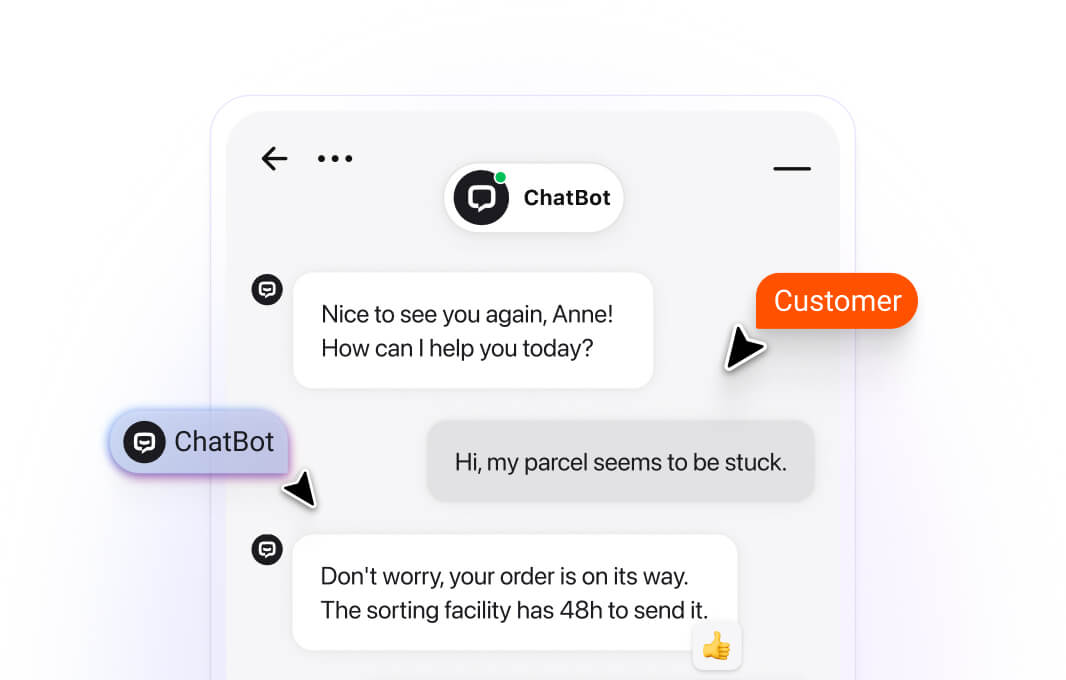
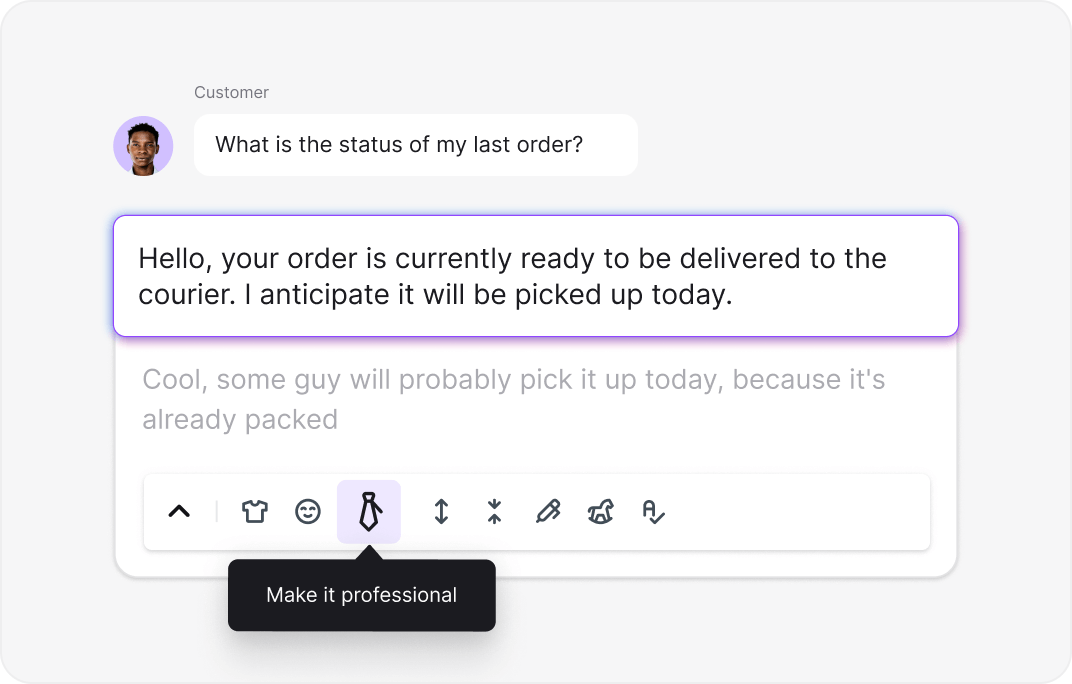
Rephrase, shorten, expand, or adjust the tone of a draft reply. Your intake team can keep conversations professional while handling several website inquiries.
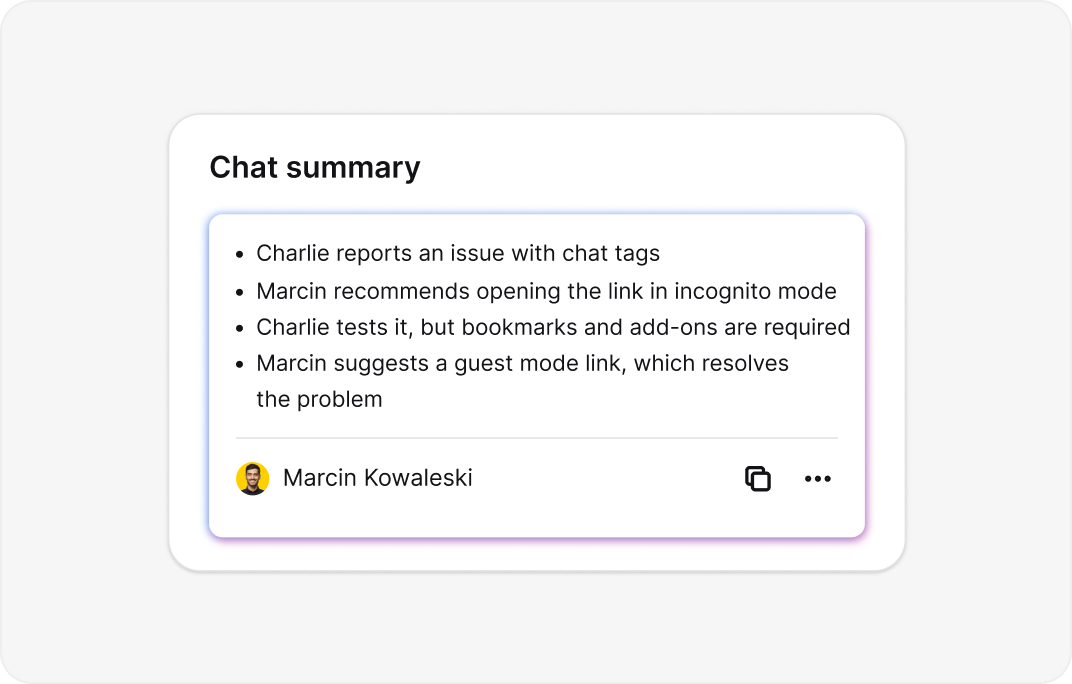
Use AI-generated conversation summaries to find the key intake points before follow-up. Staff should verify important details against the full chat before acting on them.
Give your intake team the context, approved replies, and automation to respond consistently and move promising inquiries to the right next step.
Live chat for law firms works best when every conversation follows a defined path. Set clear ownership, collect only what the team needs, and make the next action obvious to both the visitor and your staff.
A chat entry point can remain available around the clock, but software availability and staffed human coverage are different. Choose the model your firm can operate reliably and explain it in the conversation.
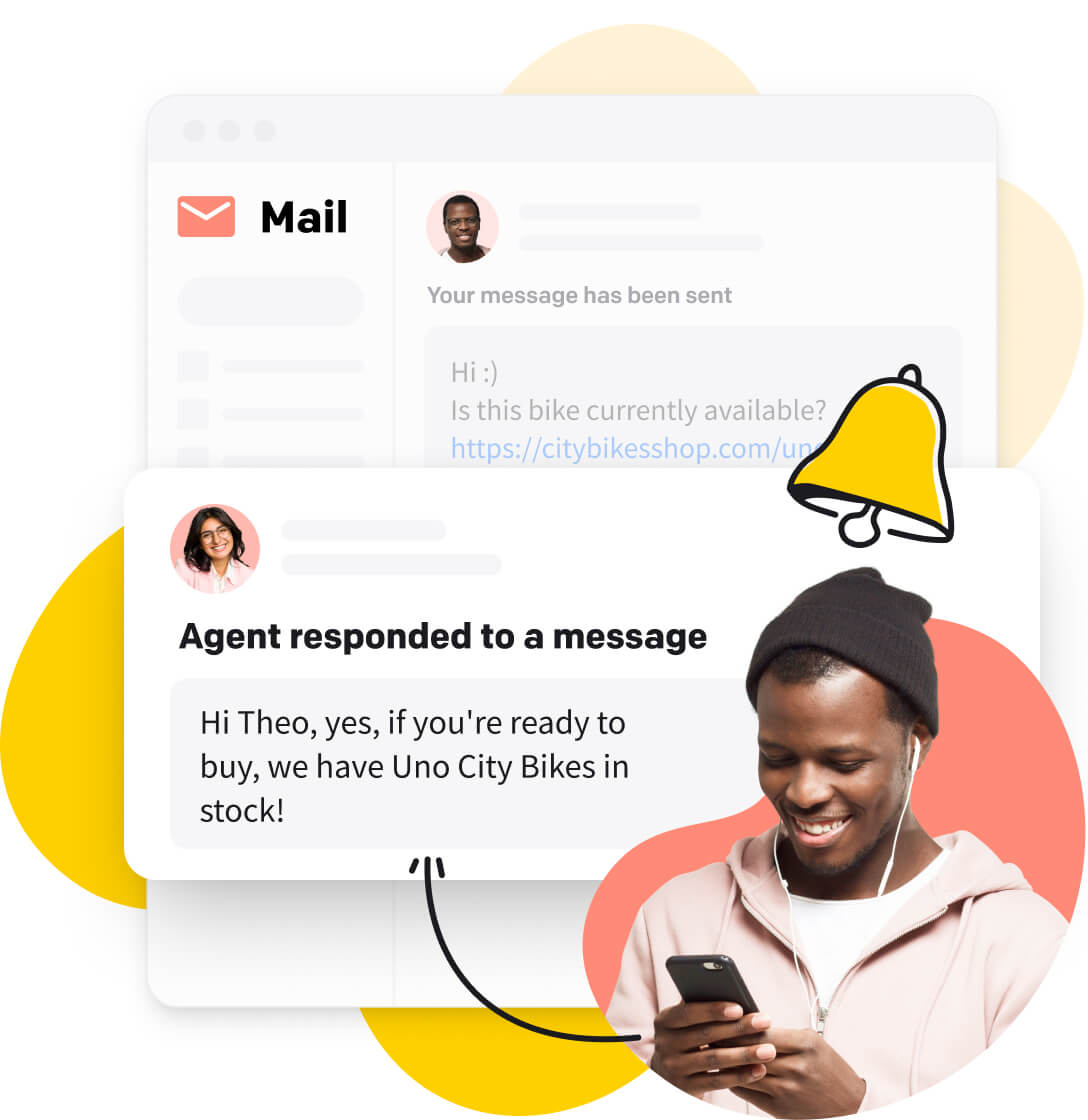
Let trained intake staff answer in real time, apply qualification rules, tag the inquiry, and transfer it when another team is better placed to continue.
Switch to asynchronous messaging or an offline form. Collect preliminary details, state when the firm will respond, and give the visitor a clear alternative for urgent situations.
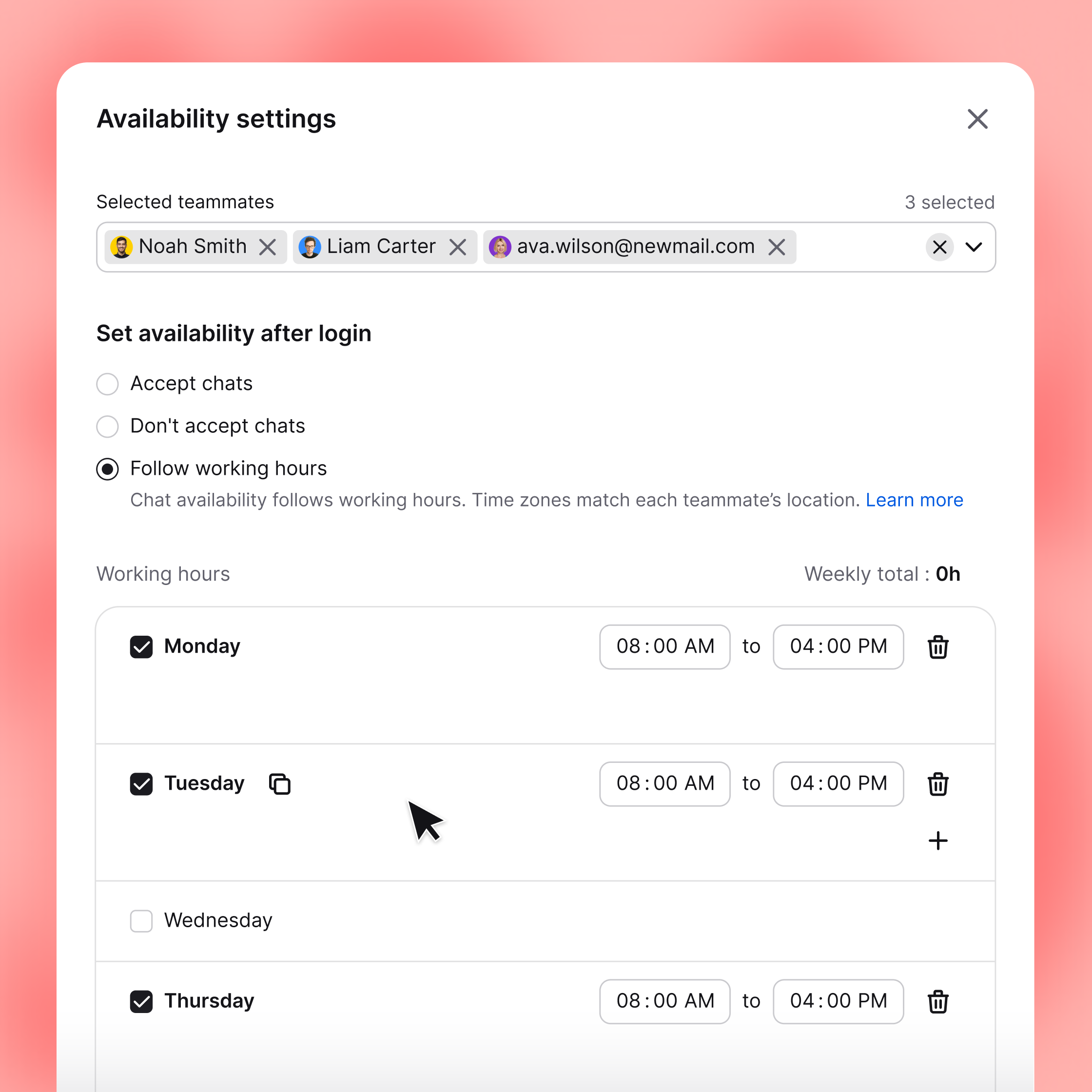
Schedule your own team or use a staffed answering service. LiveChat provides the workspace and conversation tools, but it does not turn an unstaffed account into a virtual receptionist service.
LiveChat is the conversation layer at the front of the intake funnel. It helps turn a passive website visit into a structured first contact while your firm's chosen intake or case management system remains the authoritative record.
Start with one practice area or office if the intake process is complex. Expand only after the handoffs, notices, and response expectations work consistently.
Decide which team is accountable for staffing, quality, and follow-up.
Document the practice areas, jurisdictions, case types, and contact details needed for preliminary intake.
Prepare greetings, operational replies, transfer wording, after-hours expectations, and a no-legal-advice notice.
Create groups, business hours, assignment rules, notifications, and fallback destinations.
Define what the intake team records and what action should follow each qualified inquiry.
Cover new and existing clients, wrong practice areas, urgent messages, after-hours inquiries, and failed handoffs.
Audit conversations and funnel results regularly, then refine questions, staffing, and routing.
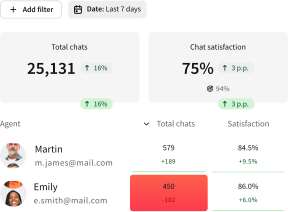
More conversations matter only when they create better business outcomes. Define a qualified inquiry for every practice area and record the result consistently.
Ordinary website chat should not be described as privileged or sufficient to create an attorney-client relationship. Align the workflow with your firm's legal and security requirements before launch.
Live chat for law firms is software that lets an intake or service team communicate with website visitors in real time or asynchronously. It can collect preliminary details, route inquiries, preserve conversation history, and support follow-up. It is not an online legal-advice service.
The chat widget, asynchronous messaging, and automated workflows can be available around the clock. Human service is available only when your firm or its chosen service provider staffs the account. Configure the chat to show whether a visitor is speaking with a person, interacting with automation, or leaving a message for later.
Start with the minimum information needed to route and evaluate an inquiry: contact details, broad matter type, jurisdiction, urgency, and preferred follow-up method. Ask visitors not to send highly sensitive details before the firm checks conflicts and confirms how the conversation will proceed.
No. LiveChat manages conversations at the front of the intake funnel. Dedicated legal client intake software can remain the system of record for detailed questionnaires, conflict workflows, appointments, e-signatures, and matter creation.
Legal client intake is the process a firm uses to receive and evaluate a new inquiry before representation begins. It commonly includes preliminary data collection, practice-area and jurisdiction checks, conflict screening, qualification, consultation scheduling, and follow-up.
No. LiveChat helps staff manage preliminary intake and approved service information. It should not be presented as a lawyer or used to provide individualized legal advice automatically. Substantive legal questions should follow your firm's normal conflict, engagement, and attorney-review procedures.
Yes. Your firm can create groups for practice areas, offices, languages, or intake teams, then route or transfer conversations to the appropriate staff. Tags and pre-chat questions help the team distinguish new inquiries from existing-client and general service messages.
Track more than chat volume. Useful measures include qualified-inquiry rate, first-response time during staffed hours, after-hours follow-up, consultations scheduled, outcomes by practice area, and the pages or campaigns that generate useful conversations.

We're always here — 24/7/365. Get live support from Product Experts to help your business grow.


