
Visitor Log
Deanonymize your LiveChat visitors
- LiveChat
Visitor Log
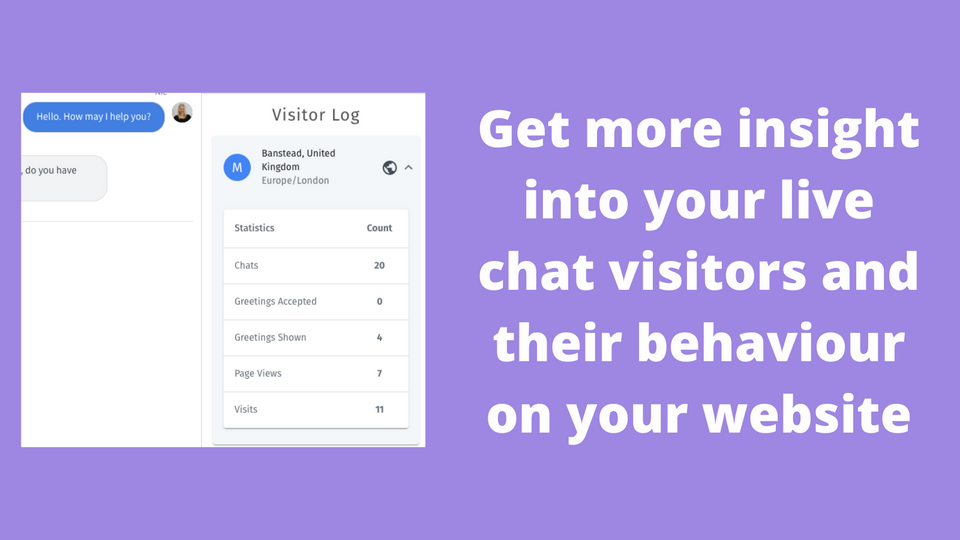
Visitor Log helps you understand who is coming on to chat, what they're doing on your site, and lets you store notes for future reference.
The days of anonymous chats are gone
Whether you want to understand how many LiveChat Greetings your visitors have been shown, how many times they've chatted with you in the past or the number of times they've been on your site, Visitor Log is the perfect app for you. Giving you all this data and more.
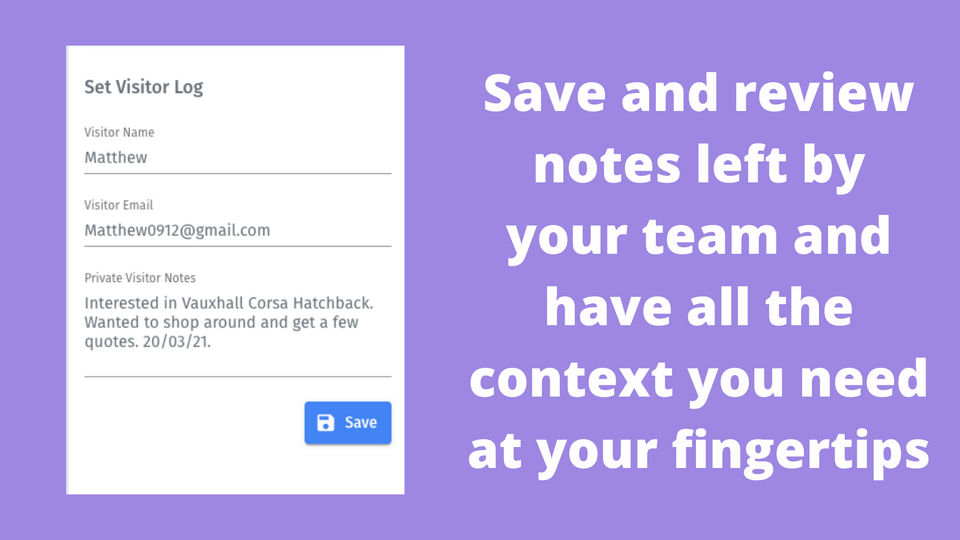
With real-time visitor detail enrichment, the app allows you to rename a visitor inside the LiveChat platform so you can get full context on chatters each time they visit your site.
Say goodbye to anonymous chatters and hello to personalised experiences with Visitor Log.
Key features
Understand your visitors and how they behave on your website at a glance with in-depth analytics.
Read past notes left by your team during chats and have all the context you need to deliver a great conversation.
Visitor Log allows you to assign a name and email to your visitors so you can greet them with a personalised experience on their return.
This app is embedded directly into your LiveChat account.
So no downloads or extra installations required.
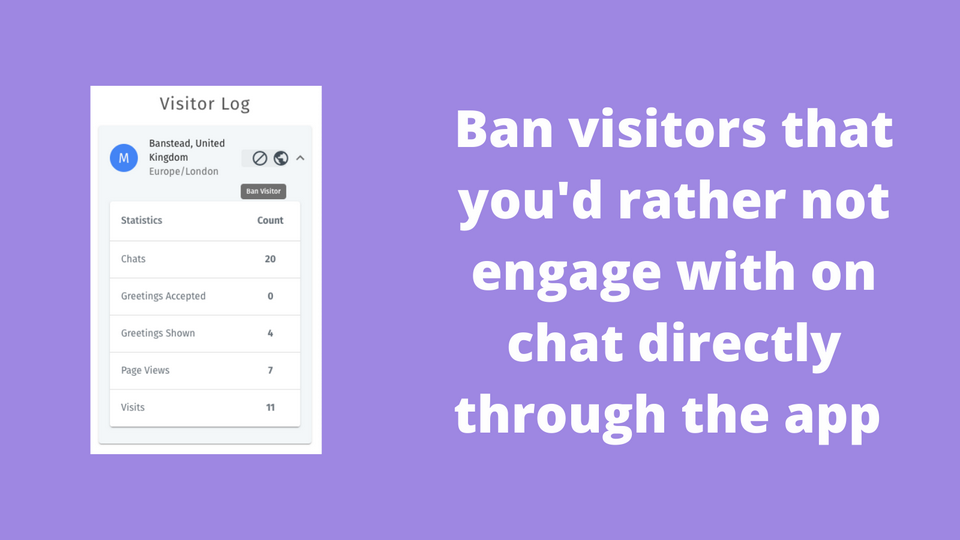
Need to ban a troublesome visitor? With one click, Visitor Log lets you ban visitors that you'd rather not engage with on chat.
Benefits
- Deliver a VIP experience with personalised interactions
- Skip repetitive questions by having previous notes and details to hand
- Deliver a great customer experience via LiveChat
- Have useful information on hand
- Instantly identify visitors
- Make informed business decisions based on analytics
What's new
[0.0.12] - 2023-13-06
Changes:
- Migrates to using the /v2/token endpoint instead of /token
App terms
Legal Terms
By installing this app, you agree to the Marketplace Terms and App Privacy Policy.
Support
How to use this app
Follow the app tutorial with setup instructions on how to use and properly configure this app with your LiveChat account. To get help and support contact The Chat Shop. You can also suggest improvements or request new features in the upcoming versions of Visitor Log.
Frequently asked questions
What does the “Verified” status mean?
In LiveChat, we always appreciate creative and problem-solving apps, so at our own sole discretion, from time to time, we may grant some applications the “Verified” status (represented by a badge or so-called badged applications). The “Verified” status confirms only that an application went through our usability review from the user's perspective. In any case, it is the Application Provider who has full responsibility for the application and its security level towards clients and any other third party.