
Swell
Add live chat to your Swell store with an AI Agent that helps shoppers choose and brings in your team when needed.
- Text
Text integration preview
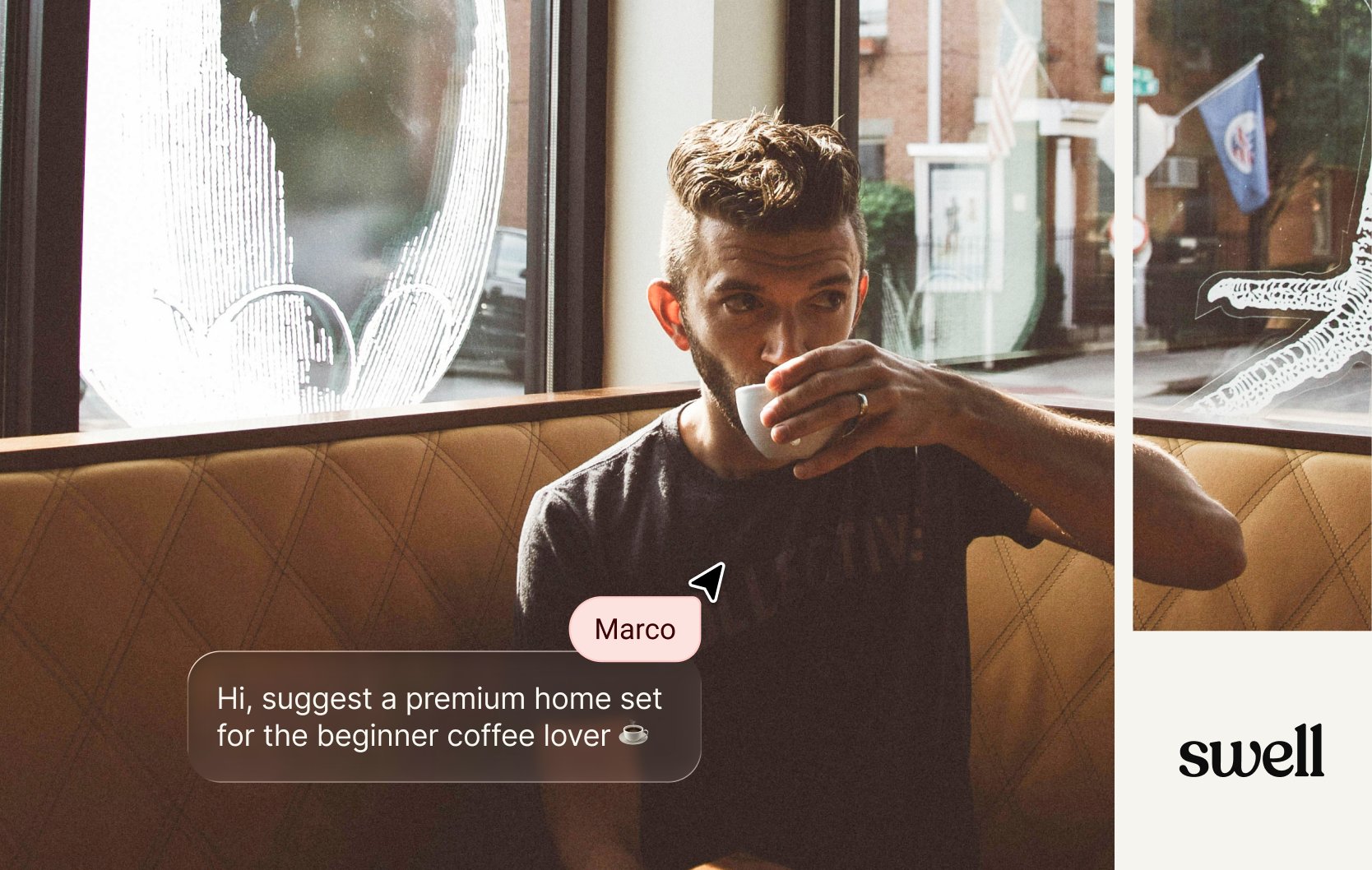
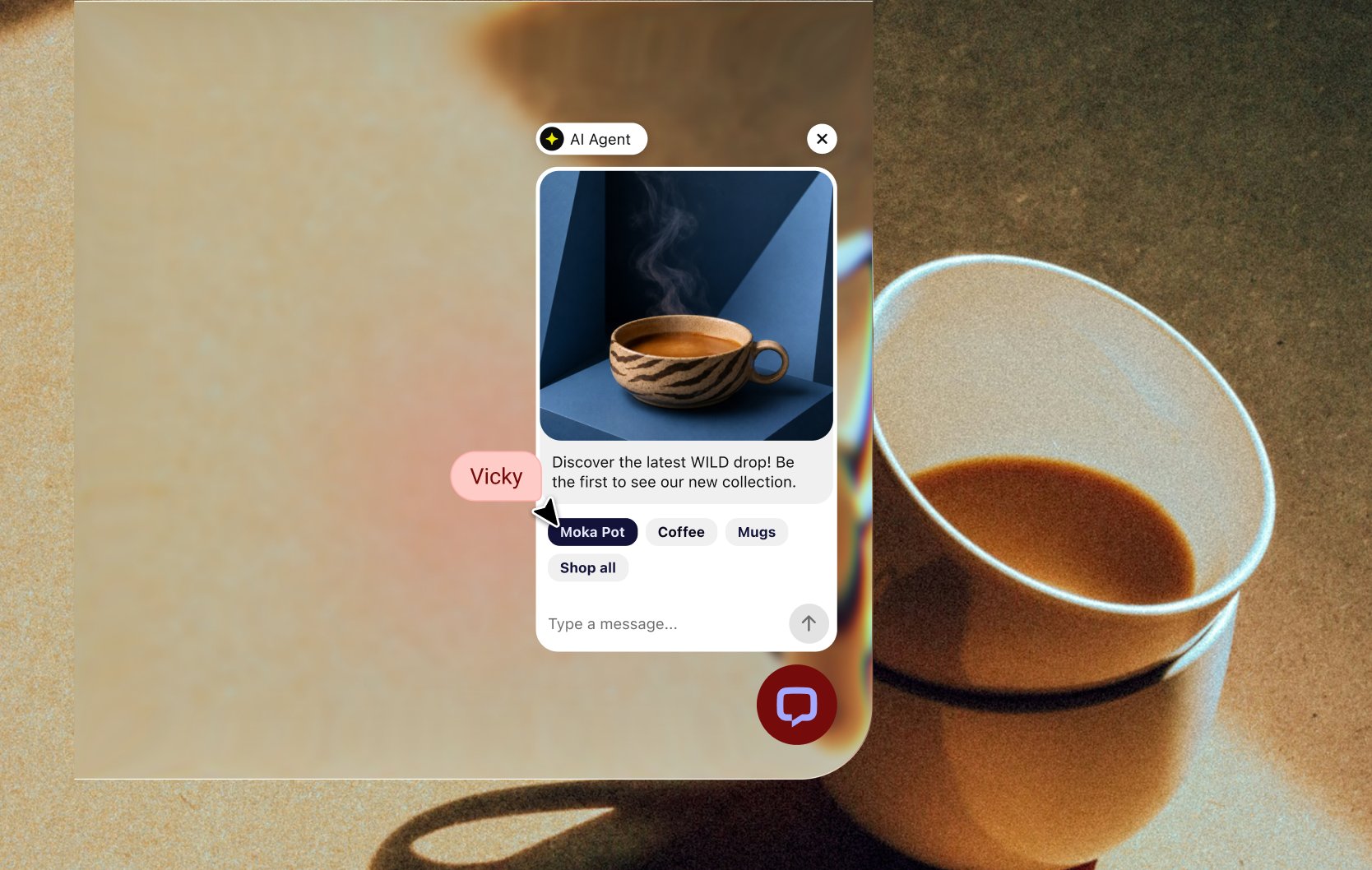
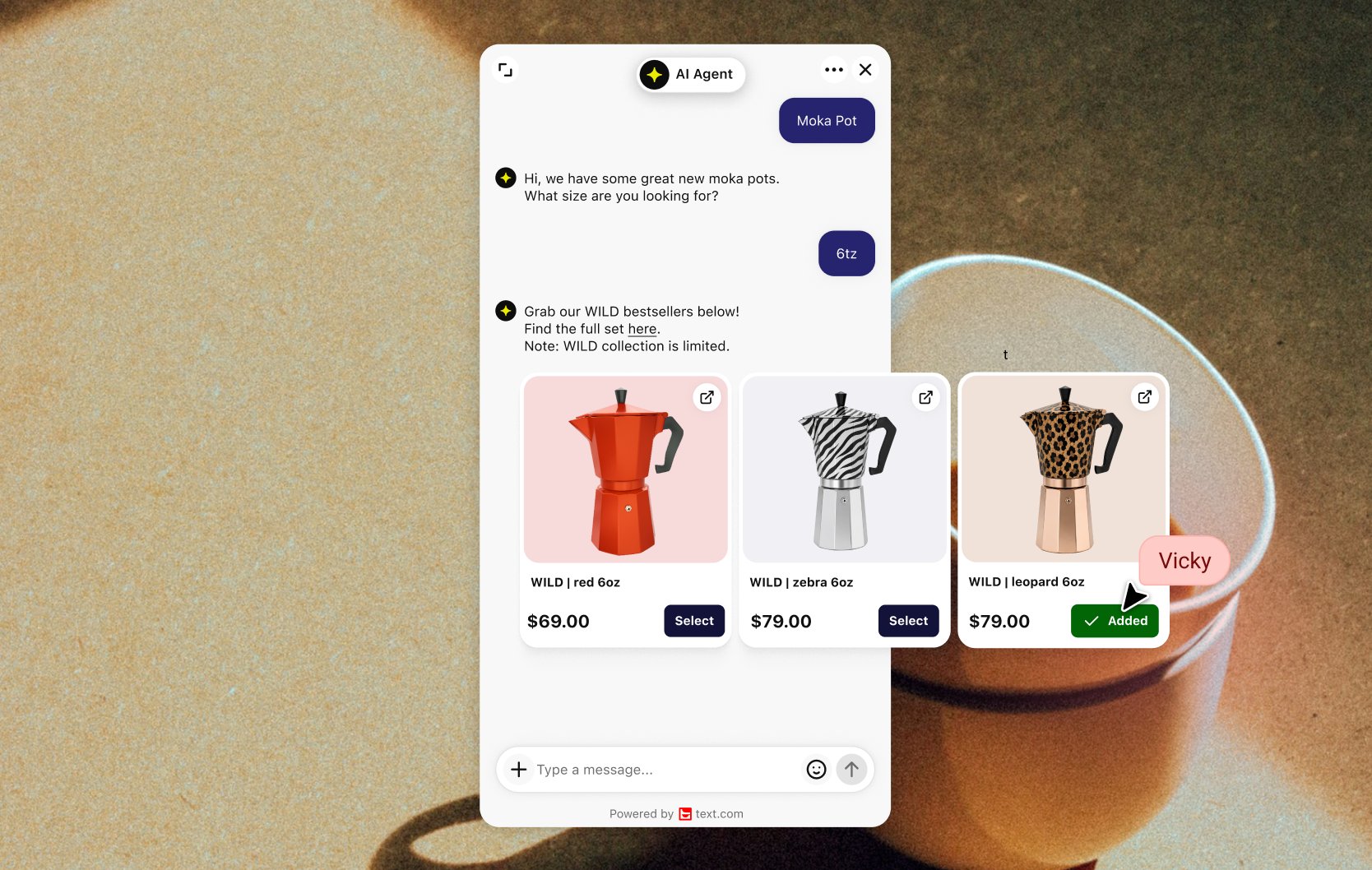
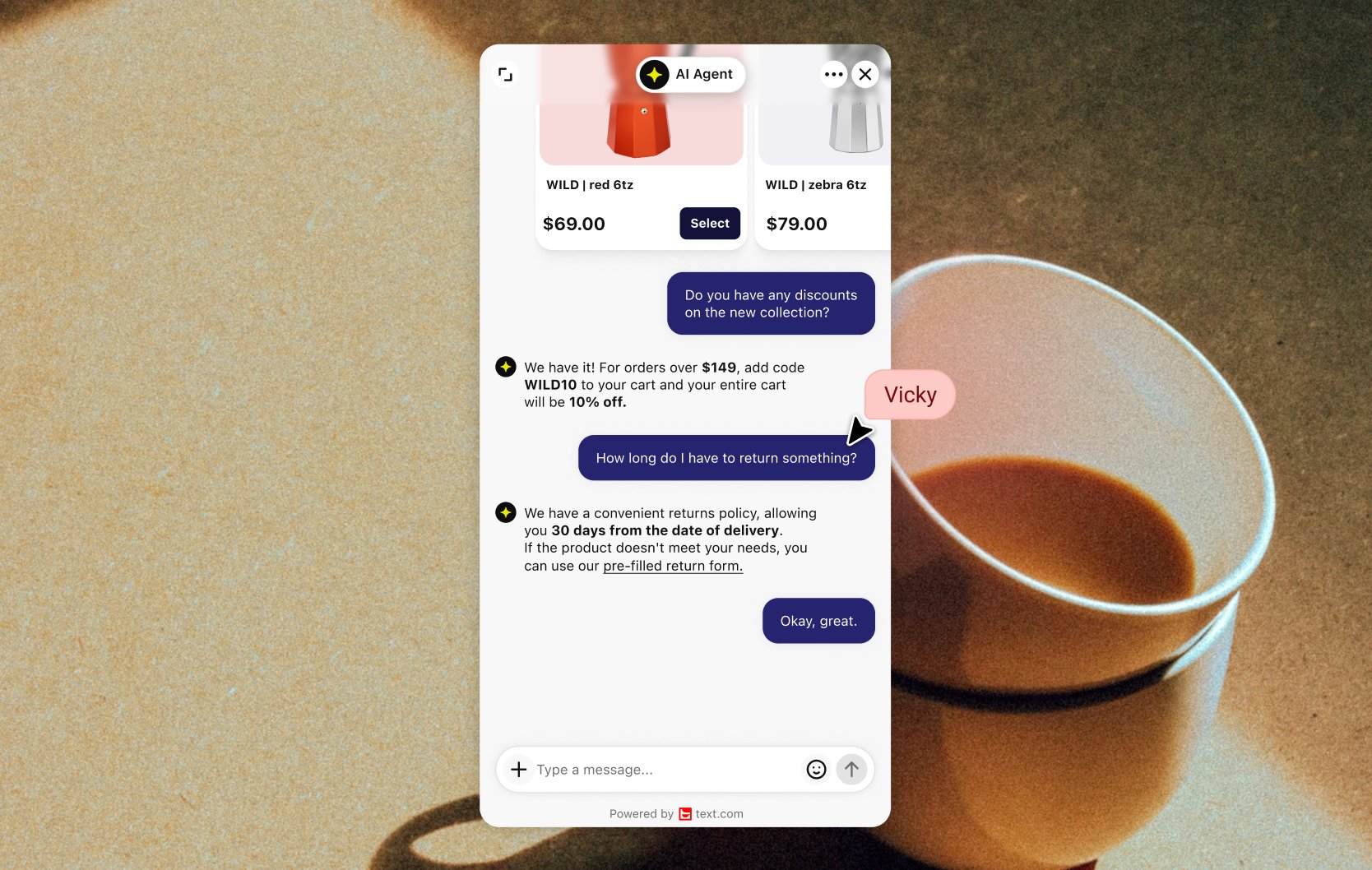
Swell live chat with an AI Agent
Text lets shoppers on your Swell storefront describe what they need and get product suggestions from the catalog you share with Text. The AI Agent handles routine questions in the tone of voice you set. When a person is needed, it passes the conversation to your team.
Let shoppers ask instead of filter
An open question tells you more than a category filter. A visitor looking for a gift can describe the person they're buying for, and the AI Agent suggests in-stock products that fit. Shoppers can also send a photo, and the AI Agent reads it.
Hand off to your team at the right moment
Transfer rules send a chat to the first available teammate or to a specific team. If nobody is free, Text creates a ticket, so the shopper still gets an answer. Your team sees the full conversation before replying.
Connect Swell to Text
Add live chat to your Swell store with a code snippet or Google Tag Manager. Share your catalog through the Text API for recommendations, and add the sales tracking calls to see which chats led to orders. Then compare Text plans.
Key features
Benefits
App terms
Legal Terms
By installing this app, you agree to the Marketplace Terms, App Privacy Policy and App Terms and Conditions.
Support
Need a hand?
Get help with this integration from Text.
Frequently asked questions
What does Text add to a Swell store?
A chat where an AI Agent recommends products from your catalog, answers questions and brings in your team when needed.
Can a person take over from the AI Agent?
Yes. The AI Agent can transfer a chat to a teammate or a specific team. If no one is available, it creates a ticket instead.
Does Text know what's in stock?
Yes, through the catalog you share. Send availability updates through the Text API and the AI Agent suggests only products that can ship.
What does the “Verified” status mean?
In LiveChat, we always appreciate creative and problem-solving apps, so at our own sole discretion, from time to time, we may grant some applications the “Verified” status (represented by a badge or so-called badged applications). The “Verified” status confirms only that an application went through our usability review from the user's perspective. In any case, it is the Application Provider who has full responsibility for the application and its security level towards clients and any other third party.