
Medusa
Add live chat to your Medusa store with an AI Agent that recommends in-stock products and tracks the sales from each chat.
- Text
Text integration preview
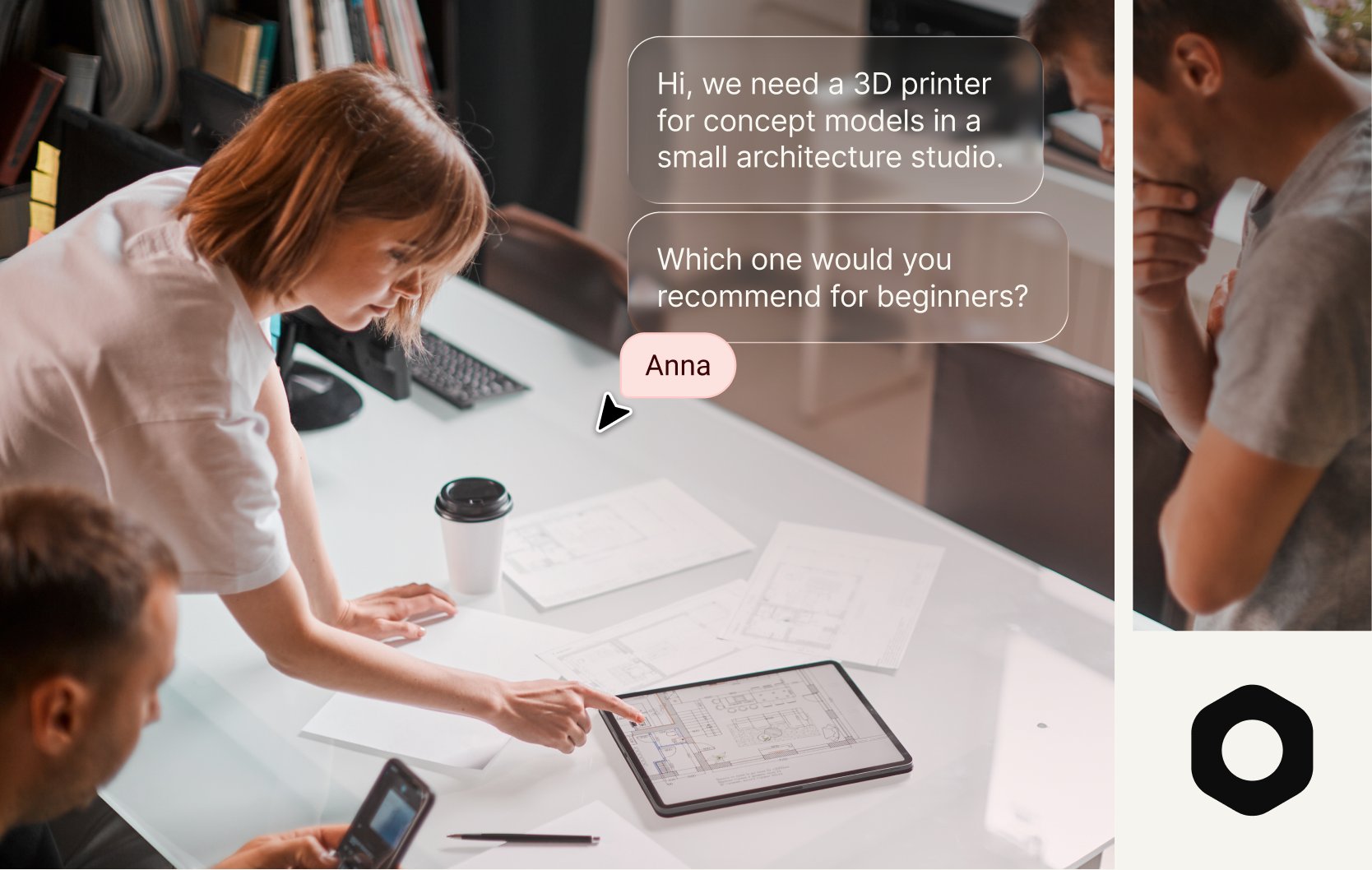
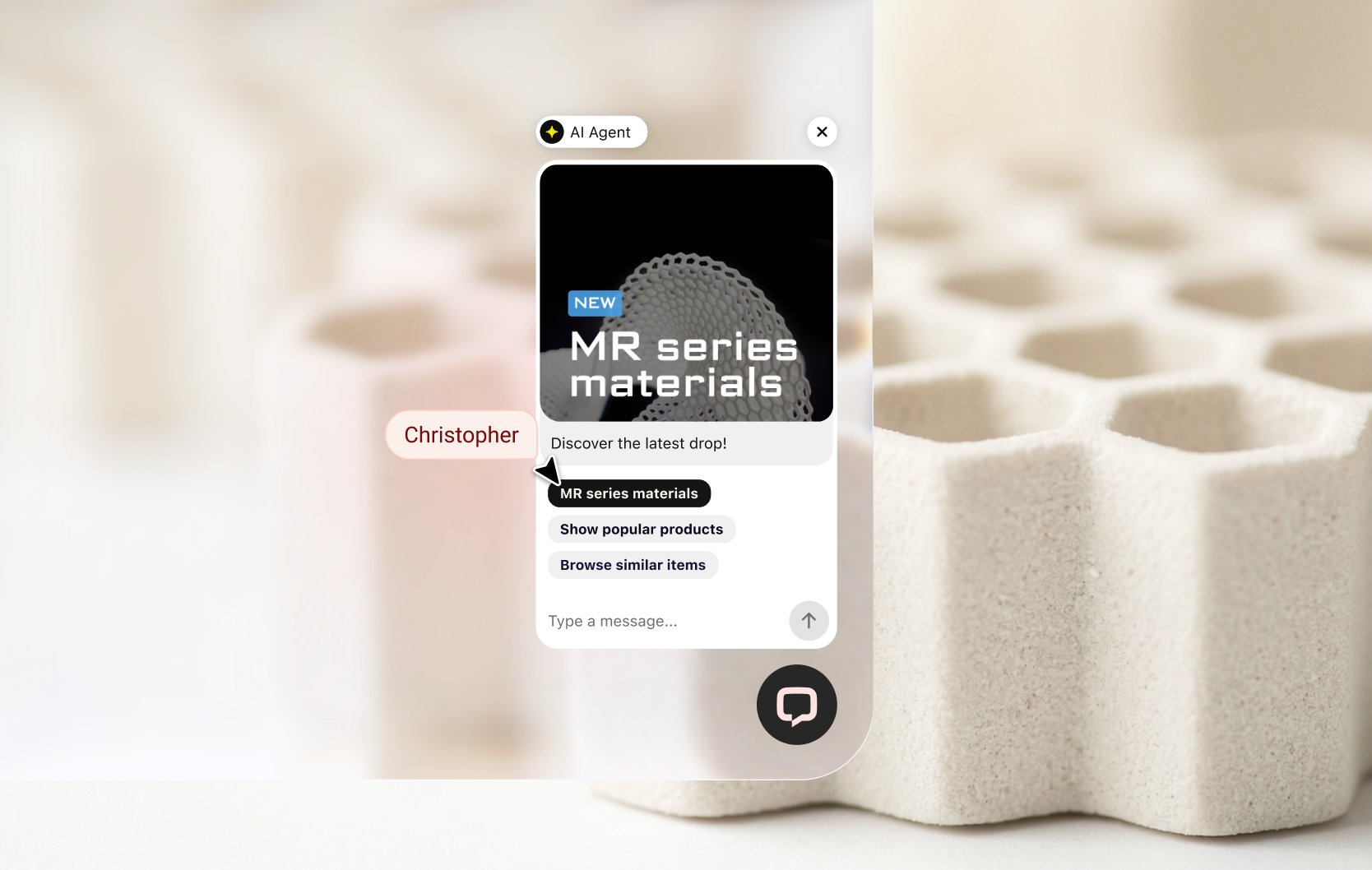
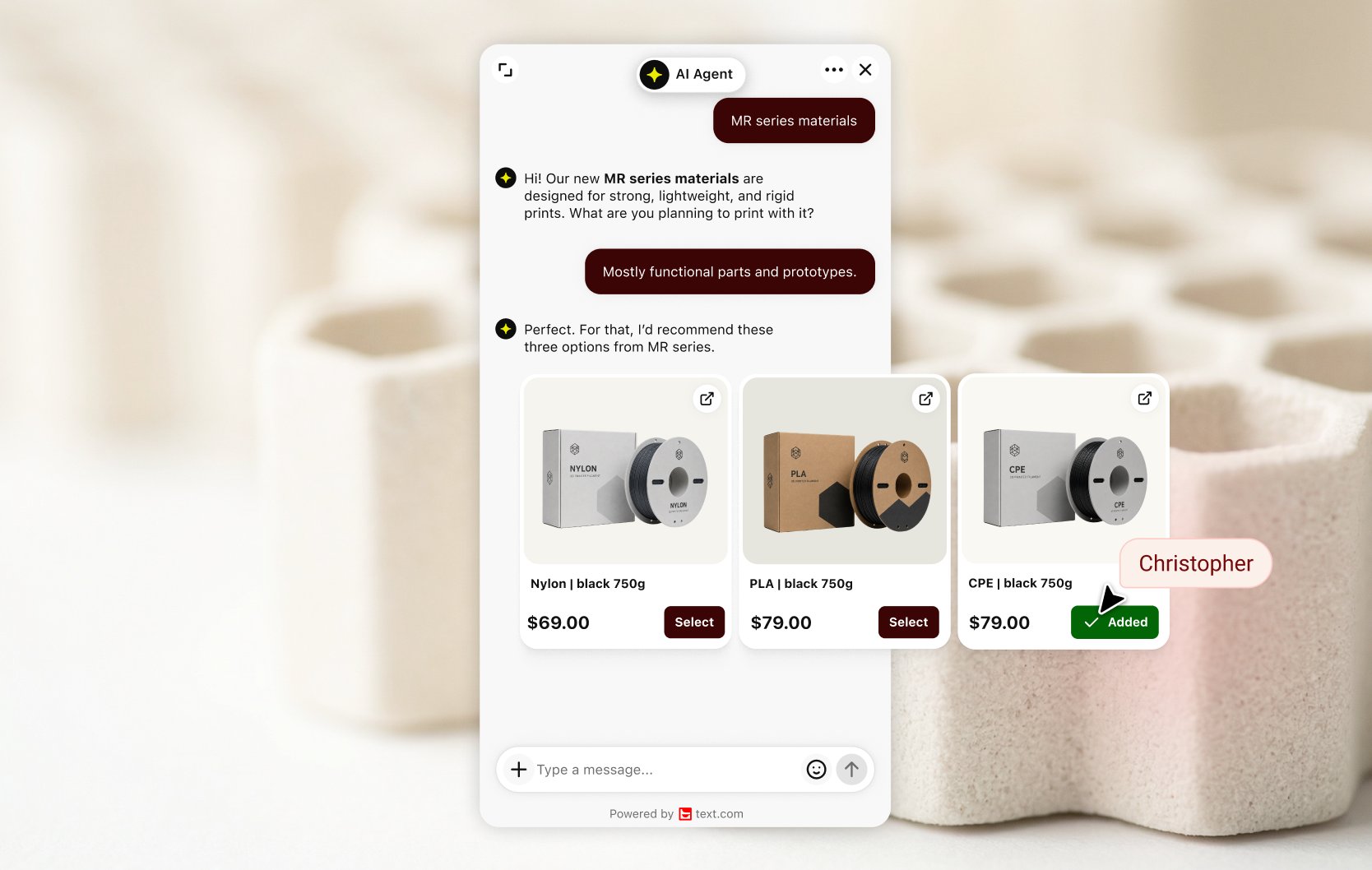
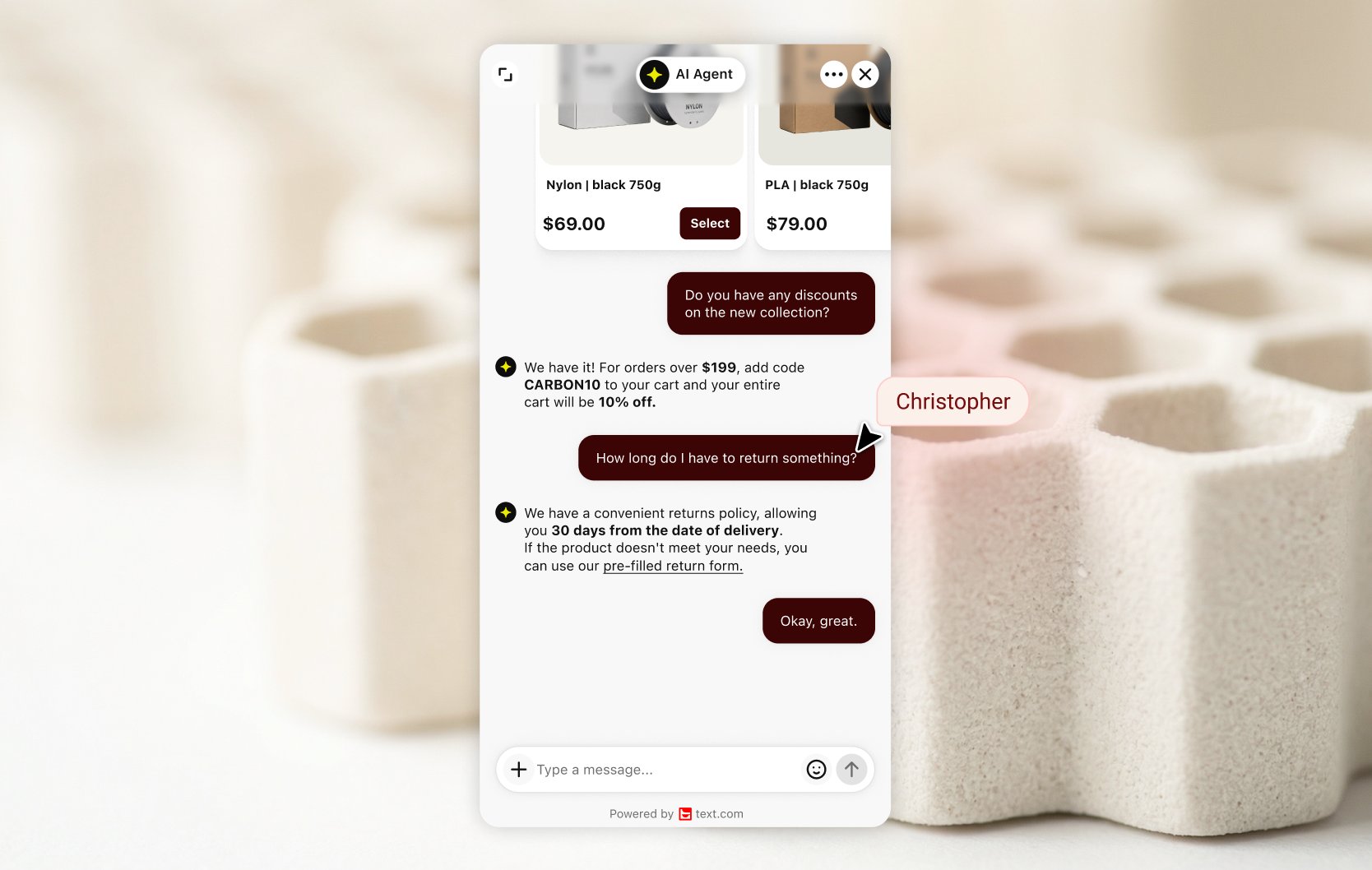
Medusa live chat with an AI Agent that sells
Text brings your Medusa product data into the chat. Share your product catalog with Text through the API and turn on the Recommend products skill. The AI Agent suggests products that match what a shopper describes, each one as a card with photos, prices and variants.
Answer comparison questions in the chat
Specialist stores hear the same question all day: what's the difference between these two? The AI Agent answers from your catalog attributes and suggests only items in stock. When a shopper wants a person, your team takes over.
Track sales without touching your backend
Add a few JavaScript calls to your storefront, or fire them from Google Tag Manager, and Text receives cart and order events in real time, with no plugin or backend setup. Sales reports then show orders placed during a chat or up to 30 days after it.
Connect Medusa to Text
Install the chat widget on your storefront with an HTML snippet or the React, Vue or Angular SDK, then connect your catalog and the tracking calls. Product cards and add to cart work in the AI Agent's preview, so you can test before going live. Then compare Text plans.
Key features
Benefits
App terms
Legal Terms
By installing this app, you agree to the Marketplace Terms, App Privacy Policy and App Terms and Conditions.
Support
Need a hand?
Get help with this integration from Text.
Frequently asked questions
Is there a Medusa plugin for Text?
You don't need one. Install the widget on your storefront, then connect your catalog and sales tracking through the Text APIs.
Can Text use my Medusa catalog?
Yes. Send product data through the Text API, including variants and availability. The AI Agent picks up the changes you send right away.
Can I test it before going live?
Yes. Product cards and add to cart work in the AI Agent's preview widget, so you can check recommendations against your catalog first.
What does the “Verified” status mean?
In LiveChat, we always appreciate creative and problem-solving apps, so at our own sole discretion, from time to time, we may grant some applications the “Verified” status (represented by a badge or so-called badged applications). The “Verified” status confirms only that an application went through our usability review from the user's perspective. In any case, it is the Application Provider who has full responsibility for the application and its security level towards clients and any other third party.