
Chats Transcripts Exporter
Export your chats transcripts to CSV
- LiveChat
Unlock the full potential of your chat history with our dedicated export tool! No more tedious copying and pasting of messages and singular chats - our streamlined solution allows you to effortlessly download multiple chat transcript archives.
Save time, gain insights, and take control of your communication data. Whether you're conducting analysis, maintaining records, or simply want a backup, our tool makes managing your chat history a breeze.
Key features
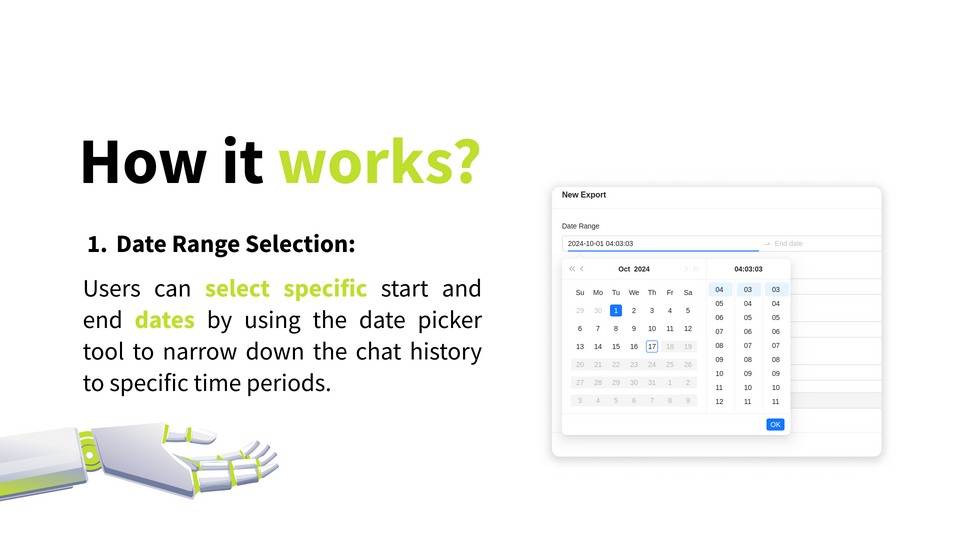
Pinpoint exactly the conversations you need by selecting specific start and end dates. Whether you're looking for last week's team discussion or a client interaction from months ago, our date picker makes it easy.
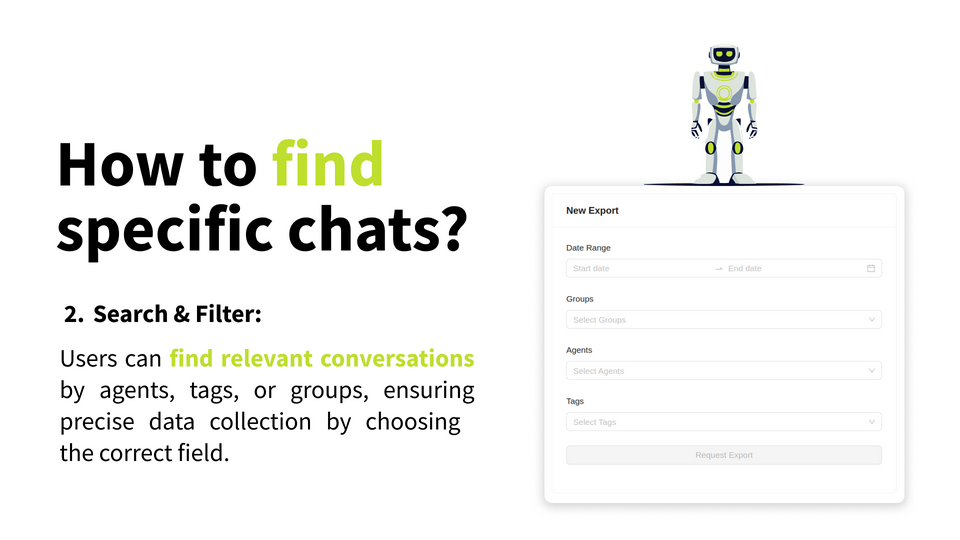
Quickly find relevant conversations by agents, tags, or/and groups. Transform data into actionable intelligence for any size organization.
Benefits
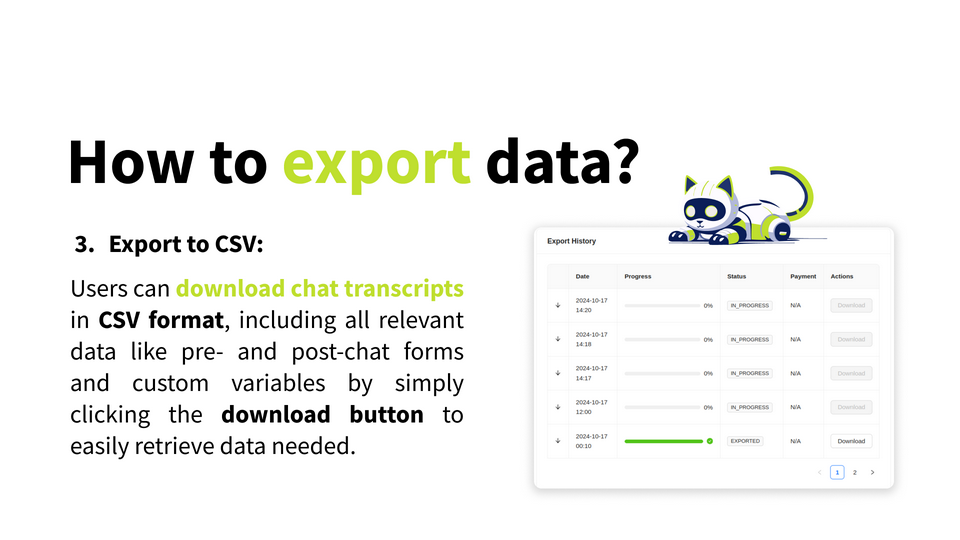
Export your chat transcripts to a CSV file, including post and pre-chat forms and custom variables.
App terms
Legal Terms
By installing this app, you agree to the Marketplace Terms and App Privacy Policy.
Support
How to use this app
Follow the app tutorial with setup instructions on how to use and properly configure this app with your LiveChat account. To get help and support contact Darka Software. You can also suggest improvements or request new features in the upcoming versions of Chats Transcripts Exporter.
Frequently asked questions
What does the “Verified” status mean?
In LiveChat, we always appreciate creative and problem-solving apps, so at our own sole discretion, from time to time, we may grant some applications the “Verified” status (represented by a badge or so-called badged applications). The “Verified” status confirms only that an application went through our usability review from the user's perspective. In any case, it is the Application Provider who has full responsibility for the application and its security level towards clients and any other third party.