
AI Summaries
Automate chat summaries, gauge sentiment, and export reports
- LiveChat
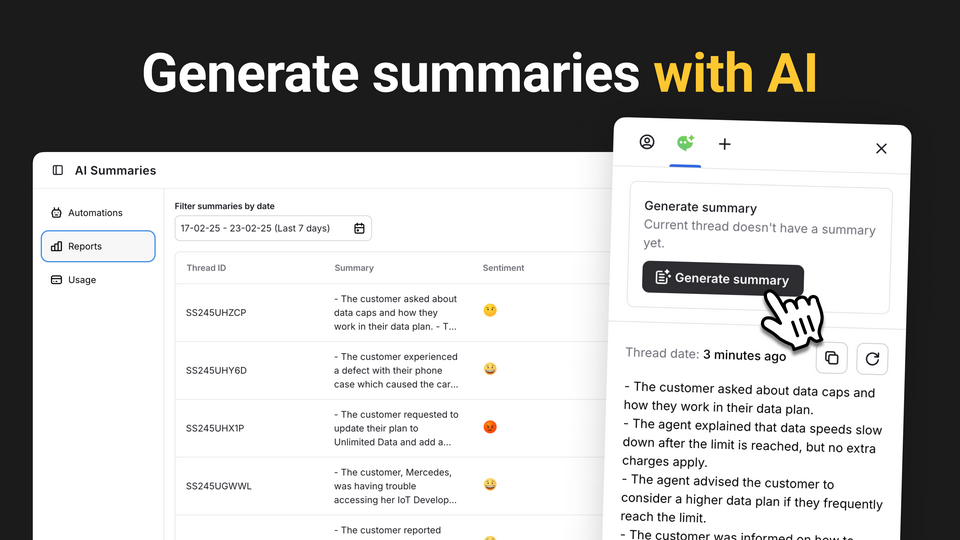
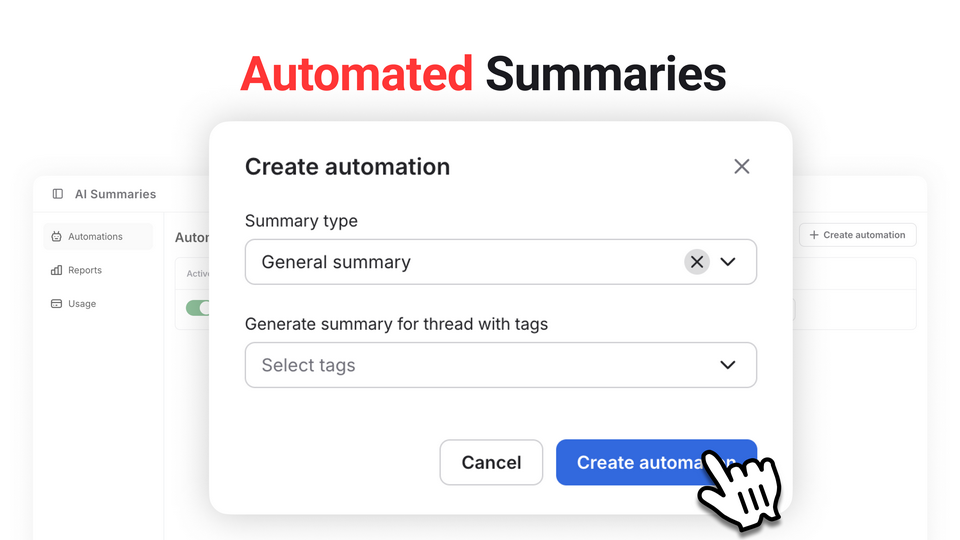
Generate concise chat overviews and emotional tone analysis automatically or on-demand, saving agents time while keeping you informed.
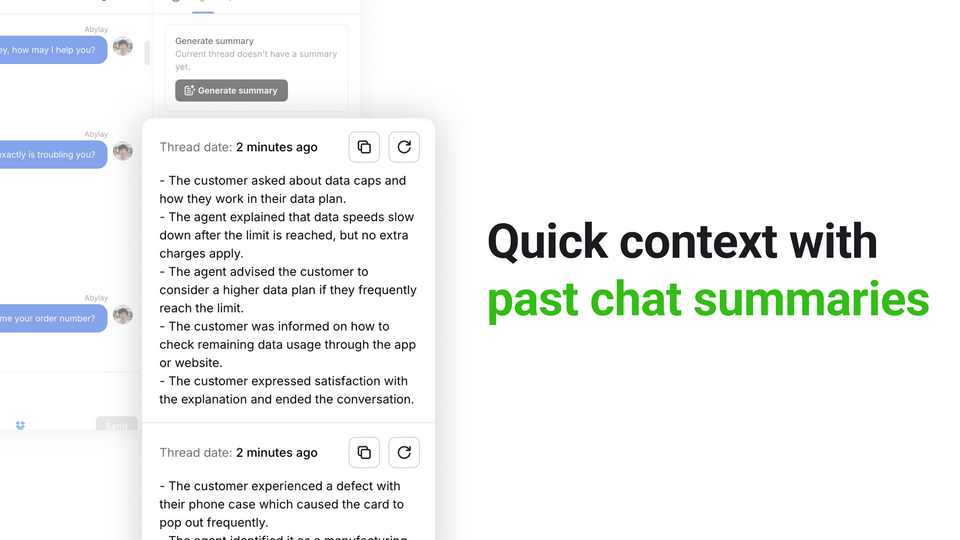
Agents can see a quick summary of previous chats right in their dashboard. This helps them understand what happened before without reading through long transcripts.
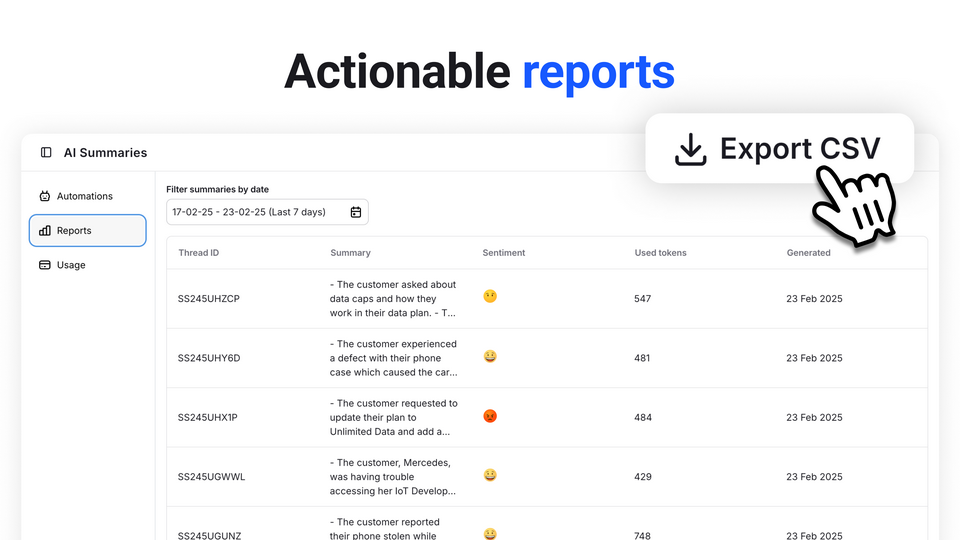
Export all your summaries to a CSV file. The file can include the conversation text, the sentiment score, the date, and the agent who helped.
Bonus: We include 1,000,000 tokens each month in your subscription, so you don’t have to worry about running out.
Key features
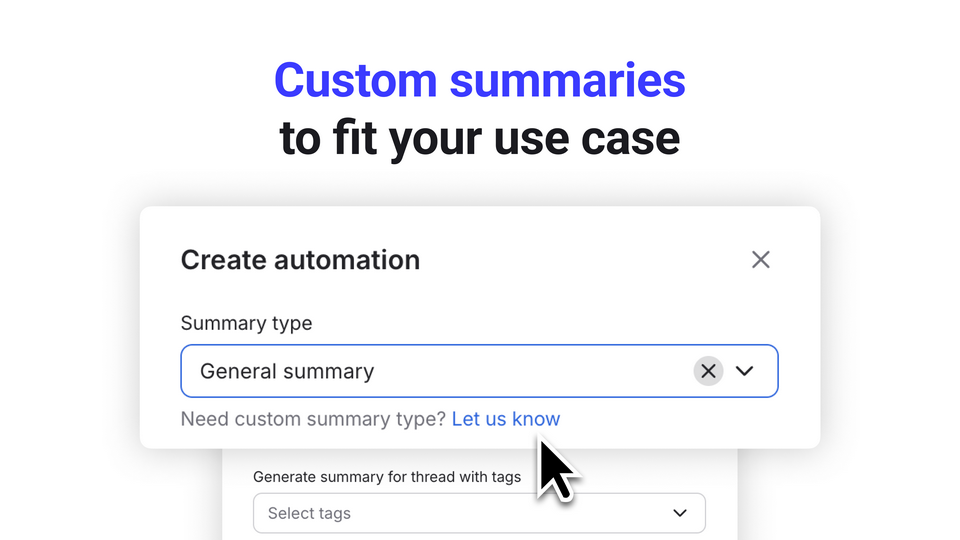
Need specialized summaries (e.g., only the issues or agent performance)? Just let us know—we’ll set it up based on your exact requirements.
Pull key info (summary, full thread, sentiment, date, agent) into CSV files for deeper analysis or easy sharing across departments.
See summaries from past interactions in one glance, so your team resolves issues faster without digging through old transcripts.
Generate concise chat overviews and emotional tone analysis automatically or on-demand, saving agents time while keeping you informed.
Benefits
New agents can glance at previous chat summaries for immediate context, cutting back on time spent reading lengthy transcripts.
With sentiment tracking and custom summaries, managers quickly see where support is thriving—and where it needs help.
Get quick, automatic breakdowns of every conversation, so you focus on resolving issues instead of writing notes.
App terms
Legal Terms
By installing this app, you agree to the Marketplace Terms and App Privacy Policy.
Support
How to use this app
Follow the app tutorial with setup instructions on how to use and properly configure this app with your LiveChat account. To get help and support contact Abylay Keldibek. You can also suggest improvements or request new features in the upcoming versions of AI Summaries.
Frequently asked questions
What does the “Verified” status mean?
In LiveChat, we always appreciate creative and problem-solving apps, so at our own sole discretion, from time to time, we may grant some applications the “Verified” status (represented by a badge or so-called badged applications). The “Verified” status confirms only that an application went through our usability review from the user's perspective. In any case, it is the Application Provider who has full responsibility for the application and its security level towards clients and any other third party.