AutoTagger x Spam Detector
Let AI automatically tag your chats!
- LiveChat
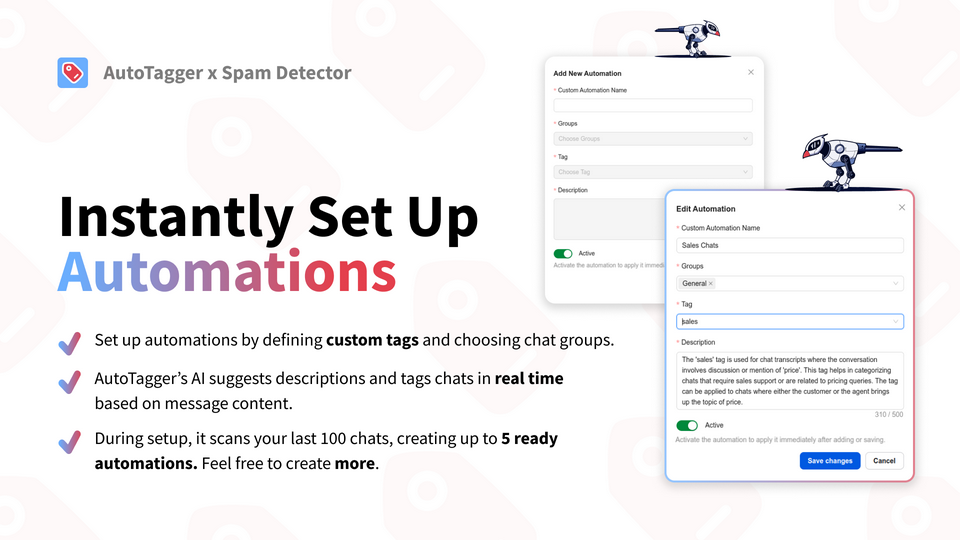
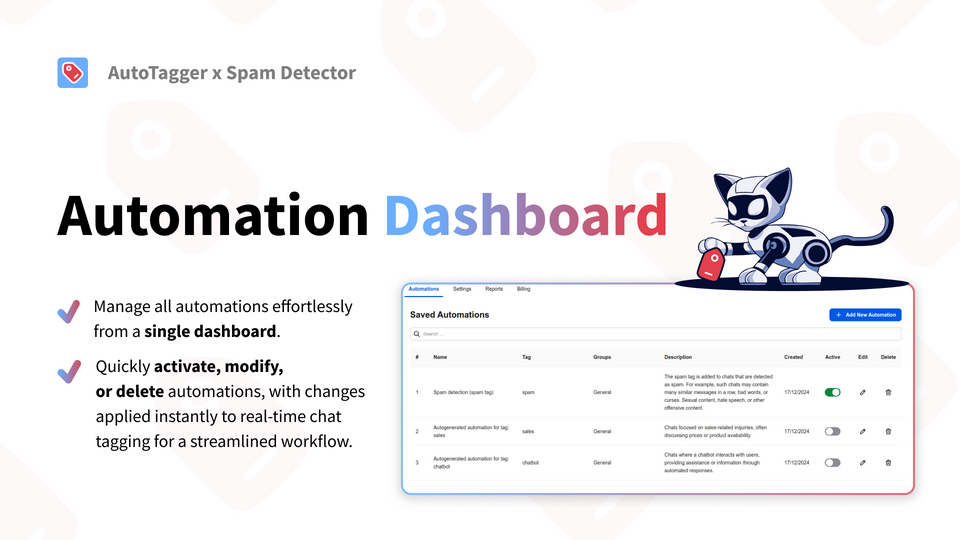
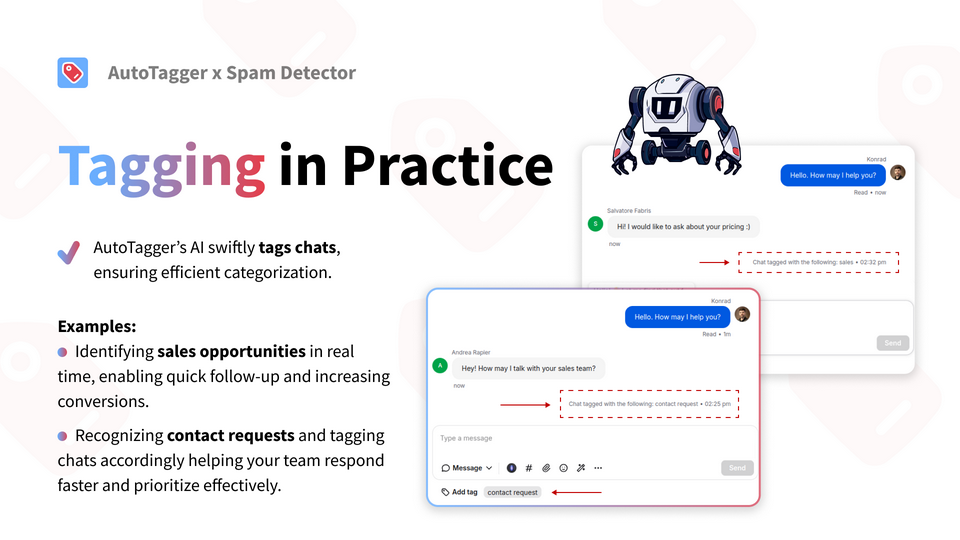
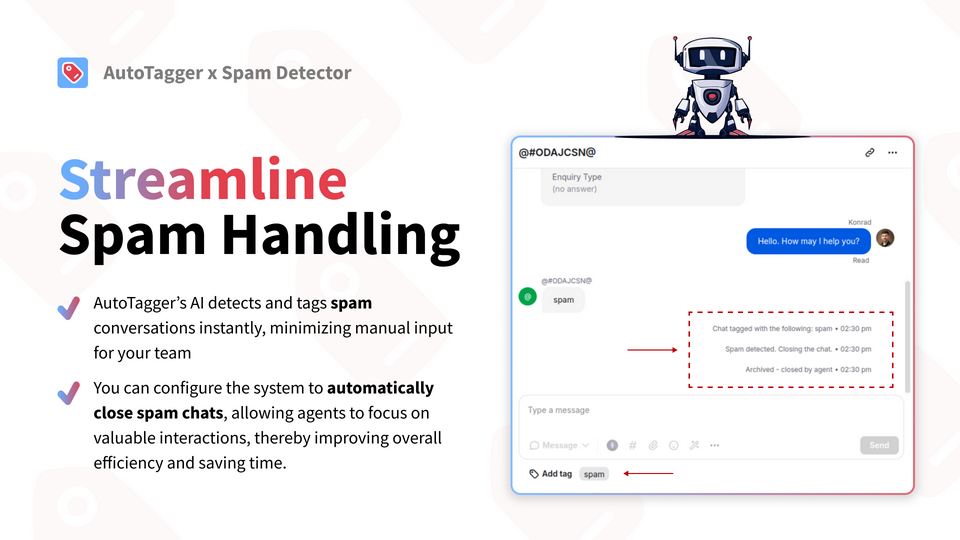
Streamline your customer support workflow with intelligent chat tagging. Our application automatically analyzes and categorizes your support conversations in real-time, eliminating the need for manual tagging and saving your agents valuable time.
Key features
Through advanced contextual scanning, our AI evaluates each message within its full conversational context to make precise tagging decisions, ensuring accurate chat categorization.
Our AI engine simultaneously analyzes conversations for multiple relevant tags, ensuring comprehensive categorization in a single pass. The system continuously monitors chats and can append additional tags as conversations evolve.
The system can autonomously identify and tag spam conversations, with the option to automatically close them, protecting your agents' time and streamlining workflow efficiency.
Monitor your AI automation metrics to optimize tagging strategies and enhance future workflow efficiency.
Benefits
Test our solution with no commitment - your first 100 chat scans are on us, allowing you to experience the full power of AI-driven tagging firsthand.
Our AI consistently validates each chat for relevant tags, eliminating missed categorizations and ensuring every business opportunity is properly tracked and organized.
App terms
Legal Terms
By installing this app, you agree to the Marketplace Terms and App Privacy Policy.
Support
How to use this app
Follow the app tutorial with setup instructions on how to use and properly configure this app with your LiveChat account. To get help and support contact Darka Software. You can also suggest improvements or request new features in the upcoming versions of AutoTagger x Spam Detector.
Frequently asked questions
What does the “Verified” status mean?
In LiveChat, we always appreciate creative and problem-solving apps, so at our own sole discretion, from time to time, we may grant some applications the “Verified” status (represented by a badge or so-called badged applications). The “Verified” status confirms only that an application went through our usability review from the user's perspective. In any case, it is the Application Provider who has full responsibility for the application and its security level towards clients and any other third party.