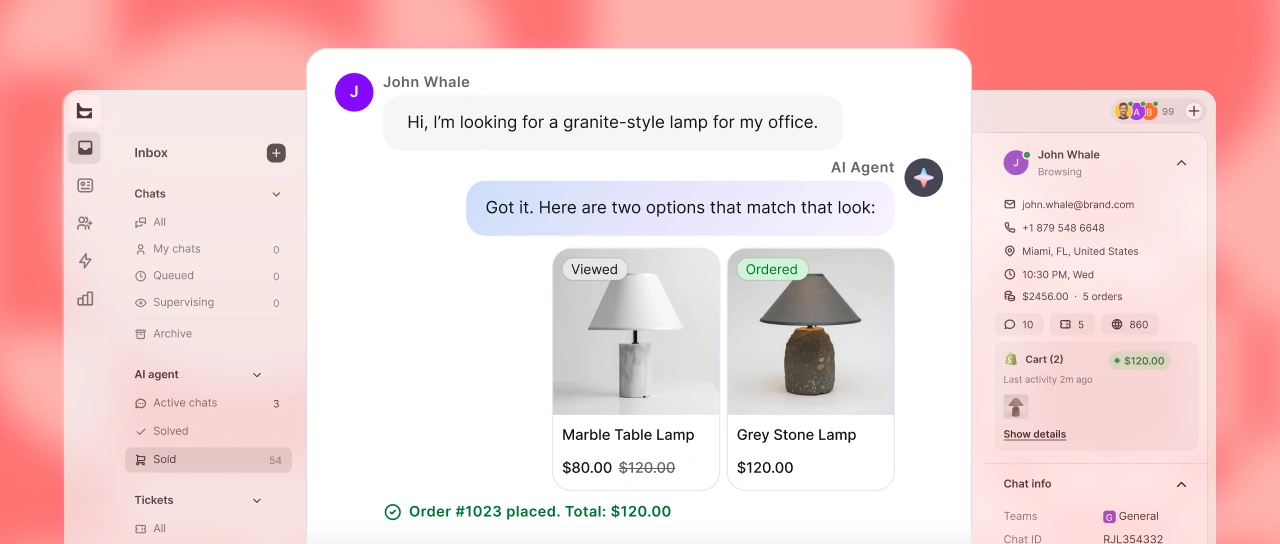
Let your customers reach out through Apple Messages for Business, and empower your team to manage every Apple messages interaction seamlessly inside LiveChat.
Free 14-day trial No credit card required
Trusted by leading brands
Let 1.5 billion Apple users chat with you in Messages, the default Apple messaging app. It’s more convenient so users are more likely to stick with chats. This gives you more chances to help them along the path to becoming loyal customers. LiveChat agents chat with Apple users just as they do with anyone else – there is no new interface to learn. Integrate Apple Messages for Business with LiveChat to enable native chat options for Apple users and get all available features such as list pickers and integrated Apple Pay.
Grab attention with an always-on live chat widget on your website that encourages conversations, answers customer queries instantly, and turns visits into sales while collecting valuable contacts to connect with on Apple devices.
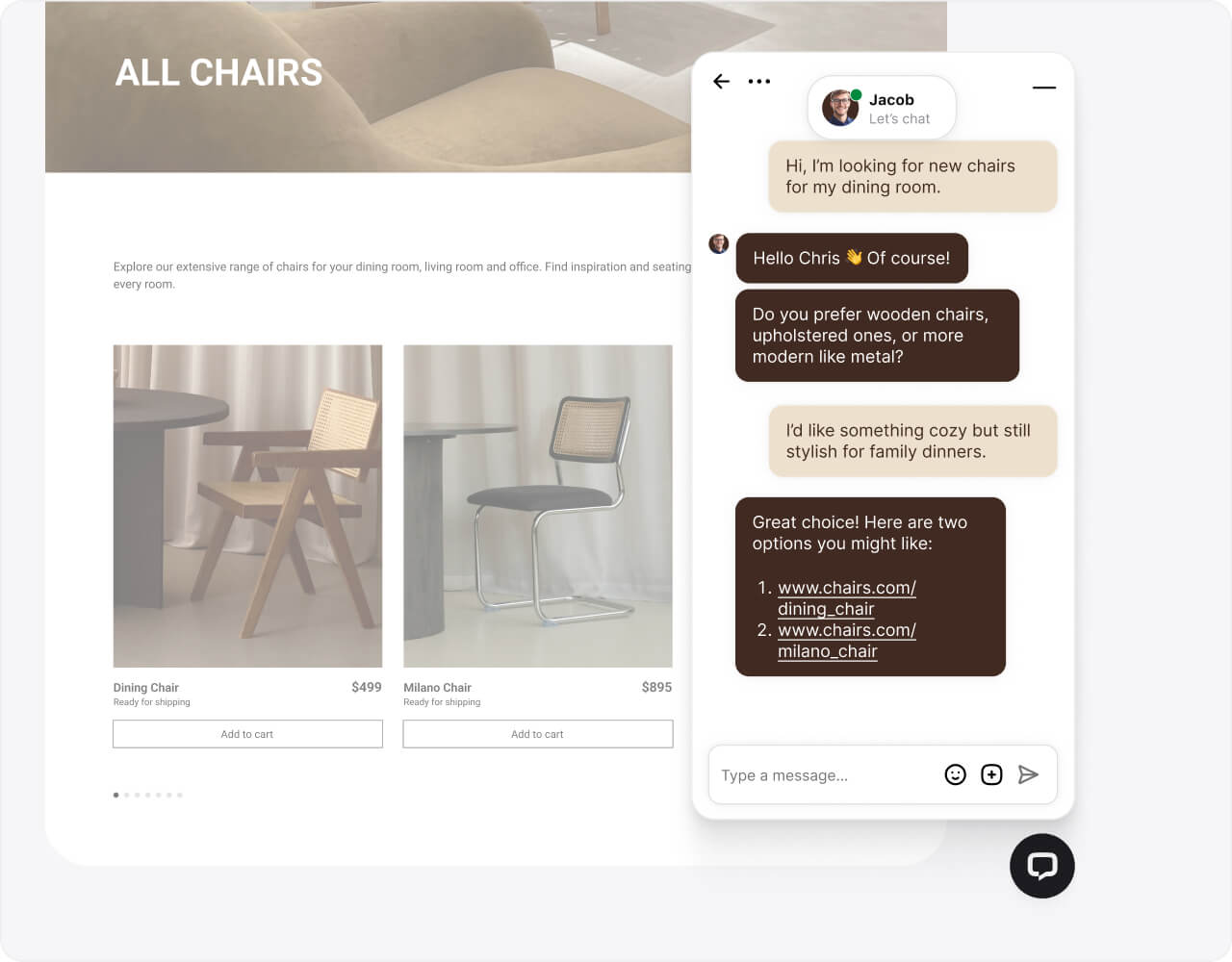
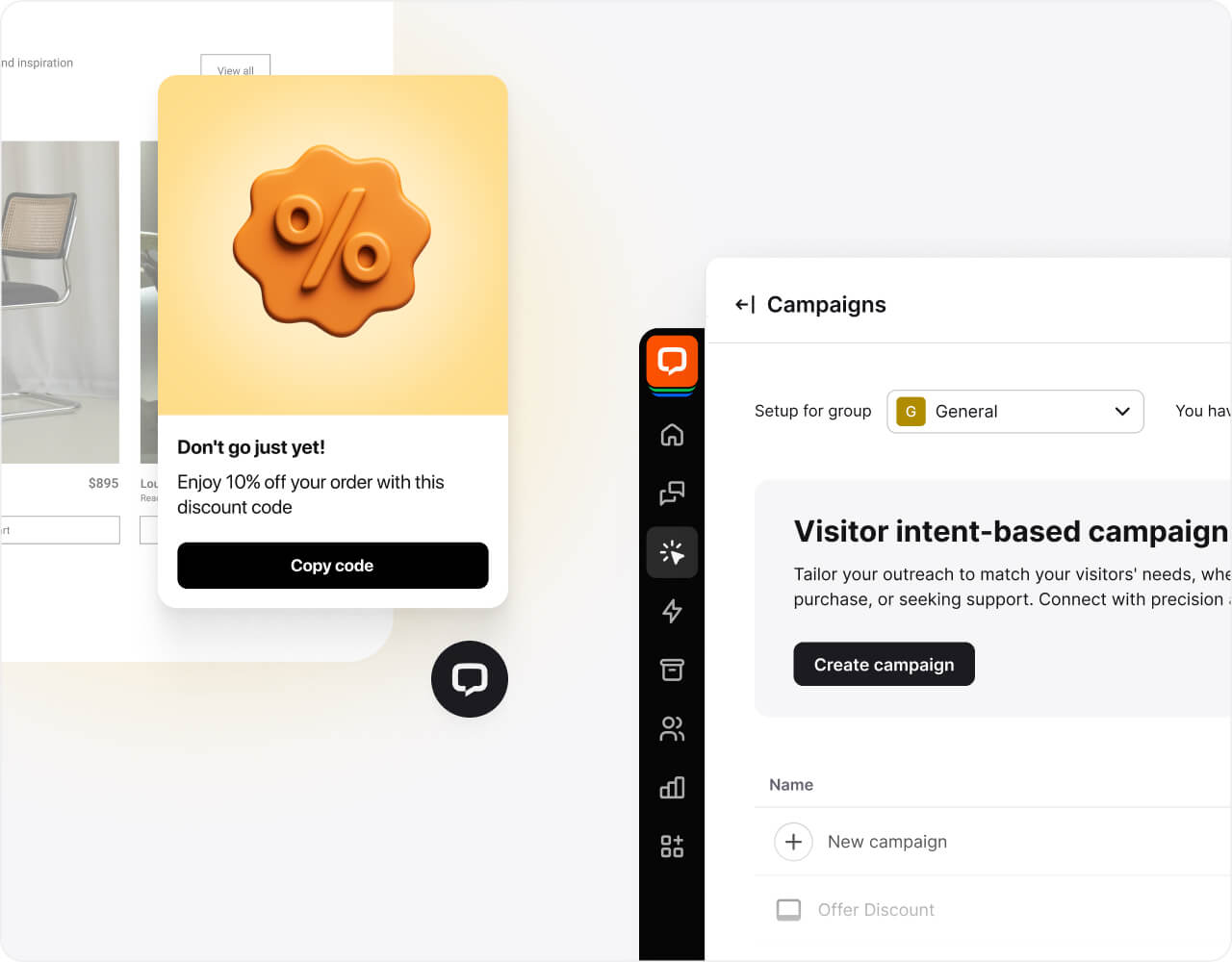
Engage visitors with personalized content invitations that boost conversions, qualify leads, and give you clearer insights into on-site behavior.
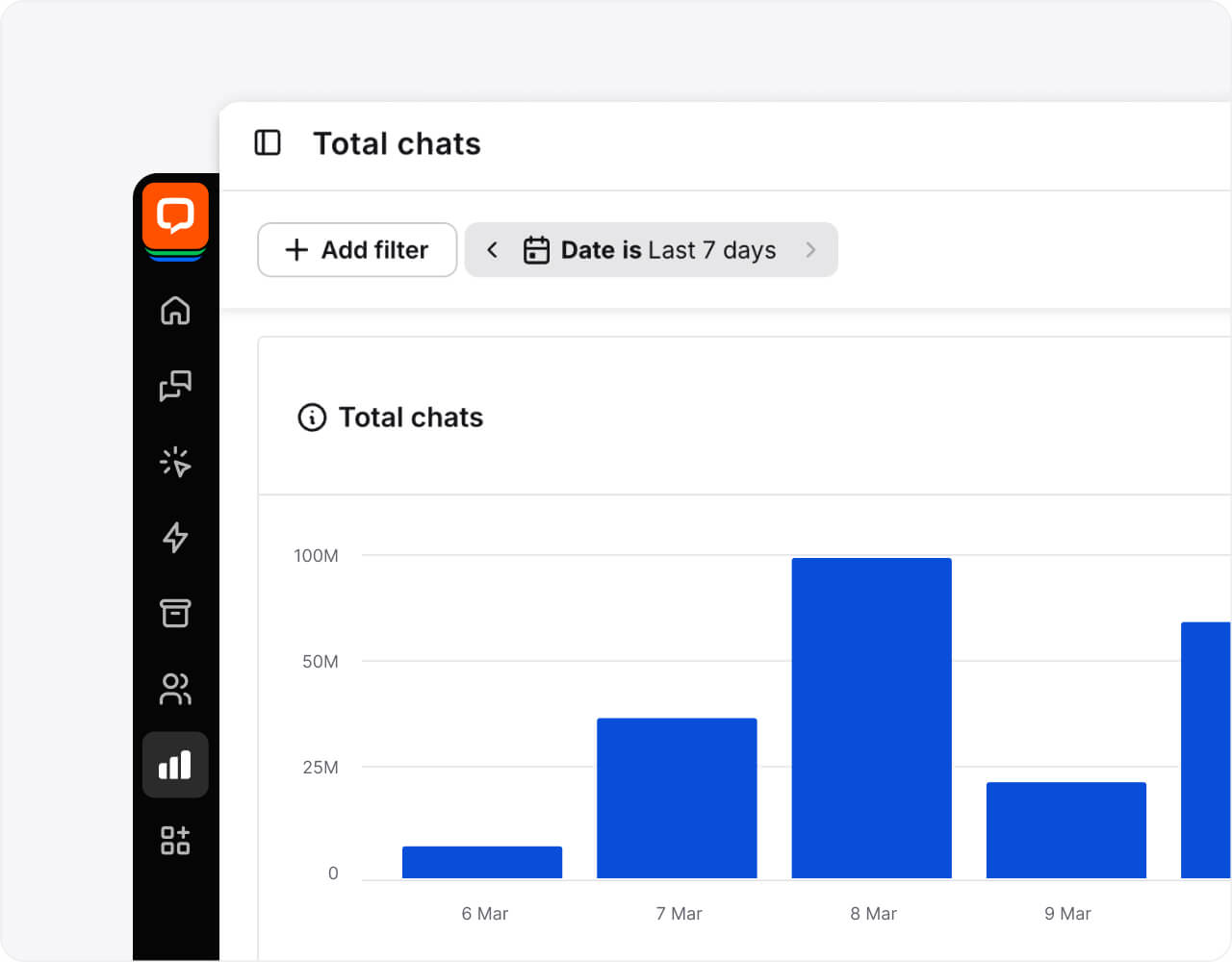
With real-time analytics, you can track interactions, measure performance, and optimize workflows — all while gaining clear insights into how your Apple Messages for Business integration drives conversions.
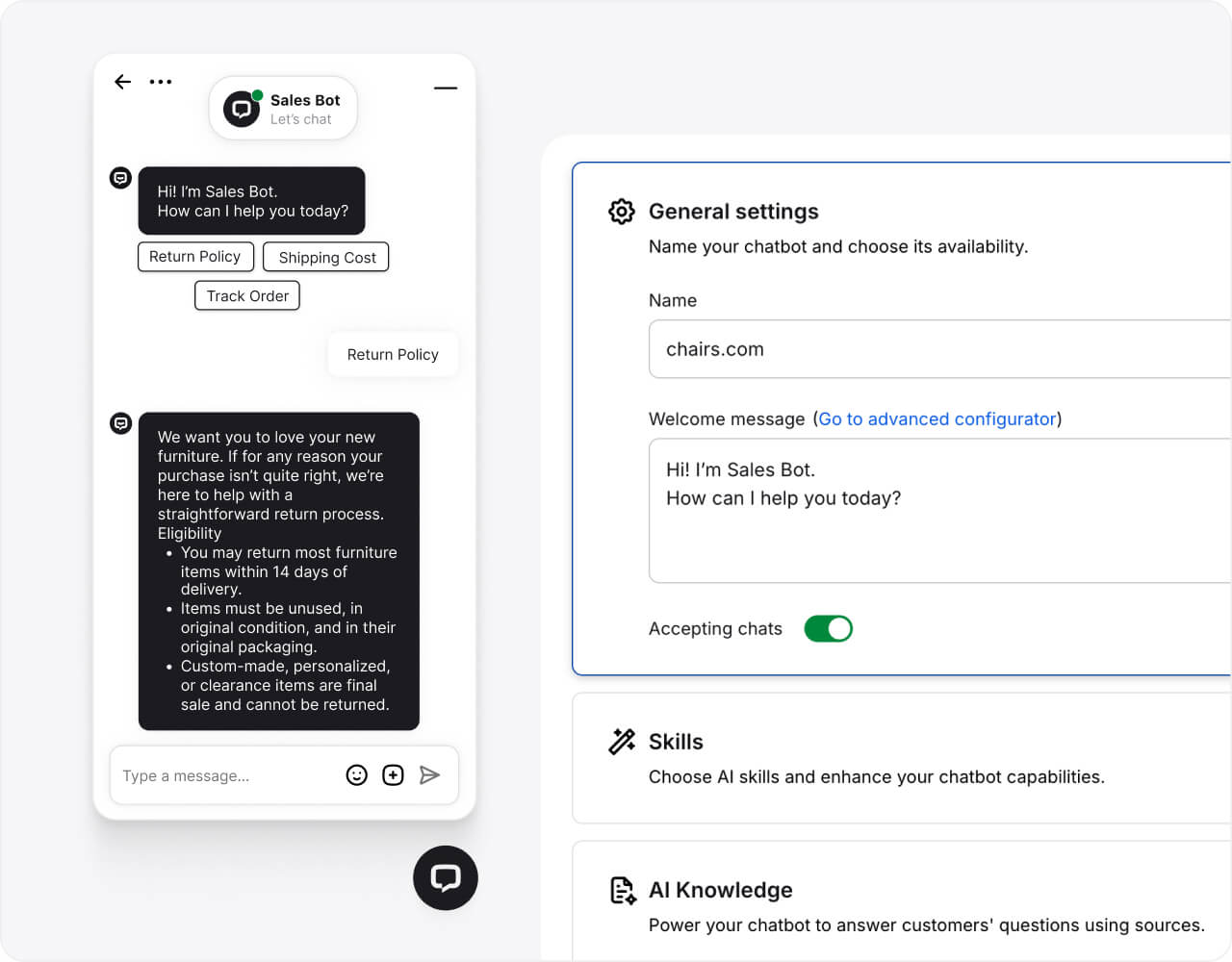
Customize appearance, position, and chat widget behavior with ease while building your contact list in the background.
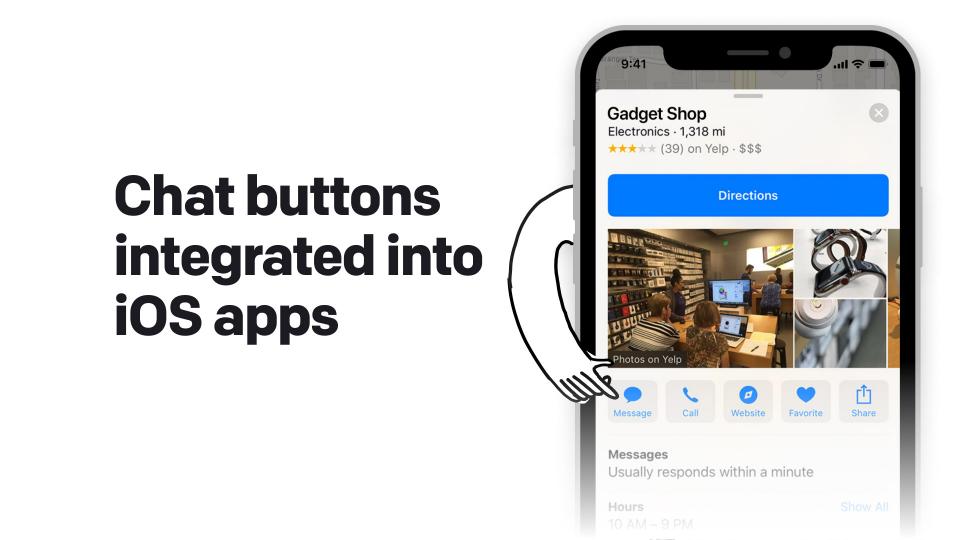
Add a business channel for your company in Safari, Spotlight search, Apple Maps, Siri, on your website, your social media, in your iOS app and now with Chat Suggest entry points, which can offer a messaging option when iPhone users make a call. Select Apple Messages to connect with users across every touchpoint.
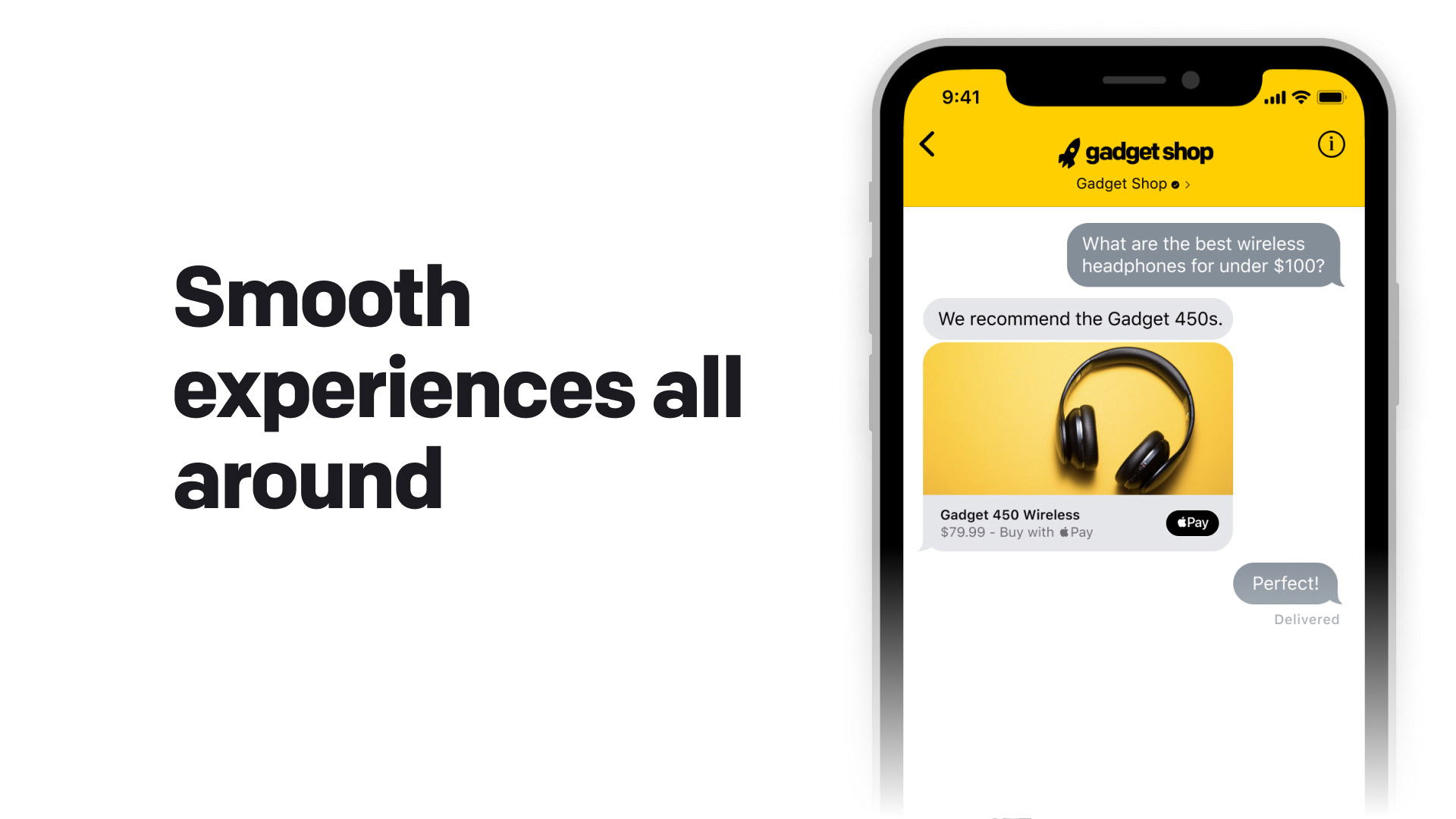
Reply to all messages directly from the LiveChat® app. Put your customers in control, and allow them to communicate with you at their convenience on iPhone, iPad, or Mac. Your live agent team can access conversations anytime while customers continue the flow at their own pace.
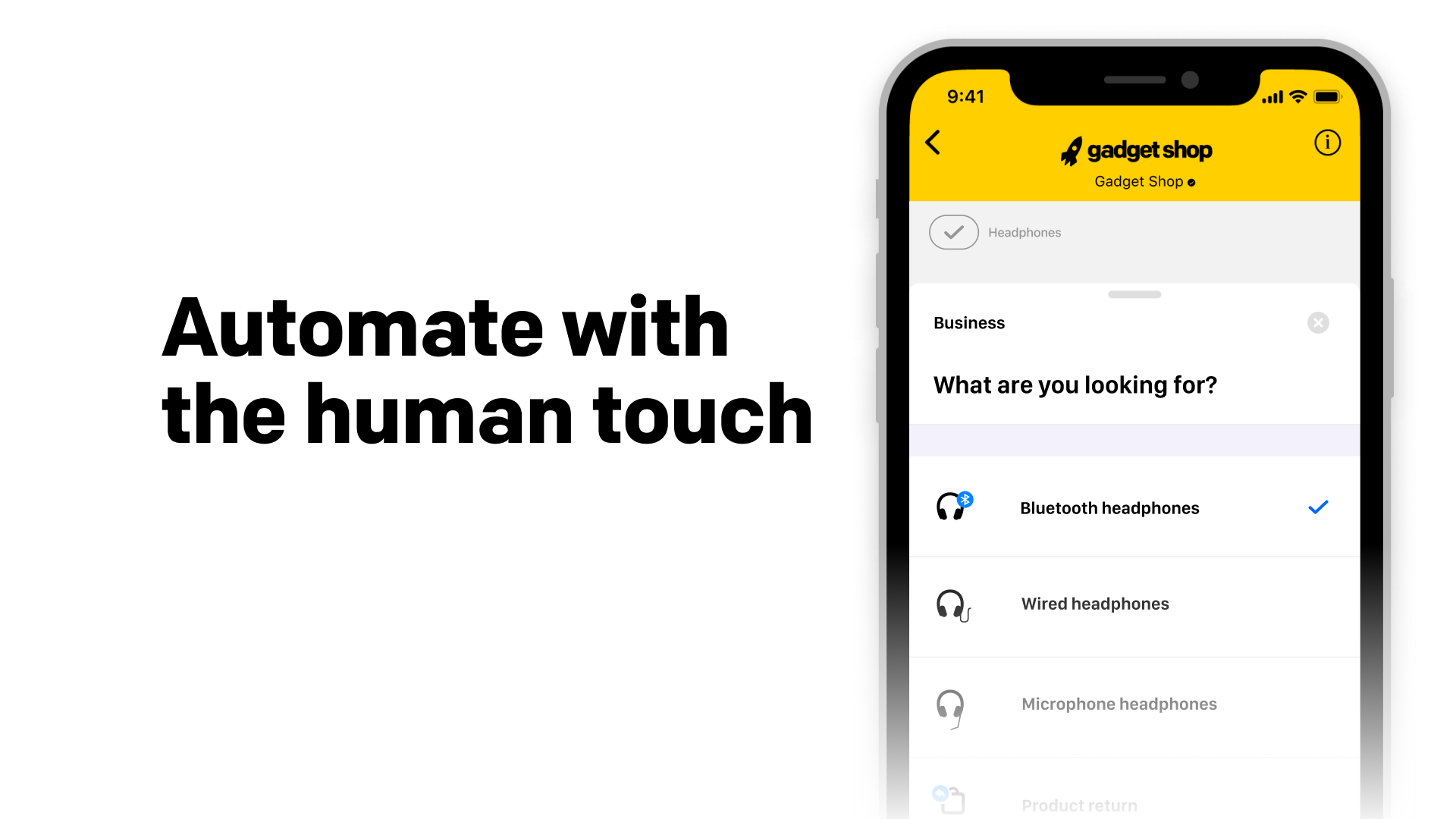
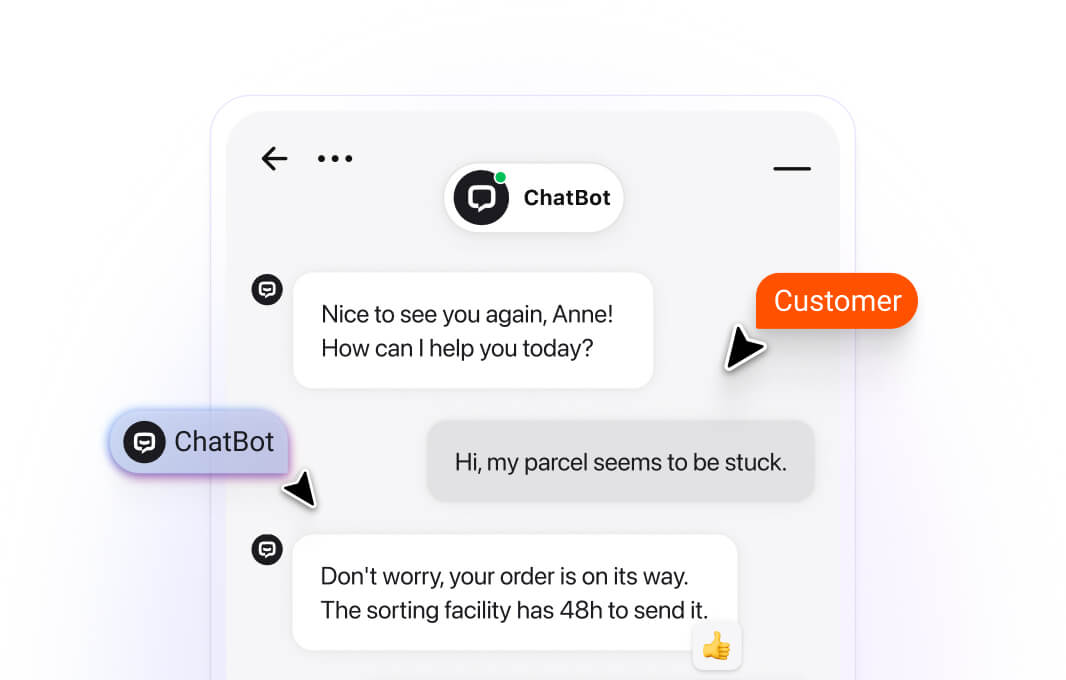
Integrate Apple Messages for Business with ChatBot.com - handle more chats at a time and configure routing for customers to the right agent. Send rich links like quick replies, cards, and carousels to increase user engagement and complete more transactions through the Apple Messages app.
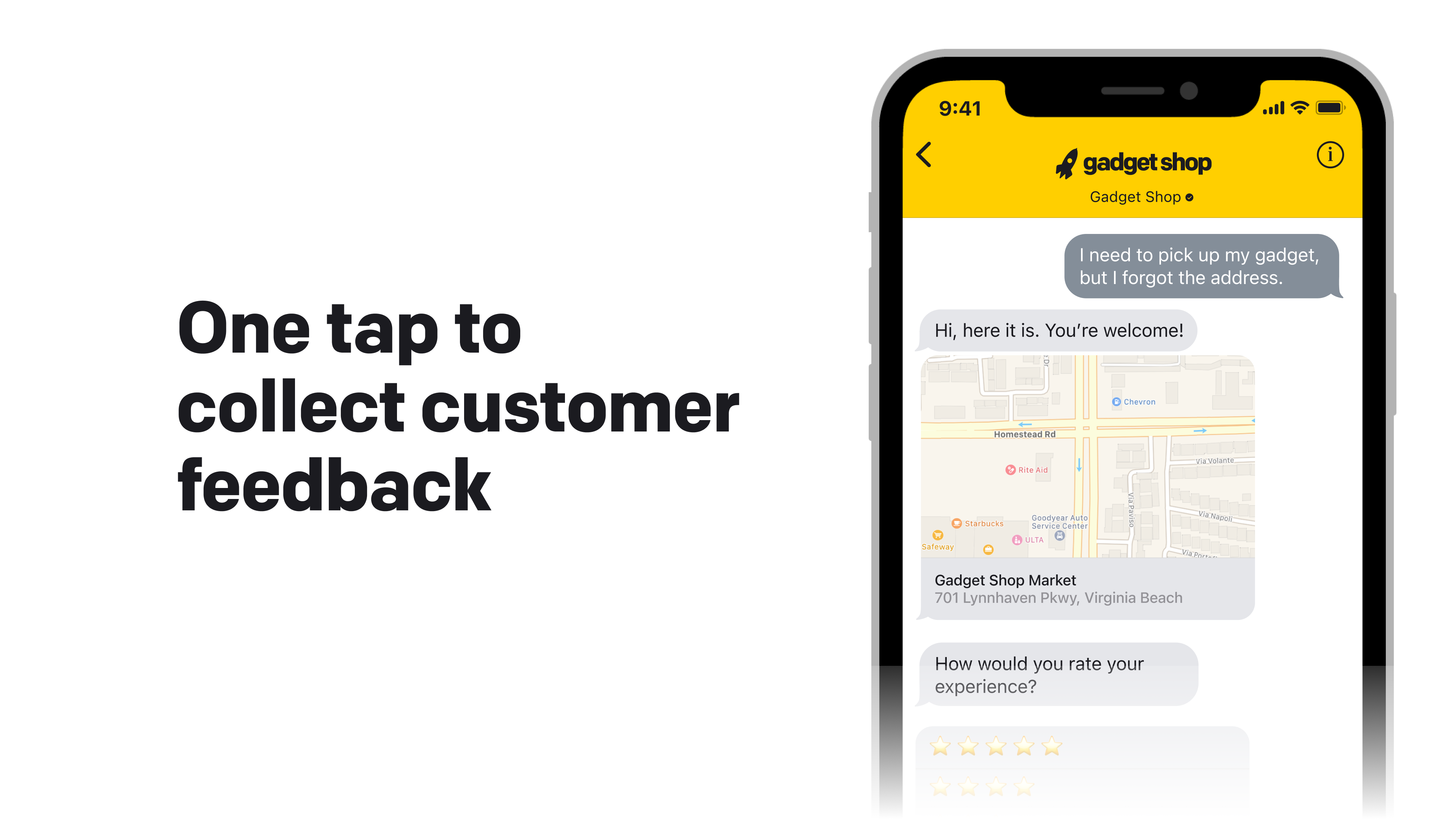
Customers can now answer your questions with quick replies in the Messages app. Add surveys and measure customer satisfaction - let users choose from up to five responses to submit feedback instantly on their Apple devices.
Ready to generate more sales with WhatsApp integration?
Sign up freeGive customers a list of options to choose from – create lists on the fly and save common ones for quick access to personalized preferences. Also works great to get information quickly with chatbots and helps users make purchases directly.
Propose time and date options and let customers reserve one in chat. They see any conflicts thanks to automatic cross-checking with the Calendar app on their iPhone, making it convenient to schedule appointments without leaving the conversation.
Send rich links that allow users to open other apps, such as your iOS app, to access additional tools, get further information or complete a transaction while maintaining the conversation flow on their Apple devices.
Let customers make purchases with Apple Pay requests. Customers with Apple Pay set up will see an option to quickly and securely pay with their method of choice, enabling purchases directly in the Messages for Business account.
Use secure authentication for interactions where you need to request verification that the end user on the other end is who they say they are. Protect your brand security while maintaining a personal connection.
Identity in Apple Messages for Business is linked to a customer's Apple account. Apple Messages for Business syncs chats on any device linked to that account, so users can continue conversations seamlessly across all their Apple devices.

$1.5M
revenue added in 6 months with LiveChat and ChatBot.com

+25%
increase in average order value after implementing LiveChat

125K/yr
chats automated with LiveChat and ChatBot.com
Enhance work with AI features that help your support team respond faster, provide better answers, and boost customer satisfaction while collecting valuable leads from Apple Messages users.
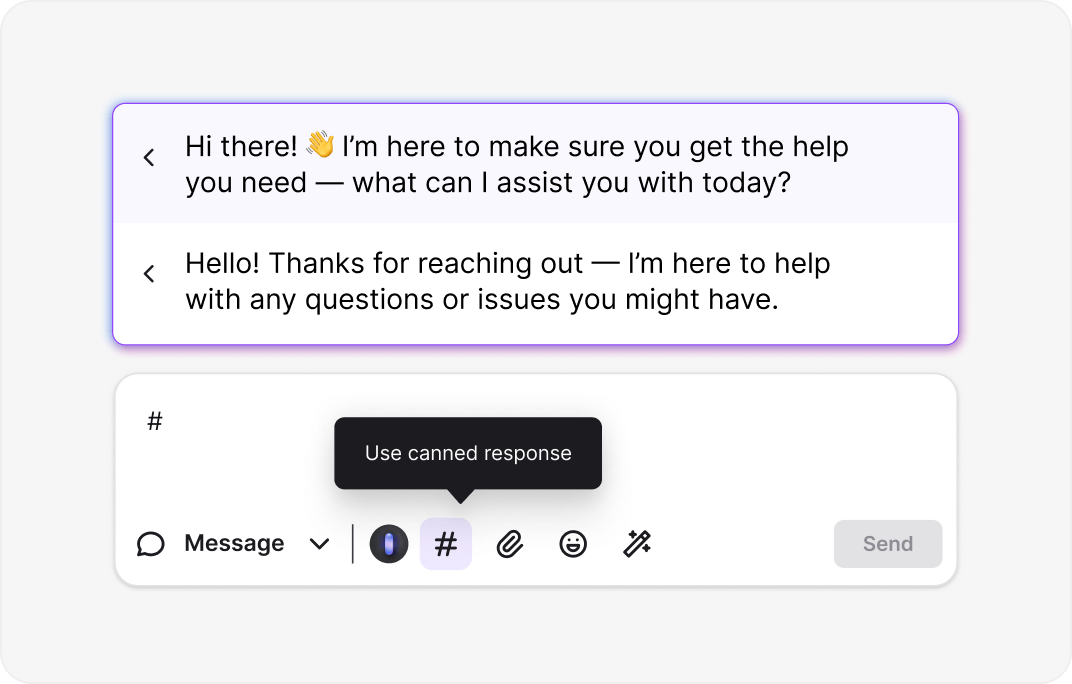
With canned responses, you type it once, save it, and reuse it in chats whenever you need. Natural language processing is trained on your past replies, so you get consistent results and can focus on growing your business through Apple Messages for Business.
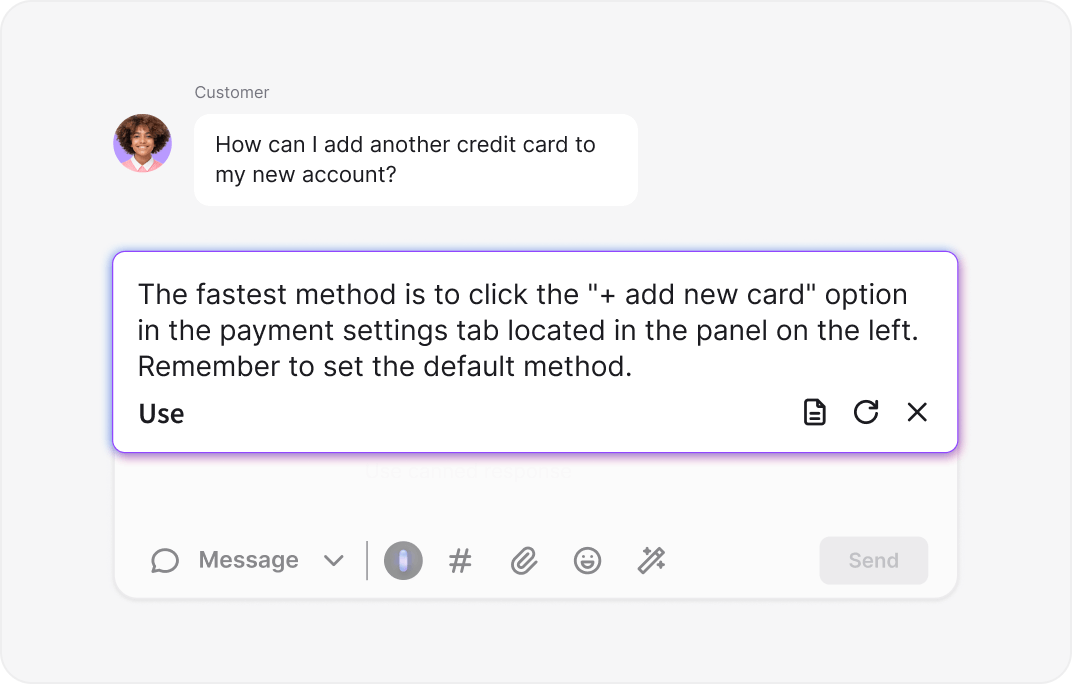
Connect LiveChat with your knowledge base to automatically generate accurate, on-brand reply suggestions. Ensure your team provides consistent answers with less effort, giving them more time to engage customers meaningfully across Apple devices.
LiveChat's AI chatbot answers over 60% of routine questions instantly 24/7 — leading to happier customers and faster sales, while capturing contact information for your Apple Messages for Business audience in real time.
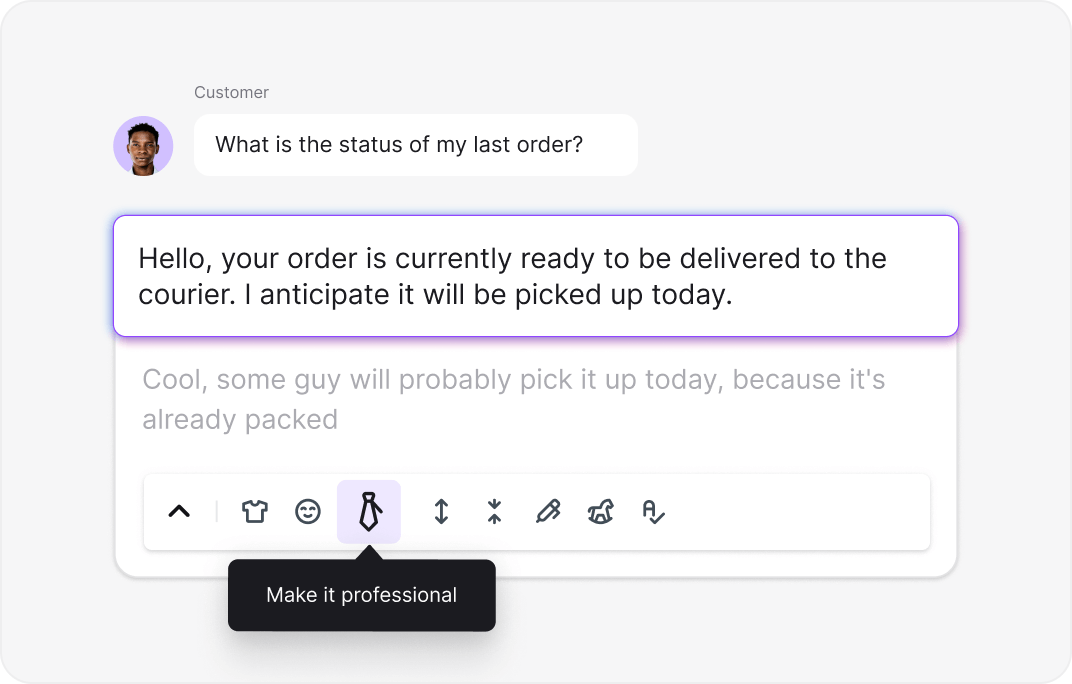
Use AI-powered text enhancement to expand, rephrase, summarize, or adjust the tone of any message, whether you want to sound friendlier, more formal, or more concise — the right response every time to Apple Messages users.
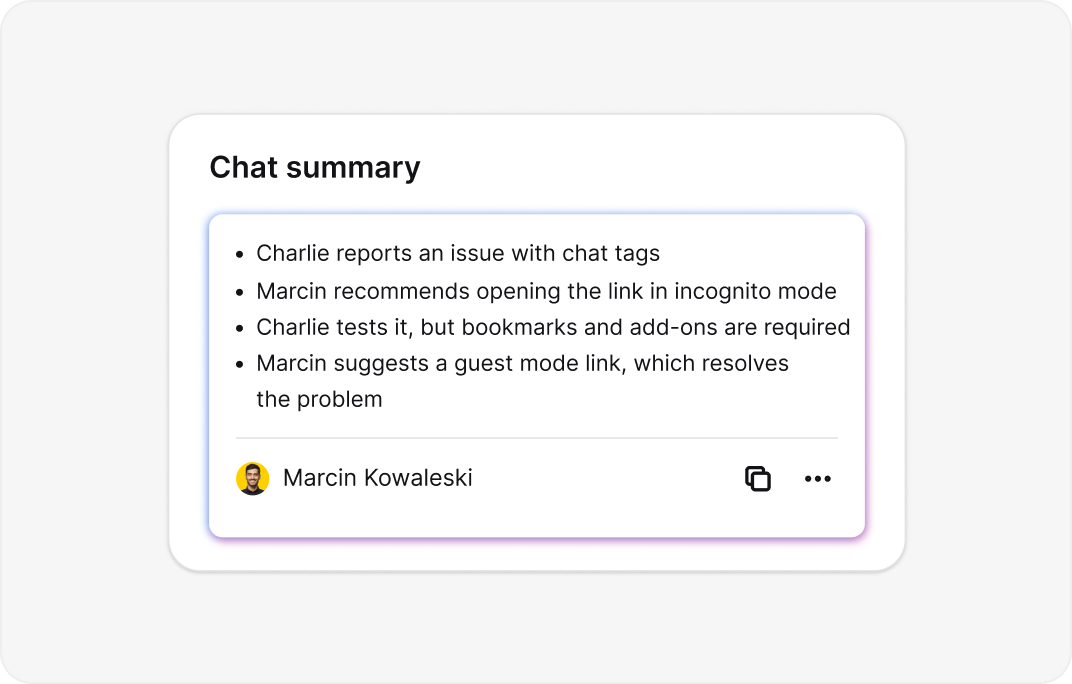
No time to read full transcripts? Get an instant AI-generated summary of every conversation so you can catch up on key points, follow up faster, and send targeted campaigns based on chat insights from your Apple Messages channel.
Connect your LiveChat account
Log in or Sign up free – no credit card required.
Create and add your Messages for Business Account
Go to Apple Business Register and connect your Apple ID with your business email. Then navigate to Manage connections in LiveChat, find Business Accounts for Messages in the Messages section, and click + Add service.
Configure your Messages for Business Account
Add your Messages for Business Account by going to Your connections and selecting Messages for Business Accounts.
Complete the integration
Sign in using your LiveChat credentials and follow the instructions to finalize your Apple Messages for Business setup.
Transformed our Apple Messages customer support
We connected our Messages for Business account to LiveChat and the results were immediate. Customers on iPhone love reaching us through Apple Business Chat. Our live agent teams now handle multiple Apple Messages conversations at once.

28.10.2025
28.10.2025
Apple Messages integration that drives conversions
The Apple Messages for Business integration changed how we engage visitors on Apple devices. We use business buttons and entry points to greet customers the moment they contact us through the Messages app. This integration keep our support team responsive, and our customer experience scores doubled.
10.05.2025
10.05.2025
Perfect for growing businesses
As a small business, I needed convenient tools to communicate professionally through Apple devices. The Apple Messages for Business integration gave us everything to get started. Now we handle customer communications across Apple Messages, other messaging services, and our website - all from one inbox managing every channel.
18.08.2025
18.08.2025
Apple Business Chat that actually converts
Before LiveChat, our Apple Messages conversations were disorganized and impossible to track.
02.02.2024
02.02.2024
Unlocked full potential with Apple Business Register
Connecting our business account ID to LiveChat was our best decision. We can configure routing for Apple Messages to different groups, and our AI chatbot handles routine requests 24/7 through the Messages app. The messaging service provider connection keeps everything running smoothly.
15.12.2023
15.12.2023
Essential for customer communications on Apple devices
Managing Apple Messages chats used to be chaos. The chat button means we never miss potential customers searching for us on Apple Maps or Siri. Our brand identity is stronger across every Apple device.
20.06.2023
20.06.2023

4.5 out of 5 on G2 – based on reviews, trusted by real users.

No credit card required. Free 14-day trial. Add the live chat widget now.

Get started in 5 minutes — no coding needed.





Enhance your sales and customer satisfaction beyond your site by integrating LiveChat with Messenger, WhatsApp for Business, and more, so you can manage all customer interactions and marketing tools through LiveChat.
The integration links LiveChat® to Apple Business Chat so you can use native, high-trust iOS features:
Available with Business and Enterprise plans.

We're always here — 24/7/365. Get live support from Product Experts to help your business grow.