

74%average AI resolution rate
Across customers using Text's AI Agent.
Answer questions 24/7 and help customers buy with AI customer service software for your whole team.
Free 14-day trial No credit card required

30,000+ teams already turning conversations into revenue
Across customers using Text's AI Agent.
At Sephora, with LiveChat consultations from human advisors.
Approximate increase at Luxury Estates International, with LiveChat and human specialists.
Give customers useful answers at every step, from choosing a product to checking an order. Your people stay ready for conversations that need personal attention.
Connect your website, documentation, and knowledge base. AI agents answer routine product and policy questions using your information, even when your team is offline.
Automate answers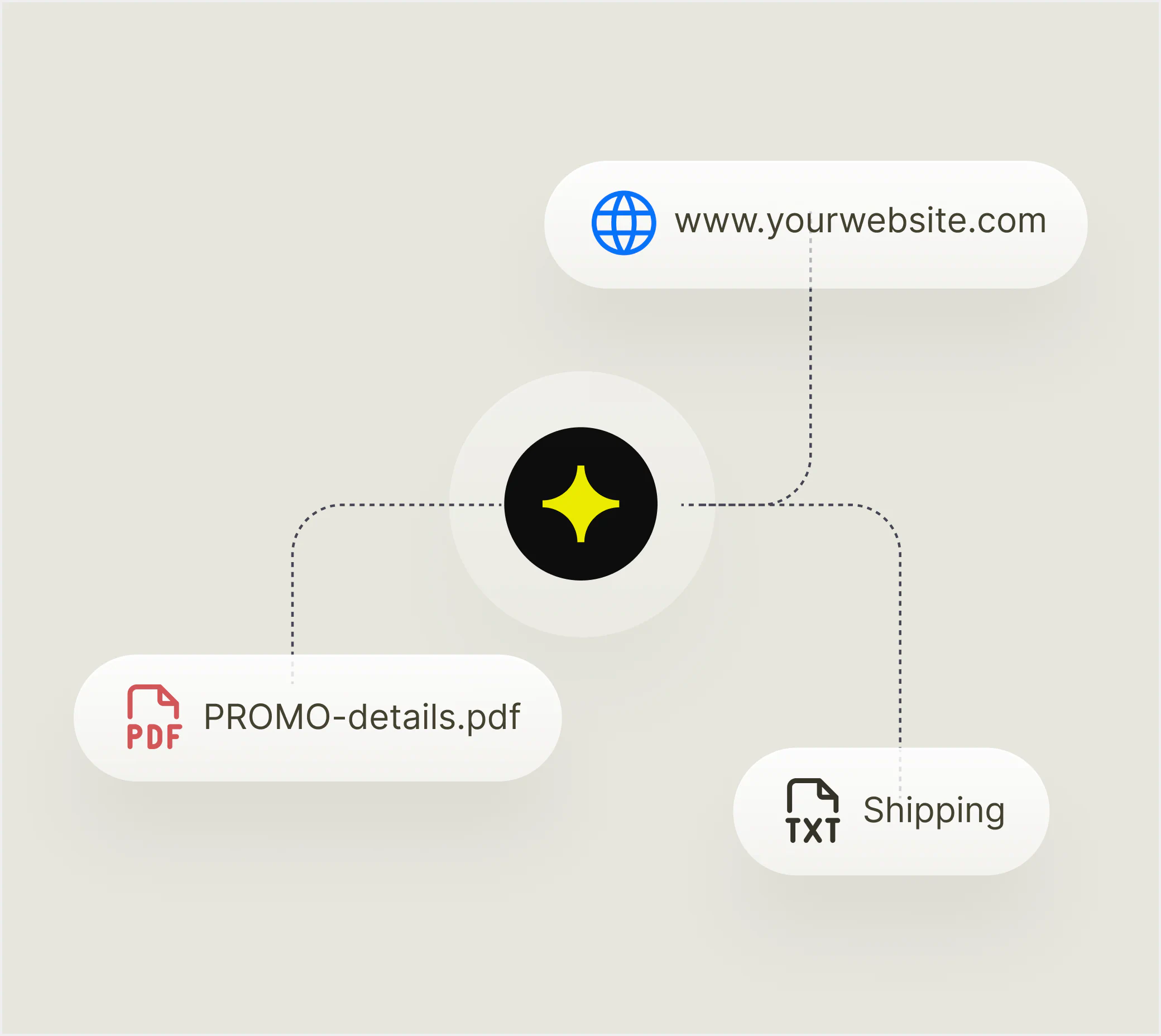
Recommend products based on what shoppers need. Connect your Shopify catalog to help customers compare options, ask follow-up questions, and choose with confidence.
Recommend products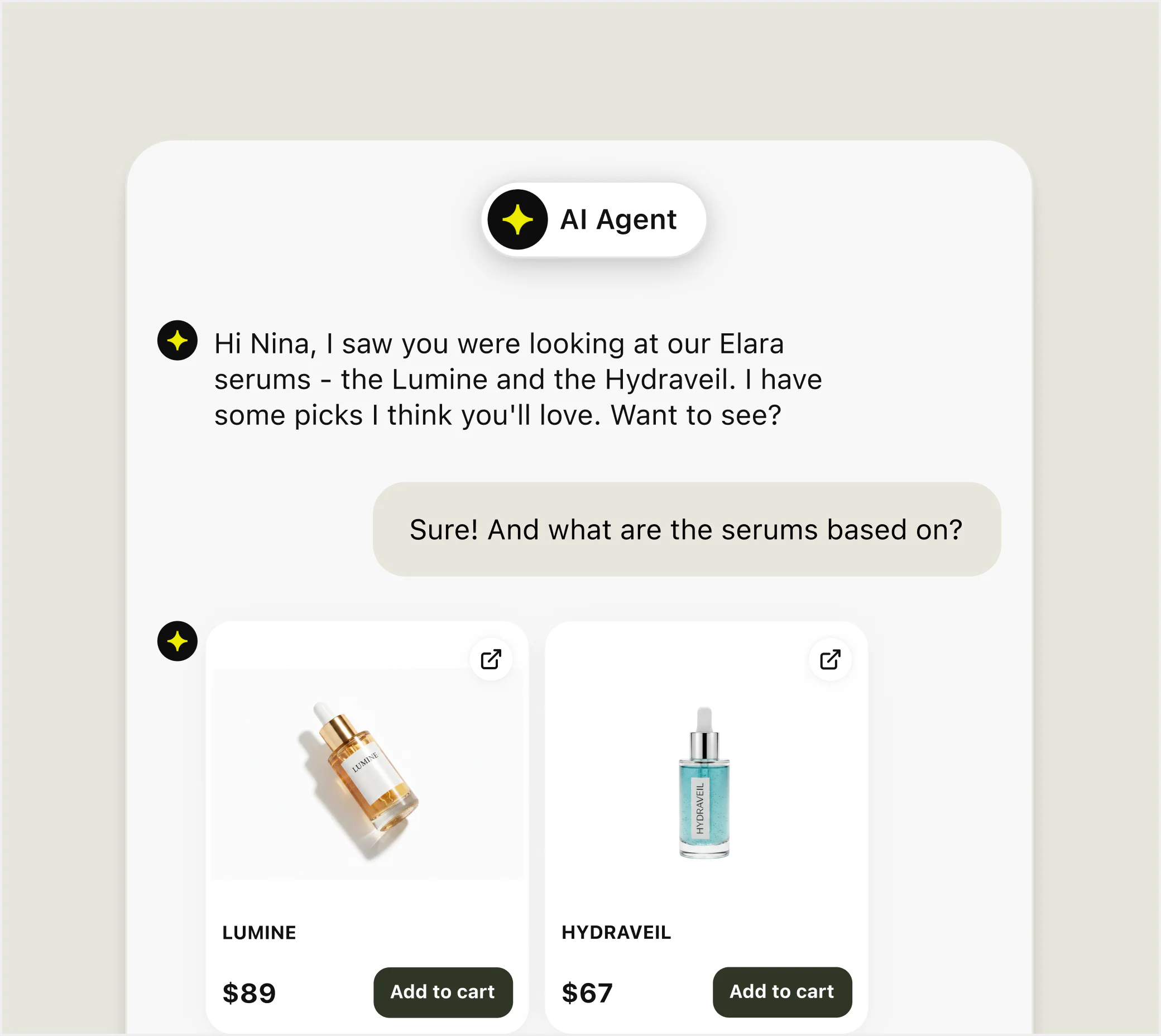
Check orders, capture leads, and pass details to your CRM through configured skills. You choose the connected actions and when your team should step in.
Put skills to work
Bring in a person for complex or sensitive requests. Text passes the conversation history to your team, so customers can continue where they left off.
Improve handoffs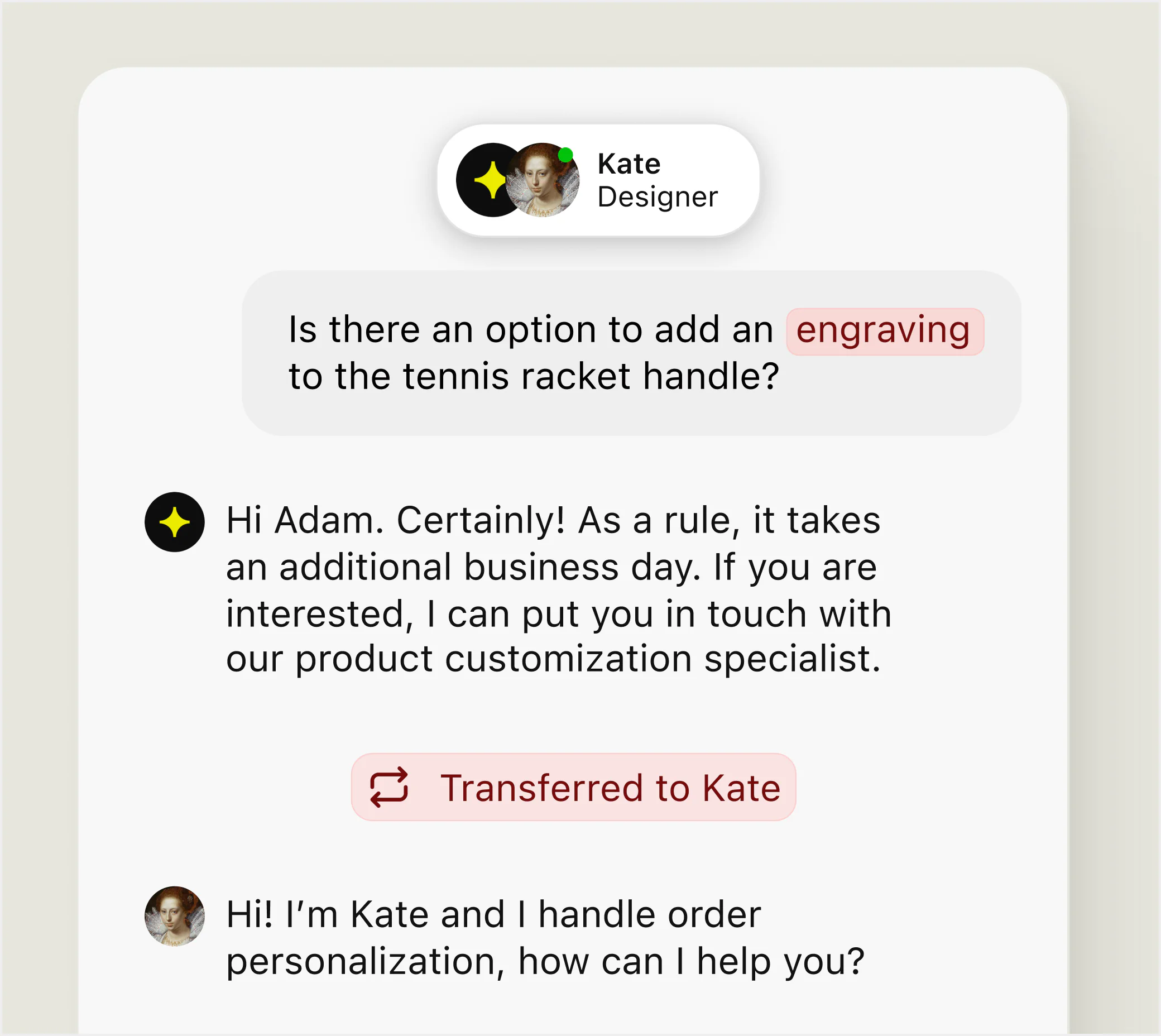
Revenue reporting connects conversations with sales. See where your team and AI agents help customers buy, alongside response time and customer satisfaction.
Try revenue reporting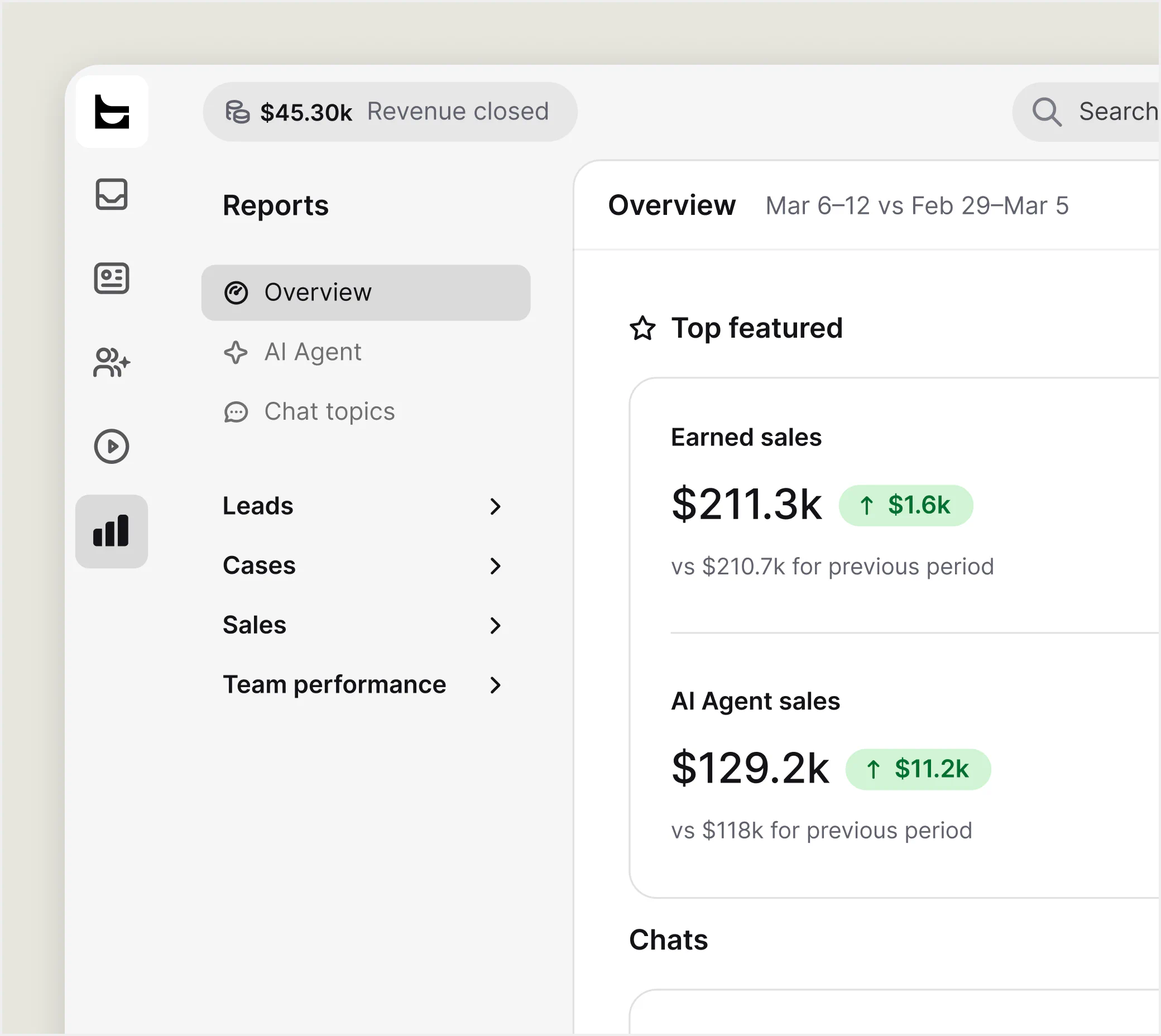
Give your team AI customer support software that helps them find answers, prepare replies, and keep customer context easy to follow.
Your team reviews every reply. Feature availability and usage allowances depend on your plan.
Try AI Copilot for free
Adjust tone, correct grammar, or rephrase a reply before sending. Turn a complicated explanation into a clear next step for your customer.
Catch up on the key points without rereading the full conversation. Help colleagues pick up handoffs and follow-ups. Available on Growth and Enterprise.
Get relevant tag suggestions based on the conversation. Help your team organize chats consistently and find recurring topics to improve your support.
Add your website, help center, and product information so AI agents can answer from your content.
Choose the tasks AI should handle, connect the systems it needs, and define when a person takes over.
Try real customer questions, check answers and handoffs, then improve your setup as you learn.
Use skills for customer service automation across Salesforce, Slack, and your own APIs. Build follow-ups in Text's visual Playbook.
Available actions depend on your integrations and setup.
Connect your tools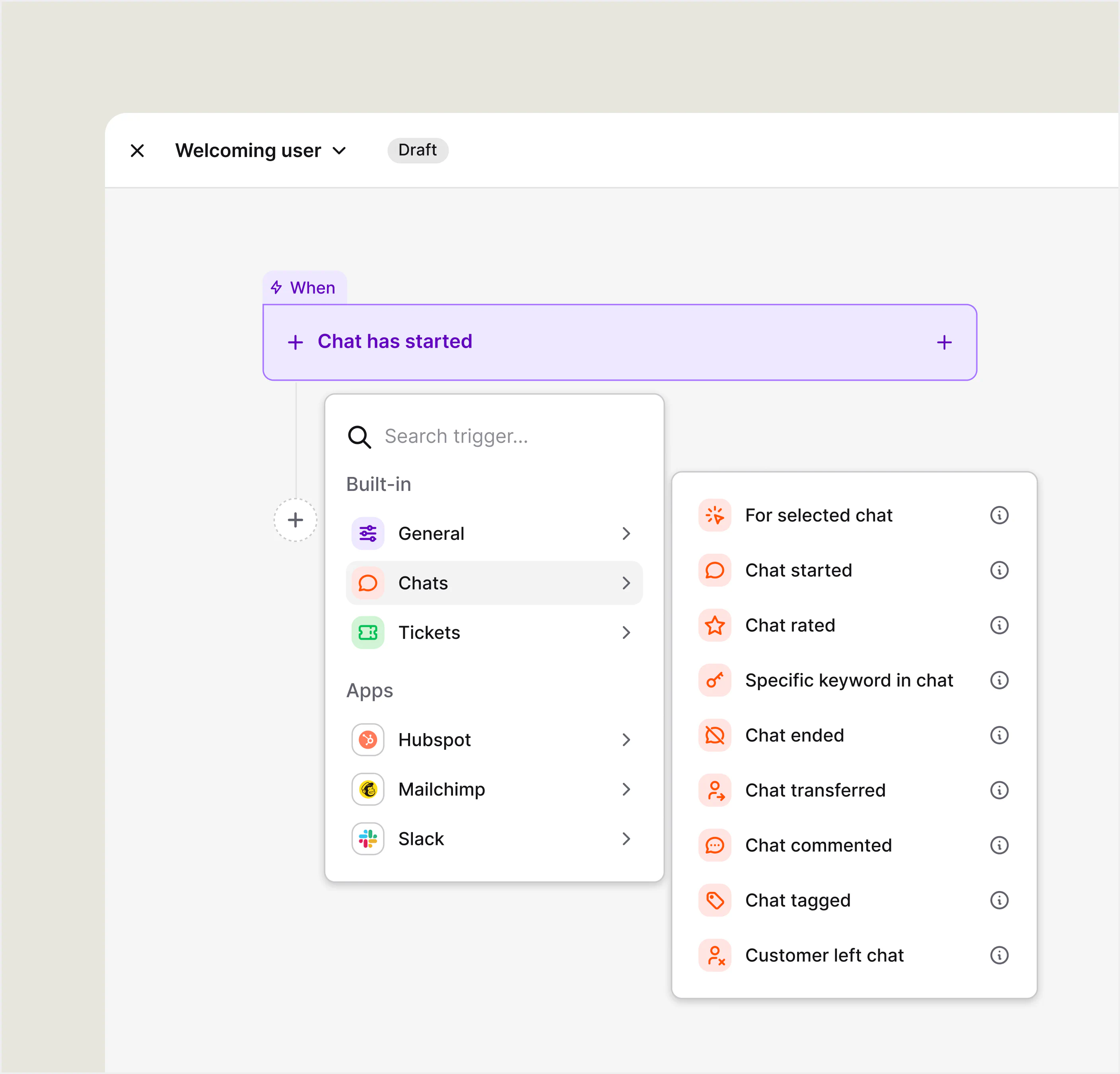
An AI chatbot for customer service can answer common questions. An AI Agent can also use configured skills to check an order or pass a lead to your CRM. Both need approved business information and clear handoffs to your team.
AI customer service software brings these capabilities into everyday support. Text combines AI agents, live chat, and tickets in one AI customer service platform, so your team can review the conversation history and follow through on requests.
Yes. AI agents can recommend products based on customer intent. With a connected Shopify catalog, recommendations draw on the products you sell. A shopper looking for a gift can share a budget and preferences, ask about a suggested item, and get help deciding what to buy.
AI agents can also collect contact details and qualify inquiries. A visitor asking about a business subscription can share their requirements before speaking with sales. With the appropriate skill and CRM connection, those details become a lead your team can follow up on, even when the first conversation happens after hours.
AI agents can resolve familiar questions without human intervention. Your people handle complex decisions, sensitive issues, and relationship building. When a conversation needs a person, Text passes it to your team with the history attached. A support agent can see what the customer asked and what has already been discussed.
Define a clear handoff for requests that need investigation, personal advice, or an exception to your policy. That customer context helps the next colleague continue without asking for the same details again.
Sentiment analysis can flag positive or negative language in customer interactions, helping service teams review emotional cues. Customer sentiment still needs context; a signal cannot establish exactly how someone feels. Give sensitive requests a clear route to your people.
Yes. Text's AI customer support software brings live chats, emails, and tickets into one inbox. Your support team can give unfinished work an owner and track it through to completion, whether a customer needs an account update, technical investigation, or an answer from another department.
Ticket assignment and workflow automation help organize support operations as demand grows. Your team can continue working after the live conversation ends, with the customer data and history available for the next reply. AI can help classify incoming requests in customer service workflows; configure ticket routing around your team's responsibilities.
Text skills can connect actions with systems such as Salesforce, Slack, and your own APIs. Connect a lead capture process to your CRM, retrieve an order update, or notify the right colleague about a request. Available actions depend on the integration and setup.
Text's Playbook gives you a visual no-code builder for connecting events with actions. For example, a poor chat rating can trigger a ticket containing the transcript and notify a manager in Slack. Choose a trigger, add the actions, and test the workflow. Connections that use webhooks may need technical help during setup.
Text's AI Agent resolves 74% of conversations on average across customers. Use your trial to measure how it handles your own content and requests; the published average does not establish the result for your business.
Sephora reported a 25% increase in average order value after introducing LiveChat for online consultations. Its consultants helped shoppers choose products based on their needs and budget. This result describes personal advice delivered through LiveChat. It is not a measure of AI Agent performance.
Text offers Essential, Growth, and Enterprise plans. Compare user seats, included AI resolutions, and the key features your team will use. AI usage is measured by resolved conversations, rather than conversation volume alone.
For enterprise support requirements, discuss custom pricing, SSO, audit logs, and your planned integrations with the Text team. Review the current plan details to choose a setup that fits your organization and AI workload.
Look for accurate responses from your own content, useful integrations, clear handoffs, and reporting that connects service with business outcomes. Test the same customer scenarios across the AI customer support tools on your shortlist, including difficult follow-ups.
If your shortlist includes Fin AI Agent, Zendesk AI, or Gorgias AI Agent, compare the workflow and total cost against your requirements. Text is a conversational AI platform that combines AI agents, live chat, tickets, skills, and revenue reporting. Test the full journey from a customer's first question to the final outcome.
Connect your website pages, documentation, and help center content so AI agents can answer questions about your products, services, and policies. Your knowledge base might explain a return window, a subscription feature, or a product specification.
Natural language processing helps AI interpret customer phrasing and context, so differently worded questions can be recognized as the same request. Use past tickets to find gaps in your knowledge base articles, remove conflicting information, and update sources when your products or policies change.
Your AI agents can use that information outside office hours, helping customers get answers while your team is offline.
Skills tell AI agents how to handle specific situations. Describe the action in plain language, connect the system it needs, and define when it should run. A skill can check an order, retrieve information, or pass a qualified lead to your CRM.
Actions such as issuing a refund depend on the connected system and your configured process. You decide what the assistant can do, which information it needs first, and when a request should be escalated for review. Start with a process your team knows well, such as checking delivery progress, and test the outcome before launch.
AI Copilot and the writing tools in the inbox help your team prepare replies and review conversations. Reply suggestions provide a starting point; your colleagues check AI drafts, add relevant details, and decide what to send.
You can also ask Copilot questions about your products and policies using connected website pages, internal documents, and PDFs. It uses that business knowledge to help your team find relevant information while preparing an answer.
Text enhancement helps correct typos, adjust tone, and make complicated explanations easier to follow. A return response, for example, can become clear instructions about what to pack, where to send it, and what happens next.
Conversation summaries help colleagues catch up on longer exchanges and prepare follow-ups. Chat and ticket summaries are available on Growth and Enterprise. Feature availability and usage allowances depend on your plan. Your people stay in control of customer advice while reducing repeated typing to improve agent productivity.
Tag suggestions help your team categorize conversations using relevant labels based on the chat. Consistent tags make recurring topics easier to find and review.
Start with the questions your customers already ask. Connect sources that explain your products, services, and policies. Use past tickets to identify common questions, and check for missing exceptions or outdated instructions before opening the experience to customers.
Next, choose what AI agents should handle and when a person should step in. Set up skills for connected tasks, with a clear outcome for each one. Use past conversations as test scenarios, including requests that require a policy exception.
Before launch, try straightforward questions, incomplete requests, and follow-up messages. Check that answers reflect your source material and that handoffs give colleagues enough information to continue. Then review real conversations, update weak sources, refine skills, and monitor customer satisfaction as you expand.
Revenue reporting connects customer conversations with sales. Look at the conversations that lead to purchases and learn where your team and AI agents help customers choose. Recurring questions before checkout can also show where your product pages need clearer information.
Track key support metrics such as response time and customer satisfaction alongside commercial results. Review the conversations behind the numbers: did the answer solve the problem, and did an escalation reach the right person?
Compare operational costs with the work automated and the time spent reviewing results. For lean support teams, automating familiar inquiries can create room for seasonal demand and more demanding requests. Use your own results to decide which tasks to automate next.
Yes. Text AI agents support conversations in multiple languages. Check the languages your customers use during testing and review how product names, local policies, and unusual questions are handled.
Plan the handoff experience as well. Customers should know how they can continue with your people when a question needs additional help. A consistent experience across AI answers and personal support helps protect customer satisfaction.
Text offers a 14-day free trial without a credit card. To continue after the trial, choose a paid plan that fits your team and its AI usage.
Use the trial to test your content, try handoffs, and explore how AI Copilot and the inbox fit your daily work. If you already use a legacy LiveChat subscription, review the move to Text to access AI Agent.
Put AI agents and your team to work in one workspace. Start with your content and see what Text can do for your customers.
Free 14-day trial No credit card required