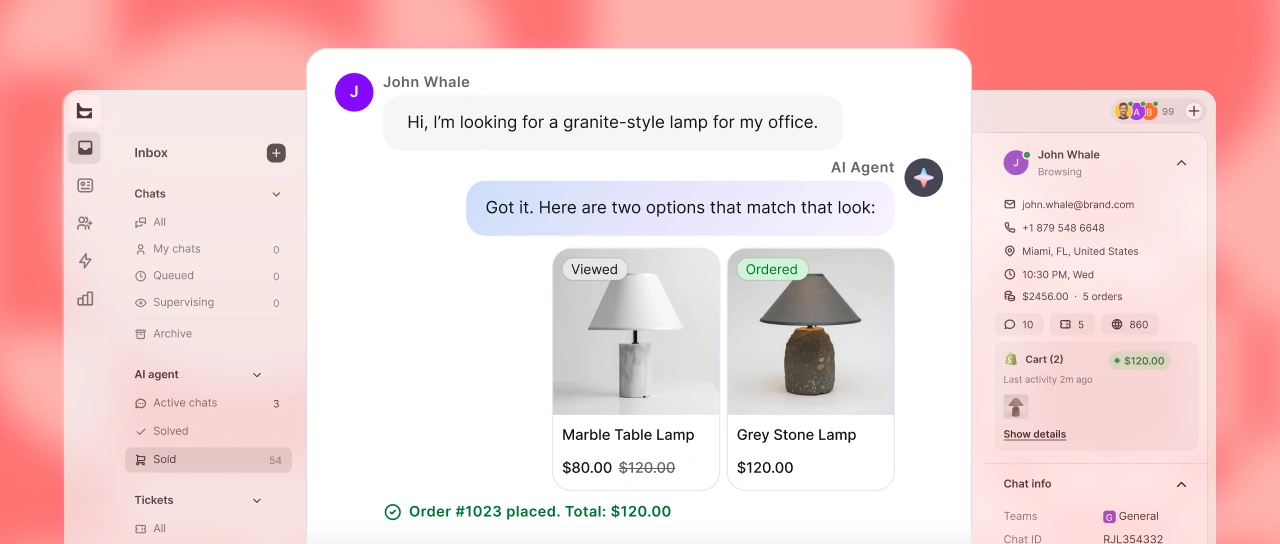
Simple to install, AI-enhanced, and built to capture website visitors, filter leads, and improve satisfaction. Embed live chat on your Webflow site without ruining your layout.
Free 14-day trial No credit card required BONUS: first AI chatbot for free
Trusted by leading brands
LiveChat is the intuitive software keeping modern businesses connected. Don't let leads slip away through missed emails. Give your support team the power to connect, engage, and convert visitors instantly.
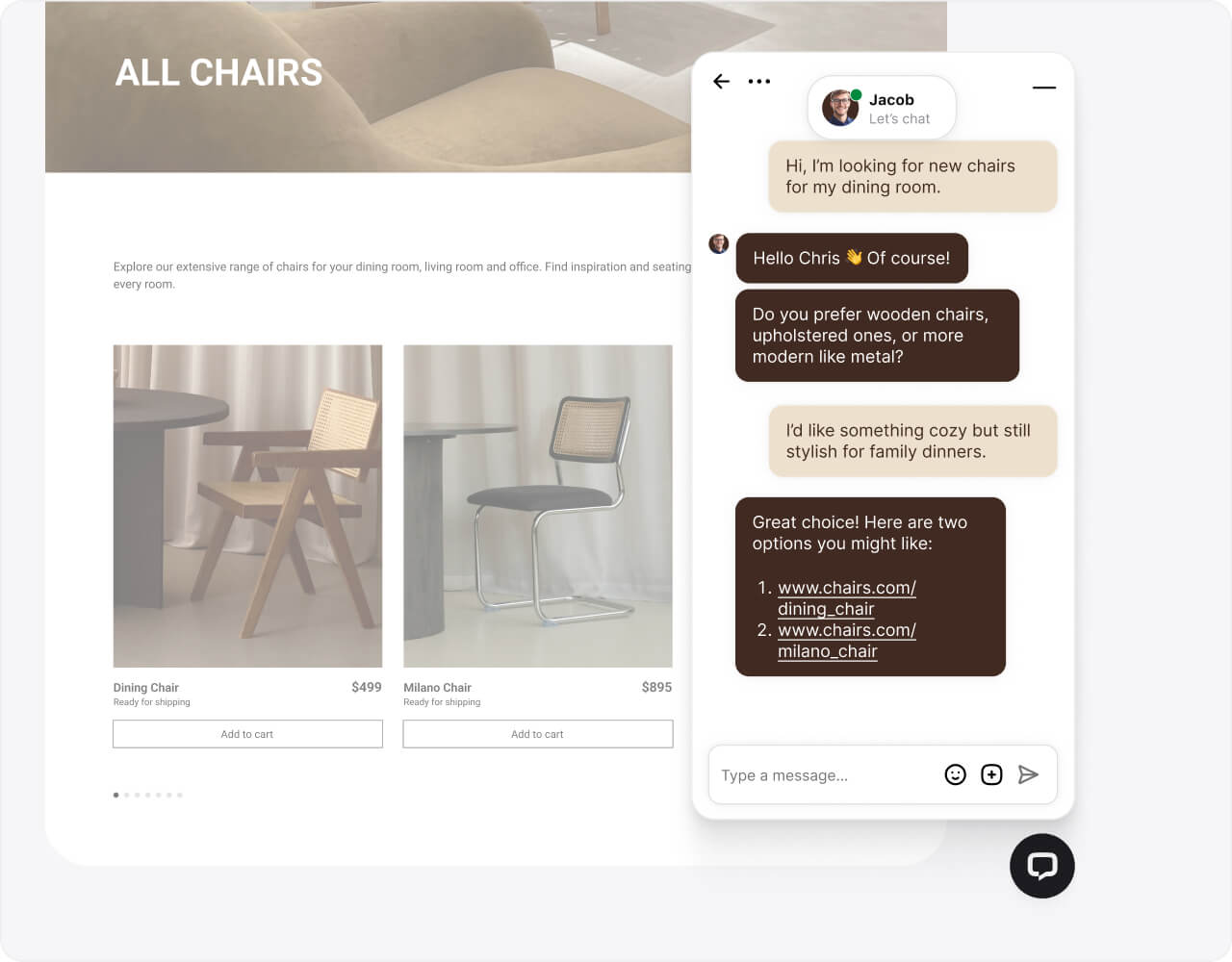
Capture attention with an always-on widget that fits your brand aesthetic. Spark conversations via real-time messaging and transform casual browsing into purchases.
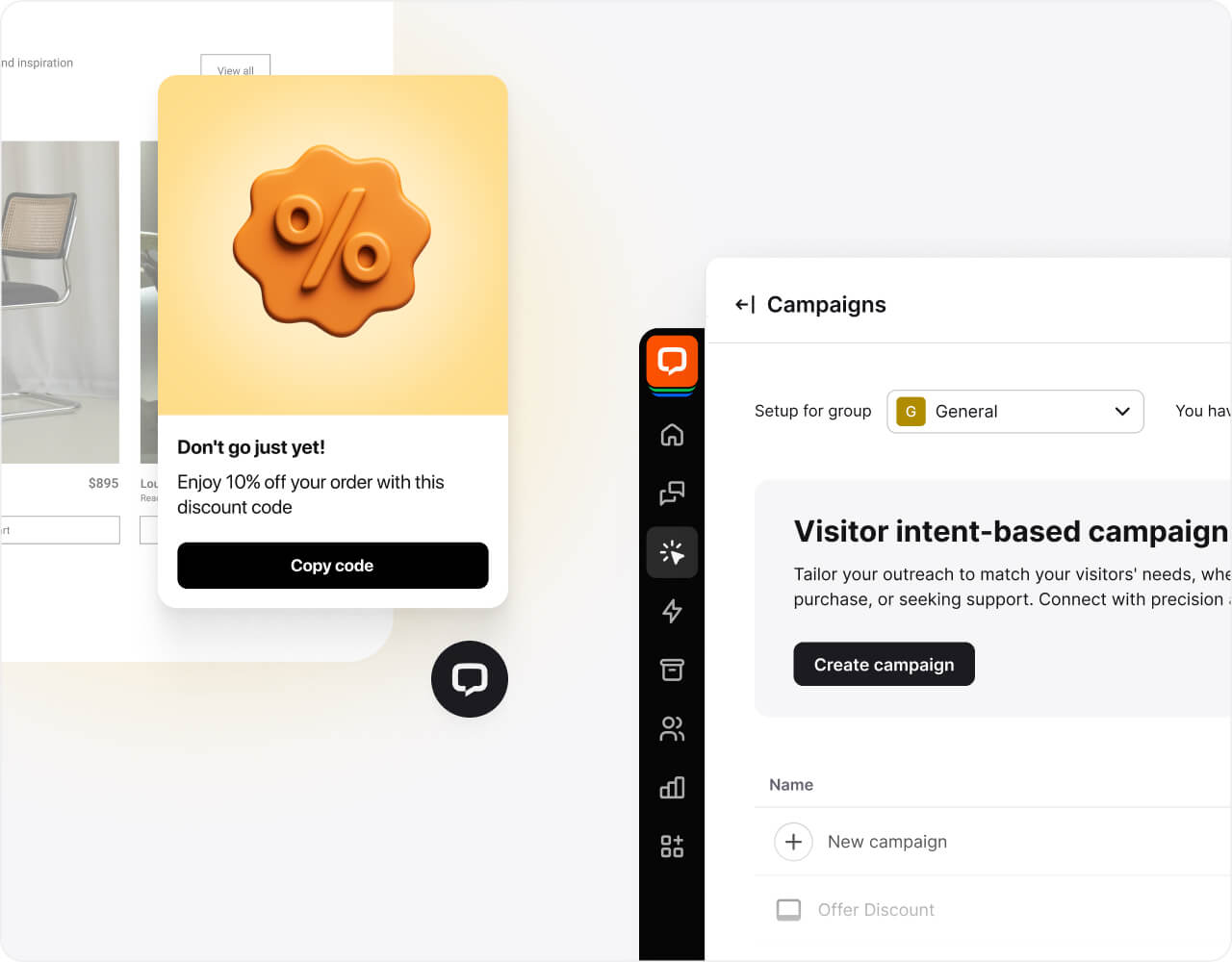
Interact with visitors using automated chat campaigns that boost conversion rates and qualify leads on autopilot. Ideal for maintaining high engagement on your Webflow project.
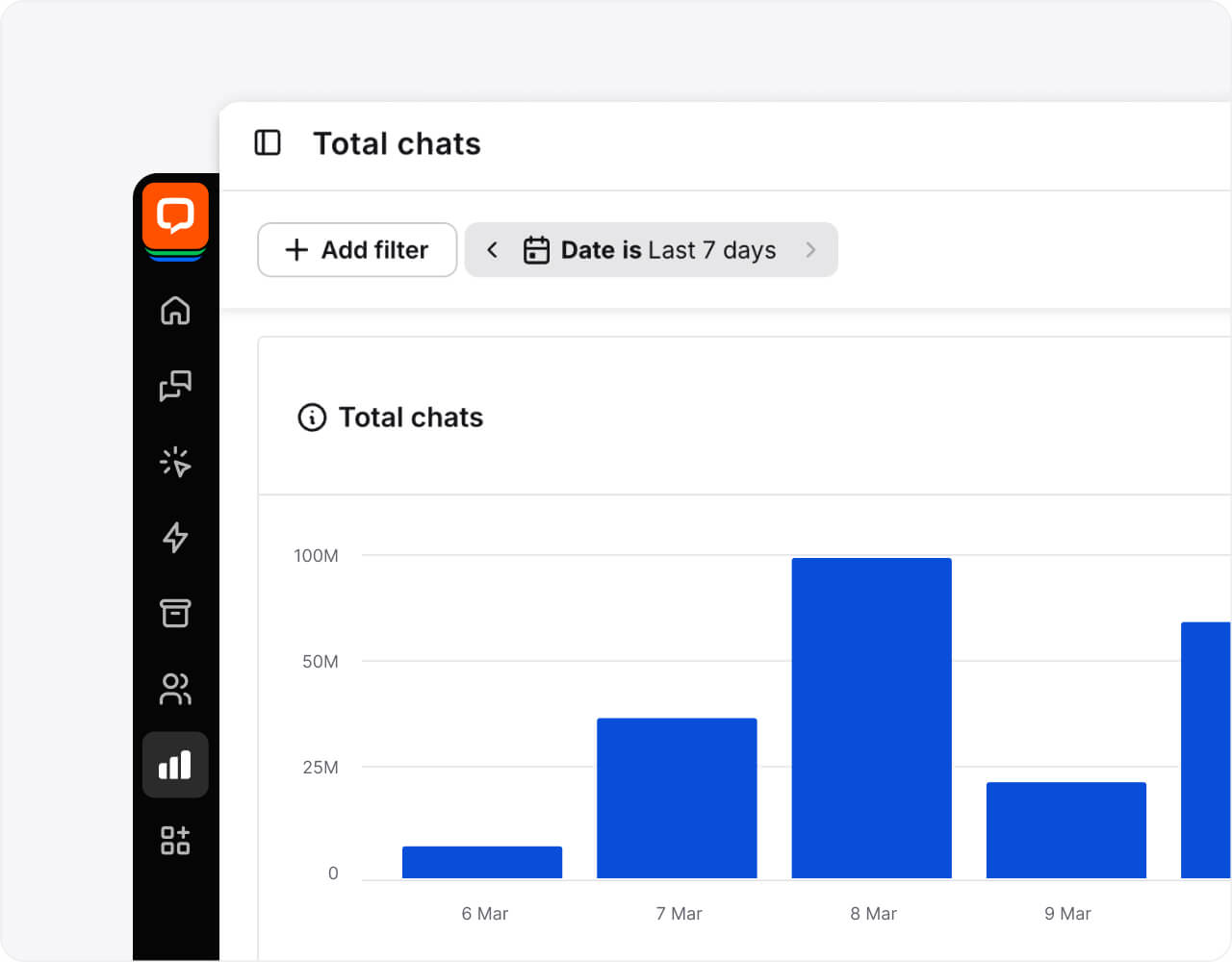
Monitor customer conversations, track support performance, and refine workflows with real-time analytics in the LiveChat dashboard - critical for growing businesses.
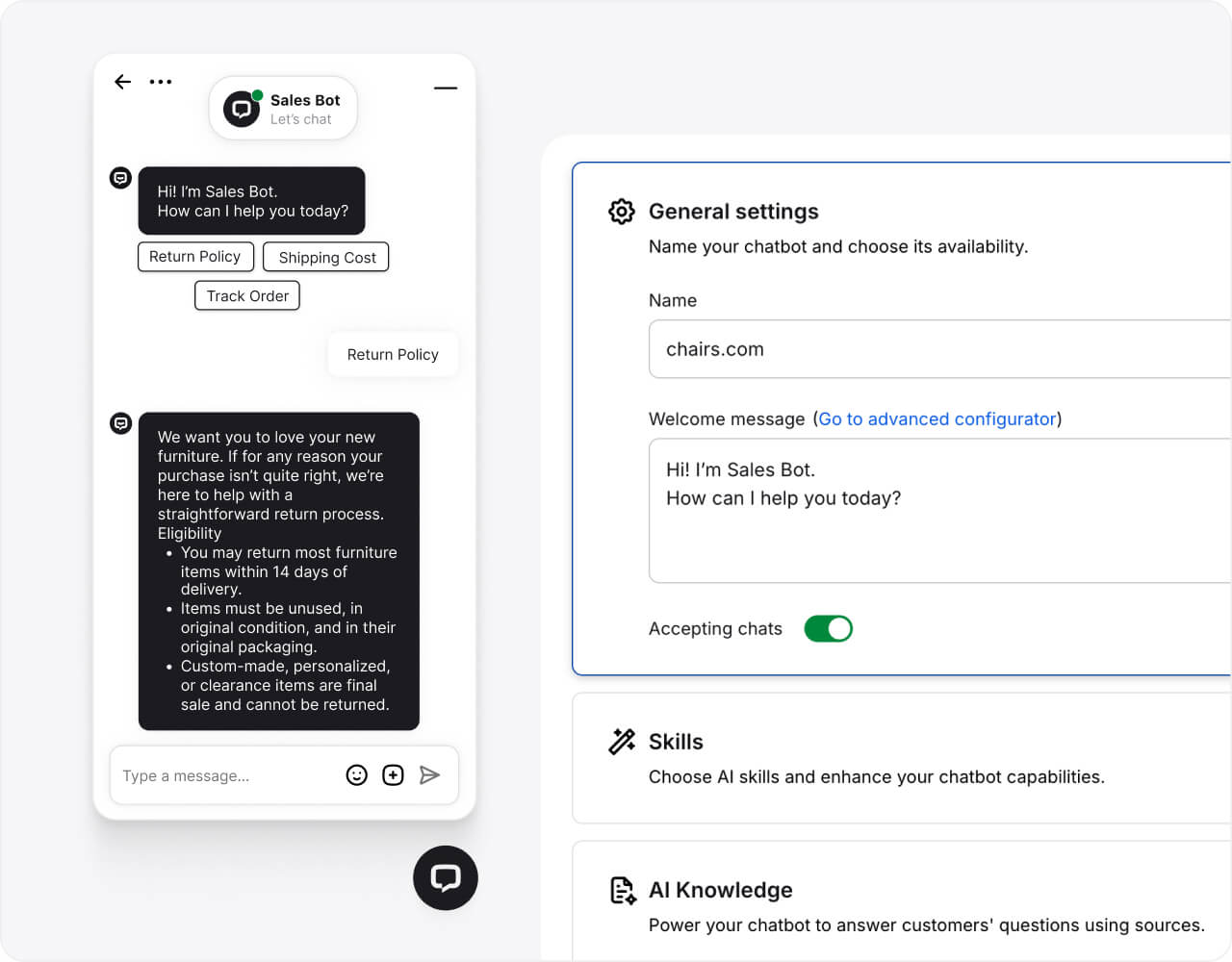
Our intelligent chatbots manage routine FAQs, direct visitors to the right pages, and qualify leads, so your web chat never sleeps. Secure 24/7 coverage and high satisfaction scores.

$1.5M
revenue added in 6 months with LiveChat and ChatBot.com

+25%
increase in average order value after implementing LiveChat

125K/yr
chats automated with LiveChat and ChatBot.com
Upgrade your Webflow live chat with cutting-edge AI tools. Help support agents reply faster, handle customer conversations smoothly, and ensure satisfaction in every chat.
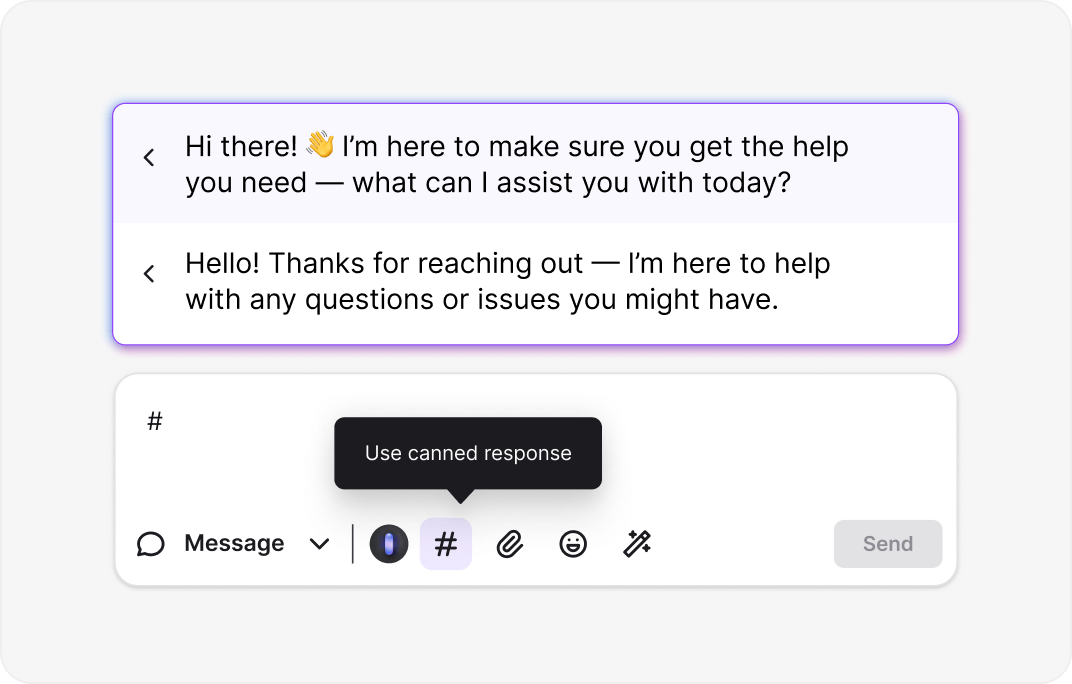
With canned responses, write a reply once, save it, and use it anytime. NLP learns from previous interactions, giving you consistent answers without the repetitive typing.
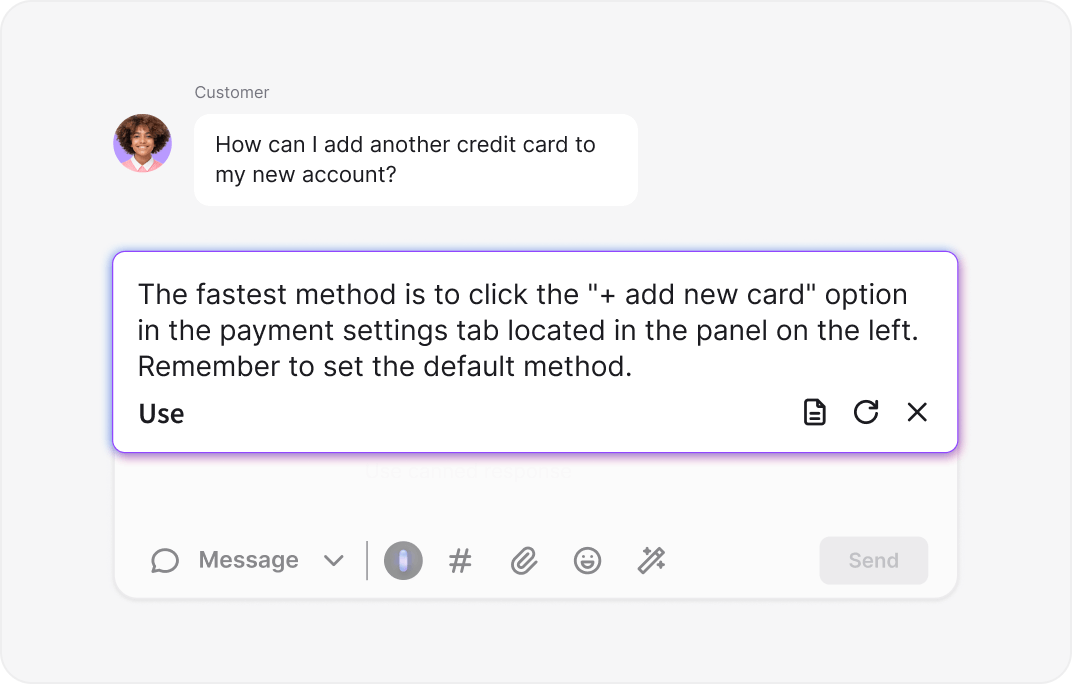
Link LiveChat to your knowledge base to auto-generate precise, on-brand suggestions. Ensure your team delivers accurate answers across your Webflow website.
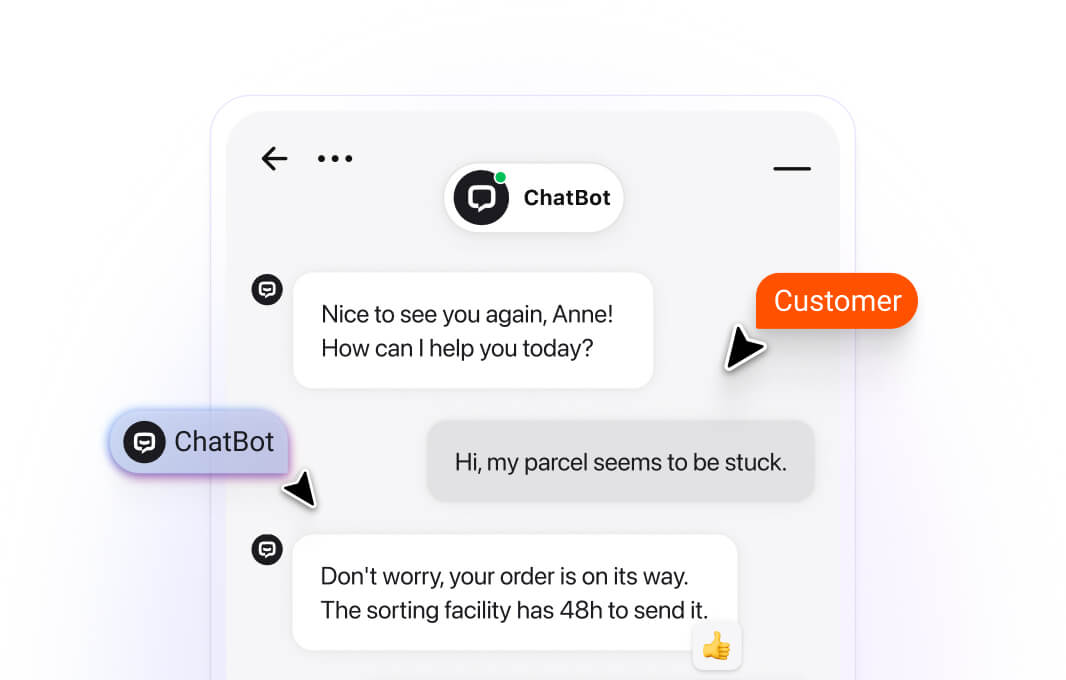
The LiveChat AI bot for Webflow resolves over 60% of common questions instantly, 24/7 - resulting in happier clients and accelerated sales cycles.
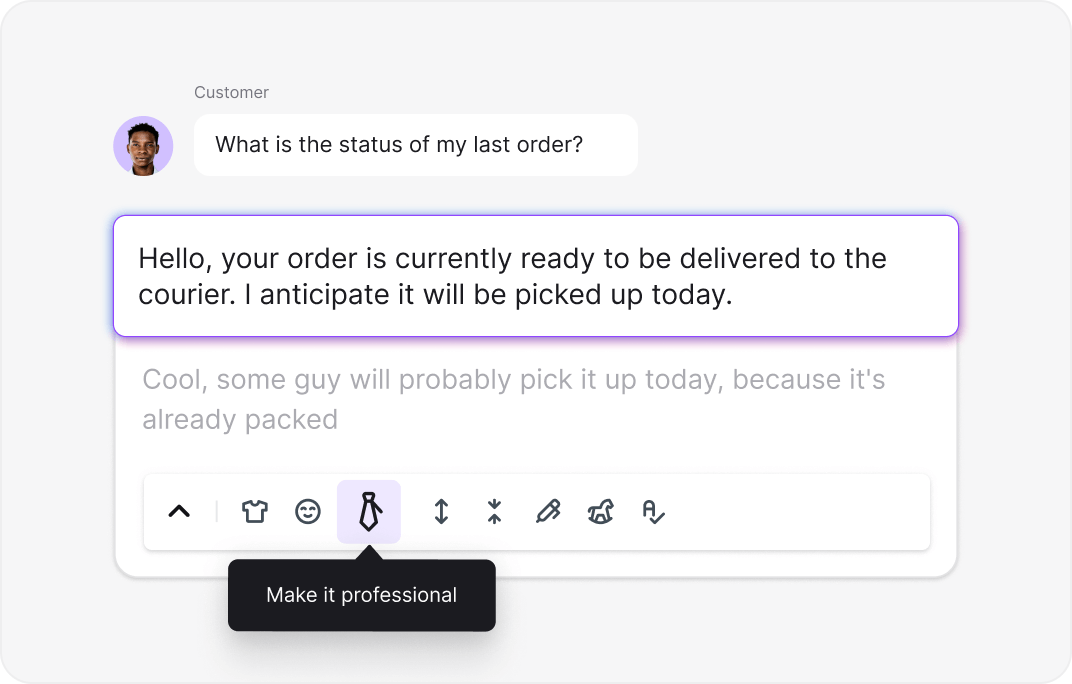
Utilize AI text enhancements to expand, rewrite, summarize, or shift the tone of your messages. Sound more professional, friendly, or brief to match your brand voice.
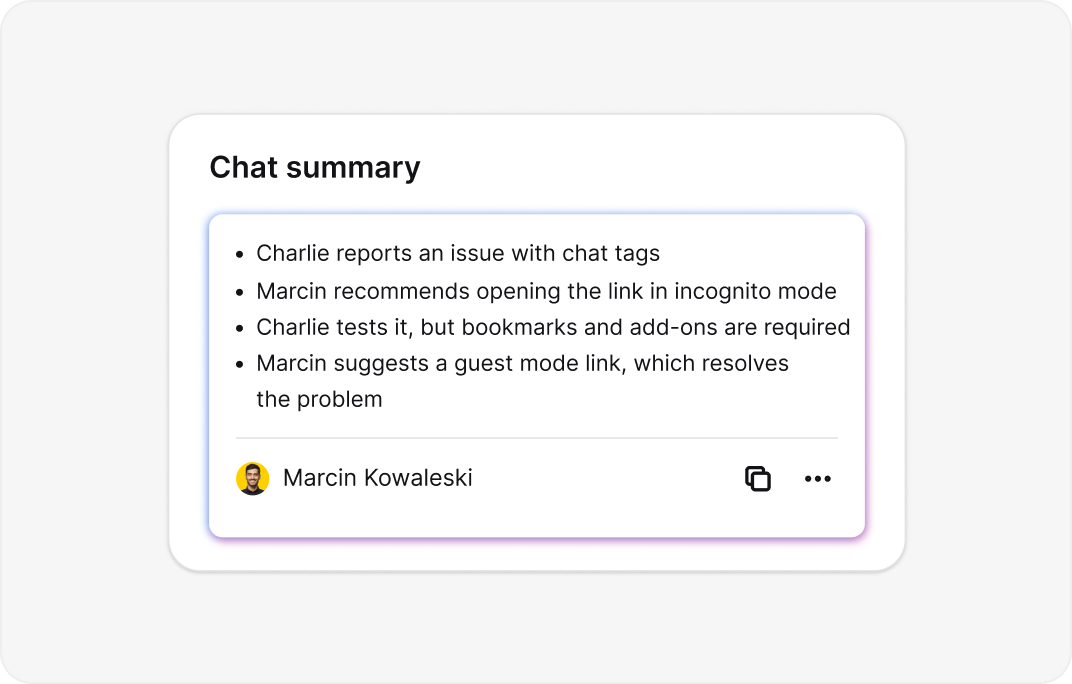
No time to read long logs? Get an instant AI summary of every chat to grasp the key points and follow up with prospects immediately.

Register for LiveChat
Log in or Sign up free – no credit card required.
Copy the code snippet
Go to the installation area in your LiveChat settings and copy the unique tracking code provided for your account.
Embed in Webflow
Open your Webflow Project Settings, navigate to the "Custom Code" tab, and insert the snippet. Tweak the widget appearance to match your design.
Go live and sell
Publish your changes. The chat widget will appear immediately, ready to capture leads and manage customer interactions.
Seamless setup
I was worried about adding live chat to Webflow, but the process was smooth. The widget is easy to style. It took under 5 minutes. This tool made our real-time support much more effective.

30.01.2024
30.01.2024
Top-tier support
I've tested other plugins, but this is the superior live chat for Webflow. Installation was quick, and it functions perfectly. Visitors get instant human help, which raised our satisfaction scores.
14.03.2025
14.03.2025
We love this solution
We needed a Webflow chat tool that did more than answer FAQs. We can now track interactions and qualify leads right in the widget. The interface is clean and modern.
24.06.2020
24.06.2020
The perfect choice
As a freelancer, I wanted a solid free version of a chat widget. I'm impressed. Unlike scripts that lag the browser, this has zero negative impact on Webflow site speed.
17.01.2020
17.01.2020
Excellent for shops
Live chat is amazing for engaging traffic and answering product queries in real time. I also use the email marketing sync. The support tools are world-class.
14.03.2020
14.03.2020
Best chat app
The dashboard provides a clear look at all customer interactions and metrics. It streamlined our support process and delivered better satisfaction for our company.
14.03.2024
14.03.2024

4.5 out of 5 on G2 – based on reviews, trusted by real users.

No credit card required. Free 14-day trial. Add the live chat widget now.

Get started in 5 minutes — no coding needed.





Link LiveChat with Google Analytics, Calendly, and Zoom. Offer instant help and steer customers to checkout to increase revenue.
Engage customers on Facebook Messenger and WhatsApp. Collect leads and handle payments via Telegram and Stripe integrations.
See history, context, and user details across all channels - including email campaigns - without tab switching. Automate replies and keep the conversation moving.
Integrate your Webflow live chat with platforms like HubSpot or Pipedrive. Automatically push leads, update CRM files, and trigger personalized marketing.
To add live chat to Webflow, use the LiveChat script. Steps:

We're always here — 24/7/365. Get live support from Product Experts to help your business grow.