
Salesforce for LiveChat
Create, View and Automate Salesforce Flows Directly in LiveChat.
- LiveChat
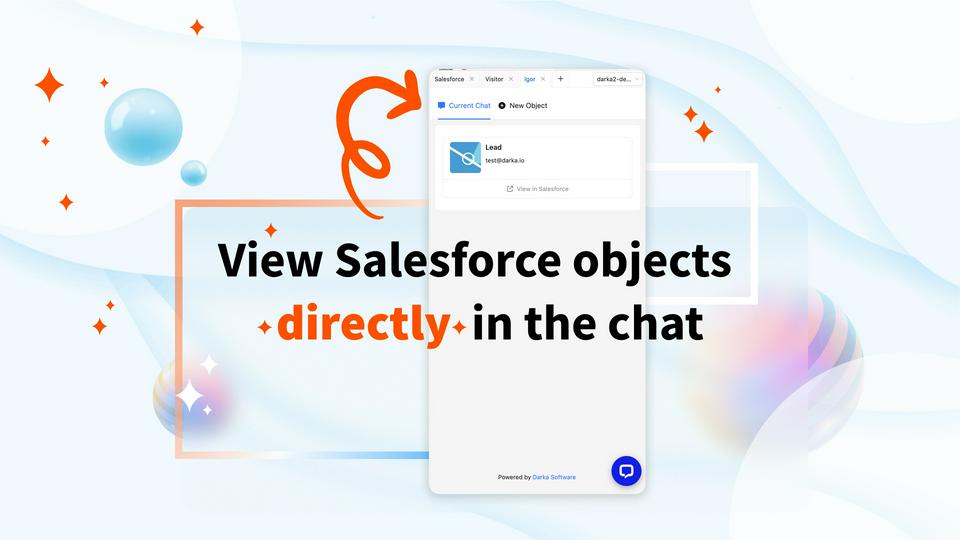
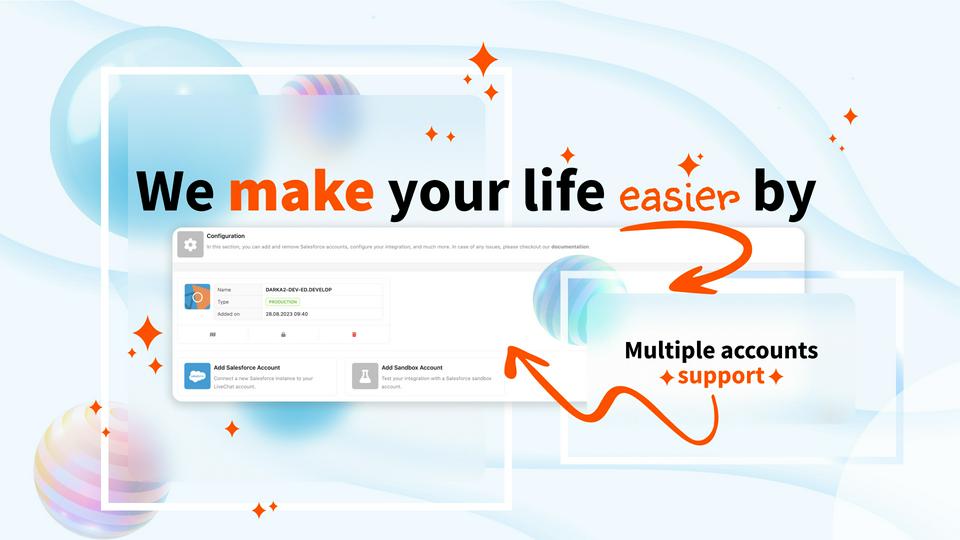

Blurring the lines between Salesforce and LiveChat.
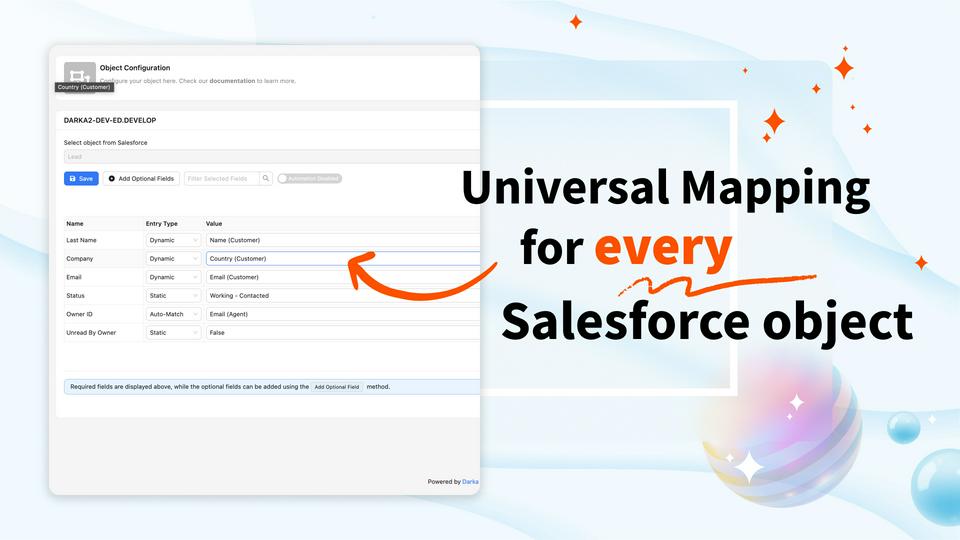
We know that every company uses Salesforce differently, therefore, we made sure not to put any limitations on this integration. Any object, any field and any chat value, as well as first class technical support in case you need something that is not yet on the menu!
Key features
Freely search for contacts, leads and any other object without leaving the LiveChat page. With automatic search you will get your visitor details in no time!
Send chat ratings, post chat information, chat transcripts or custom variables directly to Salesforce. Every object (including custom ones) is available and can be mapped to any chat parameter available.
Benefits
Why waste time on repeatable tasks if we can automate them? This application has "waste-as-little-time-as-possible" philosophy engraved in it's core.
Processing data between different platforms can be challenging, but we are there for you! Let us know how we can make this integration better fit your needs.
App terms
Legal Terms
By installing this app, you agree to the Marketplace Terms and App Privacy Policy.
Support
How to use this app
Follow the app tutorial with setup instructions on how to use and properly configure this app with your LiveChat account. To get help and support contact Darka Software. You can also suggest improvements or request new features in the upcoming versions of Salesforce for LiveChat.
Frequently asked questions
What does the “Verified” status mean?
In LiveChat, we always appreciate creative and problem-solving apps, so at our own sole discretion, from time to time, we may grant some applications the “Verified” status (represented by a badge or so-called badged applications). The “Verified” status confirms only that an application went through our usability review from the user's perspective. In any case, it is the Application Provider who has full responsibility for the application and its security level towards clients and any other third party.