Deploy a custom chat window on your Elementor website in just a few clicks. No coding skills needed - just instant communication powered by AI to engage website visitors, capture more leads, and drive revenue.
Free 14-day trial No credit card required
Trusted by leading brands
LiveChat is the customer service software that fits your design perfectly. Stop losing website visitors to confusing navigation or unanswered questions. Our live chat elementor integration gives your support team the tools to provide real-time support and turn traffic into loyal customers without breaking your layout.
Design a chat widget that matches your brand. With our elementor integration, you can customize colors and position the chat window to sit perfectly on your site.
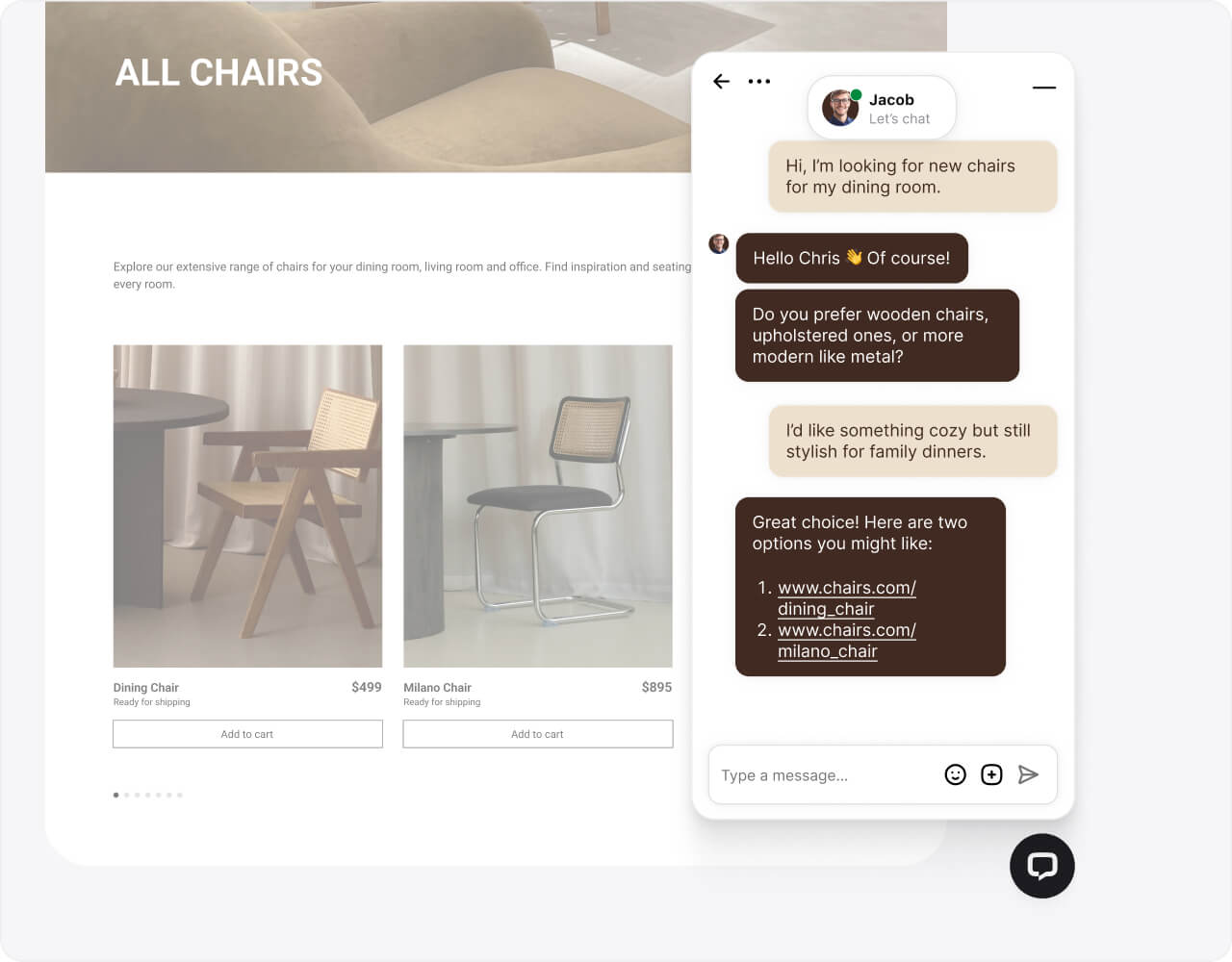
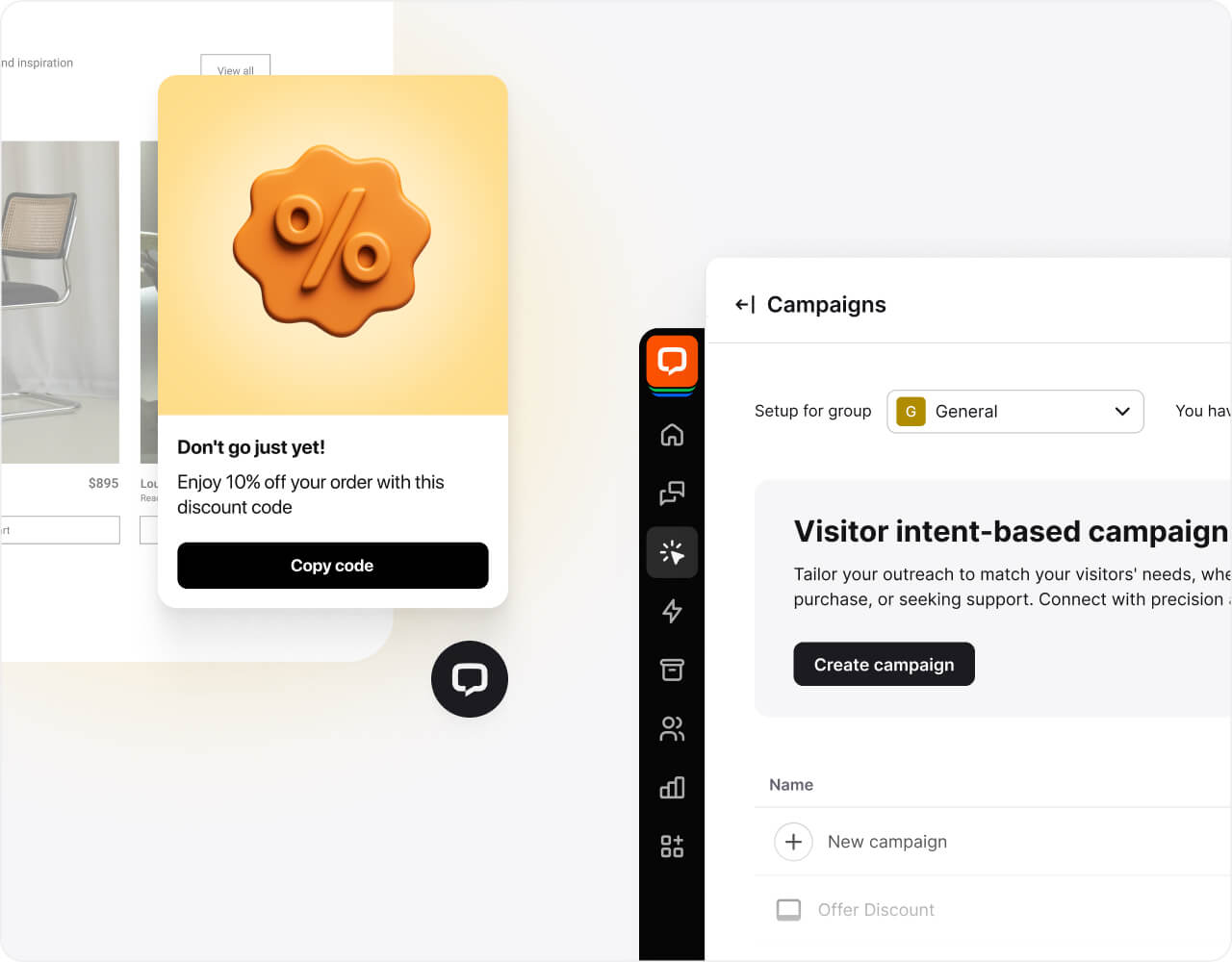
Trigger targeted messages based on visitor behavior on specific Elementor pages. Engage website visitors proactively to increase conversions and qualify leads automatically.
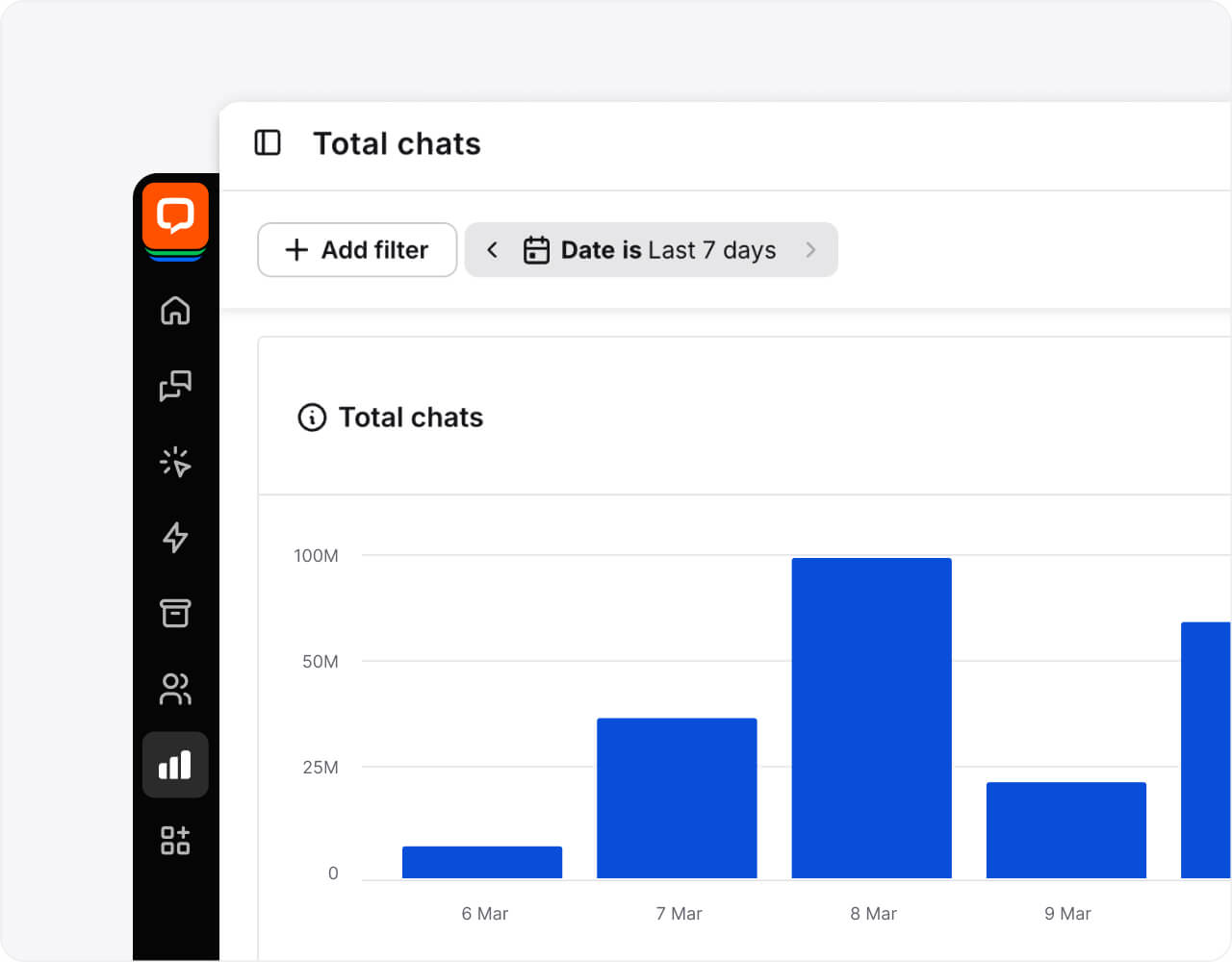
Track chatting performance and customer satisfaction directly. Our analytics help you optimize your support team workflows and understand how your Elementor live chat impacts your bottom line.
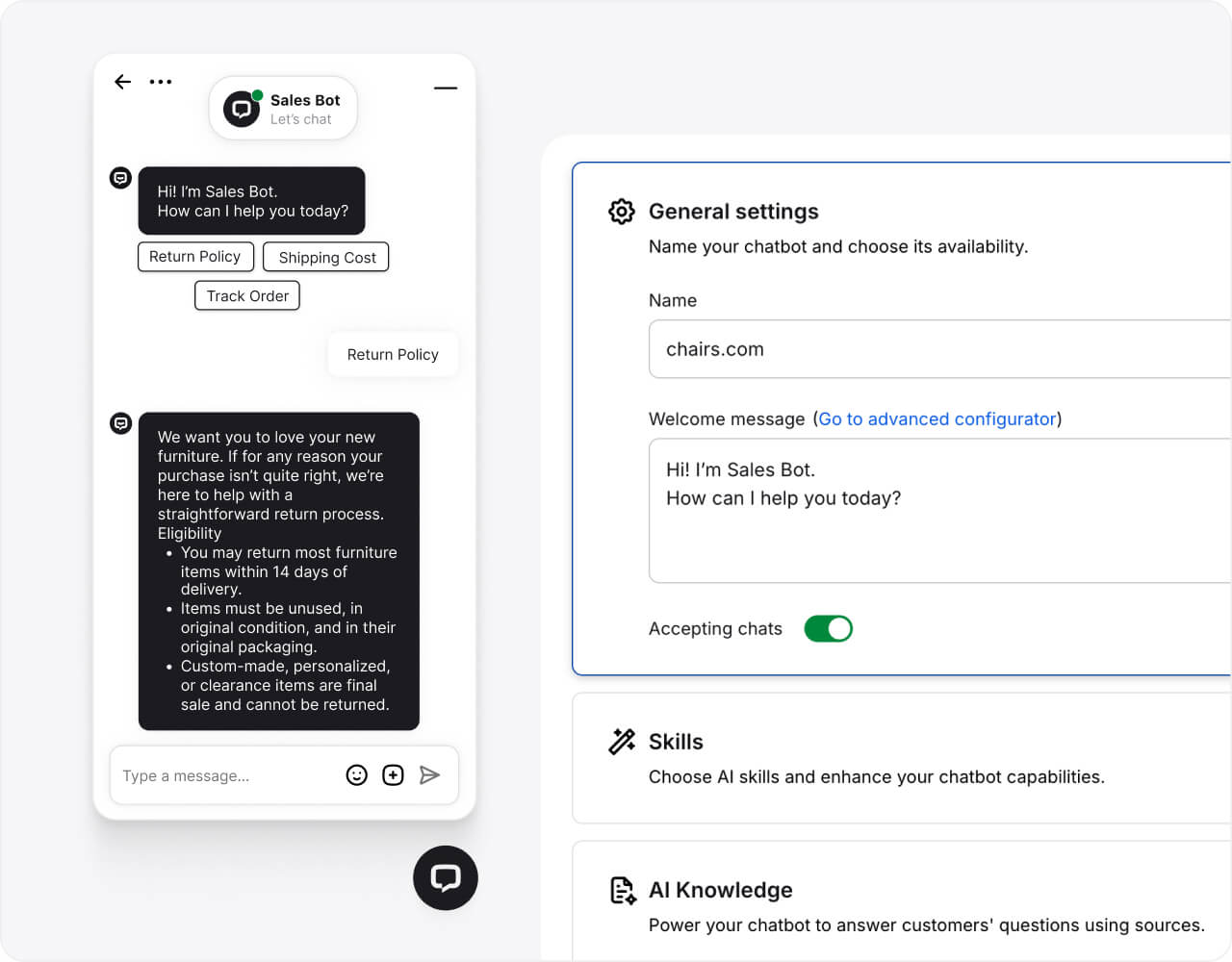
Let AI handle chats when you’re offline. Our smart chat plugin ensures your Elementor website is always open for business, guiding users to products and answering FAQs around the clock.

$1.5M
revenue added in 6 months with LiveChat and ChatBot.com

+25%
increase in average order value after implementing LiveChat

125K/yr
chats automated with LiveChat and ChatBot.com
Upgrade your Elementor live chat plugin with AI tools that help agents work faster. Manage high volumes of customer inquiries with ease and maintain high customer satisfaction scores.
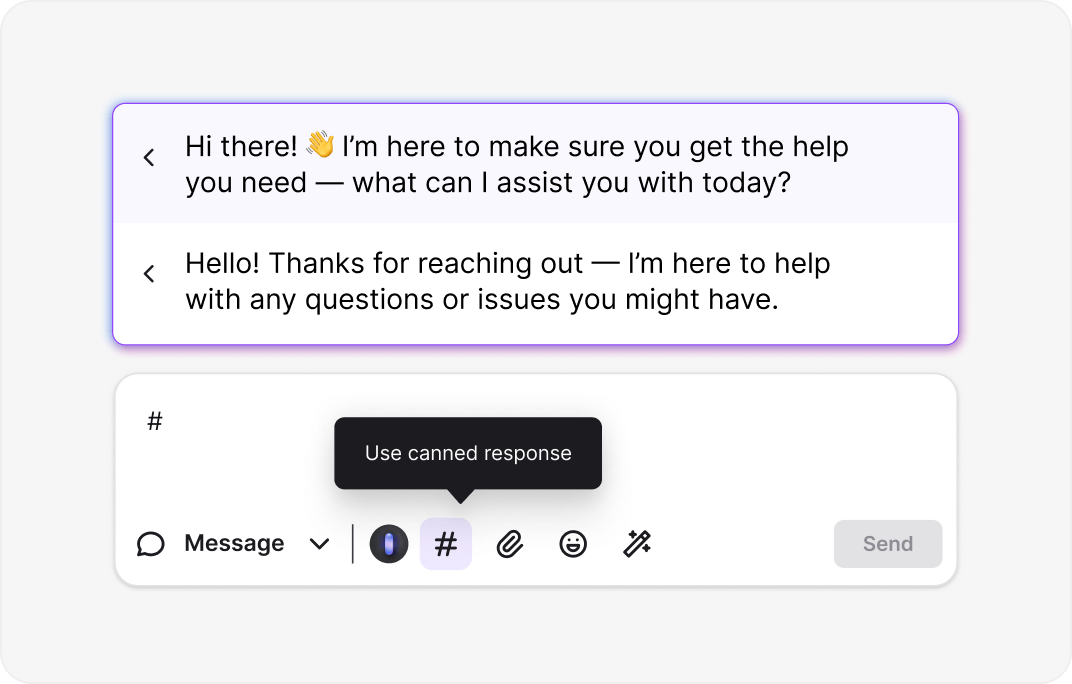
With canned responses, type a message once and reuse it. The LiveChat app learns from your history to suggest the right answers, helping you streamline communication across your site.
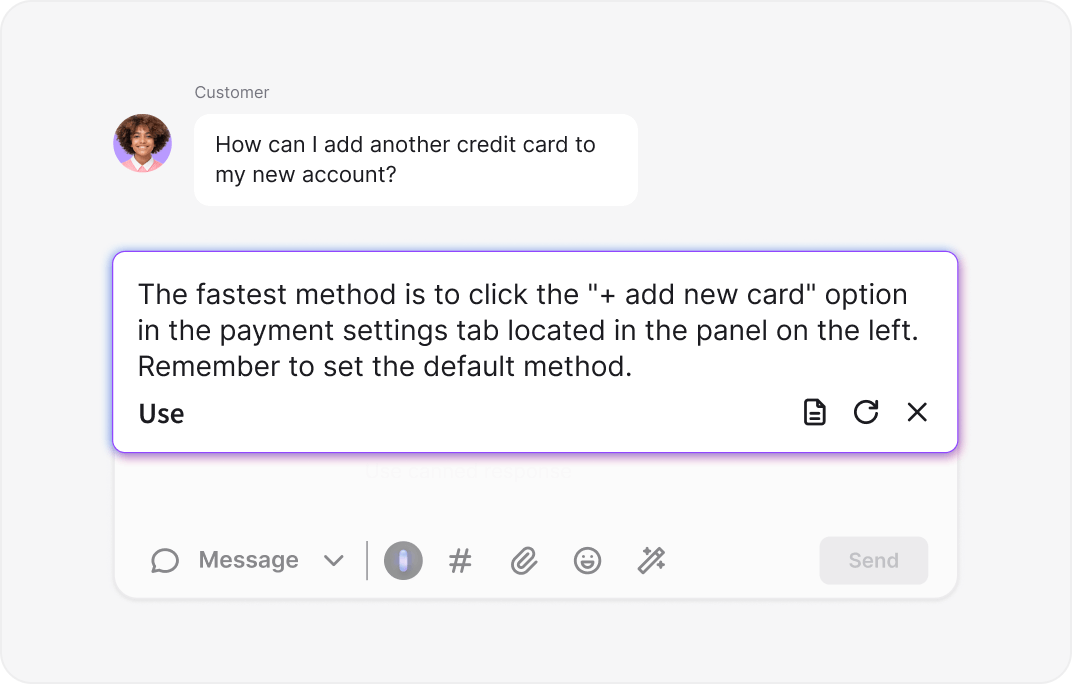
Connect the plugin to your knowledge base. The system automatically suggests on-brand replies, ensuring your team provides accurate information with less effort.
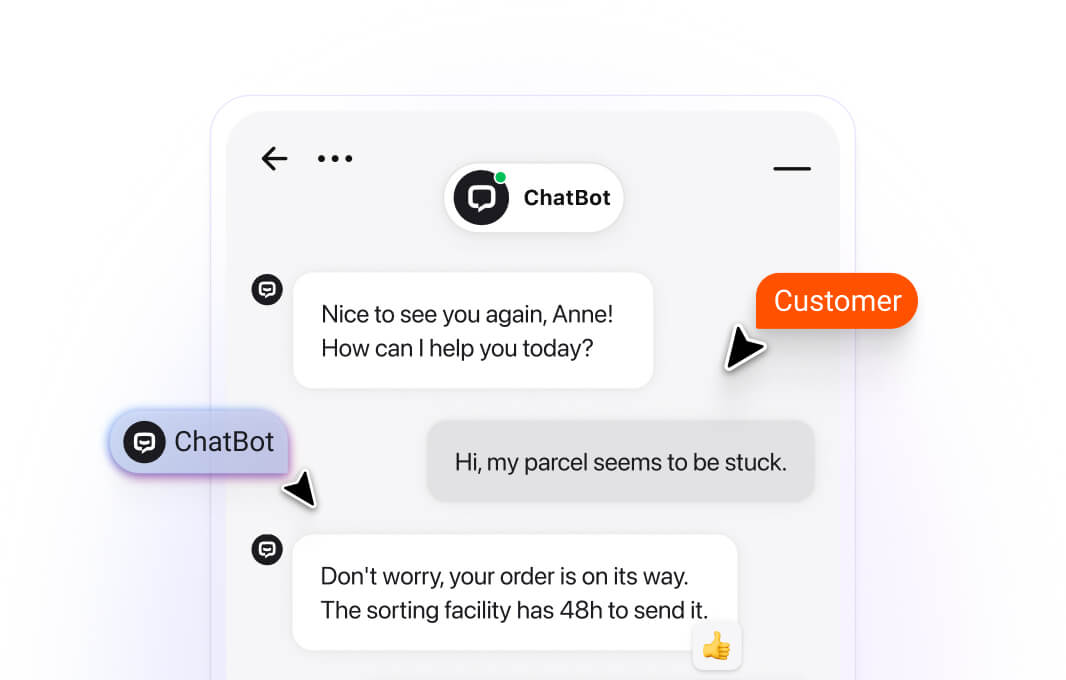
The AI chatbot for Elementor resolves routine questions instantly, 24/7. This frees up your human agents to handle complex chats and close bigger sales.
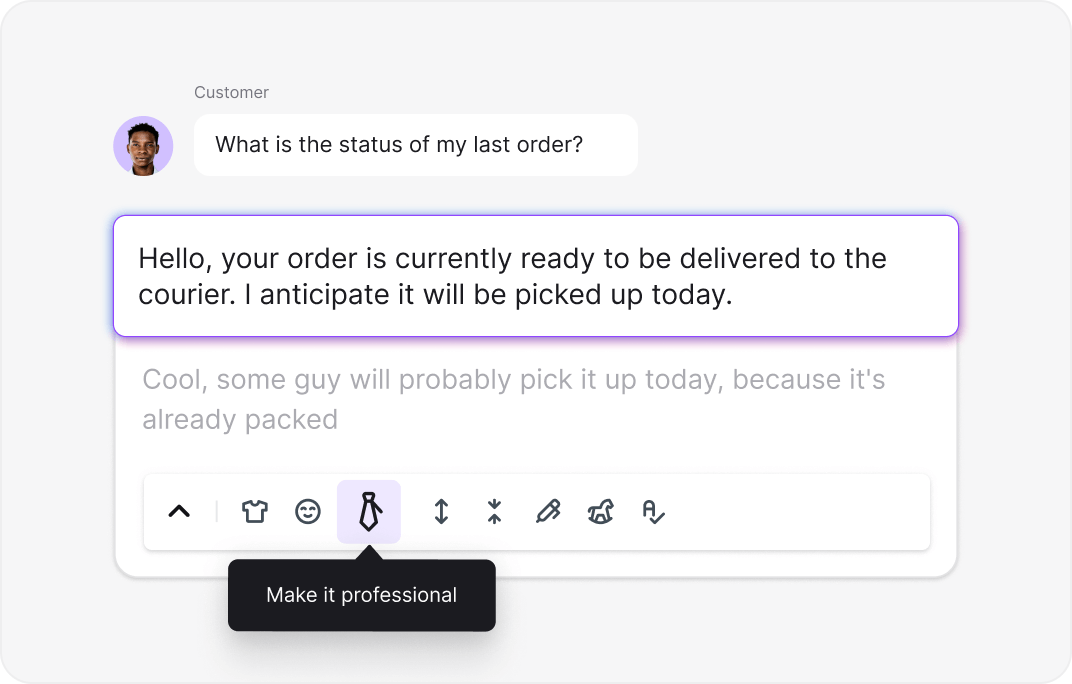
Use AI text enhancement to adjust your tone. whether you need to be formal or friendly, the tool helps you write messages that resonate with your audience.
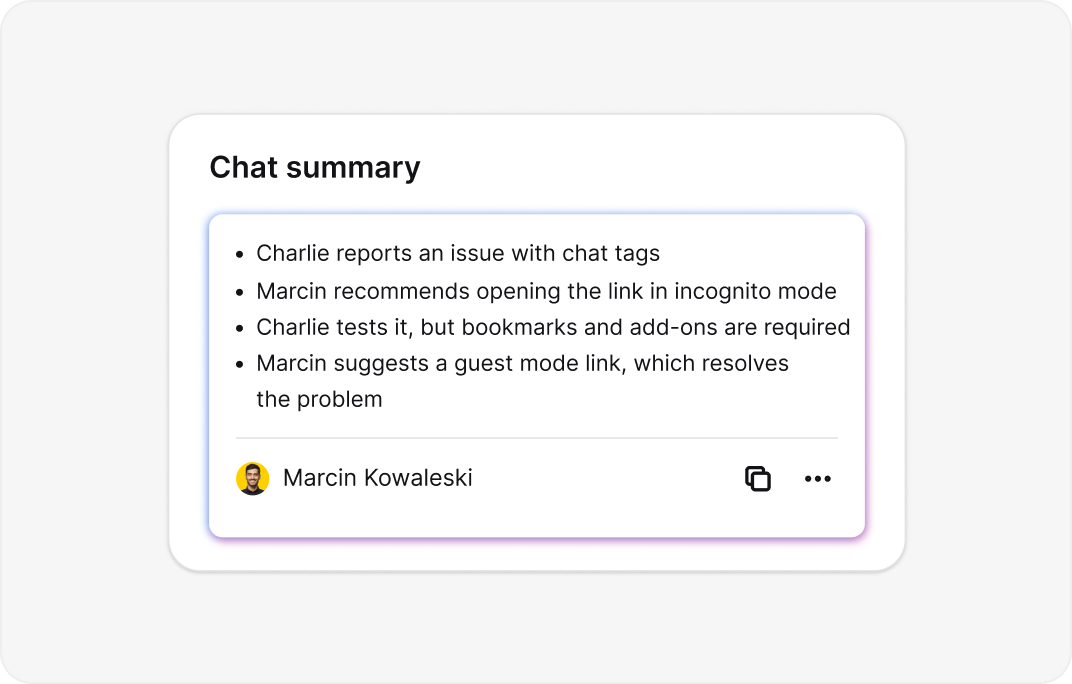
Skip reading long transcripts. Get instant AI summaries of conversations to grasp the context immediately and follow up with leads faster.

Connect your LiveChat account
Log in or Sign up free – no credit card required.
Install the plugin
Go to your WordPress dashboard and install the official LiveChat plugin. It integrates smoothly with any Elementor website.
Customize the widget
Customize colors, add team photos, and set up chat tags. Ensure the chat widget aligns with your Elementor design.
Start selling
Publish the widget across your site. You are now ready to start chatting and engaging visitors in real time.
Easy setup
I was worried about breaking my Elementor layout, but the install LiveChat process was flawless. The widget looks great and the easy setup saved me hours.

30.01.2024
30.01.2024
Top tier service
Hands down the best live chat for Elementor. The chat window loads fast and doesn't slow down my page. My customers love the instant communication.
14.03.2025
14.03.2025
flexible design
We needed a solution that didn't look generic. This plugin let us customize everything to match our branding. The ticketing system is also a huge plus.
24.06.2020
24.06.2020
Lightweight
As a web designer, I prioritize speed. This Elementor live chat has zero impact on my Core Web Vitals. It's the only chat plugin I recommend to clients.
17.01.2020
17.01.2020
Great for shops
Adding this to my WooCommerce/Elementor setup reduced cart abandonment significantly. The Facebook Messenger integration helps me keep track of all messages.
14.03.2020
14.03.2020
Data rich
The dashboard gives us incredible insight into visitor behavior. We can see which Elementor pages drive the most chats and adjust our strategy accordingly.
14.03.2024
14.03.2024

4.5 out of 5 on G2 – based on reviews, trusted by real users.

No credit card required. Free 14-day trial. Add the live chat widget now.

Get started in 5 minutes — no coding needed.





Connect with Google Analytics and payment gateways. Provide support, guide visitors, and process payments directly in the chat window.
Sync with Facebook Messenger and Email marketing tools. Never miss an opportunity to connect, even if the visitor leaves your Elementor website.
View chat history and customer details across all channels. Streamline communication by keeping all context in a single view without switching tabs.
Link your Elementor live chat with HubSpot CRM or Pipedrive. Automatically update records and trigger personalized follow-ups based on chat data.

We're always here — 24/7/365. Get live support from Product Experts to help your business grow.