
WooCommerce
WooCommerce live chat with an AI Agent. See each shopper's cart in the chat and track which conversations led to a sale.
- Text
Text integration preview
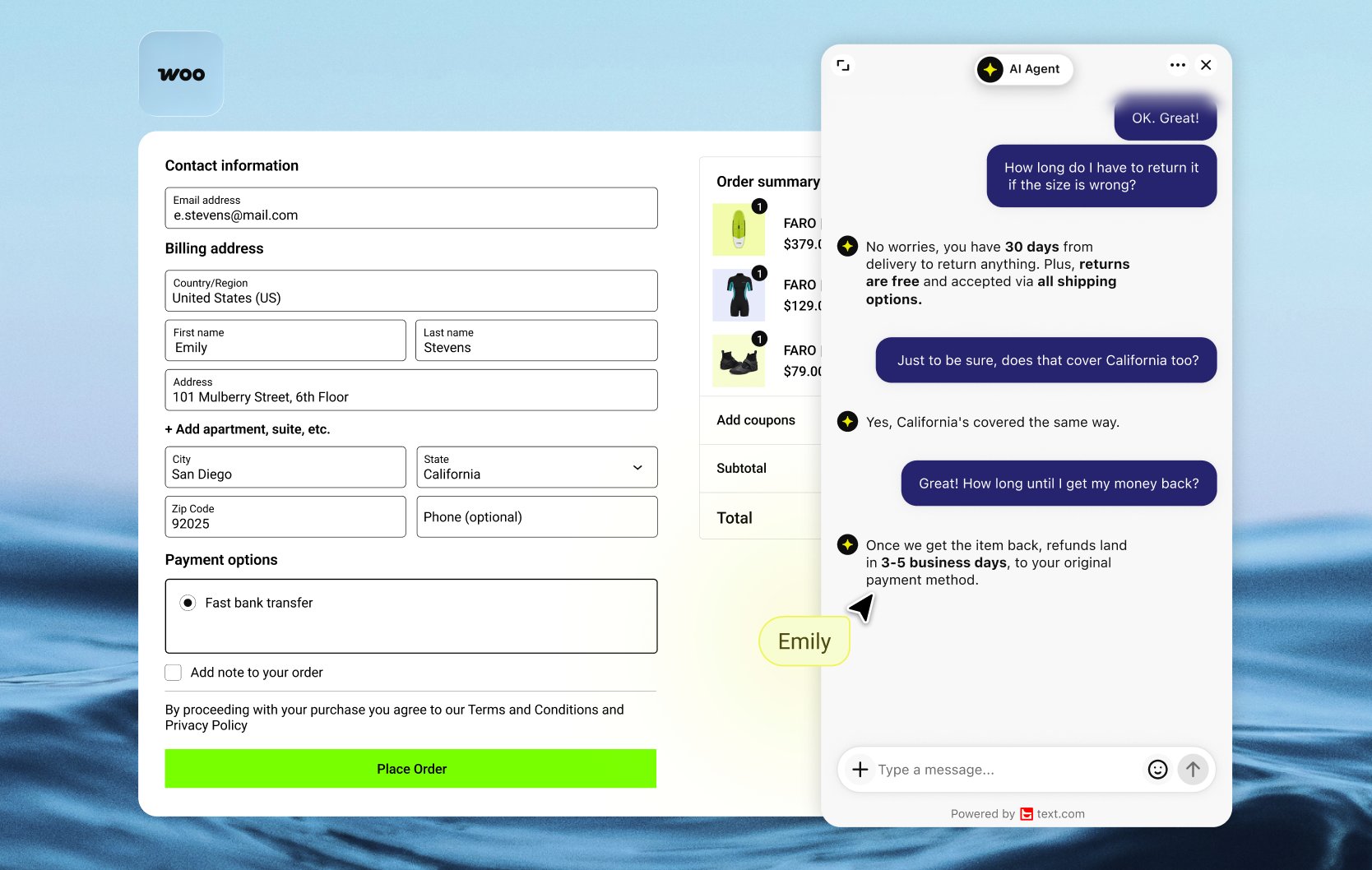
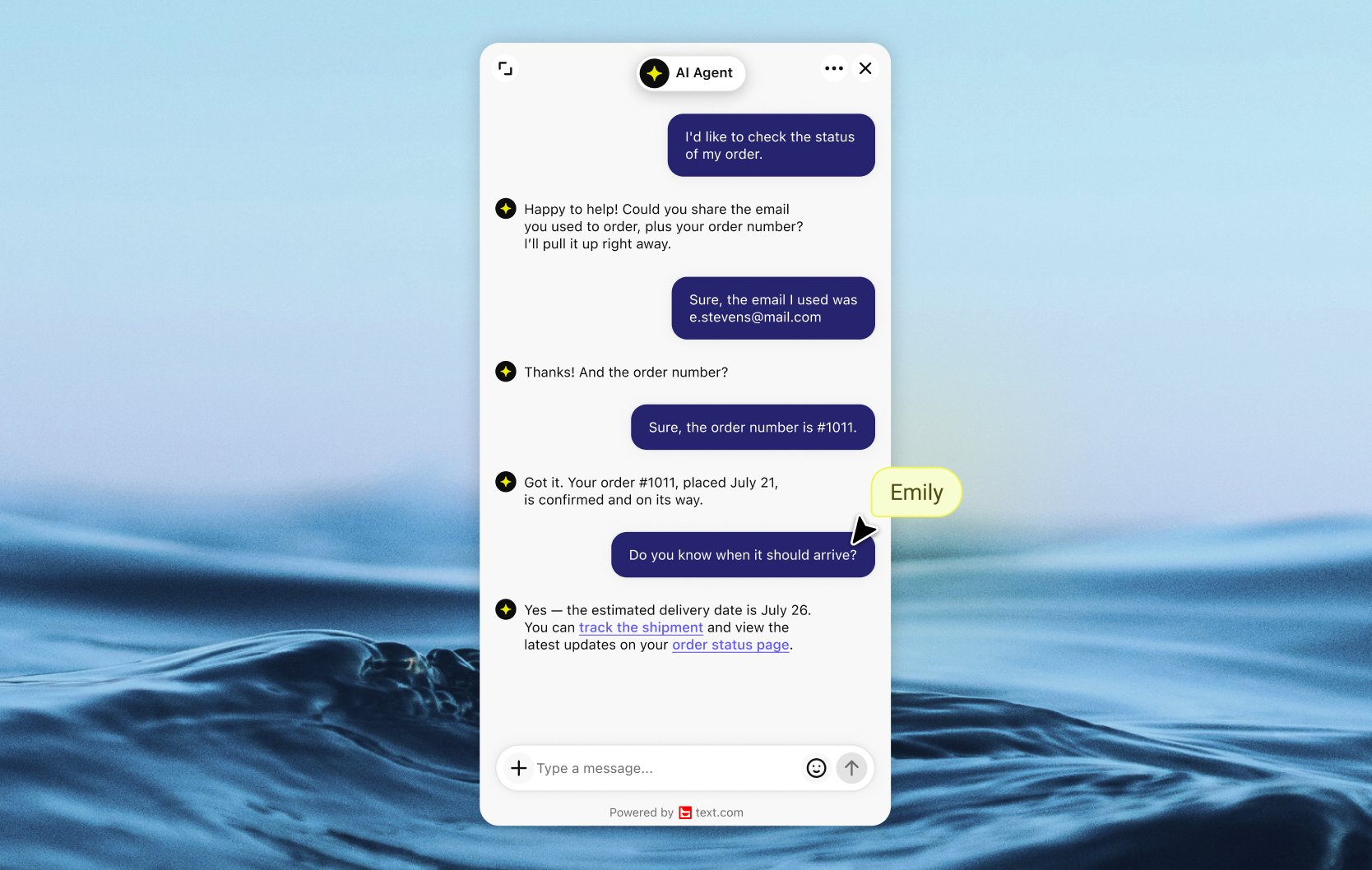
WooCommerce live chat that sees the cart
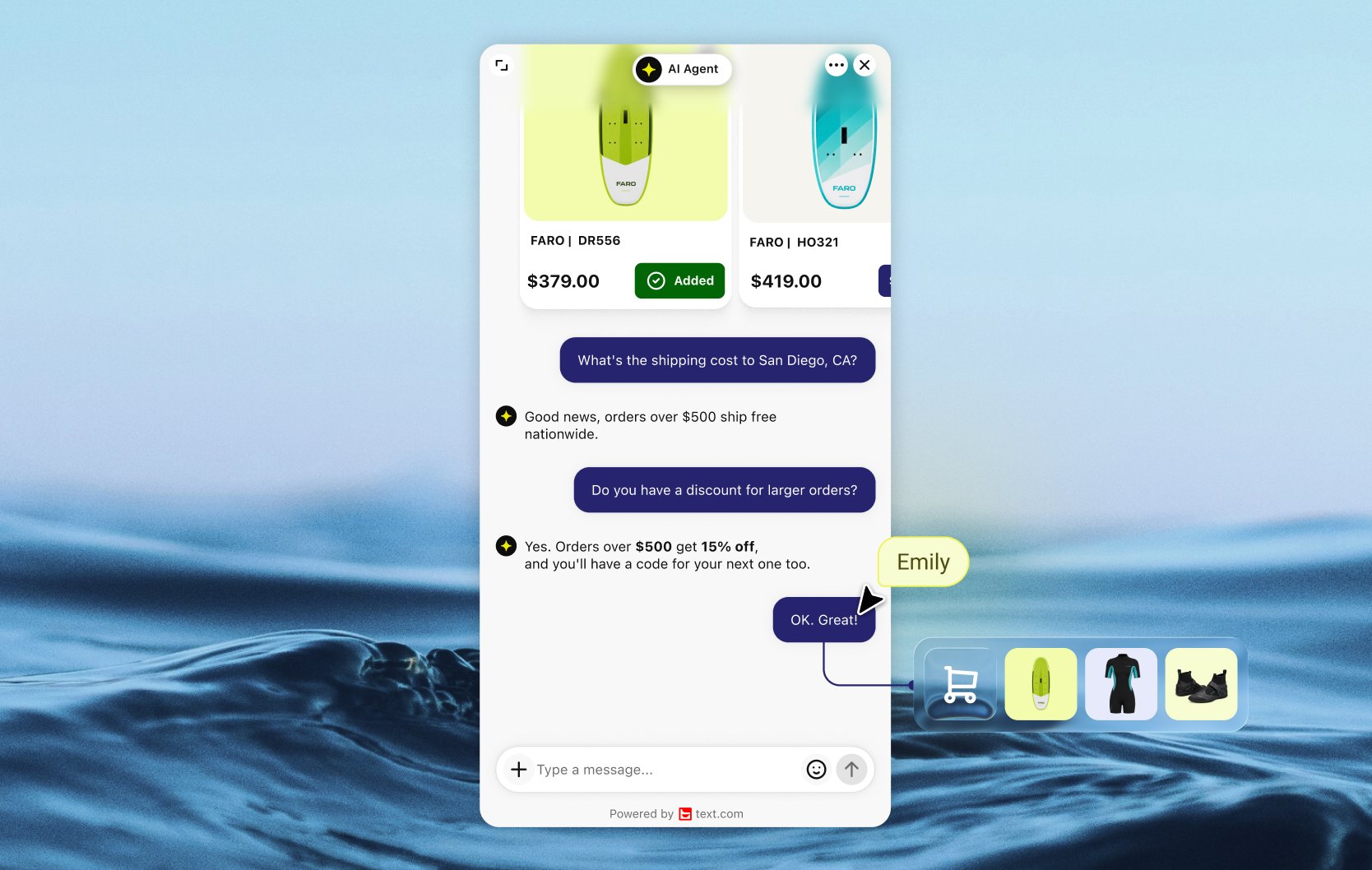
Text connects to WooCommerce through its WordPress plugin. Once your store is connected, the AI Agent and your team see what each shopper has in the cart. The preview updates the moment they add or remove an item.
Catch hesitation before the sale goes cold
A shopper adds three items, then goes quiet in the chat. Text flags that hesitation while the cart is still full, so you can answer whatever is holding them back. Total spend and order count show whether you're talking to a first-time buyer or a regular, and recent purchases and full order history sit right in the chat.
Know which conversations sold
Orders placed during or right after a chat link back to that conversation on their own. Compare results by product and by customer, and see what the AI Agent closed next to what your team closed.
Connect WooCommerce to Text
Install the Text plugin in WordPress and connect your store from Settings. Everything syncs on its own. The plugin needs WordPress 6.0 or later and PHP 7.4 or later. Then compare Text plans.
Key features
Benefits
App terms
Legal Terms
By installing this app, you agree to the Marketplace Terms and App Privacy Policy.
Frequently asked questions
How do I add live chat to WooCommerce?
Install the Text plugin from the WordPress plugin directory and connect your store from Settings. The WooCommerce features sync on their own.
What WooCommerce data can my team see in the chat?
The shopper's live cart, recent purchases, full order history, total spend and number of orders.
Can the AI Agent recommend WooCommerce products?
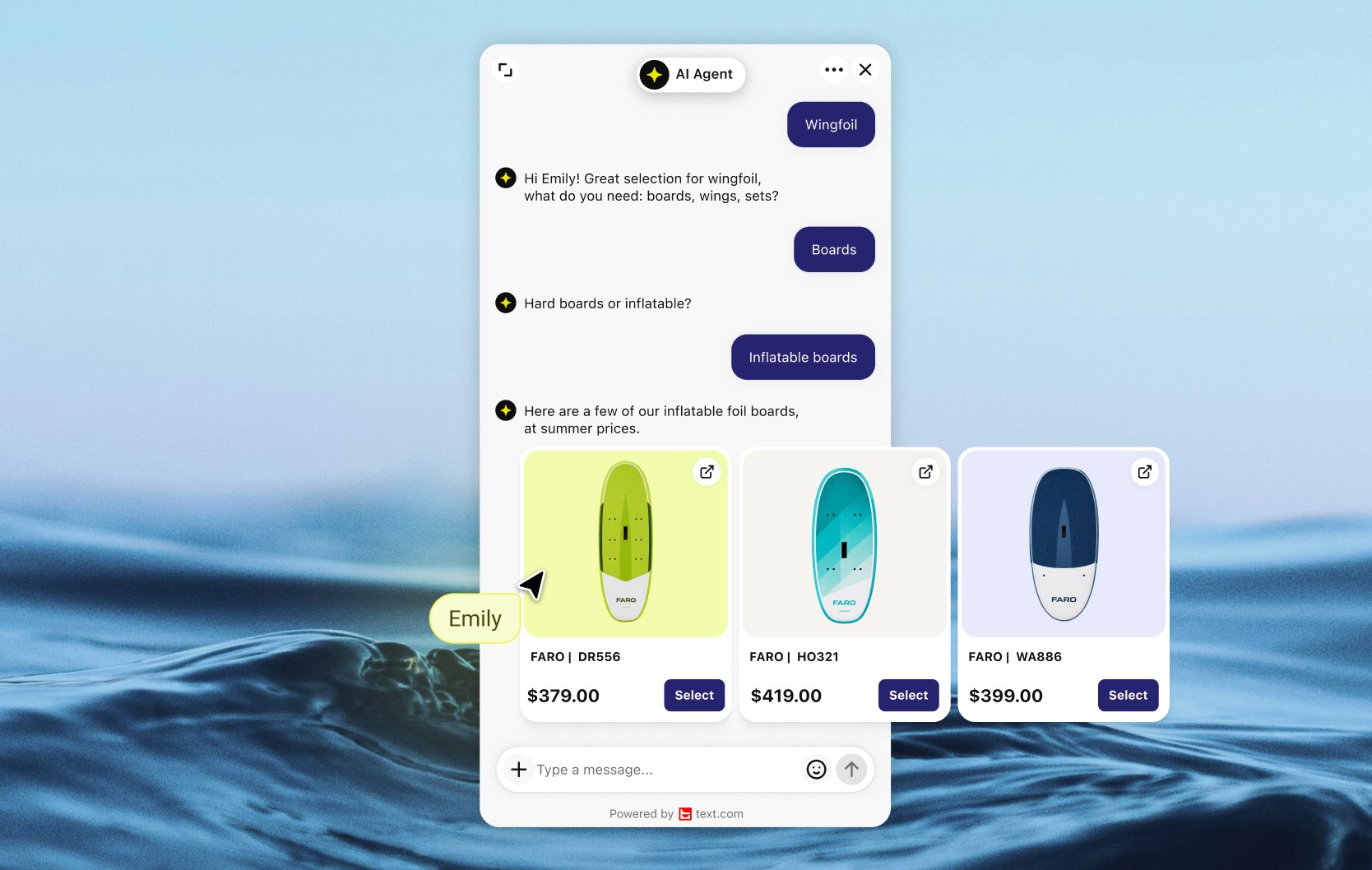
Yes. Share your product catalog with Text through the API and turn on the Recommend products skill. The AI Agent then suggests in-stock products that match what the shopper describes.
What does the “Verified” status mean?
In LiveChat, we always appreciate creative and problem-solving apps, so at our own sole discretion, from time to time, we may grant some applications the “Verified” status (represented by a badge or so-called badged applications). The “Verified” status confirms only that an application went through our usability review from the user's perspective. In any case, it is the Application Provider who has full responsibility for the application and its security level towards clients and any other third party.