
Square Online
Turn store visitors into returning customers with personalised buyer journeys
- LiveChat
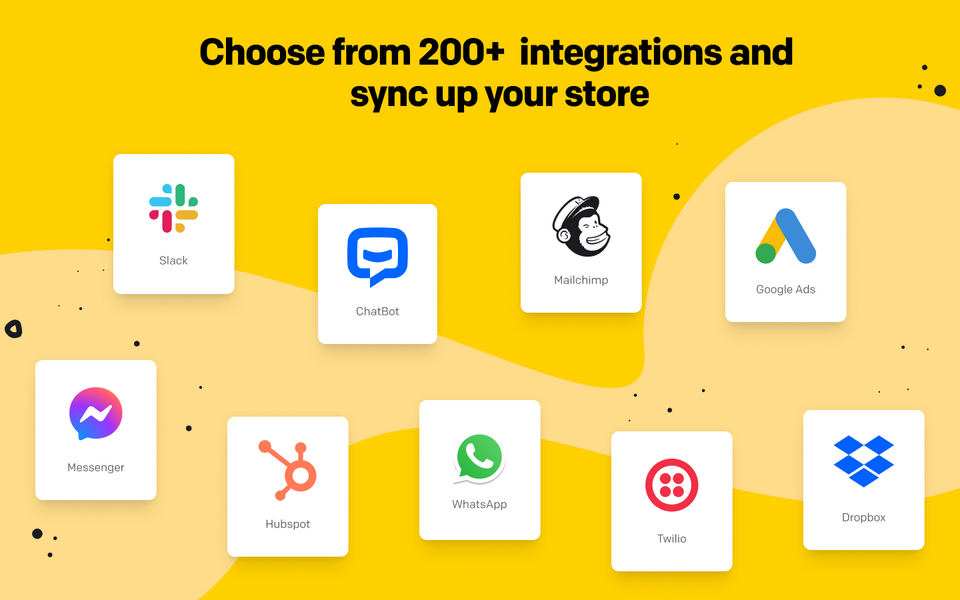
Square Online helps businesses of all sizes start, run and grow. It’s an ecommerce platform that provides tools that enable you to create an online store as well as manage payments, inventory, orders and much more.
Integrating your Square Online store with LiveChat empowers your store with a live chat tool packed with data, so you can deliver personalized customer support round the clock.
Square Online provides an all-purpose ecommerce platform that can easily turn any business into an online business.
You can quickly set up your store using an easy-to-use builder. The builder lets you create your store from a variety of components, so you can customize till your heart’s content and really make your store stand out. No need for coding. No monthly fees or startup costs. You pay only when you make a sale per transaction.
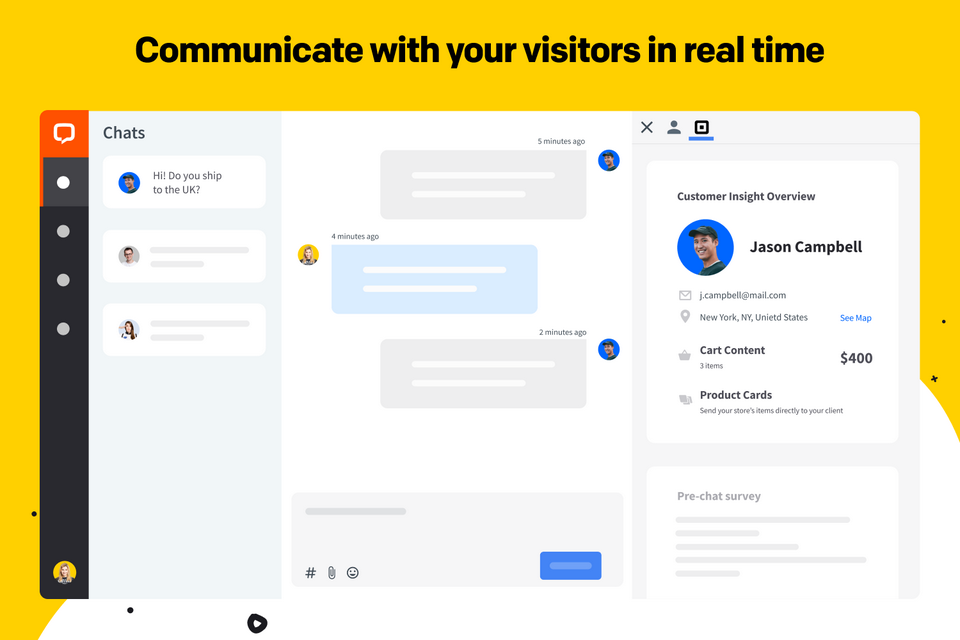
Adding the chat widget to your online store takes little effort. Connect LiveChat with your Square Online in minutes and get your customer data directly inside the chat window. Additional customer data includes visited pages and data from pre-chat surveys. With this data at your fingertips, you can quickly provide more accurate support.
Key features
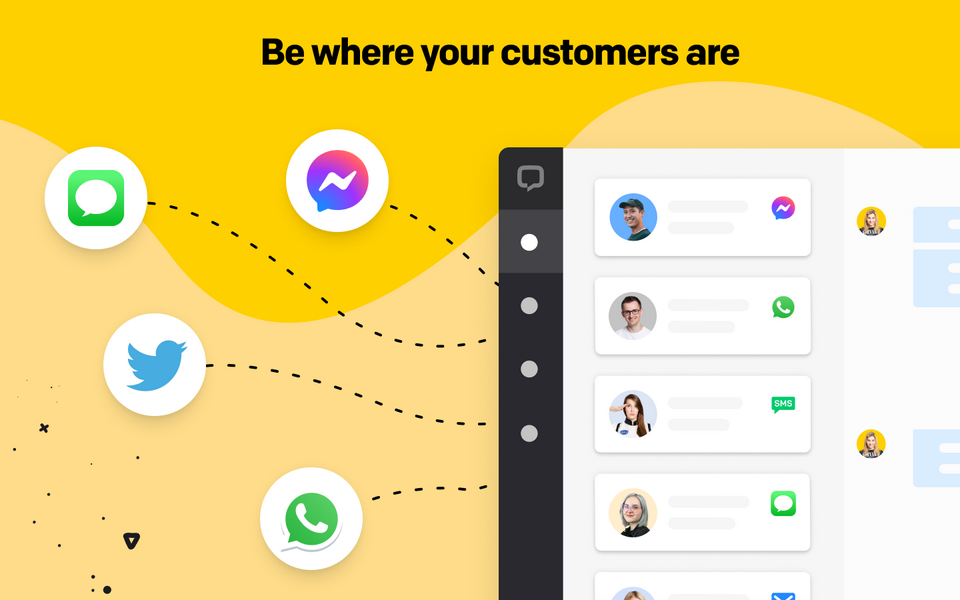
Make your support more available and communicate with your customers in any channel they prefer.
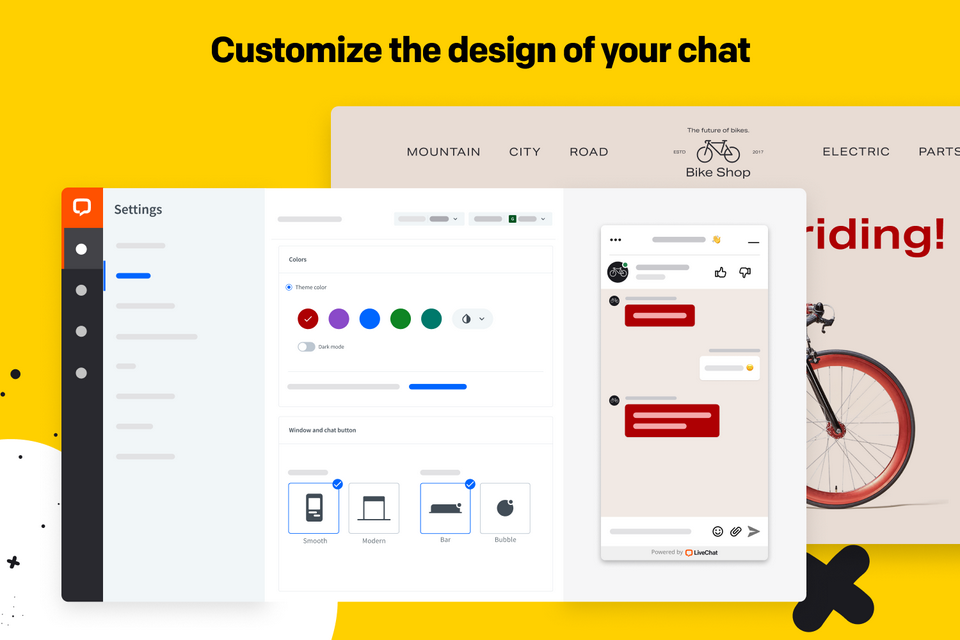
Keep your branding consistent, set up a chat that matches your brand colors to create a coherent experience.
Send personalized greetings on the basis of customer data, for example, visited pages, order history, or greet first-time visitors.
Benefits
Connect with customers, gather additional data, and address customer needs with personalized experiences at every step of the buyer’s journey.
Knowing your customers inside out, you can suggest complementary products and increase sales.
Communicate proactively with your customers, foster relationships and turn them into returning customers.
App terms
Legal Terms
By installing this app, you agree to the Marketplace Terms and App Privacy Policy.
Support
How to use this app
Follow the app tutorial with setup instructions on how to use and properly configure this app with your LiveChat account. To get help and support contact Text. You can also suggest improvements or request new features in the upcoming versions of Square Online.
Frequently asked questions
What does the “Verified” status mean?
In LiveChat, we always appreciate creative and problem-solving apps, so at our own sole discretion, from time to time, we may grant some applications the “Verified” status (represented by a badge or so-called badged applications). The “Verified” status confirms only that an application went through our usability review from the user's perspective. In any case, it is the Application Provider who has full responsibility for the application and its security level towards clients and any other third party.