
Mailchimp integration for live chat leads
Add leads from your live chats to Mailchimp automatically, with a Text skill you set up by describing it in plain words.
- Text
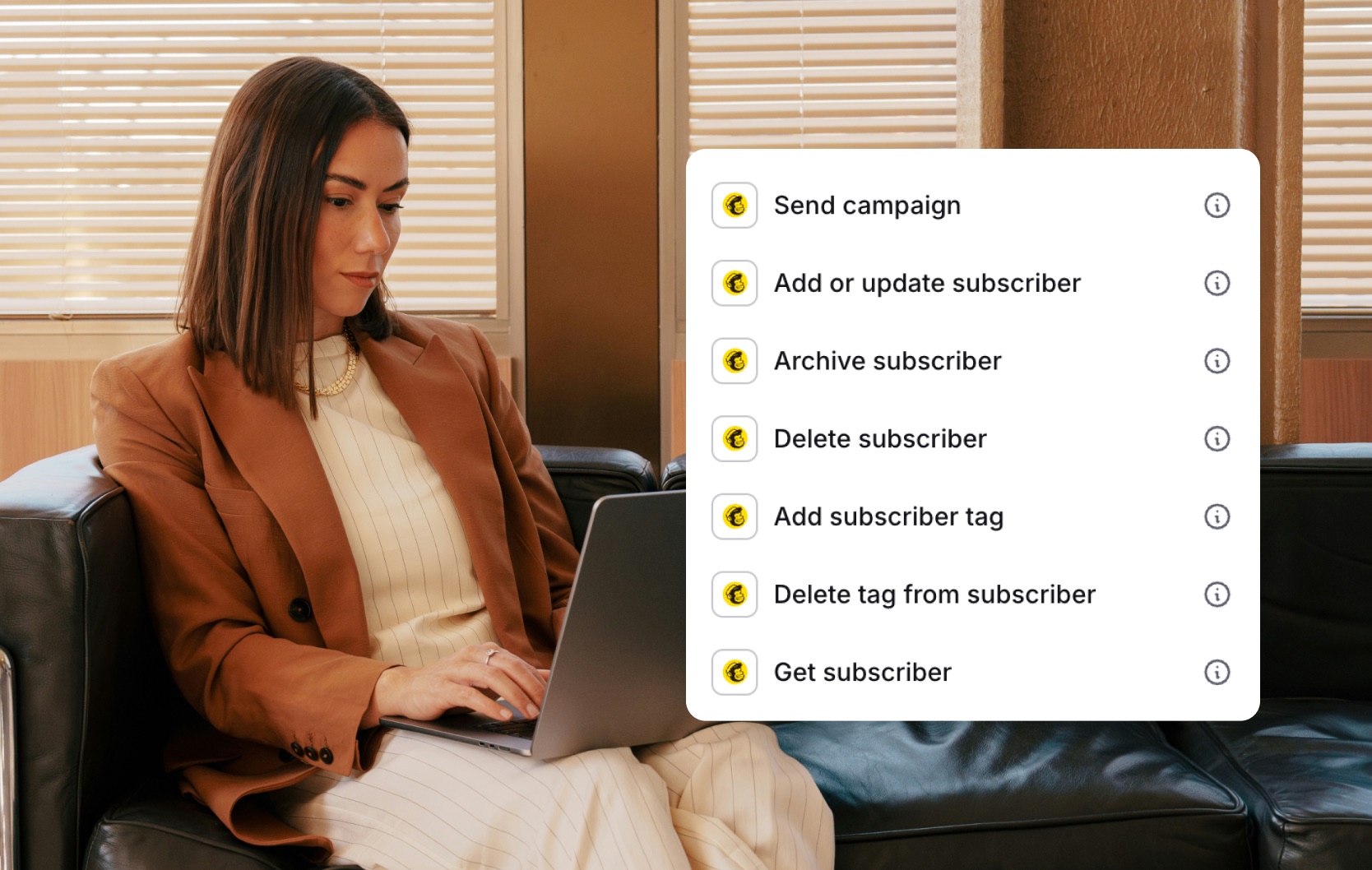
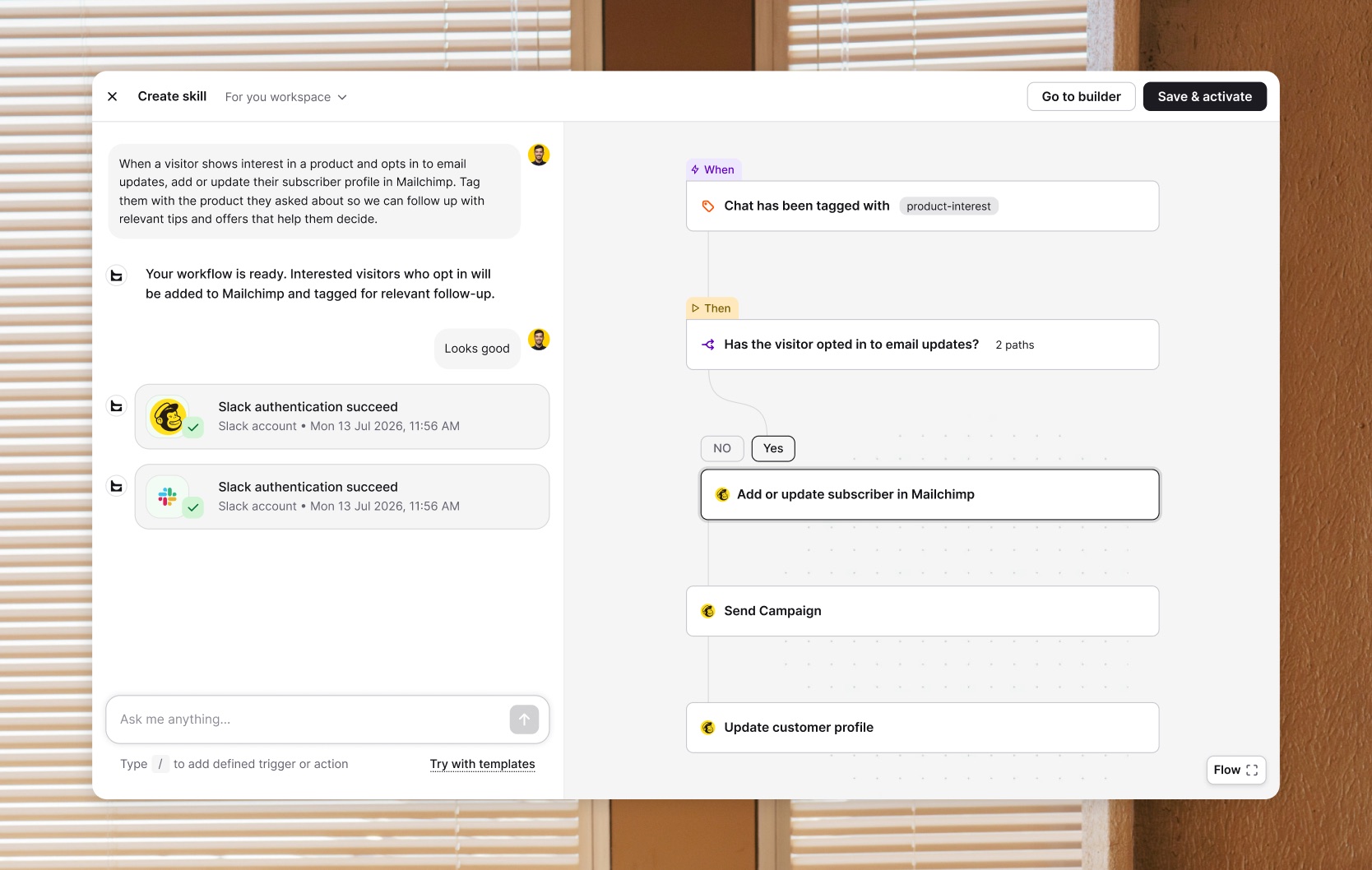
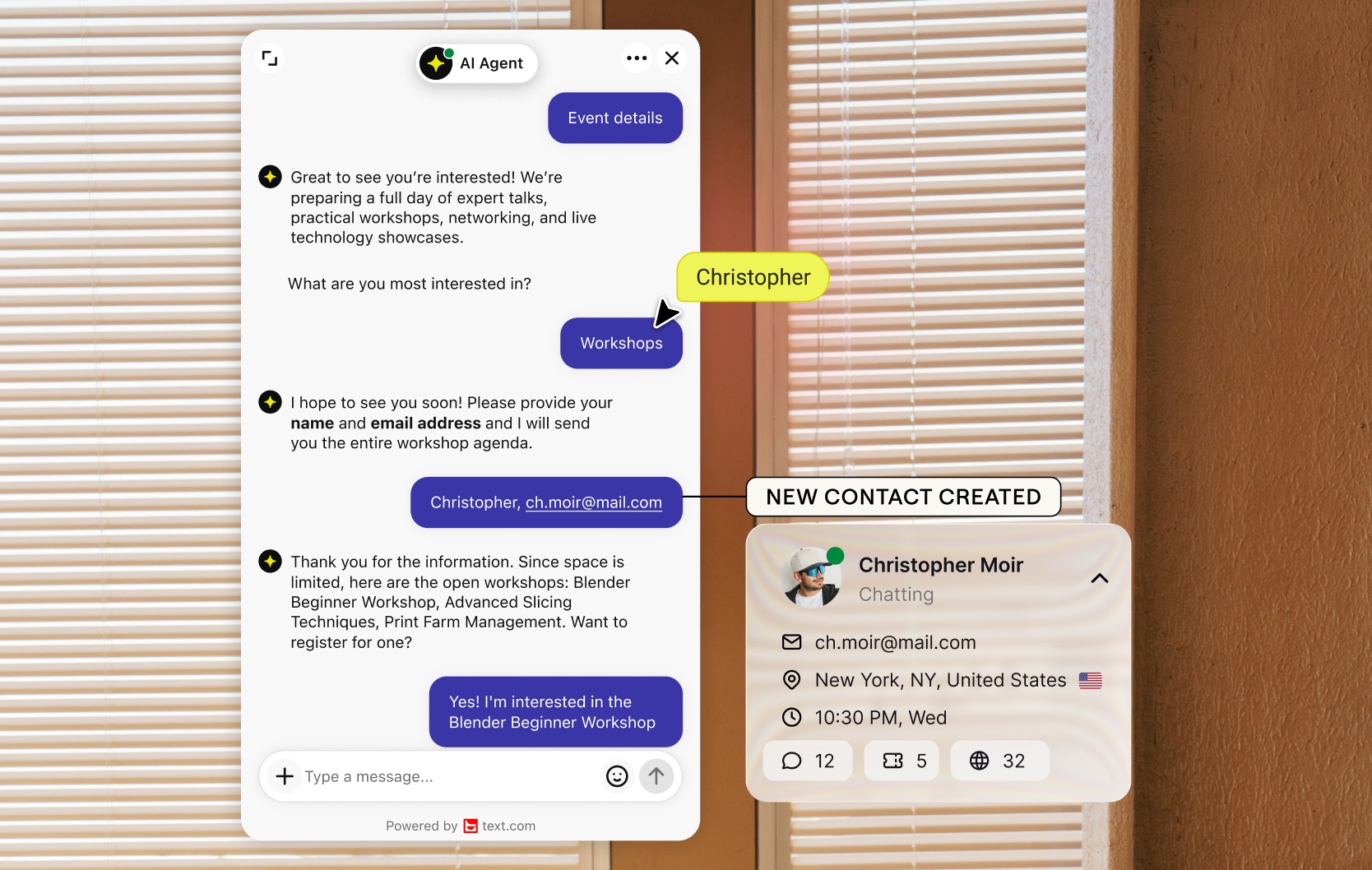
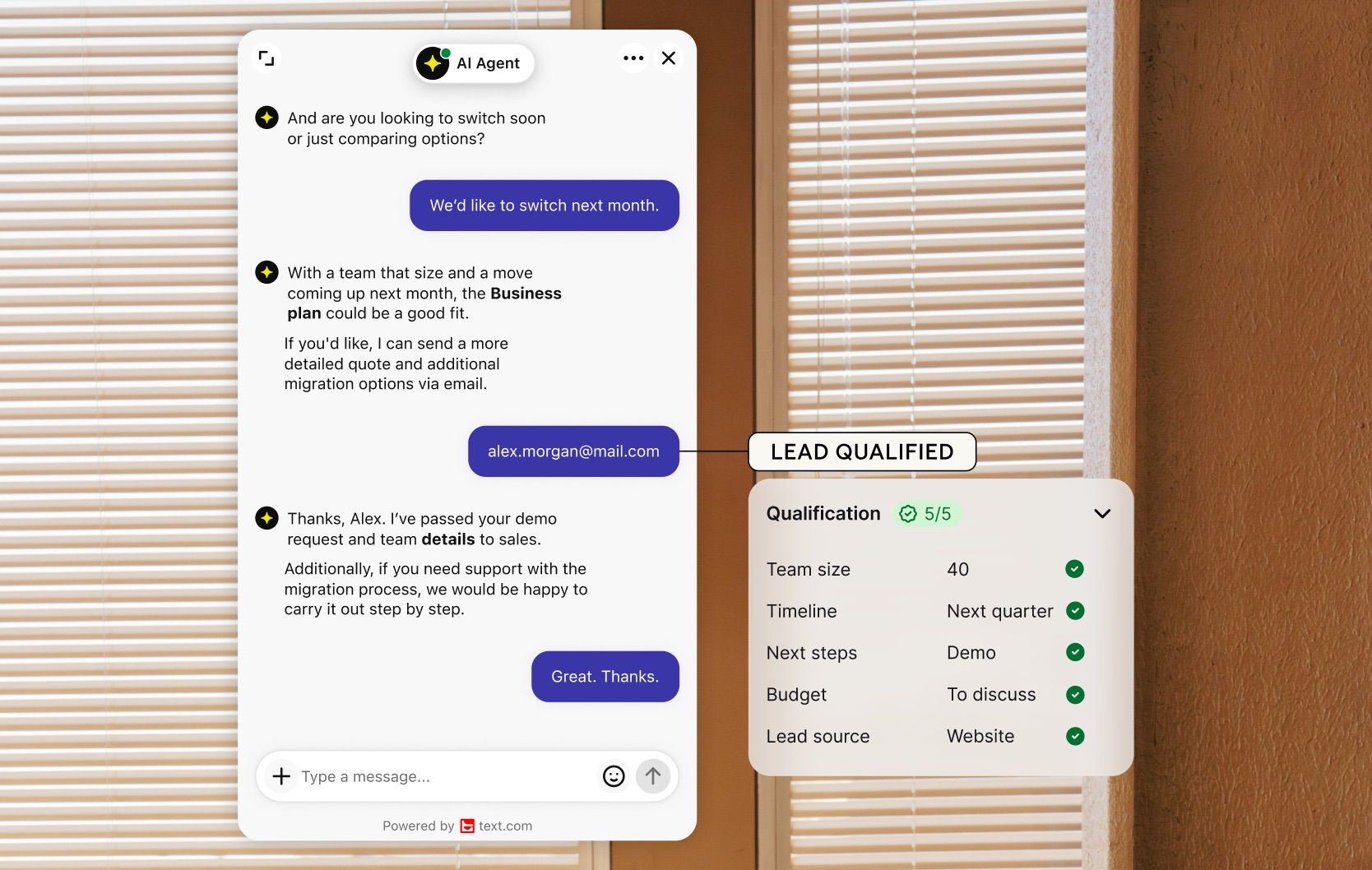
Mailchimp automation for your live chat leads
When the AI Agent or your team collects an email in live chat, a Text skill can add that lead to Mailchimp. Your next campaign reaches people who already asked about your products, and nobody copies contact details from one tool to another.
Describe the automation in plain words
Tell Text what should happen, for example: when a visitor shares their email in chat, add them to Mailchimp. Text builds an editable skill from that description and suggests improvements along the way. You can review and change every step, even after you turn it on.
Run it with the AI Agent or on its own
A skill can sit under your AI Agent, which picks the right moment to run it, or start on its own from an event. The same skill can also reach HubSpot, Slack or Shopify, so one lead can update several tools at once.
Connect Mailchimp to Text
Open the Skills tab of your AI Agent, describe the task or add a Mailchimp step, and connect your Mailchimp account in the same conversation. To choose a plan, compare Text plans.
Key features
Benefits
App terms
Legal Terms
By installing this app, you agree to the Marketplace Terms and App Privacy Policy.
Support
Need a hand?
Get help with this integration from Text.
Frequently asked questions
Where do I set up the Mailchimp integration?
In the Skills tab of your AI Agent. Describe what should happen or add a Mailchimp step, then connect your Mailchimp account.
Can Text add chat leads to Mailchimp automatically?
Yes. A skill can add contacts collected in chat to Mailchimp, so you don't have to export them by hand.
Does Text send Mailchimp campaigns?
No. Your campaigns stay in Mailchimp. Text adds the leads and runs the skills.