
Webflow chat widget: live chat and AI chatbot
Webflow live chat with an AI Agent that answers from your site and qualifies leads before your team follows up.
Overview
Text installs on Webflow as an app from the Webflow App Marketplace, with no code to paste. The AI Agent answers visitors from your website and knowledge base and qualifies leads before your team follows up. Set the widget's color and position to match your design.
Key features
- Webflow Marketplace appInstall from the Webflow App Marketplace without editing custom code.
- Lead qualificationAsk about needs, timing and contact details in the chat, day or night.
- Brand-matched widgetColor and position settings keep the chat in line with your Webflow design.
Webflow live chat with an AI Agent
Text installs on Webflow as an app from the Webflow App Marketplace, with no code to paste. The AI Agent answers visitor questions from your website and knowledge base, and your team picks up the conversations that need a person, with the context already in place.
Qualify leads while they're still on the page
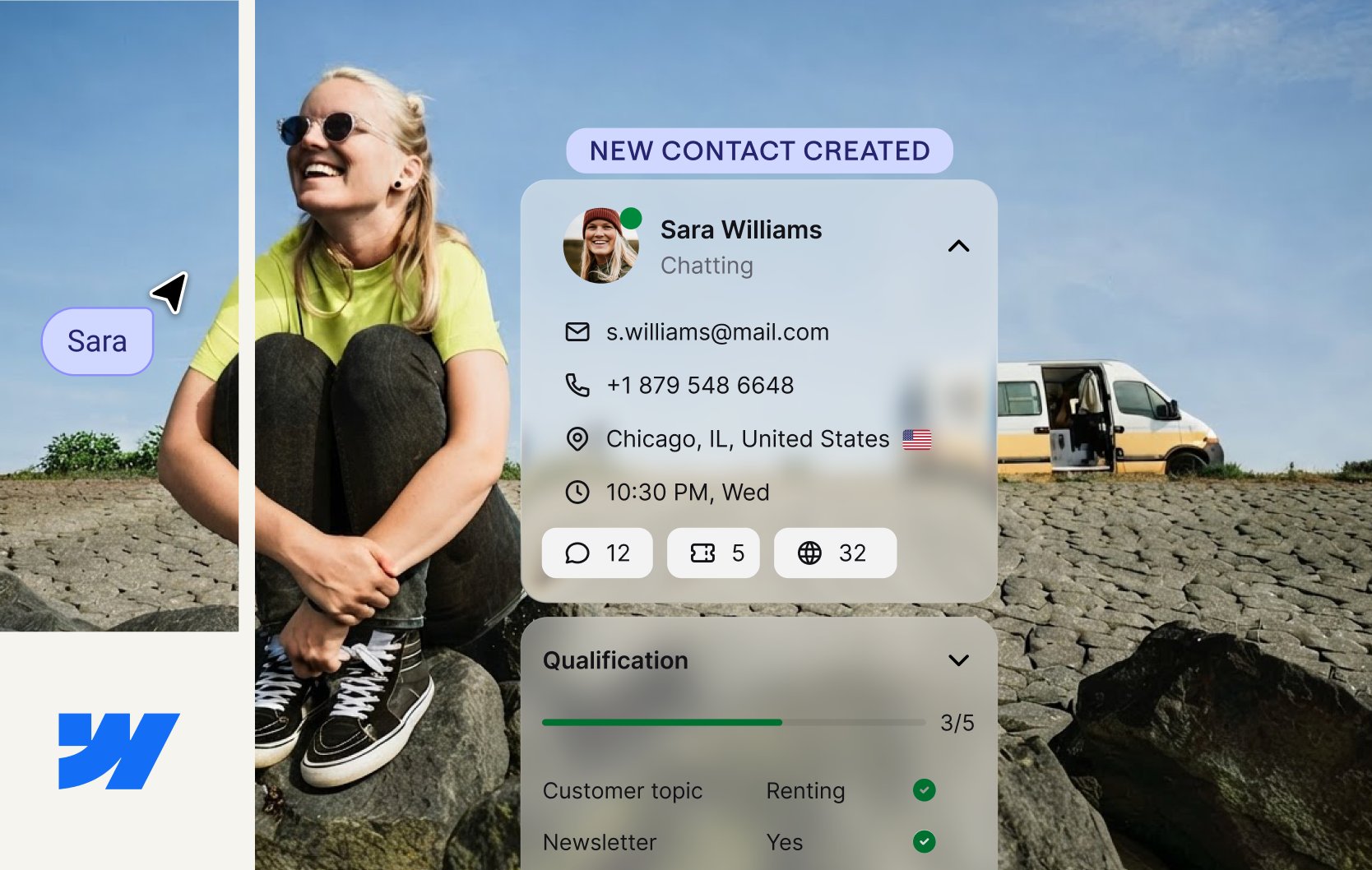
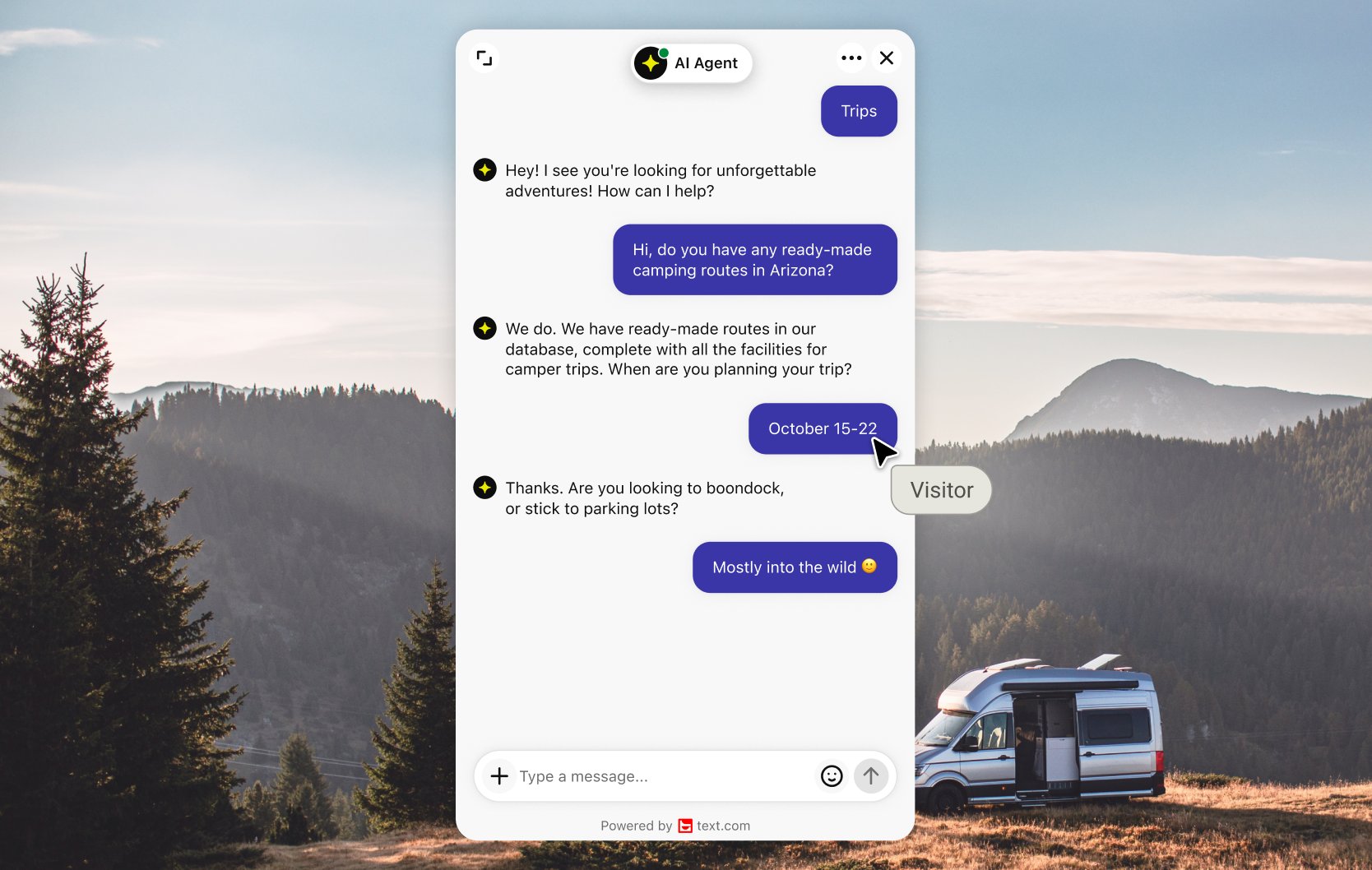
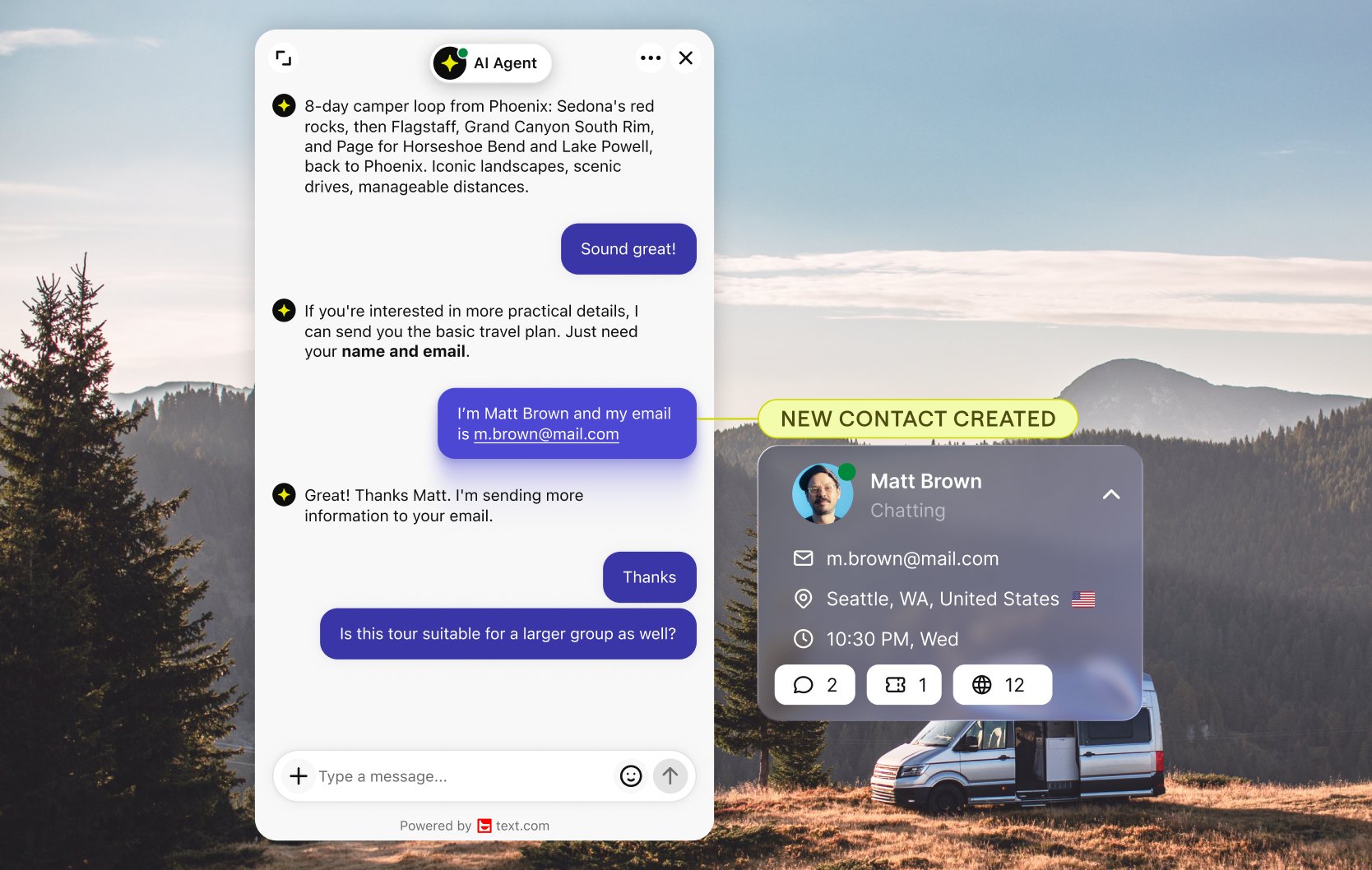
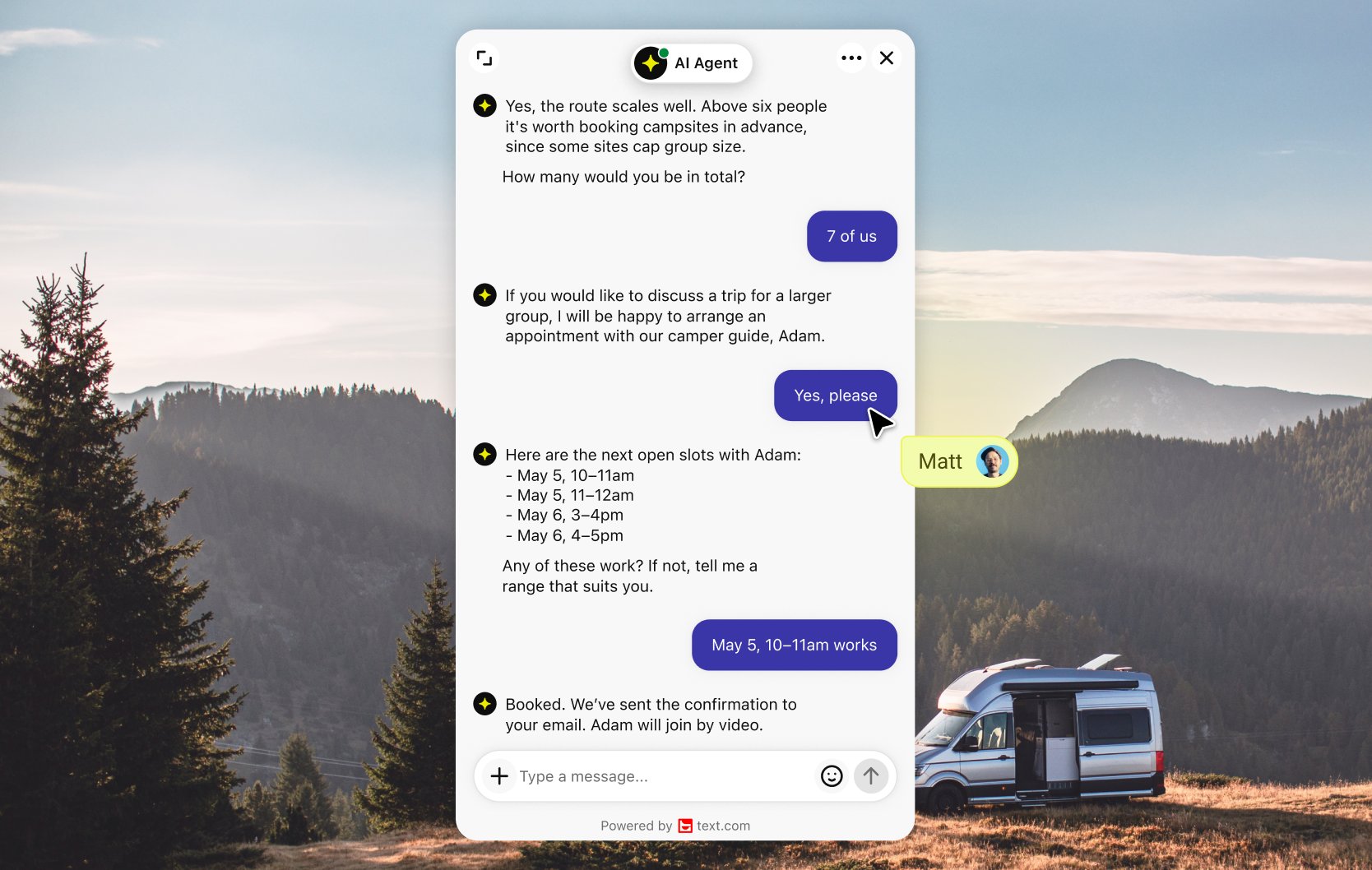
A visitor reading your services page wants to know about timing or budget. The AI Agent answers, asks a few qualifying questions and collects contact details, even when your team is offline. Your team gets a lead with context instead of a bare email address. More on lead generation with chat.
A widget that matches your design
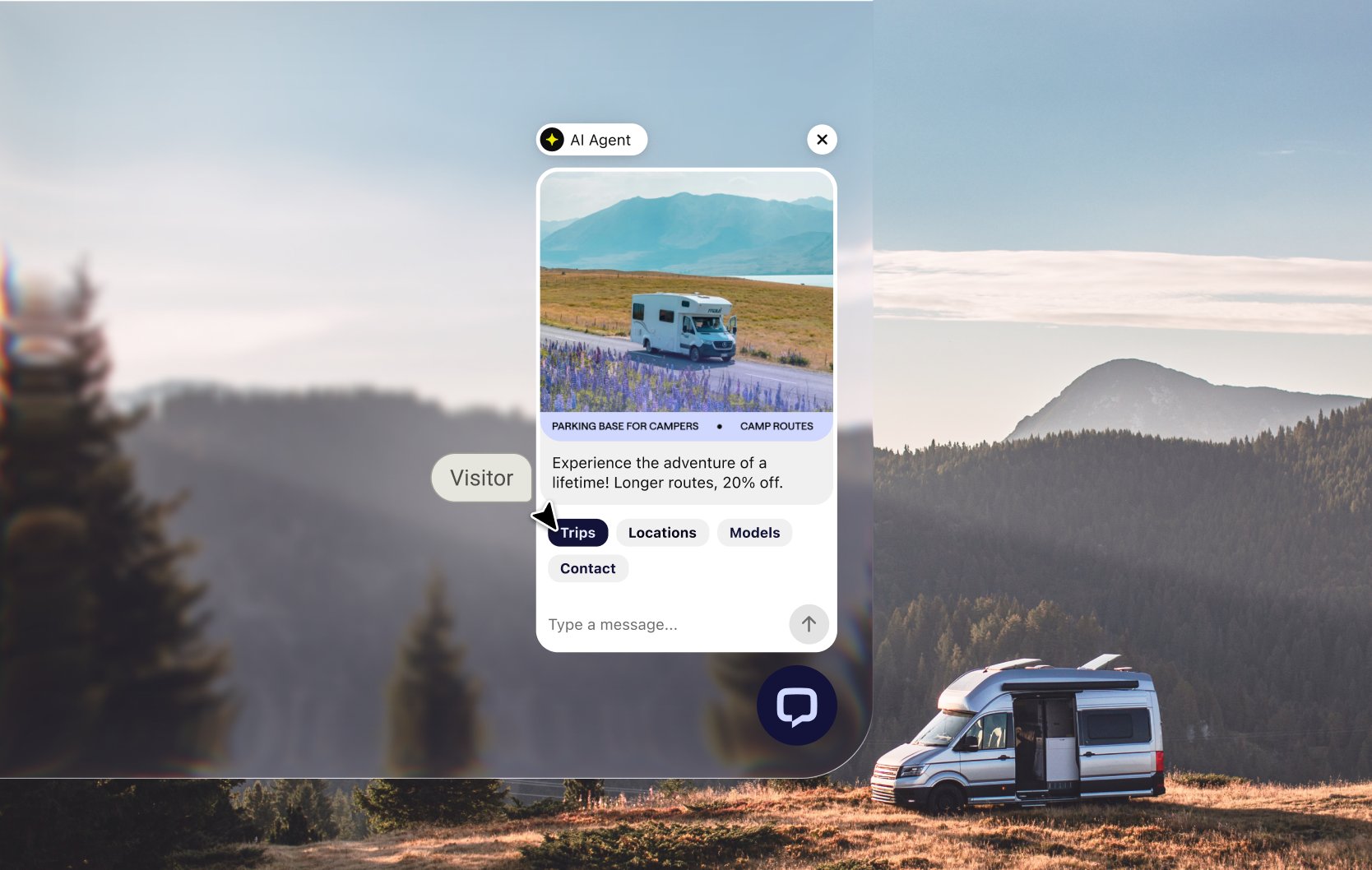
Set the widget's primary color to your brand and place it on the left or right of the page. The widget also suggests questions for the page a visitor is on, so starting a chat takes one tap.
Connect Webflow to Text
Get Text from the Webflow App Marketplace and add live chat, the AI Agent and the inbox to your site without touching code. Then compare Text plans.
App terms
Legal Terms
By installing this app, you agree to the Marketplace Terms and App Privacy Policy.
Frequently asked questions
How do I add a chatbot to Webflow?
Install the Text app from the Webflow App Marketplace and connect it to your site. You don't write any code.
What does the AI Agent answer from?
Your website pages, uploaded files and articles you write in Text. Website sources update automatically, so answers follow your latest content.
Can the AI Agent qualify leads when we're offline?
Yes. It asks qualifying questions and collects contact details, and your team picks up each lead with the full conversation in Text.
