
LiveCalls
Start calls. Share screens. Solve problems. All in one on every chat.
- LiveChat
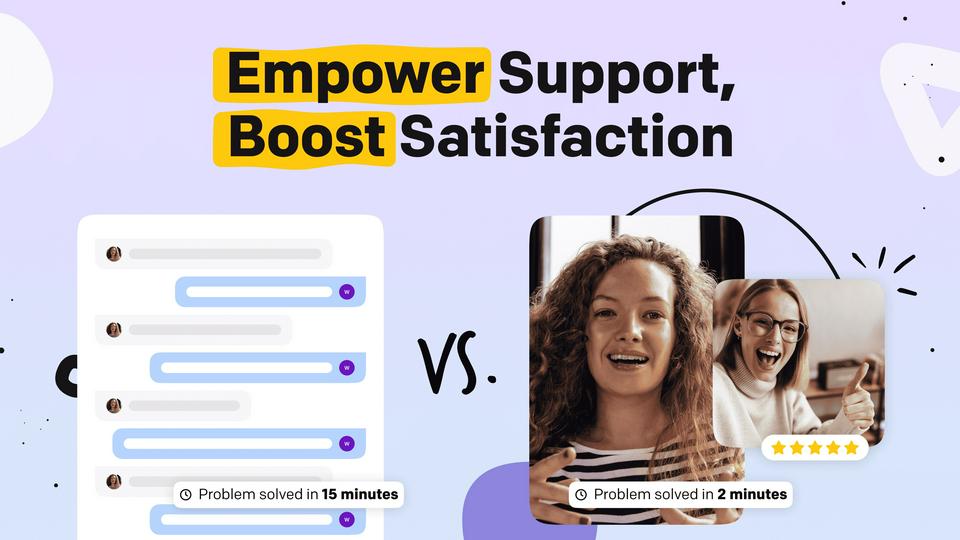

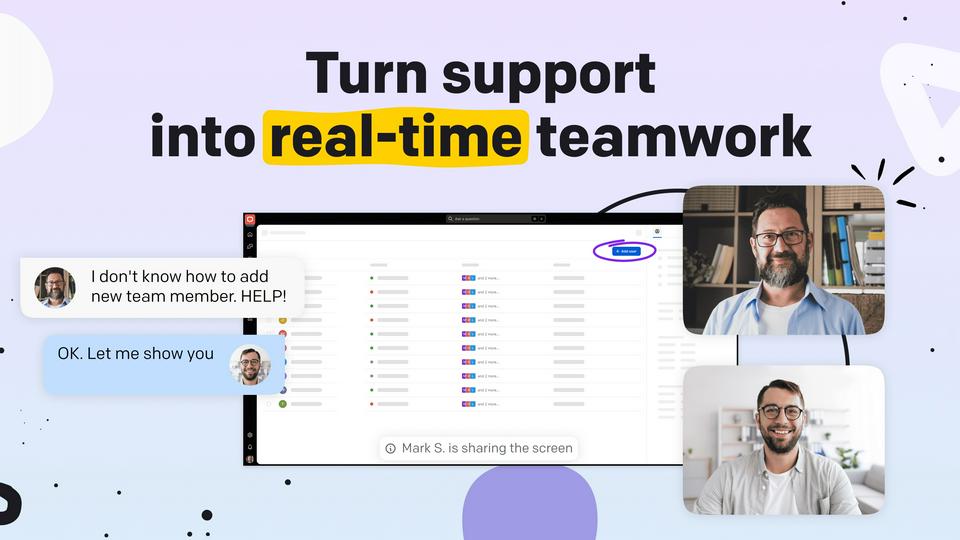

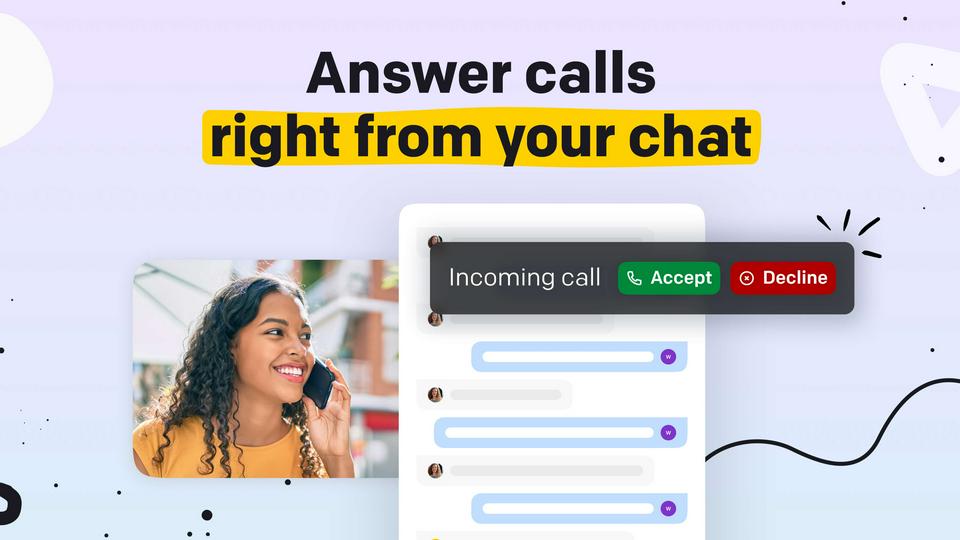
Turn any chat into a live call so you can fix problems faster and close deals easier.
Say goodbye to frustrating text-only explanations and hello to crystal-clear communication.
LiveCalls lets you instantly jump on a video call, share your screen, record a conversation, or answer an incoming phone call right inside your chat. Whether it’s a website widget, LiveChat, WhatsApp, Messenger, Telegram, Instagram, or a regular phone line, you can seamlessly connect with your customer in real time.
Resolve support issues faster by seeing the problem and showing the solution live. Close more deals by demonstrating products live and answering questions face-to-face. Help a customer install your app, explain a plan upgrade, or show off your product in action. It's faster, clearer, and more personal than text —and your customers don't need to download a thing.
Key features
Customers join calls in seconds—no installs, no accounts, or additional apps required.
Personalize call invites, waiting rooms, and post-call screens to reflect your brand.
Let your customers show their screen or share yours to demonstrate a product or guide them step-by-step.
Invite customers to a live video call from your widget, LiveChat, WhatsApp, Messenger, Telegram, Instagram, and more.
Record video calls for quality assurance, training purposes, or reviewing interactions to improve customer service.
Let customers call you like any phone number—and pick up right inside your chat.
Benefits
This app is compatible with every platform your team uses.
Build trust with face-to-face or voice-to-voice, real-time interactions, leading to happier customers and stronger relationships.
Video, phone, and screen sharing help you guide customers through complex processes and resolve their queries significantly quicker.
Showcase your products with live video demonstrations, helping customers understand their value and close deals faster.
Utilize call recordings to analyze agent performance, identify best practices, and enhance your team's customer service skills.
App terms
Legal Terms
By installing this app, you agree to the Marketplace Terms and App Privacy Policy.
Support
How to use this app
Follow the app tutorial with setup instructions on how to use and properly configure this app with your LiveChat account. To get help and support contact LiveChat Integrations. You can also suggest improvements or request new features in the upcoming versions of LiveCalls.
Frequently asked questions
What does the “Verified” status mean?
In LiveChat, we always appreciate creative and problem-solving apps, so at our own sole discretion, from time to time, we may grant some applications the “Verified” status (represented by a badge or so-called badged applications). The “Verified” status confirms only that an application went through our usability review from the user's perspective. In any case, it is the Application Provider who has full responsibility for the application and its security level towards clients and any other third party.