
Telegram shared inbox for customer support
Connect Telegram bots to your shared inbox in Text and reply to customers without switching apps.
Key features
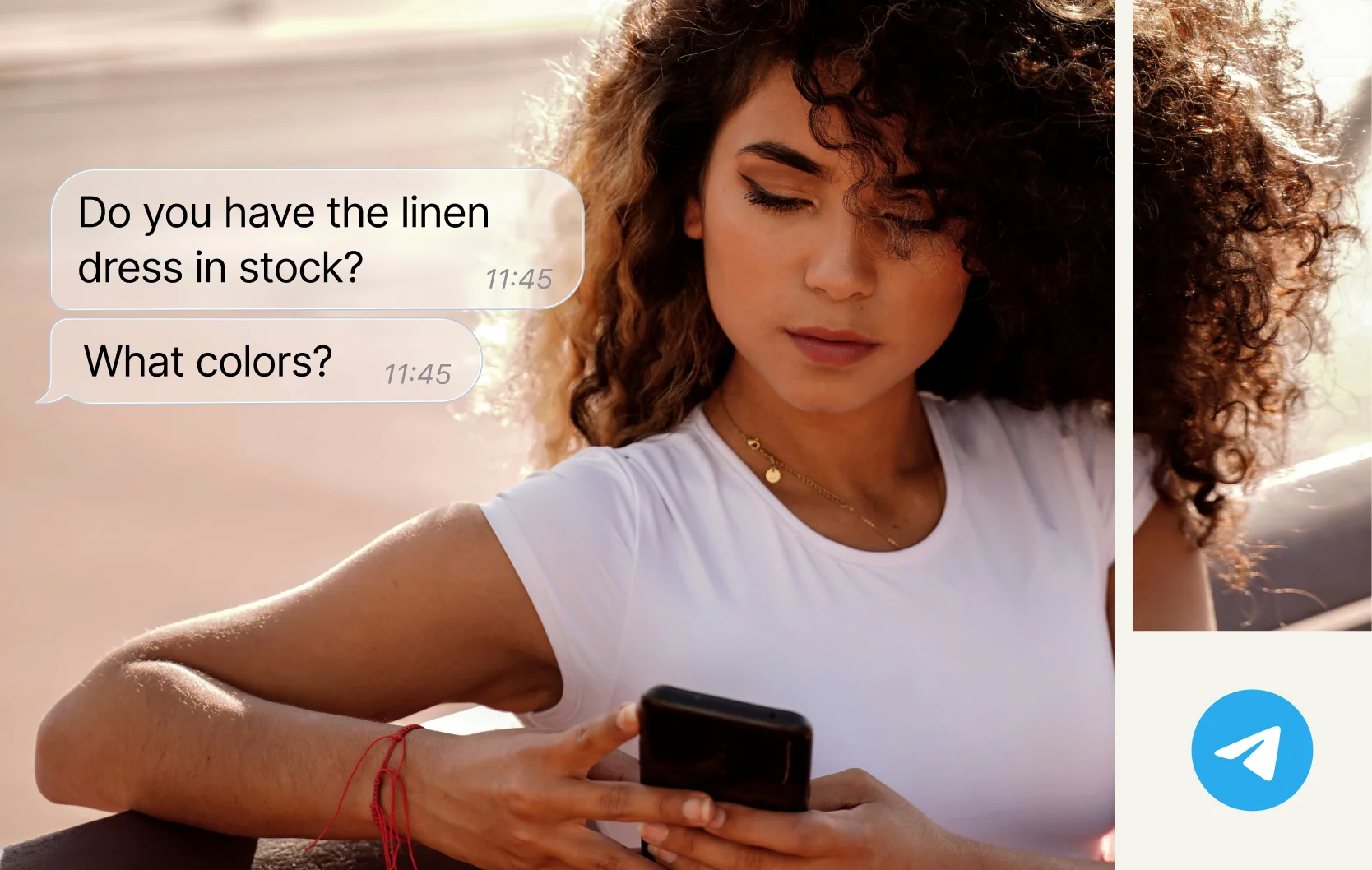
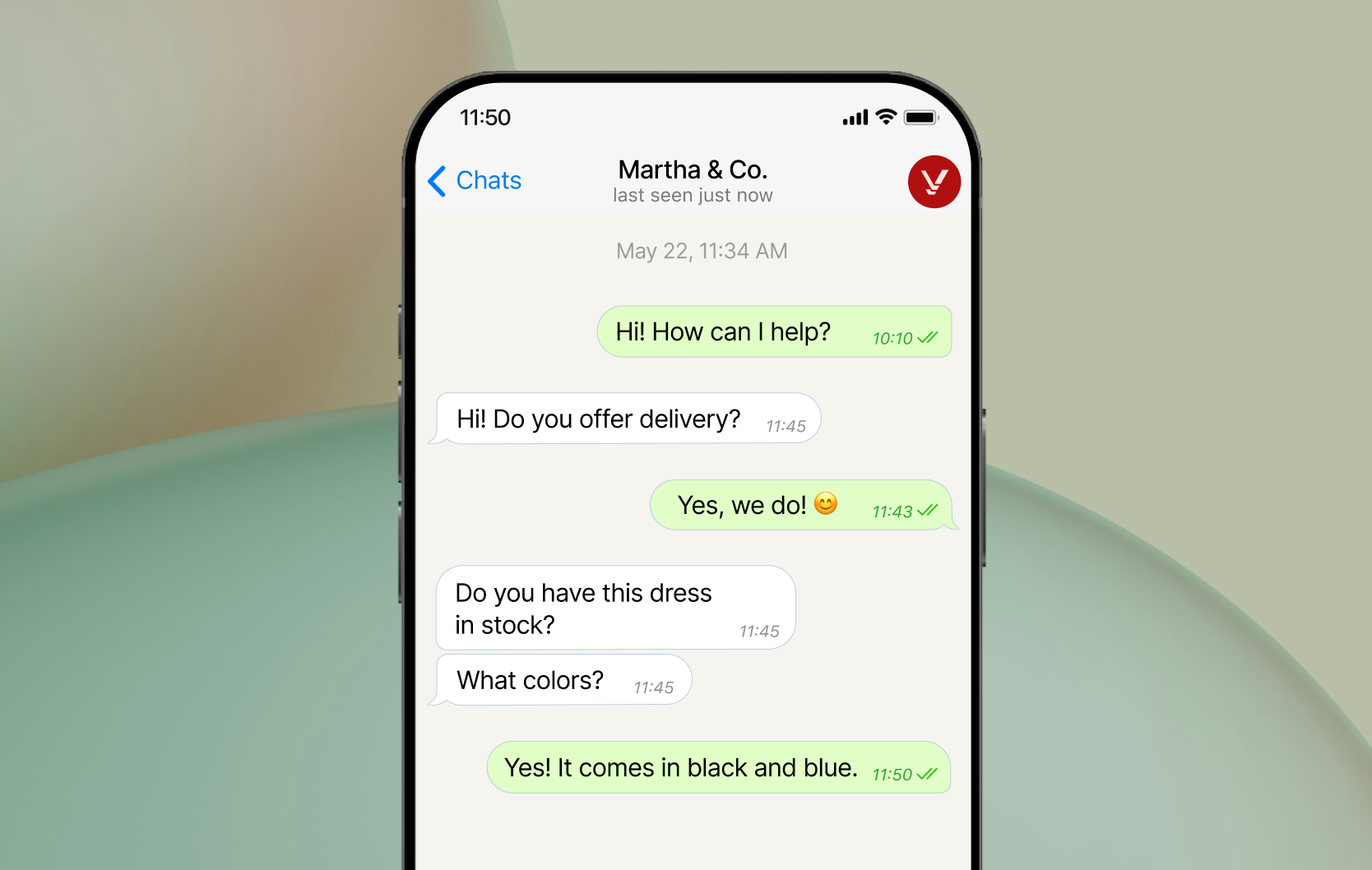
- Telegram conversations in your inboxReceive customer messages and send replies from Text. Customers continue the conversation in Telegram.
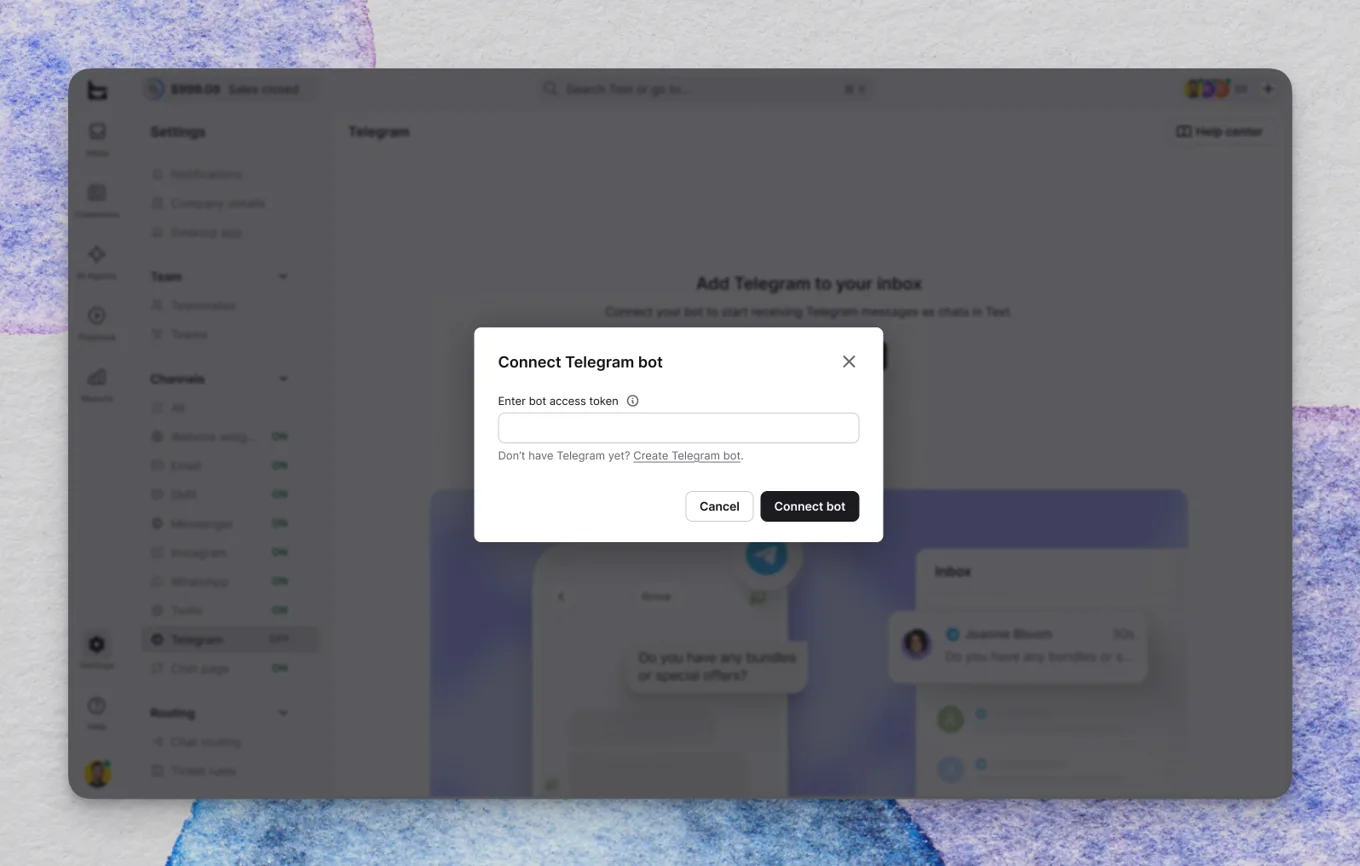
- Connect with a bot tokenAn admin can connect a bot using its BotFather access token. No coding is needed.
- Multiple botsConnect the Telegram bots your business needs and manage their connection status in one settings view.
- Chat links and QR codesShare a bot’s link or QR code so customers can open Telegram and start a conversation.
Telegram bot integration for customer support
Bring messages from your Telegram bots into the shared inbox in Text. Your team replies alongside website live chat and other customer channels, while customers continue the conversation in Telegram.
Connect Telegram to your shared inbox without code
Create a bot in Telegram’s BotFather, or choose a bot you already control. A Text admin connects it in Settings > Channels > Telegram by pasting its access token. Send a test message to the bot, then reply from your Text inbox to check the connection.
Help customers reach your team on Telegram
Every connected bot has its own chat link and QR code. Add them to your website, email signature, or social profiles so customers can find your business and start a conversation. Connect multiple bots when your business needs more than one entry point.
Telegram integration included in your Text plan
There is no additional integration fee. This connection uses Telegram bots, not personal accounts. Customers start conversations, and earlier bot history is not imported.
App terms
Legal Terms
By installing this app, you agree to the Marketplace Terms, App Privacy Policy and App Terms and Conditions.
Frequently asked questions
How does a Telegram shared inbox work?
Messages sent to your connected Telegram bot appear in the Text inbox. Your team reads and replies there, and the customer receives the answer in Telegram. You can connect multiple bots to the same workspace.
Is this a Telegram chatbot or an inbox for my team?
The Telegram bot is the account customers message to reach your business. This integration brings those messages into Text so your team can reply. Creating a bot in BotFather does not itself create an AI chatbot.
Does the Telegram integration cost extra?
No. The integration is included in your Text plan and has no additional integration fee.
What do I need to connect Telegram?
You need admin access in Text, a Telegram account, and a Telegram bot you control. Connect the bot using its BotFather access token.
Can I connect more than one bot?
Yes. Add each bot in Settings > Channels > Telegram using its own access token.
Can I connect a personal Telegram account?
No. This integration connects Telegram bots, not personal accounts.
Can my team start a conversation with a Telegram user?
The customer must open your bot and start the conversation first. Text cannot message arbitrary Telegram users.
Will my previous Telegram conversations be imported?
No. Earlier bot conversation history is not imported.
Can I move a bot from another tool to Text?
You can connect an existing bot you control. Connecting it to Text can route incoming messages away from the tool currently handling that bot.