
Survicate
Automatically synchronize chat transcripts from LiveChat to Survicate Insights Hub to analyze data and generate actionable insights
- LiveChat
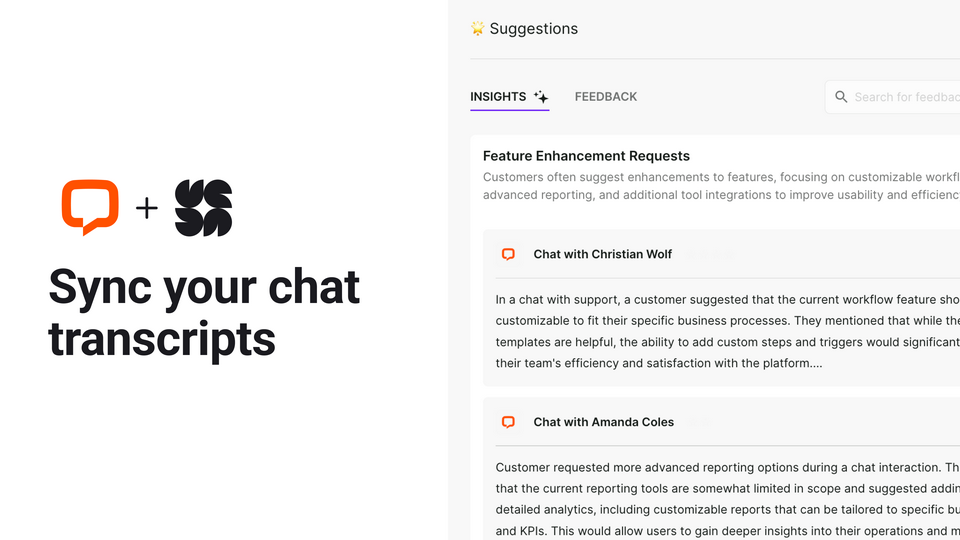
Imagine having all your LiveChat conversations automatically analyzed without lifting a finger. With the Survicate - LiveChat integration, you can effortlessly sync your chat transcripts into Survicate Insights Hub .
Insights Hub dives deep into the conversations, automatically extracting meaningful insights that you can act on. Whether it’s identifying recurring pain points, understanding feature requests, or tracking sentiment trends, you’ll get a clear picture of what your customers are talking about. This empowers you to make data-driven decisions, prioritize features, and improve user experience.
Key features
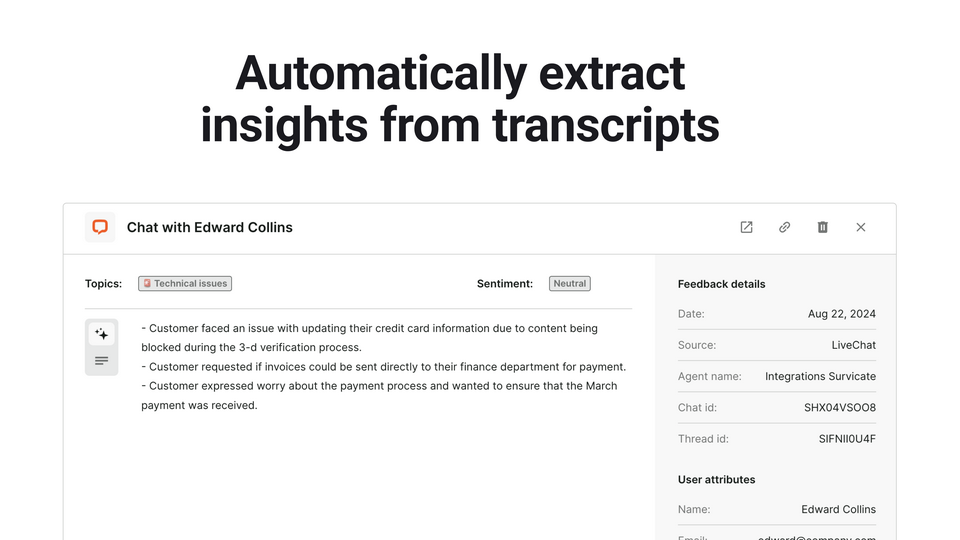
Survicate Insights Hub automatically detects the sentiment behind feedback, identifying whether it is positive, negative, neutral, or mixed.
Survicate Insights Hub will automatically extract valuable insights from the synced chat transcripts.
You will be able to import past chat transcripts from the last 30 days, quarter, 6 month or last year.
Chat transcripts will be synced to Insights Hub in real time.
Benefits
Insights Hub will automatically organize insights into your custom topics, allowing you to focus on the insights that matter most without the hassle of manually digging through chat logs.
App terms
Legal Terms
By installing this app, you agree to the Marketplace Terms and App Privacy Policy.
Frequently asked questions
What does the “Verified” status mean?
In LiveChat, we always appreciate creative and problem-solving apps, so at our own sole discretion, from time to time, we may grant some applications the “Verified” status (represented by a badge or so-called badged applications). The “Verified” status confirms only that an application went through our usability review from the user's perspective. In any case, it is the Application Provider who has full responsibility for the application and its security level towards clients and any other third party.