
Facebook Messenger chatbot and live chat
Answer Facebook Messenger in the same inbox as website live chat, with an AI Agent that replies for you.
- Text
Messenger live chat in your Text inbox
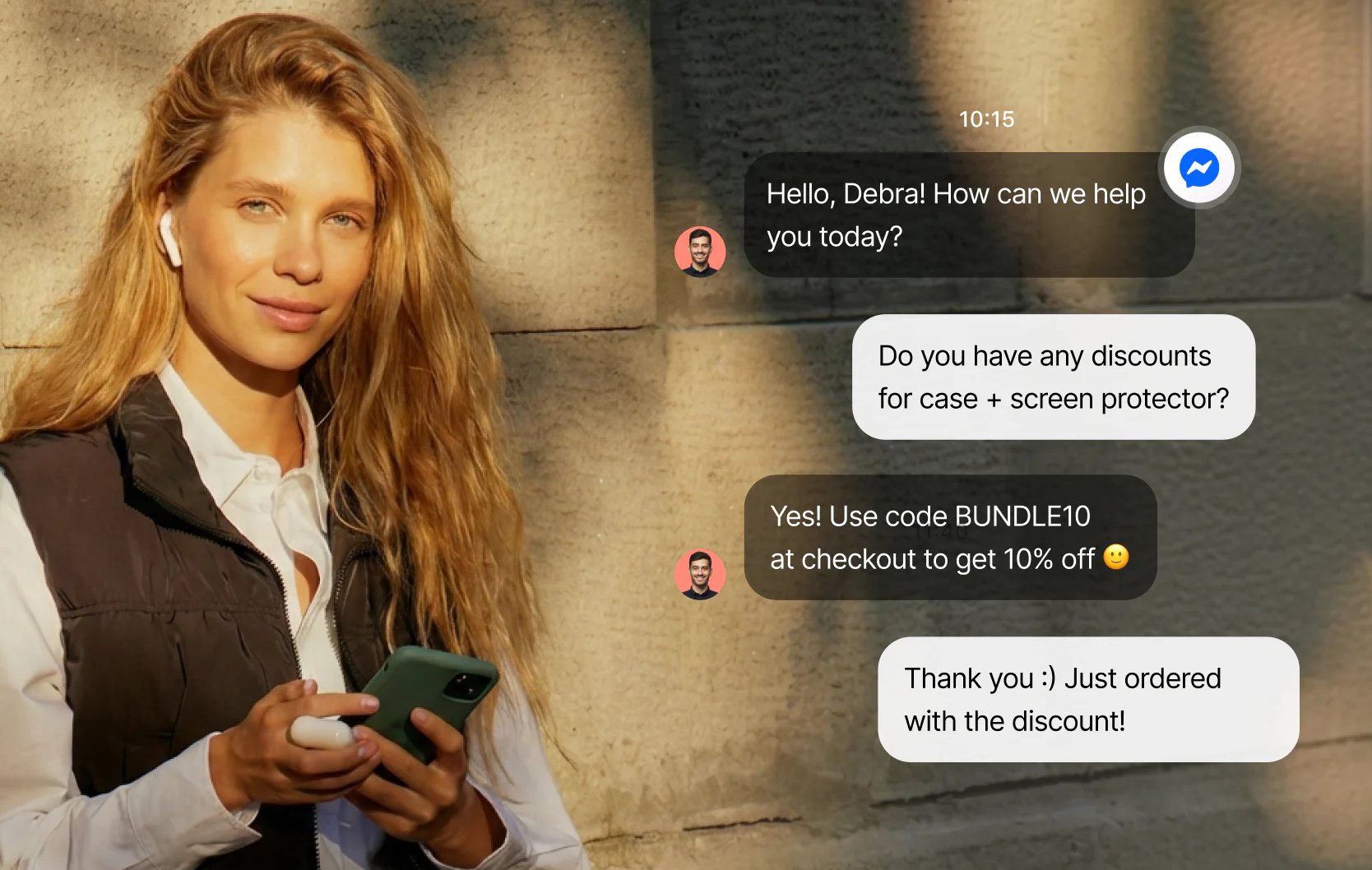
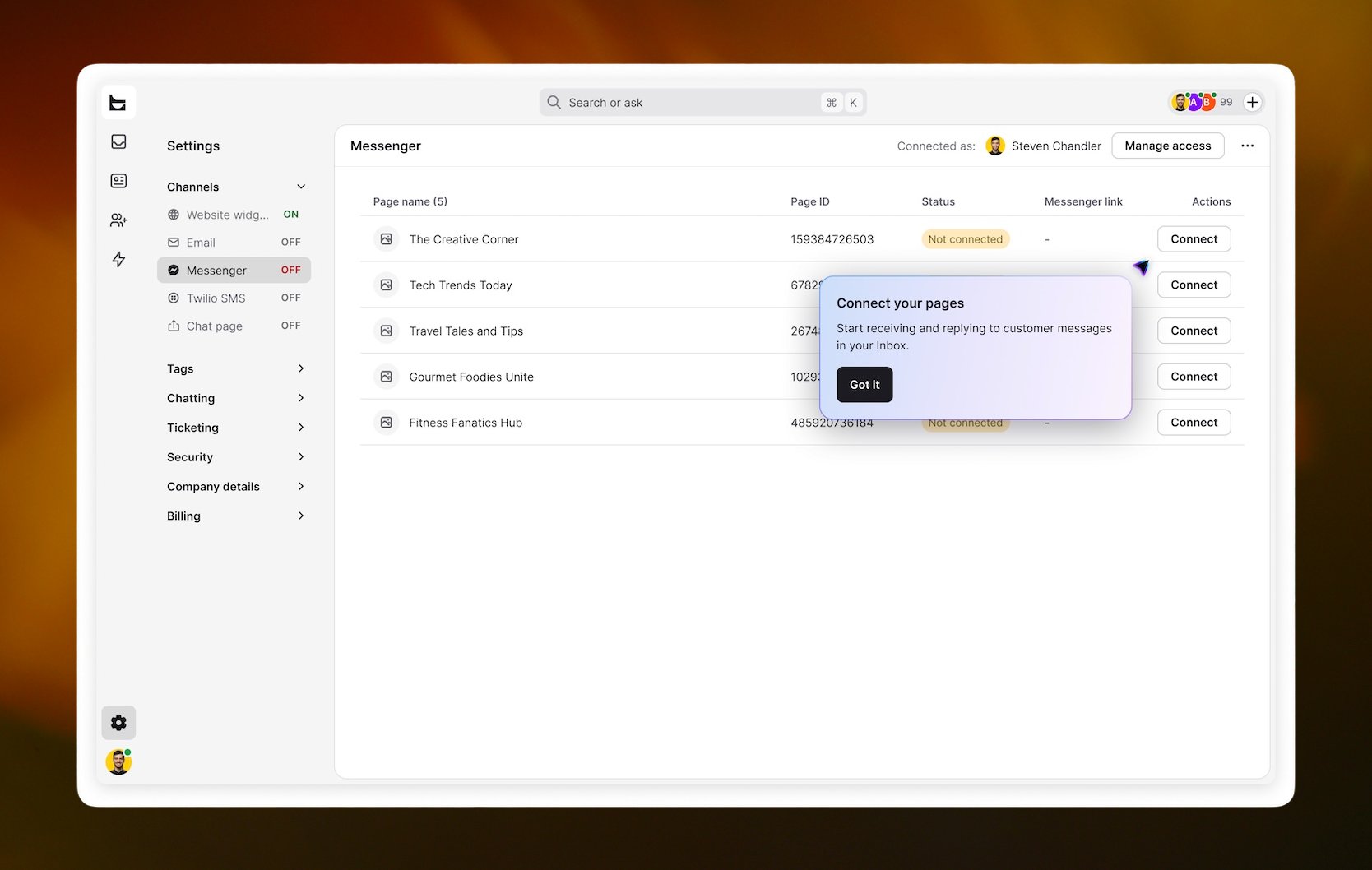
Connect your Facebook Pages and Messenger conversations arrive in Text next to your website live chat. Customers keep messaging you on Facebook as usual. You reply from Text, or the AI Agent answers for you.
Answer page messages before they go cold
Someone sees your post or ad and asks a question in Messenger. If nobody answers for hours, that interest fades. The AI Agent replies right away, day or night, and brings in your team when the question needs a person.
Route each Facebook Page to the right team
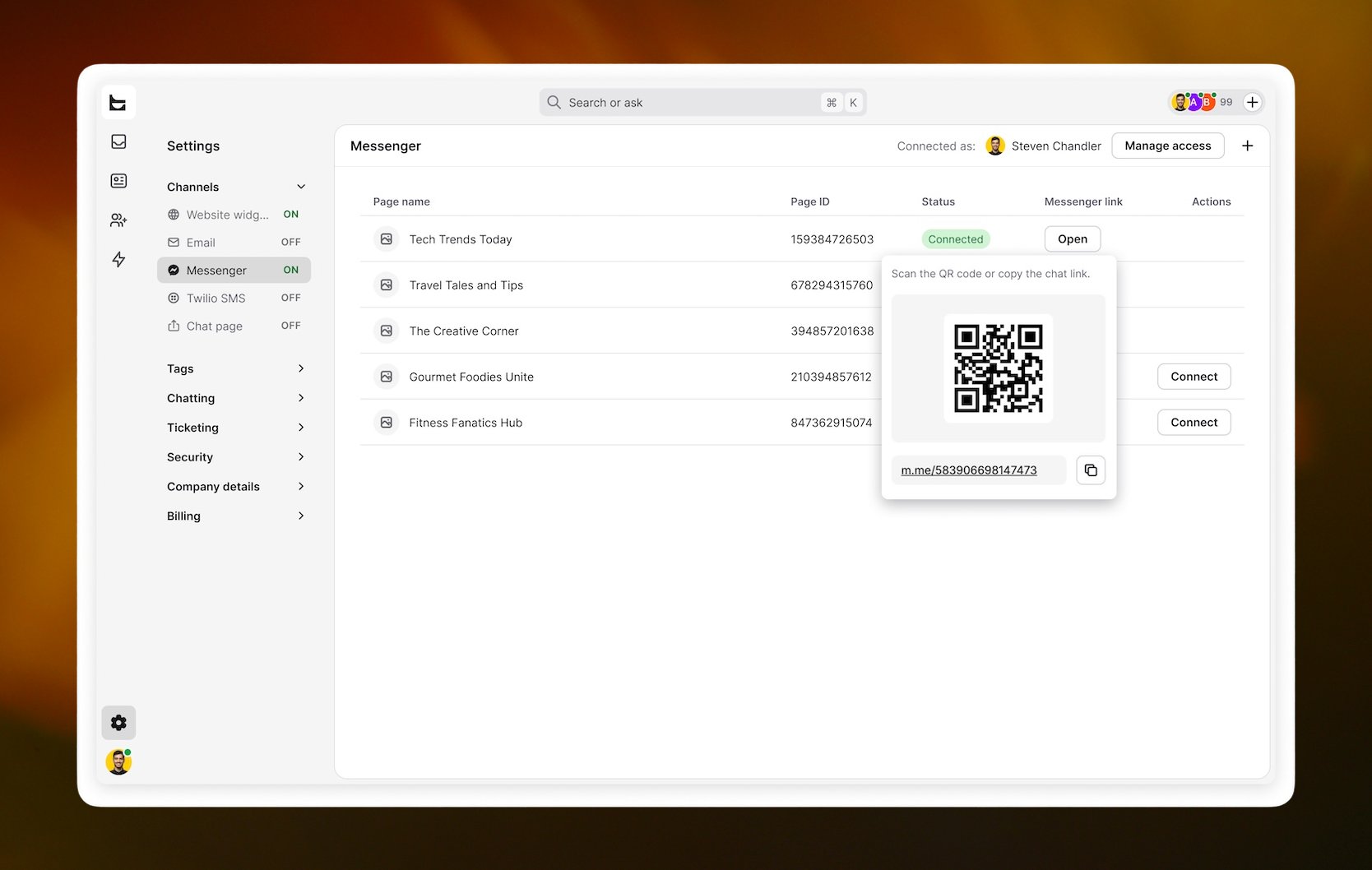
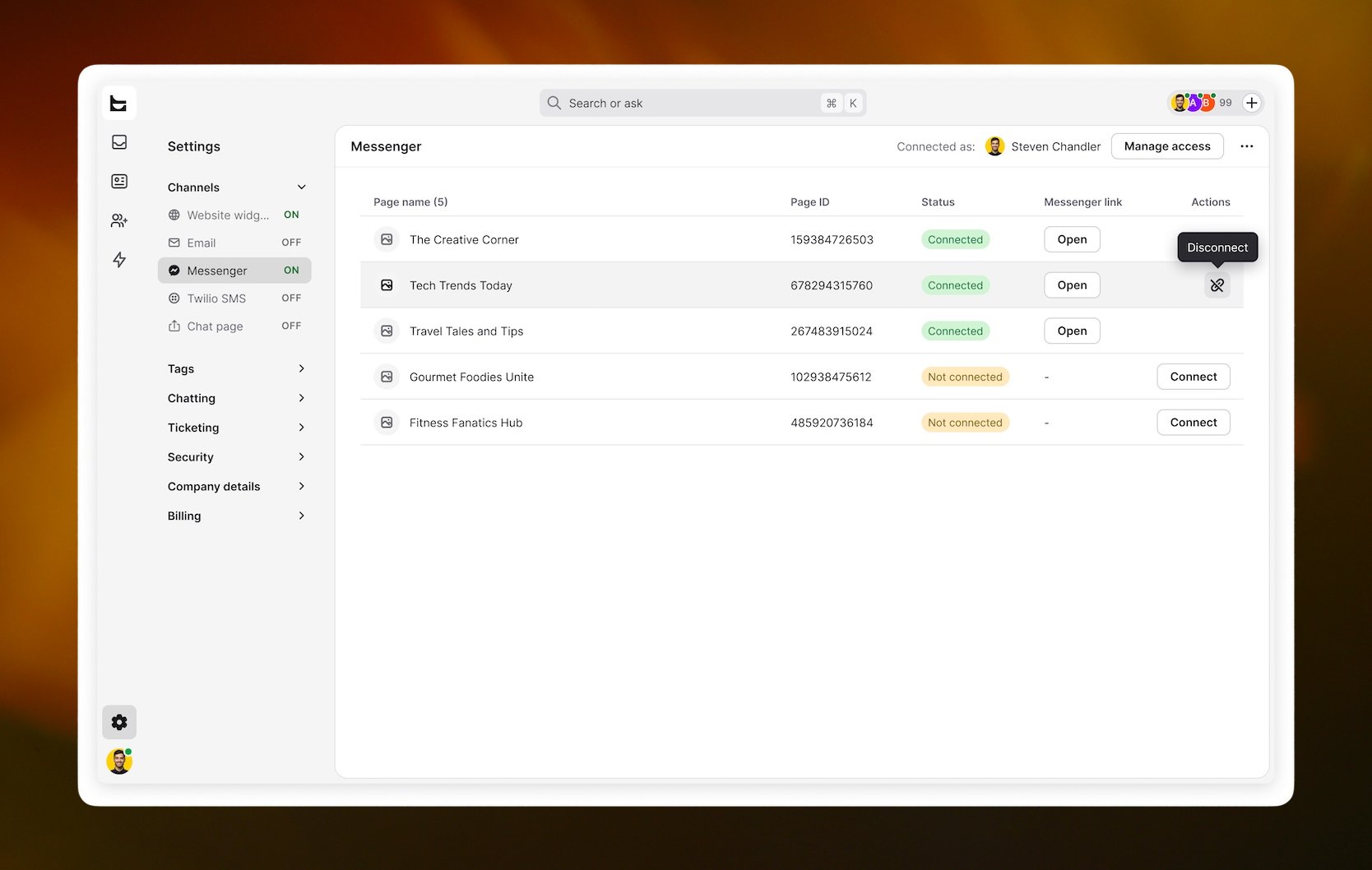
Running pages for different brands or regions? Send each page's messages to the team that owns it, with a catch-all for the rest. Every page also gets a chat link and a QR code you can share.
Connect Messenger to Text
In Settings > Messenger, choose Continue with Facebook. Sign in with an account that has admin access to your pages, pick the pages and approve the permissions. To choose a plan, compare Text plans.
Key features
Benefits
App terms
Legal Terms
By installing this app, you agree to the Marketplace Terms.
Support
Frequently asked questions
Can I connect more than one Facebook Page?
Yes. Connect every page you manage and route each one to its own team.
Do I need page admin access?
Yes. Sign in with a Facebook account that has admin access to the pages you want to connect.
Can the AI chatbot reply on Messenger?
Yes. The AI Agent answers messages from connected pages and transfers the chat to your team when needed.