
Advanced Group Manager
Manage a large number of groups with ease using Advanced Group Manager
- LiveChat
Update 5.11.2020
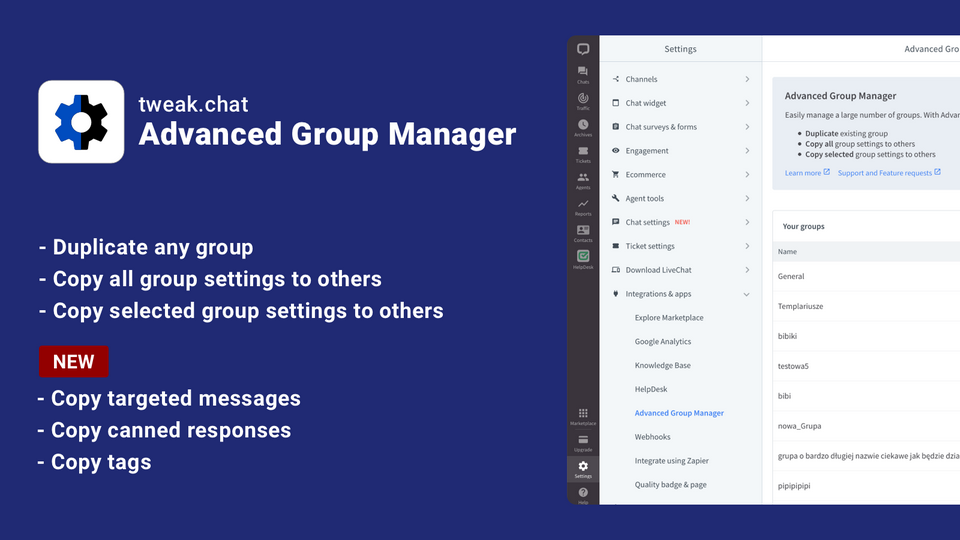
We've changed app placement. Now, you can find AGM in the settings section: https://my.livechatinc.com/settings/applications/advanced-group-manager
Easily manage a large number of groups. With Advanced Group Manager, you can:
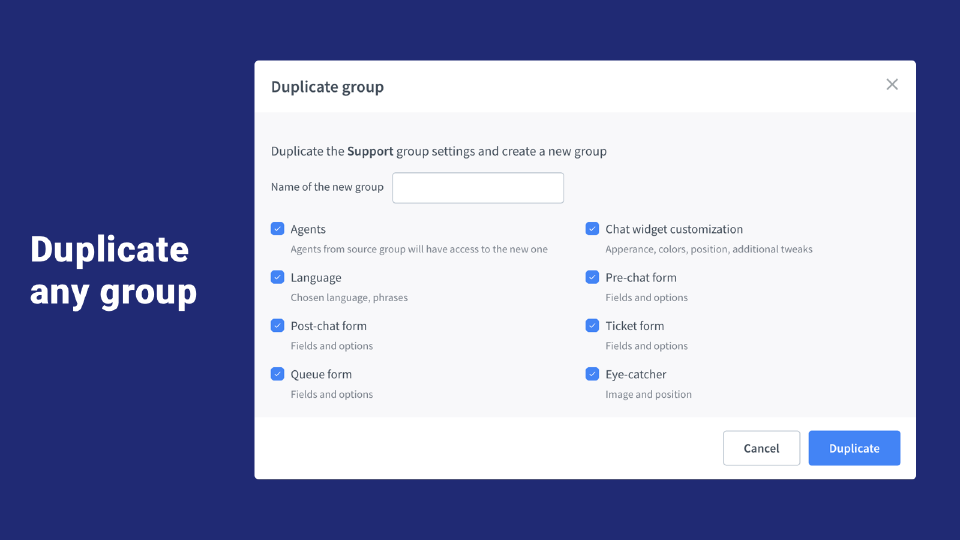
- Duplicate existing group
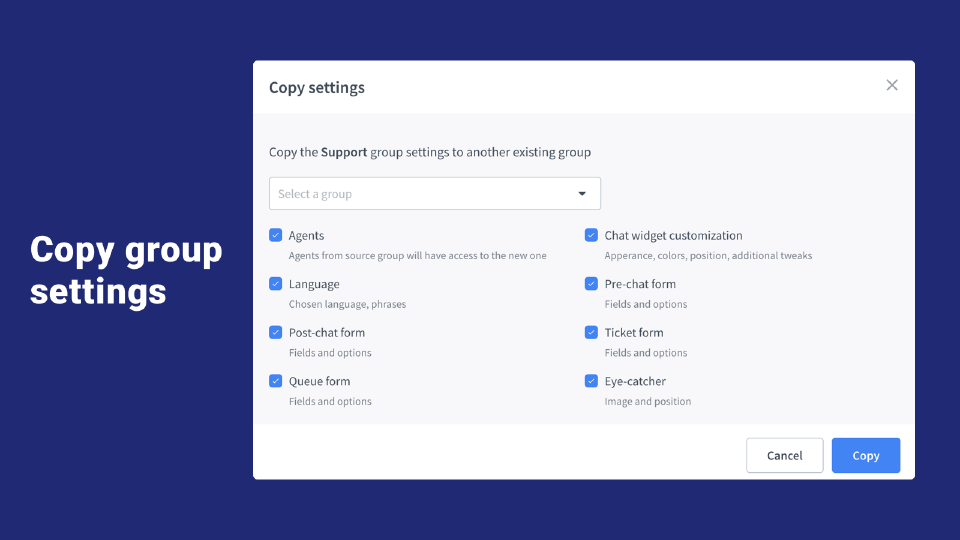
- Copy all group settings to others
- Copy selected group settings to others
Key features
No more changing all the default settings for a new group
Update settings in one group, then copy to others
Changing form content no longer has to be time consuming
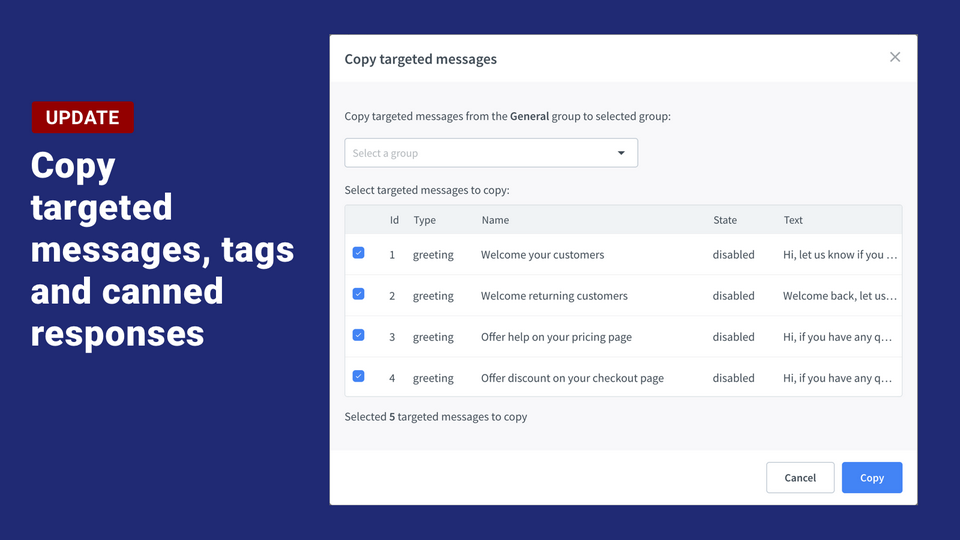
Copy greetings and announcements
Synchronize agent tools between groups
Benefits
Managing multiple groups becomes much easier
Check easily which settings convert best
App terms
Legal Terms
By installing this app, you agree to the Marketplace Terms and App Privacy Policy.
Support
How to use this app
Follow the app tutorial with setup instructions on how to use and properly configure this app with your LiveChat account. To get help and support contact Tweak Chat. You can also suggest improvements or request new features in the upcoming versions of Advanced Group Manager.
Frequently asked questions
What does the “Verified” status mean?
In LiveChat, we always appreciate creative and problem-solving apps, so at our own sole discretion, from time to time, we may grant some applications the “Verified” status (represented by a badge or so-called badged applications). The “Verified” status confirms only that an application went through our usability review from the user's perspective. In any case, it is the Application Provider who has full responsibility for the application and its security level towards clients and any other third party.