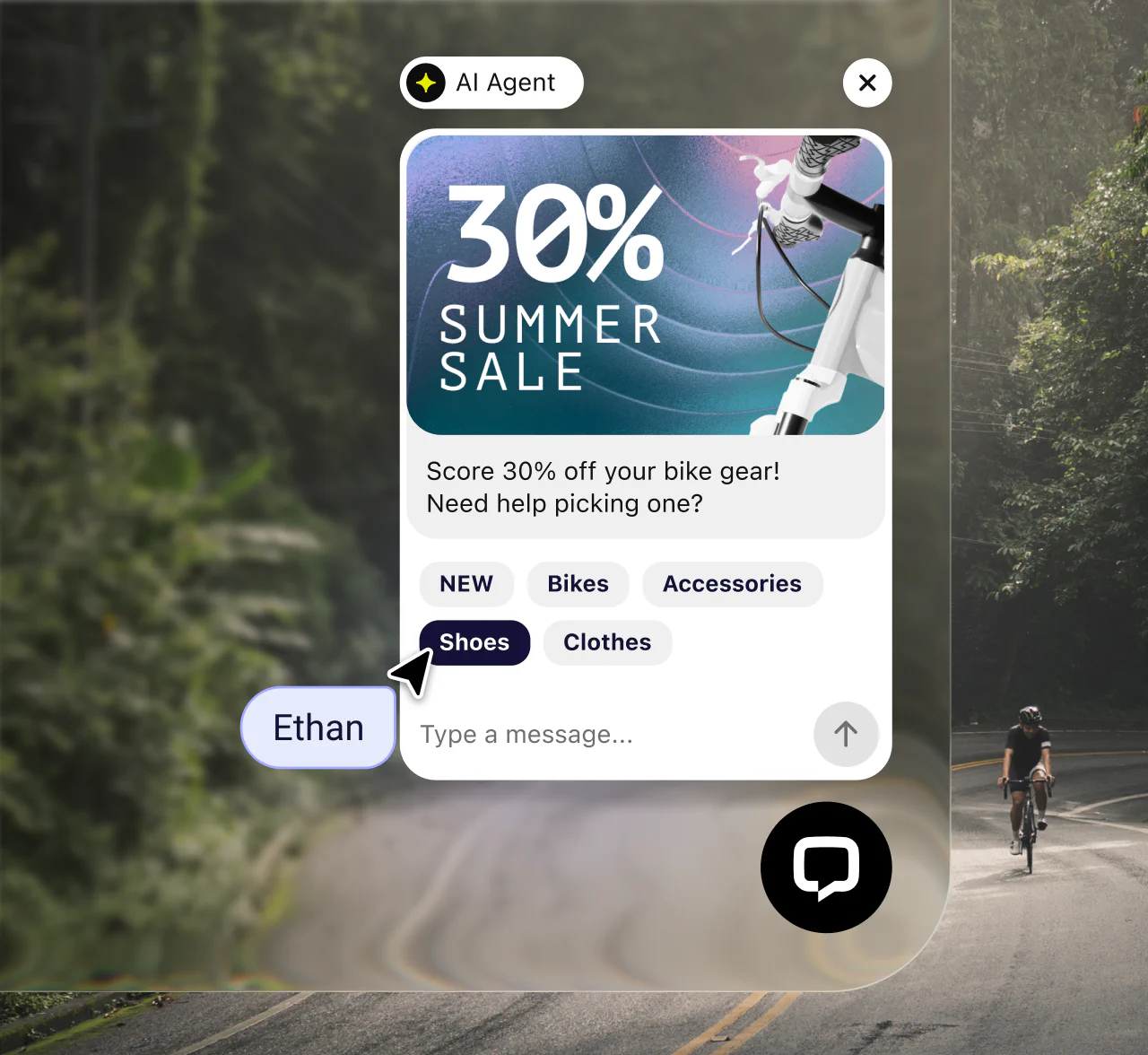
Add live chat where customers decide. Your team and Text’s AI Agent can answer in real time, recommend the next step, and hand off conversations with the full context intact.
14-day free trial No credit card required Easy setup
30,000+ teams use Text products to manage customer conversations
Add live chat where decisions happen, so visitors can ask a question without leaving the page or waiting for email.

Step in while a visitor is comparing plans, checking delivery, or deciding whether to buy.
Resolve the immediate question, then use product cards, links, and files to guide the next step.
Use visitor details, chat history, and routing rules to connect each conversation with the right team.
A website chat widget is an embedded chat window that connects visitors with a team, an AI Agent, or both without taking them away from the page.
Start free with Text
The widget is the customer-facing interface. Live chat is the real-time conversation with a person that happens inside it.
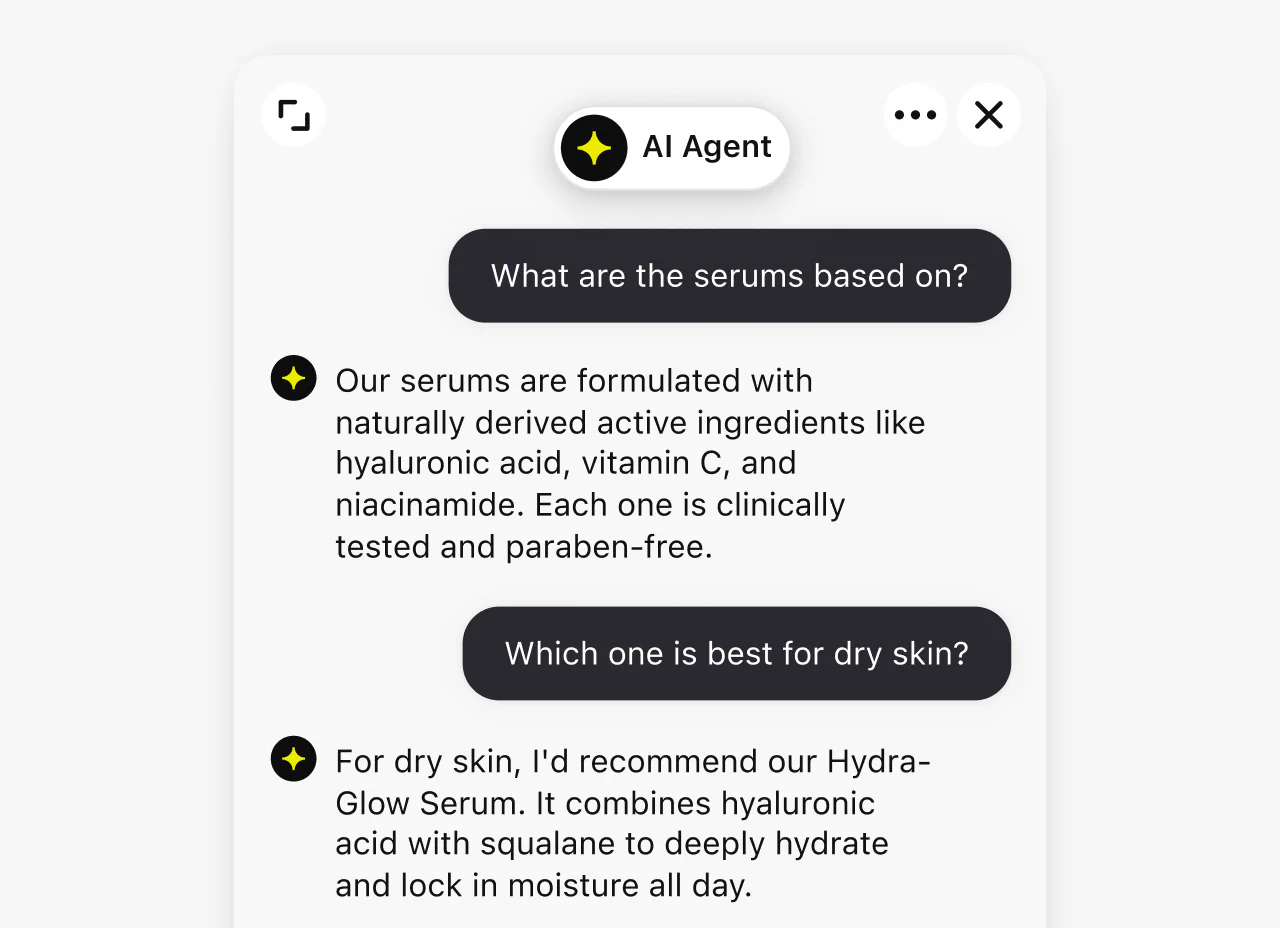
A chatbot answers common questions inside the widget, while the same interface can connect visitors directly with human support.
An AI Agent uses approved knowledge and instructions to answer routine questions, take supported actions, and hand conversations to people.
Give visitors a flexible chat experience while your team gets the context, routing, and response tools needed to keep every conversation moving.
Message sneak-peek shows agents what a visitor is typing, while canned responses make accurate answers easy to reuse.
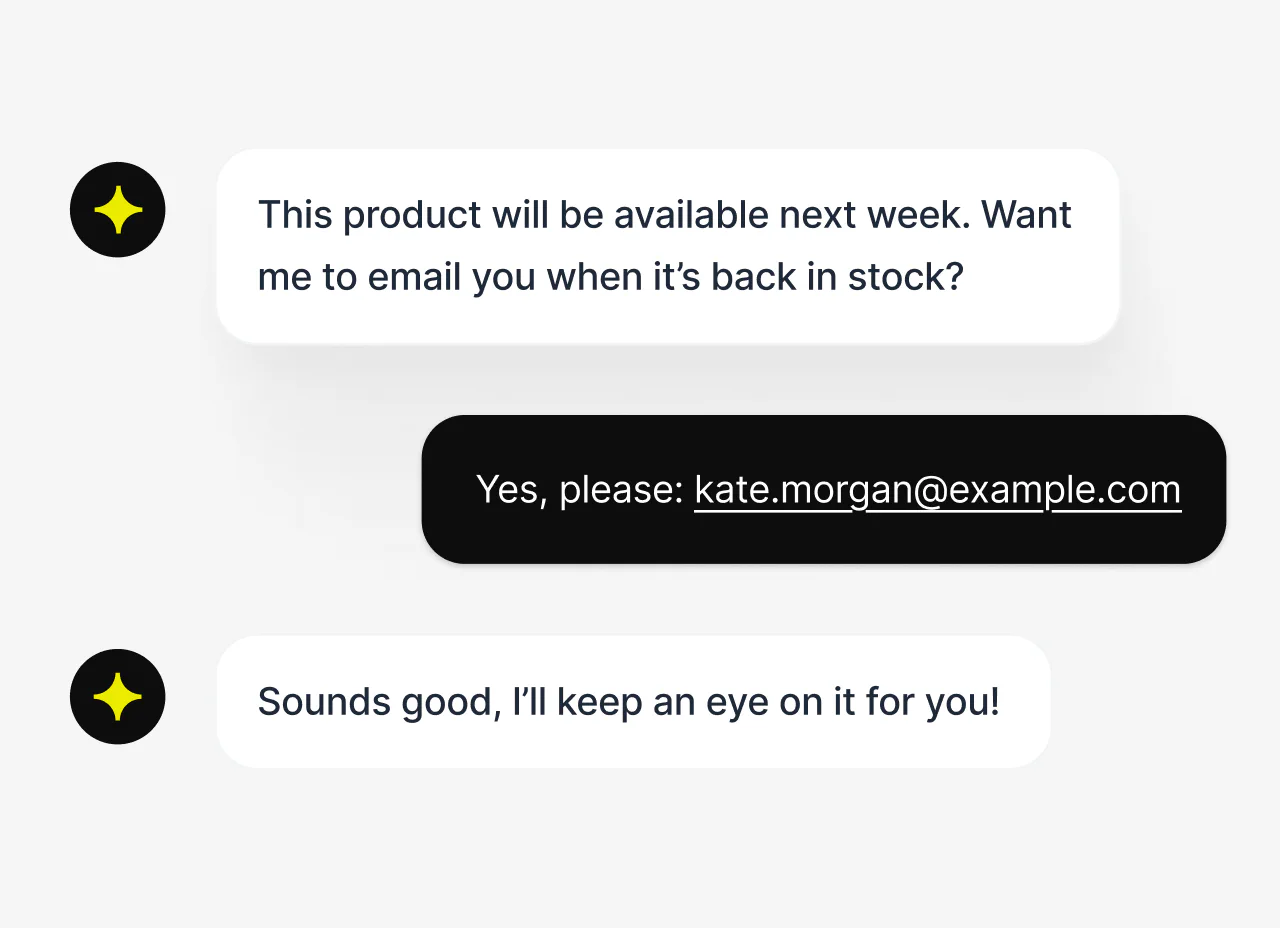
Collect an email during a useful conversation so your team can follow up without sending the visitor to another form.
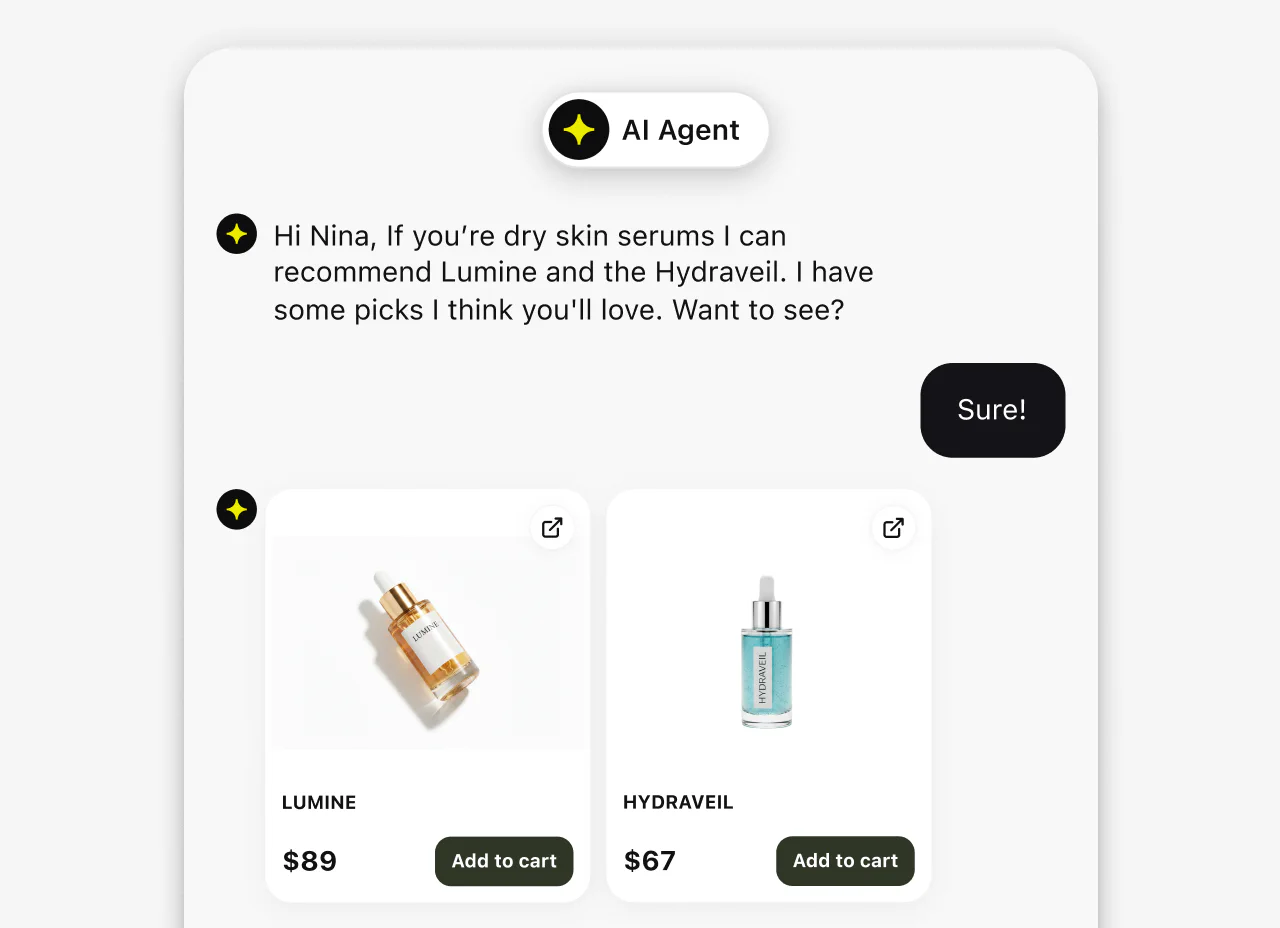
Share product cards, quick replies, links, and files to help customers compare options and take the next step.
Reply by email when visitors leave, then use chat history to continue the conversation when they return.
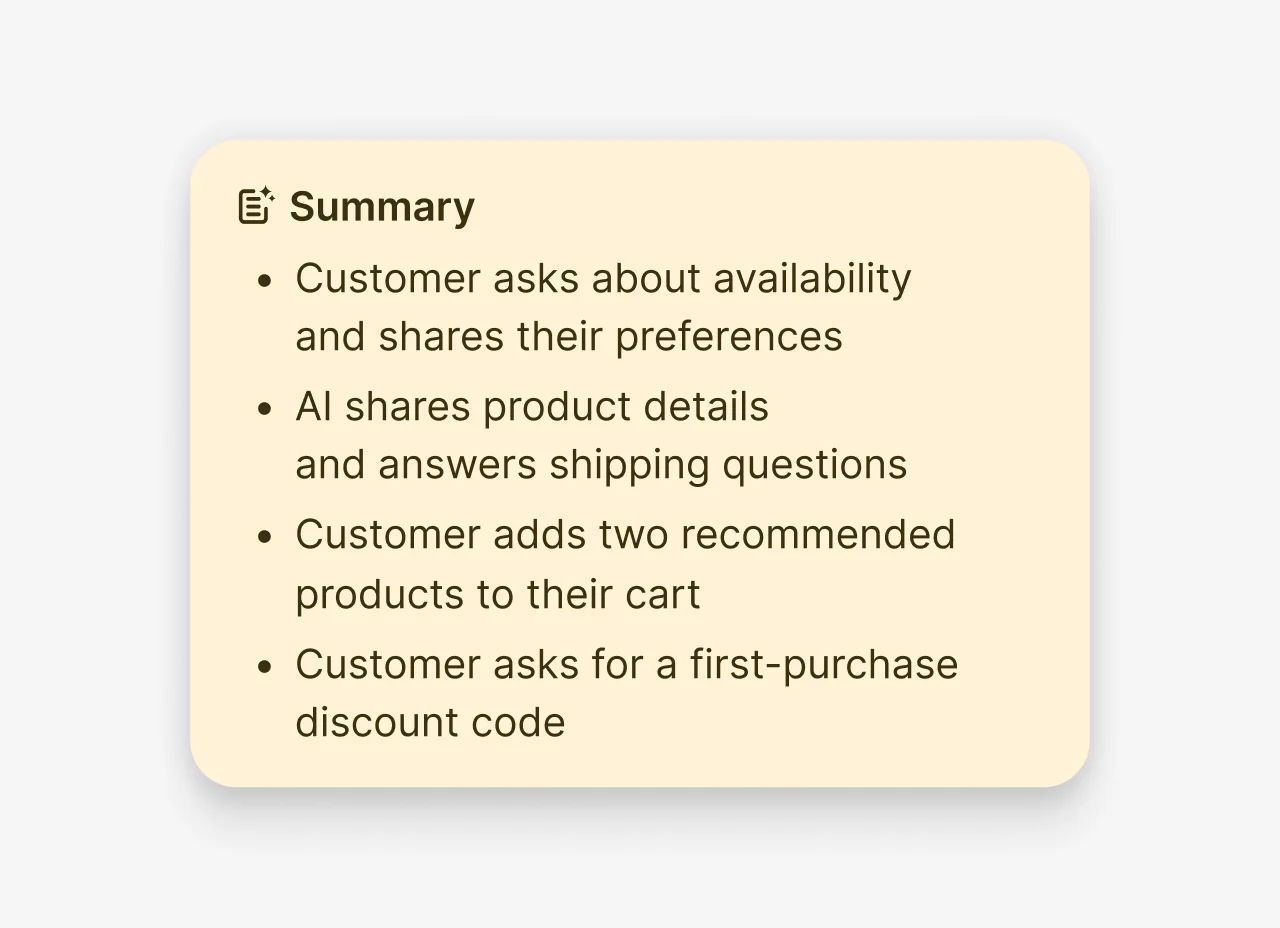
Make the chat experience feel native to your website with control over its appearance, placement, greetings, and language.
Choose a light or dark theme, adjust colors and backgrounds, and preview the result before you publish it.
Start free with Text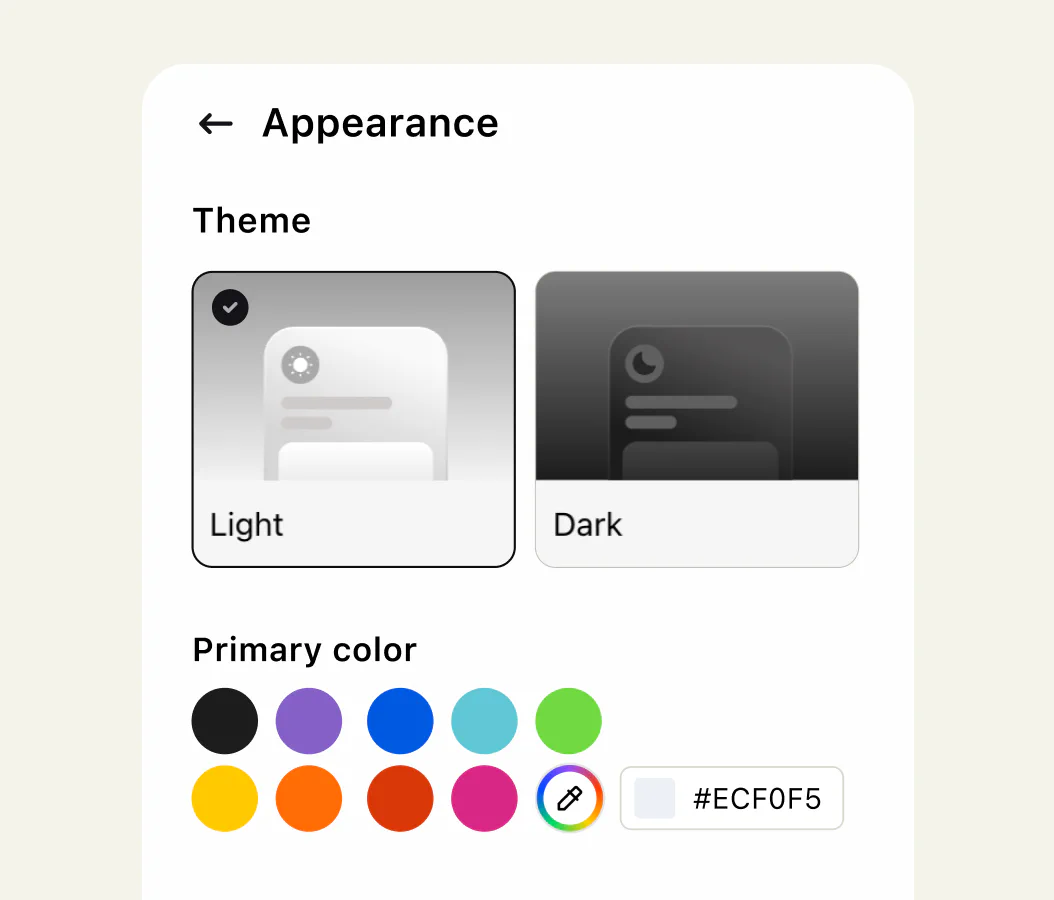
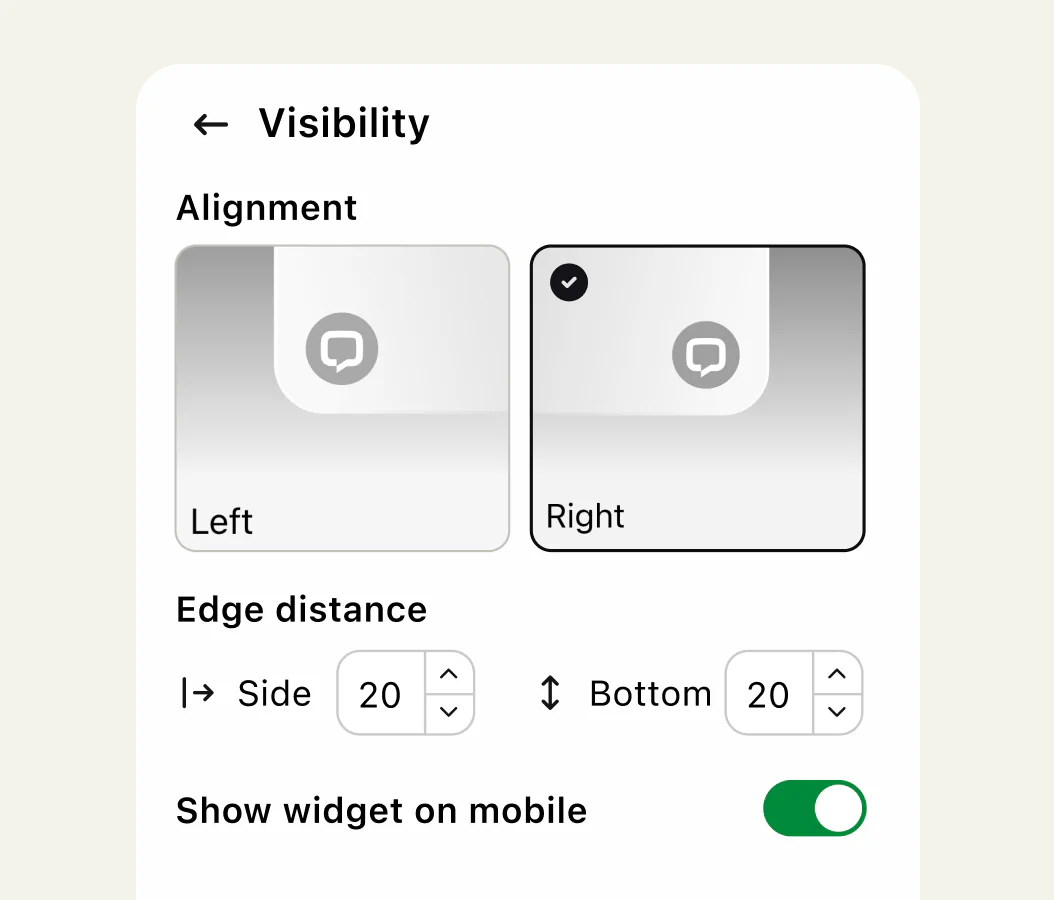
Choose the side, edge distance, and pages where the chat widget appears so it does not cover important controls.
Welcome visitors before they type, then use quick replies to guide them toward relevant products, answers, or pages.
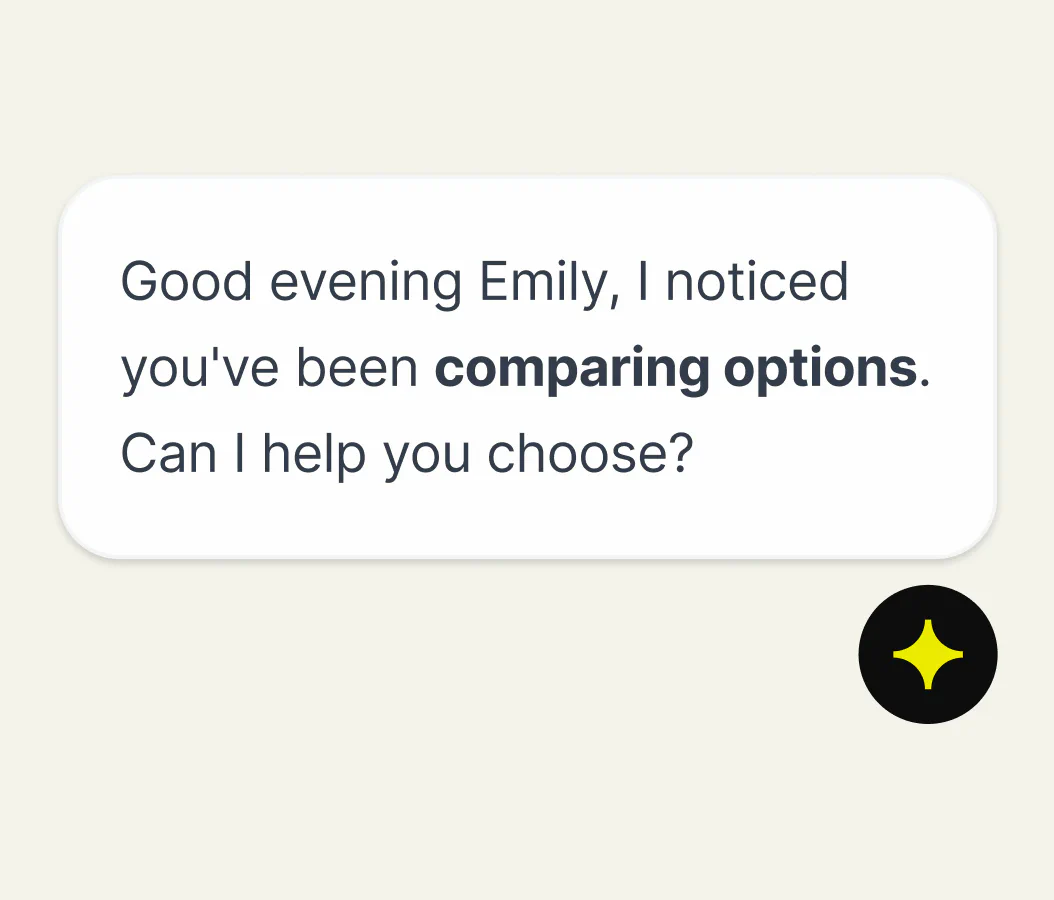
Use 48 supported languages, including right-to-left languages, and route conversations to teams prepared to respond.
Give visitors screen-reader support, keyboard navigation, and suitable default contrast with a WCAG 2.2 AA compliant widget.
Use page and visitor context to start with a relevant invitation, then guide the conversation with clear choices and intelligent routing.

Match the page
Tailor invitations to the product, pricing, checkout, or support page a visitor is viewing.
Offer clear choices
Use quick replies and cards to guide visitors without making them write the first message.
Route by intent
Send pricing questions to sales and product issues to the team prepared to solve them.
Stay reachable
Continue by email after visitors leave, then pick up the same conversation when they return.

“Thanks to the AI agents, we can let the chat campaigns be online even during the evenings, nights and weekends.”
Harri Hyvärinen, Customer Service Manager at Nuvoo
Some questions are easier to answer with a choice, image, document, or action. Give customers a clearer next step without leaving the chat.
Offer relevant links or predefined answers so customers can choose a clear path through common requests.
Combine images, descriptions, and buttons in cards or carousels that make products and plans easier to compare.
Exchange images and documents, or let customers complete supported actions such as booking a meeting inside chat.
Use ratings, surveys, tags, and chat archives to find recurring questions and opportunities to improve service.

“With Text, we don’t have to compromise that — we can build something that makes customers spend less time resolving their queries.”
James Frangleton, Chief Operations Officer at Funded Trading Plus
Combine AI assistance for human teammates with an AI Agent that answers routine questions, follows approved instructions, and hands complex conversations to people.
Use AI-generated reply suggestions to answer clearly, then review conversation summaries before a handoff or follow-up.
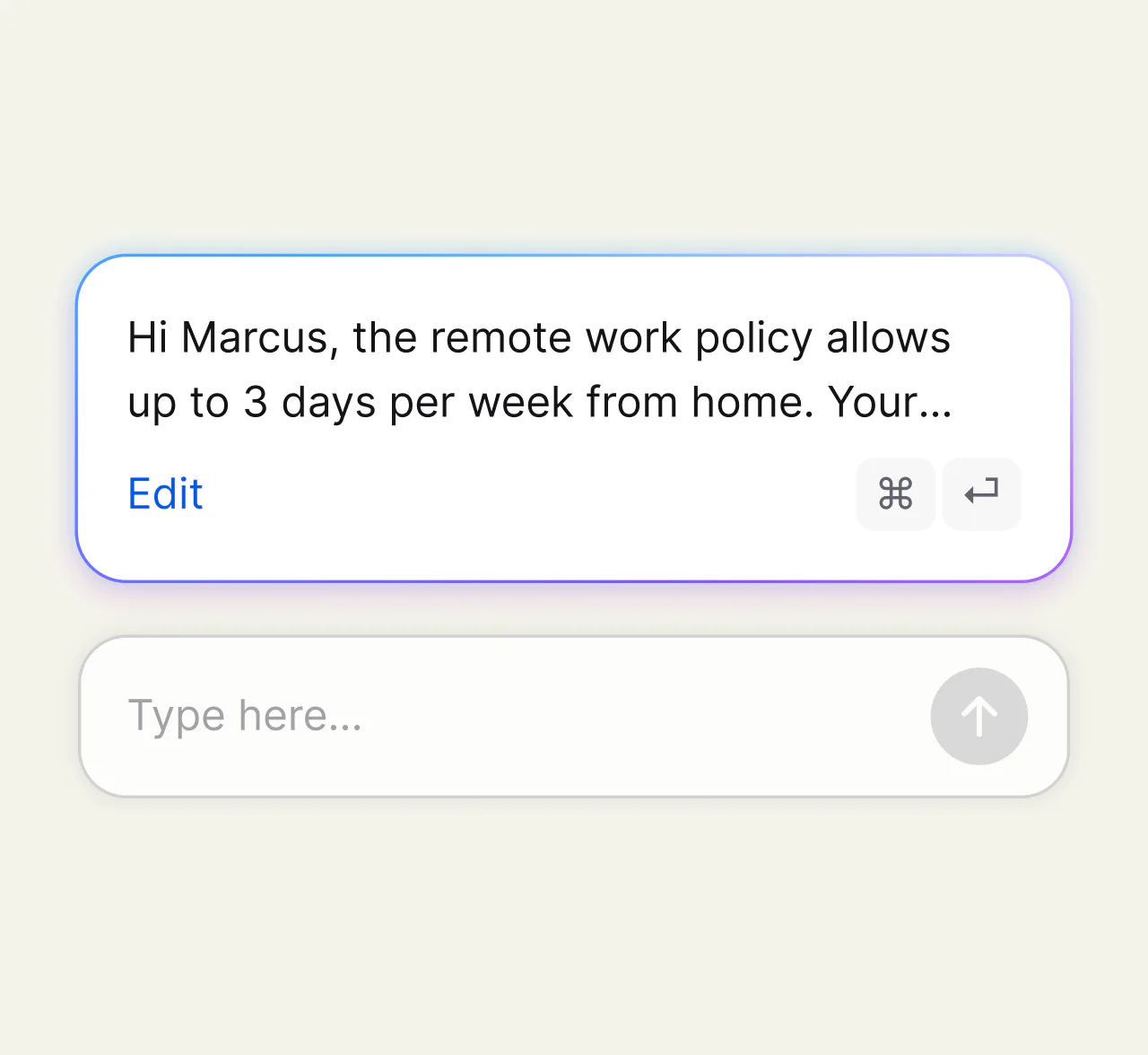
Text’s AI Agent uses approved knowledge to answer routine questions, qualify leads, and recommend products around the clock.
Transfer the existing conversation and its context to a teammate so customers do not have to repeat their question.
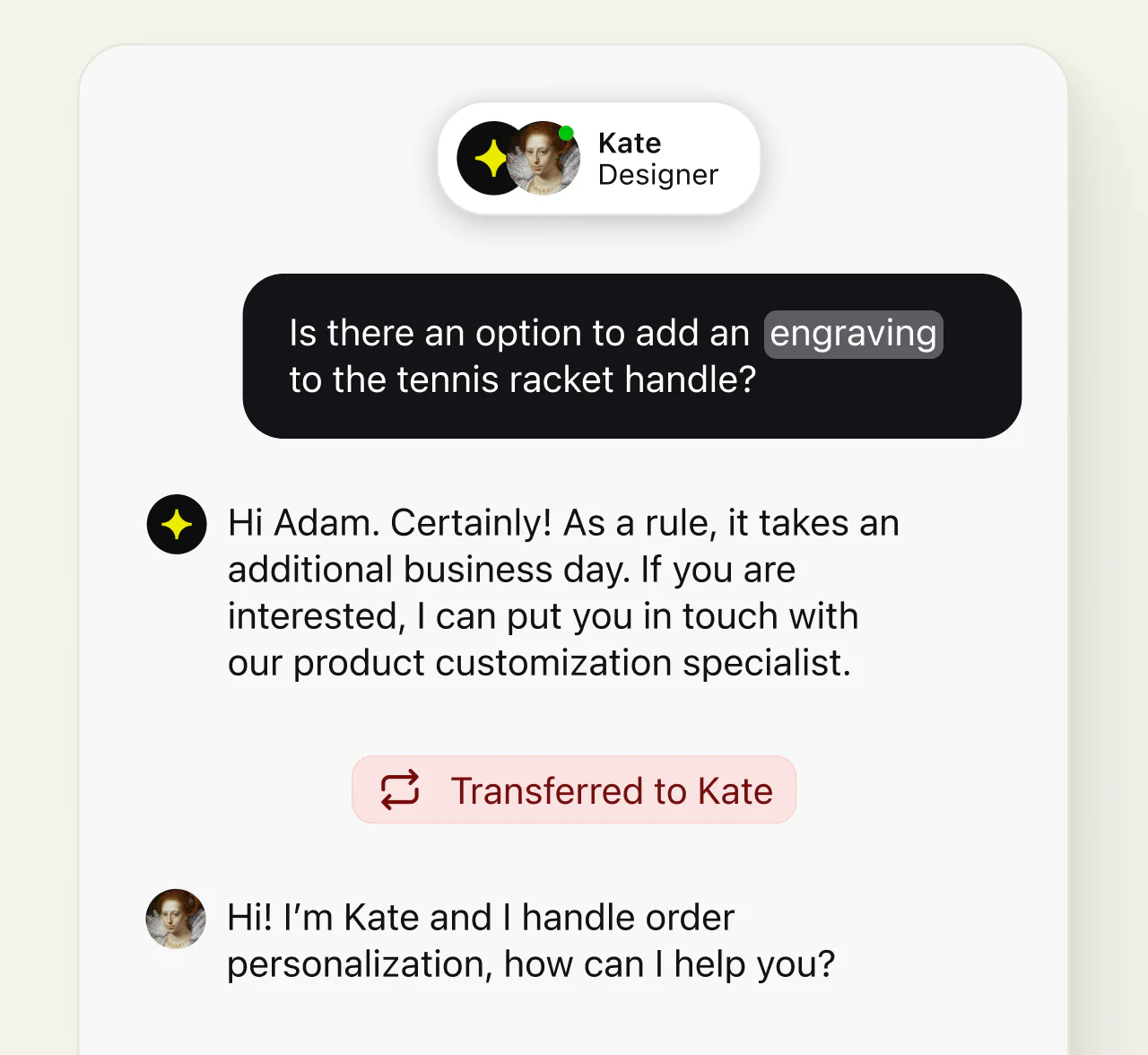
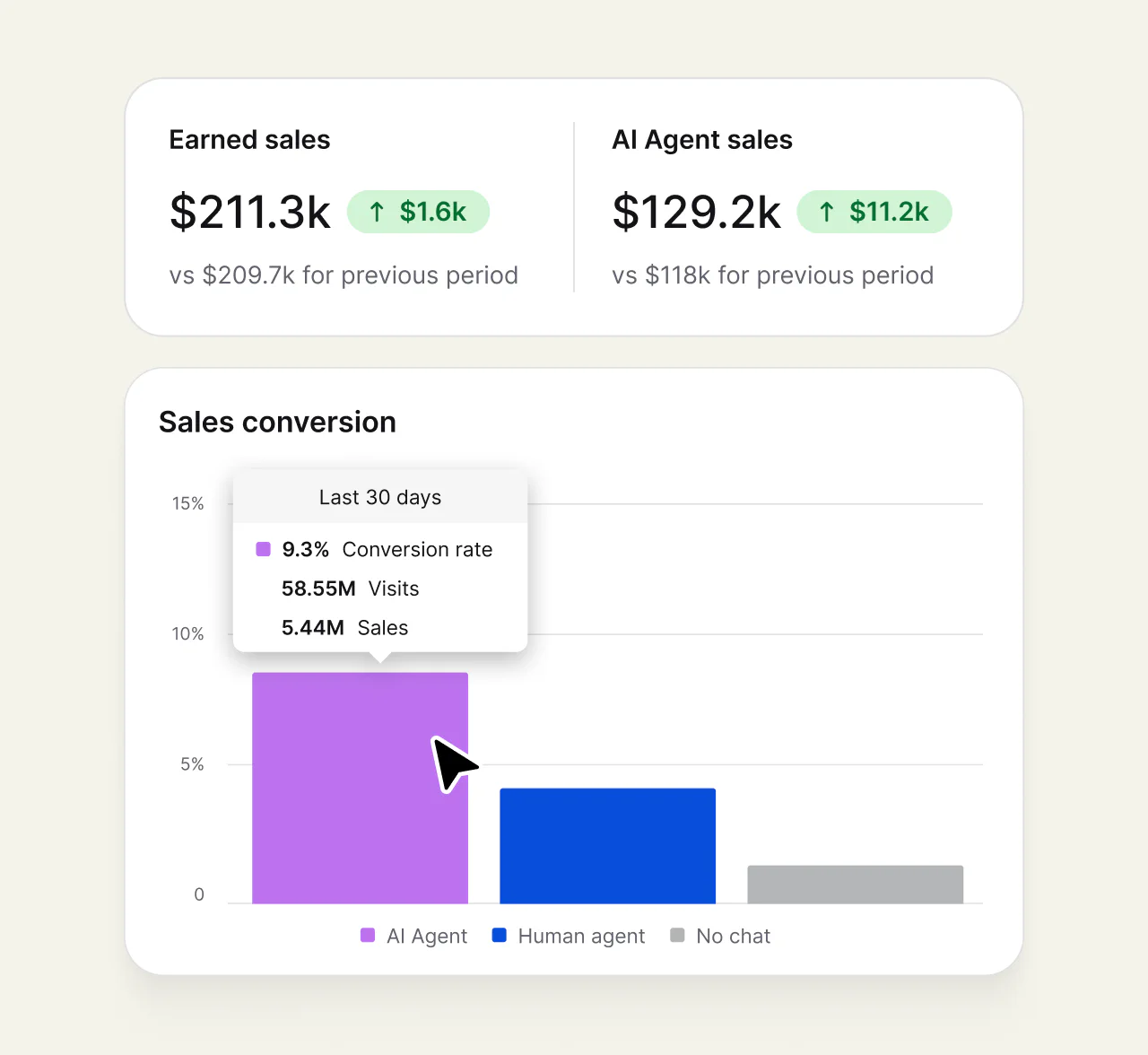
Review volume, response and resolution times, transfers, CSAT, campaigns, and AI Agent results in Text Reports.
Add the chat widget with a code snippet, supported platform integration, Google Tag Manager, or framework SDK, then test the full visitor-to-teammate experience.
Paste the chat widget snippet before the closing body tag, publish the change, and start a test conversation.
Install the chat widget through supported paths for WordPress, Shopify, WooCommerce, Webflow, and other supported platforms.
Add the chat widget tag to your container and publish it with the site scripts your team already manages there.
Render the chat widget as a React, Vue, or Angular component when it needs to follow application state.

“Since using Text, our overall support workflow has become more streamlined and we’ve engaged with our customers more effectively.”
Claudia Carta, Customer Service Manager at WickedWeasel
Bring conversations, customer details, shopping context, and performance insights into one workspace so teammates can act on the complete picture.
See relevant shopping context and share product recommendations without making customers or agents leave the conversation.
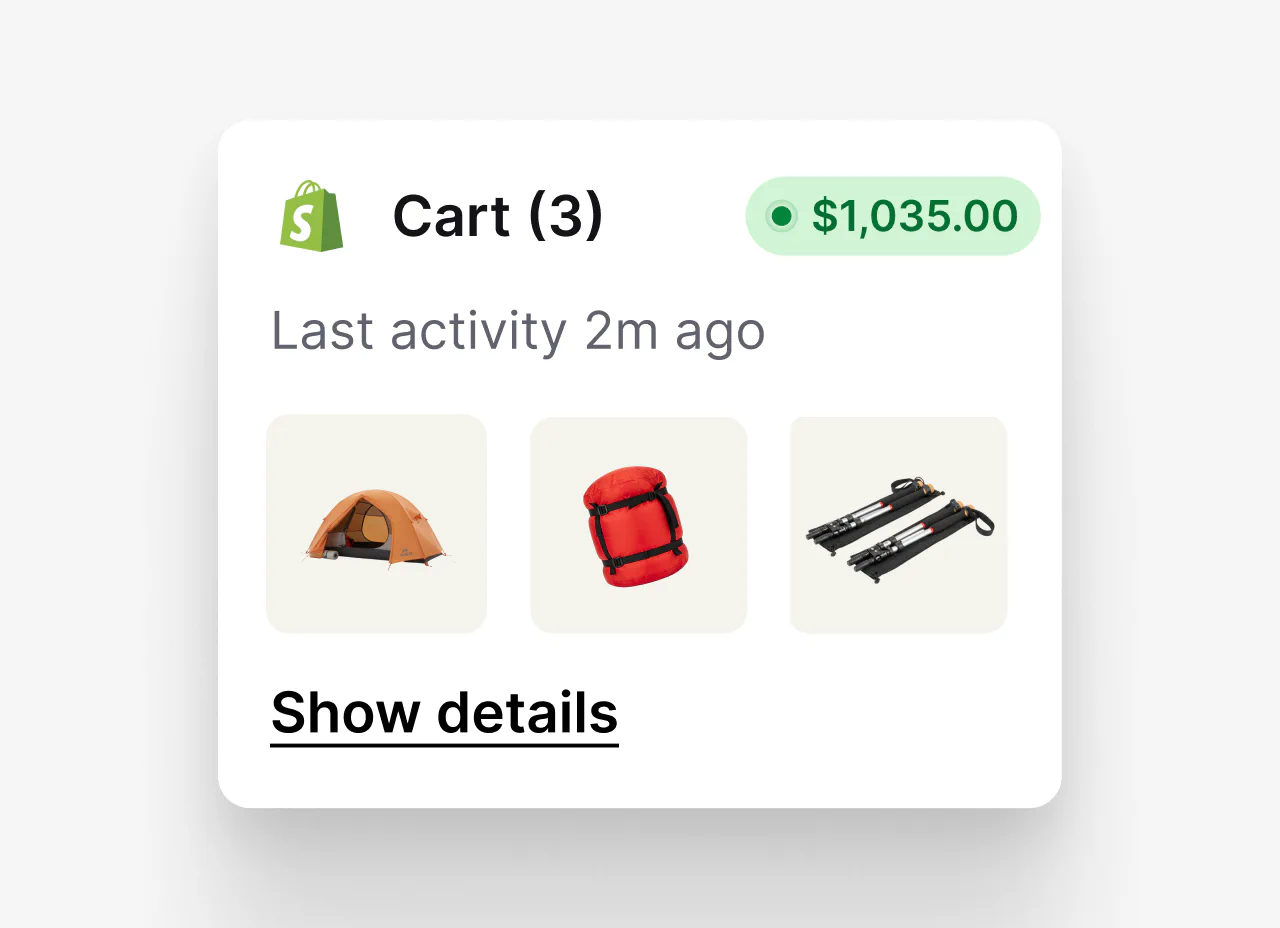
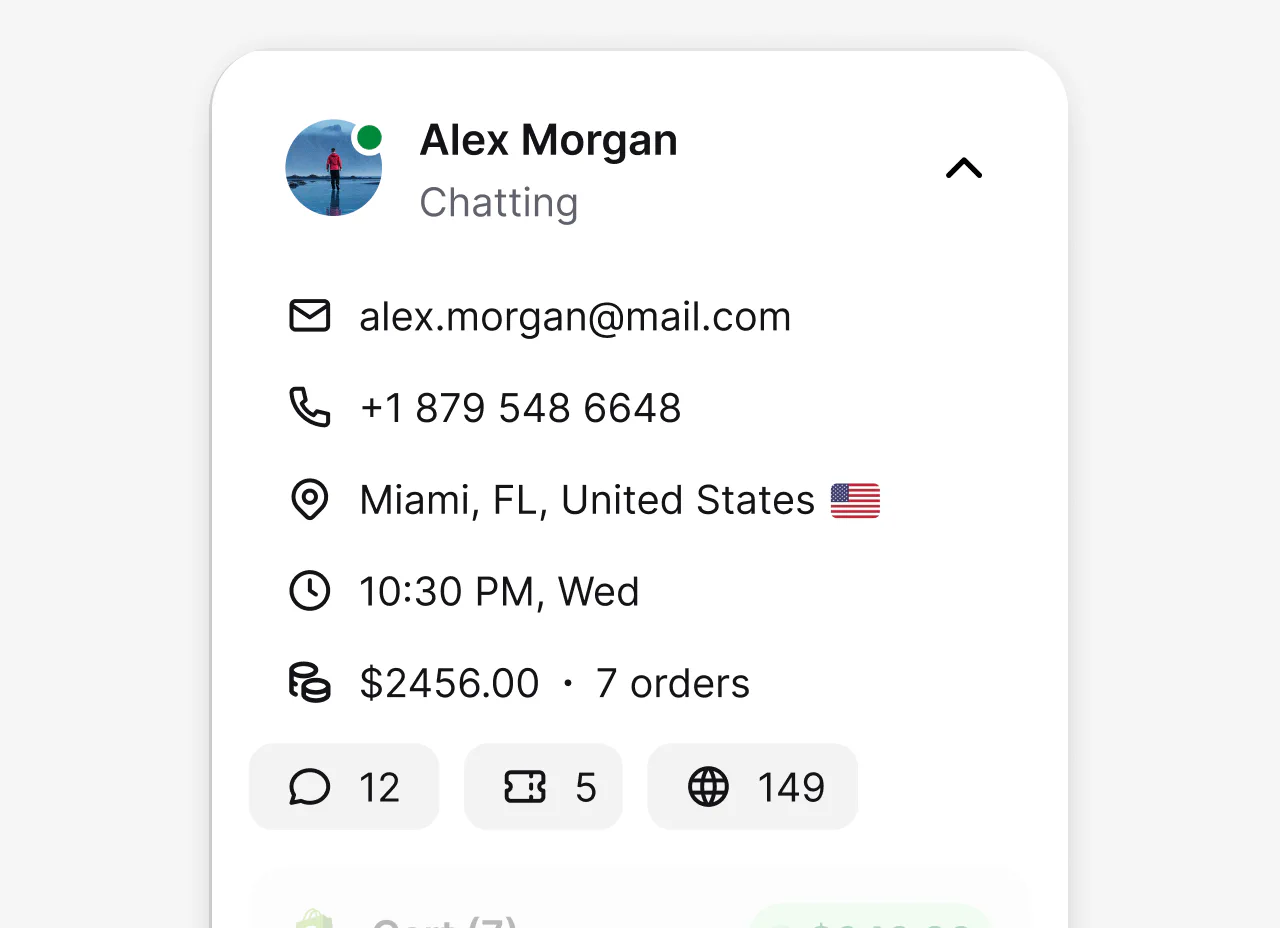
See available customer details and conversation history together, so teammates can respond with the right context.
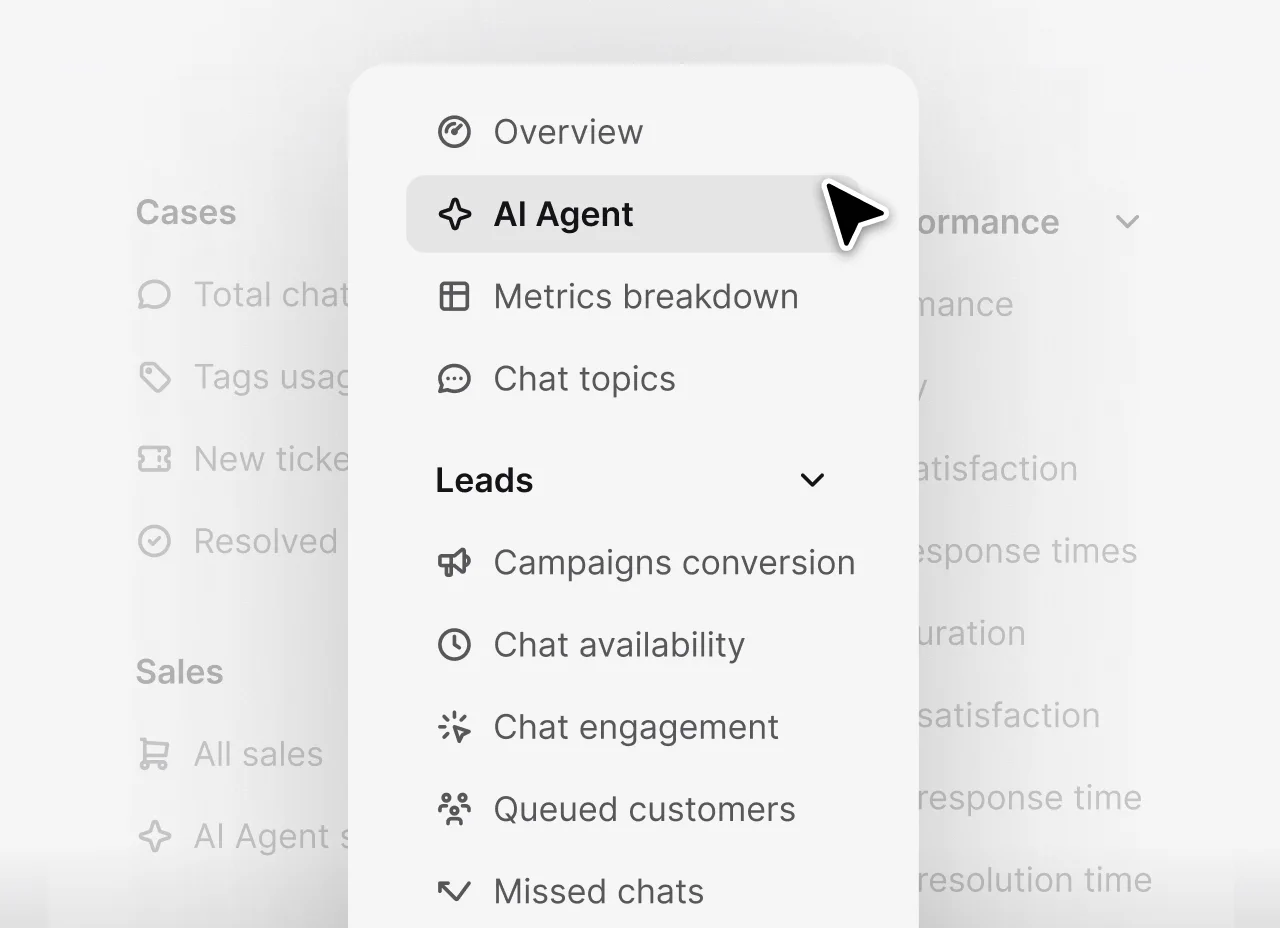
Review chats, tickets, customer satisfaction, teammate performance, campaigns, sales, and AI Agent results in Text Reports.
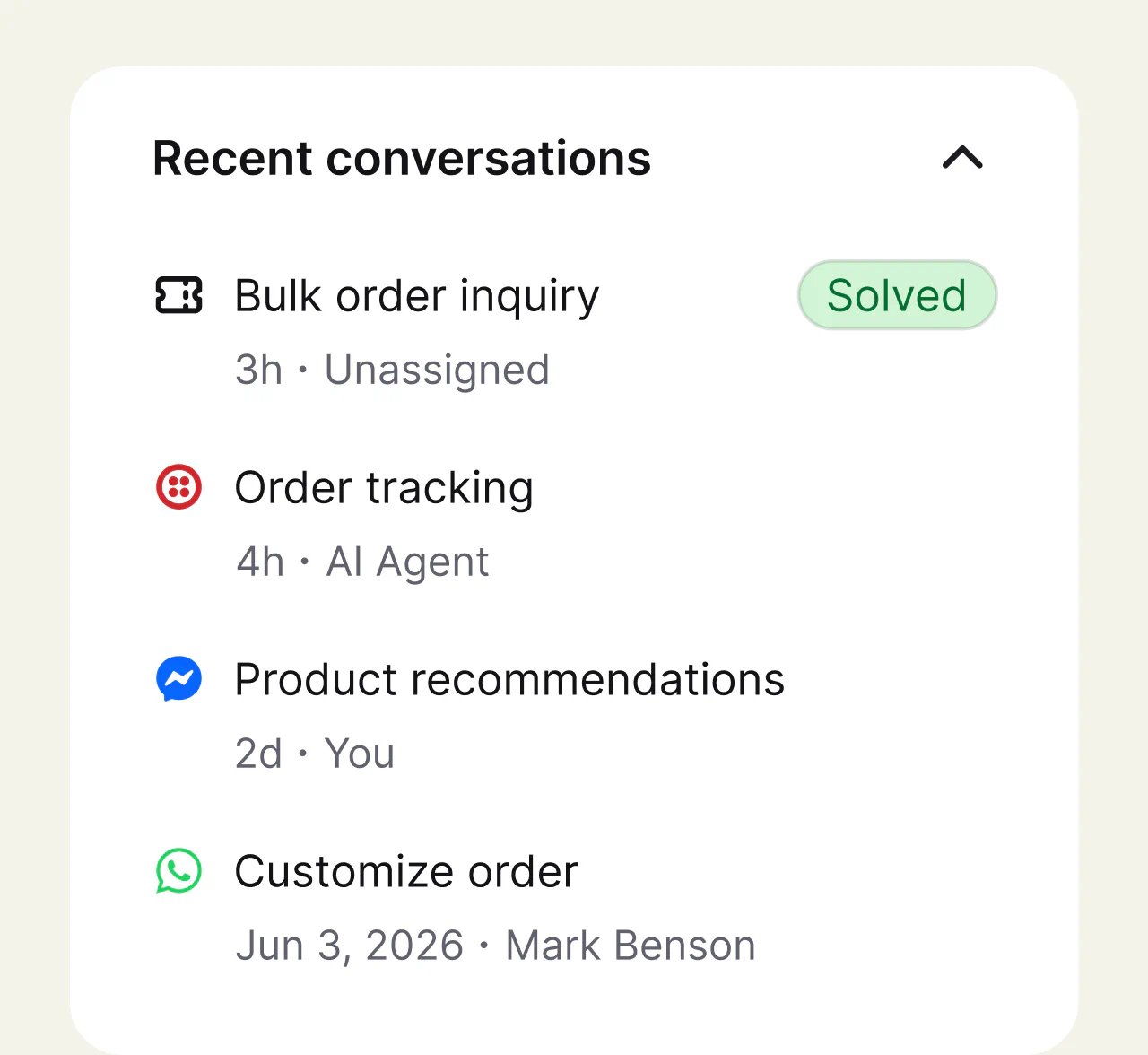
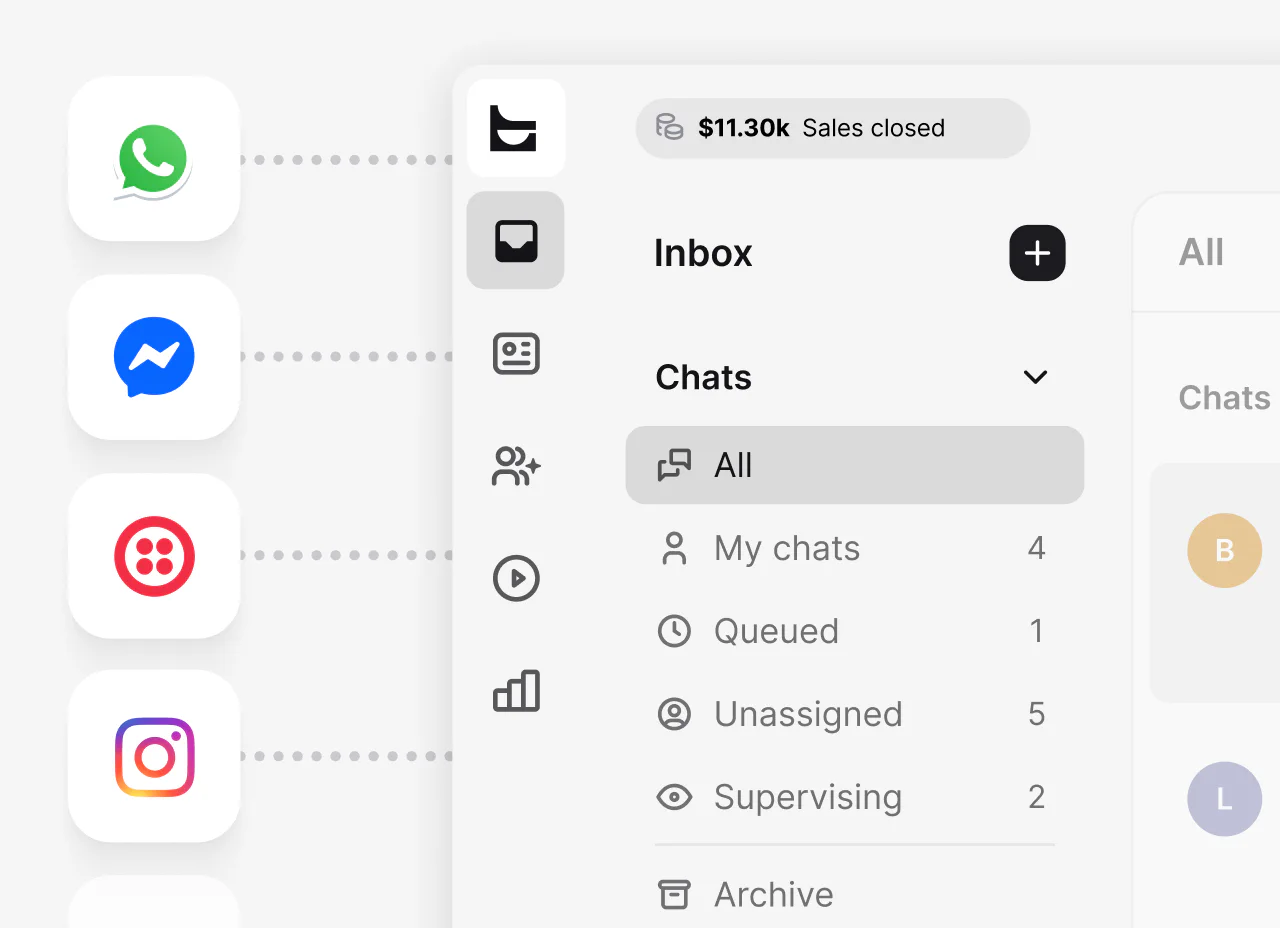
Manage website chat and connected channels, including Messenger and WhatsApp, in one Text Inbox, with customer history available to the team.
As conversation volume and team size grow, add clear ownership, security controls, quality signals, and reporting without splitting work across disconnected tools.
Create groups around products, regions, or customer needs, then route and transfer conversations to the right owner.
Use encrypted connections, credit card masking, access restrictions, two-step verification, and supported single sign-on options.
Use chat ratings, surveys, tags, archives, and reports to review service quality and find coaching opportunities.
Compare plans by teammate needs, AI Agent allowance, campaign limits, integrations, and the controls your workflow requires.
From ecommerce sales to service efficiency, these customer stories show how teams use timely website conversations to support measurable business outcomes.





“After onboarding Text, even as ticket volume grew, we got that down to a day. In our line of business, that’s huge.”
Kamelia Kasakova, Head of Operations at Fuse
It is an embedded chat interface that lets visitors message a business without leaving its website. The conversation can connect them with a live agent, automation, or both.
The chat widget is the customer-facing button and chat window. Live chat is the real-time conversation with a teammate, while a chatbot or AI Agent is software that responds inside the same interface. A business can combine automated answers with human support and hand over the conversation when a person should take over.
Open your site in a private window and test the minimized bubble, chat window, greetings, form fields, and first reply. Repeat the test on a phone and on pages with unique chat triggers, then verify routing, notifications, chat history, and connected tools.
Test the complete path from visitor to teammate rather than checking only whether the bubble appears. Confirm that consent settings behave as intended, the responsible group receives the conversation, notifications arrive, and a visitor can continue after leaving the page. If the chat widget uses product cards, files, or other supported actions, complete those actions in the same test.
Yes. The visitor experience adapts to mobile screens, and you can control its placement and visibility. Teammates can also use mobile apps to manage conversations.
Before launch, check the minimized bubble and open chat window on common phone sizes. Make sure the chat widget does not cover navigation, checkout buttons, cookie controls, or other important page elements.
Yes. Text’s AI Agent can answer routine customer questions directly in the website chat widget, using the knowledge sources and instructions you provide. This keeps useful answers available beyond staffed hours, while conversations that need human judgment can be handed to a teammate with the existing context.
A website chat widget gives sales teams and support teams a shared way to help website visitors while intent is still high. On a pricing page, a visitor may need help comparing options. At checkout, the question may be about delivery or payment. On a support page, the same chat interface can connect the customer with a teammate who is prepared to resolve the issue.
Useful live chat starts with the customer’s immediate goal. Answer the question first, then use a link, product card, quick reply, or file when it makes the next step clearer. Routing rules can connect conversations with the right group, while available customer details help the teammate avoid asking for information the business already has.
For sales, measure whether chat conversations help qualified visitors move forward. For customer service, review response time, resolution time, transfers, and satisfaction. These signals show whether the live chat widget is improving the customer experience rather than simply increasing conversation volume.
An ecommerce chat widget can help when a website visitor is comparing products, checking availability, reviewing delivery terms, or deciding whether to complete an order. The aim is not to interrupt every shopper. It is to make help easy to reach on pages where an unanswered question could stop the purchase.
Use targeted messages carefully on product, cart, and checkout pages. A relevant invitation can re-engage someone who pauses, while product cards and links can make a recommendation easier to act on. Lead capture also gives the team a follow-up path when the visitor is interested but not ready to buy during the live conversation.
Review ecommerce results alongside service quality. Orders and attributed revenue can show commercial impact when the required sales tracking is configured, while chat ratings and recurring questions reveal whether product guidance is genuinely useful. Treat any change in cart abandonment or conversion as a result to measure, not a guaranteed outcome.
Live chat reporting in Text covers chats, tickets, customer satisfaction, teammate performance, campaigns, and AI Agent results. Teams can review measures such as conversation volume, response and resolution times, transfers, ratings, and AI Agent outcomes.
Ecommerce reports can connect conversations with orders and attributed revenue when the required sales tracking is configured. Tags, surveys, and chat archives add context for finding recurring questions, coaching opportunities, and gaps in website content.
Chat data shows more than how many conversations began. Response and resolution times reveal how quickly support teams move from a question to an answer. Transfers can expose routing gaps, while ratings and surveys show how customers felt after the interaction. Campaign results help sales teams compare which invitations start useful conversations.
Tags and chat archives add qualitative context. When the same question appears across many chat conversations, the website may be missing a clear answer or a product flow may be creating friction. Reviewing those patterns can improve canned responses, help content, routing, and the pages customers use before they contact the team.
AI quality needs its own review. Measure whether the AI Agent resolves the intended request, follows approved instructions, and hands over with full context when human judgment is needed. A high automation rate is not useful if customers repeat the same question or reopen the issue later.
Install the chat component through a supported method, then measure the page before and after it is enabled. Check loading behavior and Core Web Vitals on representative product, pricing, support, and checkout pages. Confirm that the chat widget loads fast enough for the intended experience without delaying important page content or controls.
Placement matters too. Test the minimized bubble and open chat window at common desktop and phone sizes. The chat widget should not cover navigation, cookie controls, form actions, or purchase buttons. Use page visibility rules when the same position does not work across the entire site.
Repeat the test after changing a theme, greeting, chat trigger, or connected action. A technically successful chat widget install is only complete when website visitors can open it, send a message, receive a reply, and continue their task without layout or performance problems.
Small businesses often need a quick chat widget install, simple ownership, reliable notifications, and a clear place to manage every chat. As volume grows, routing, teammate groups, customer history, mobile apps, reporting, and automation become more important because one person can no longer watch every conversation.
Enterprise teams should also review access controls, single sign-on options, data handling, quality processes, and how the platform supports different regions or products. Test the complete solution with real workflows, including a new lead, a service issue, an AI handoff, and a conversation that continues after the visitor leaves.
The goal is to avoid separate tools that split the customer story across teams. Compare how much context stays in one platform, which tasks still require another system, and who owns the final outcome. Choose the setup that gives teammates a dependable process without overwhelming feature sets or unnecessary handoffs.
Start with the experience you need to deliver: human service, automation, lead capture, ecommerce guidance, or a mix. Then compare installation, customization, routing, integrations, reporting, security, mobile behavior, and the quality of the agent workspace.
Consider how the chat widget fits the complete customer service workflow, including teammate ownership, customer context, handoff from automation, and the actions visitors can complete during a conversation.
For integrations, compare the data each connection can read, write, and keep with the conversation. ProProfs Chat promotes more than 100 integrations, while Olark lists connections with Salesforce, HubSpot, and Google Analytics. Text connects website chat with the Inbox, ticketing, AI Agent, customer context, and supported business tools in one service workspace. The most useful comparison is whether the setup supports your real workflow, not the largest marketplace number.
Compare the complete cost of the customer service workflow rather than the entry price alone. At the time of review, Intercom lists a starting price of $29 per seat each month with annual billing and prices Fin from $0.99 per outcome. YourGPT lists a $39 monthly starting price with annual billing. Text Essential starts at $19 per user each month with annual billing and brings human live chat, AI Agent, Inbox, and ticketing into one workspace.
Check how each plan handles teammate seats, AI usage, conversations, reporting, integrations, and add-ons. Published prices and plan terms can change, so confirm the current details before choosing a platform.
A website chat widget works by loading a small code snippet or supported installation method on selected pages. When a visitor opens the chat widget, messages are delivered to the configured agent workspace or automated conversation flow.
Routing rules can direct a conversation to the right group based on the page or domain where it began. Available visitor details and chat history give teammates context, while asynchronous messaging can let a customer receive a later reply by email and return to the conversation.
Not necessarily. A custom site can use a code snippet or Google Tag Manager, while popular website builders offer supported integrations. A developer may be useful for advanced targeting, APIs, or custom data.
Analytics setup depends on what your team needs to measure. ProProfs Chat and Olark document direct Google Analytics integrations. Text supports installing the website chat widget through Google Tag Manager and provides Chat Widget API callbacks that developers can use in a custom measurement setup. Chat starts, qualified leads, purchases, and other outcomes are not defined or sent to analytics automatically, so test the events and data flow before relying on them.
Chat widget customization in Text includes themes, colors, background, position, agent profiles, eye-catchers, and multilingual greetings. Some branding options depend on the selected plan.
Choose the position and distance from screen edges with the surrounding page in mind. You can also control where the chat widget appears, which helps keep it focused on pages where visitors are likely to need an answer. Preview visual changes and check them on desktop and mobile before publishing.
Yes. Text supports live chat with human teammates, and its AI Agent can transfer a conversation when a person should take over. The live chat widget keeps the existing conversation with the handoff so the customer does not need to repeat the request.
Define which questions automation should handle, when a teammate should join, and which group owns each type of request. A clear handoff keeps routine answers fast while preserving human judgment for complex, sensitive, or high-value conversations.
Targeted messages use conditions such as the page a visitor is viewing or time spent on the site to show a relevant live chat invitation. You can show different messages on different pages, then add quick replies, cards, and actions for product guidance, lead capture, announcements, or meeting scheduling.
A product-page invitation can offer help choosing, while a pricing-page conversation can be routed to sales. Keep each message tied to a likely question instead of interrupting every visitor with the same greeting. After launch, compare engagement and conversation outcomes to refine the trigger, message, and audience.
Agents can use buttons, quick replies, links, files, cards, and carousels to show a next step instead of only describing it. Cards can present products, plans, or resources, while quick replies help visitors choose from relevant answers.
Text can bring website chat together with Messenger, WhatsApp, and Twilio SMS conversations in one Inbox. Email can be forwarded to Text and managed as tickets. Teams using multiple channels can assign work, route supported conversations, and keep customer history close without moving between separate workspaces.
Text also connects with tools such as Shopify, Salesforce, and HubSpot. Each connection has its own setup requirements and data flow, so compare the specific customer, conversation, and order context your team needs instead of relying on a marketplace total.
A basic AI chatbot is usually designed for common inquiries or predefined paths. An AI Agent can use approved knowledge and instructions to answer a broader range of routine questions, qualify leads, recommend products, and take supported actions. In Text, the AI Agent can use approved website content and other selected sources as knowledge for its responses.
Neither option removes the need for human chat support. Define a clear boundary for sensitive, complex, or high-value requests, and transfer those conversations to a teammate with their context intact. The chat window should make that handoff feel like one continuous conversation rather than a restart.
Evaluate an AI chatbot or AI Agent by answer quality, resolution, transfers, and customer feedback, not by a generic automation percentage. Stratco reports an 80% AI resolution rate while running Text in production, but that is a customer-specific result rather than a benchmark every business should expect. Use Text Reports to review your own AI Agent resolutions, transfers, and feedback, then improve the approved knowledge and instructions.
Yes. If a visitor leaves before a reply arrives, asynchronous messaging can deliver the response by email and provide a path back to the conversation. This lets the team continue customer conversations that do not need both sides to stay online at the same time.
Past conversations and available chat history also help returning customers continue where they stopped. Test the flow from the customer’s point of view: leave the page, receive the notification, reply by the supported method, and return to the website chat. Then confirm that the responsible teammate sees the same conversation and customer context in the Inbox.
The live chat widget is WCAG 2.2 AA compliant and supports keyboard navigation, screen readers, and suitable default contrast. Connections are encrypted, with additional account and data controls available.
Text Essential starts at $19 per user per month with annual billing, or $25 per user with monthly billing. It includes the website chat widget for live conversations, AI Agent usage, a shared Inbox, and ticketing.
Every plan starts with a 14-day free trial that does not require a credit card. When estimating the longer-term cost, account for the number of teammates, expected AI Agent usage, reporting needs, connected channels, and any plan-specific limits.
Put website chat and Text to work
14-day free trial No credit card required Easy setup